
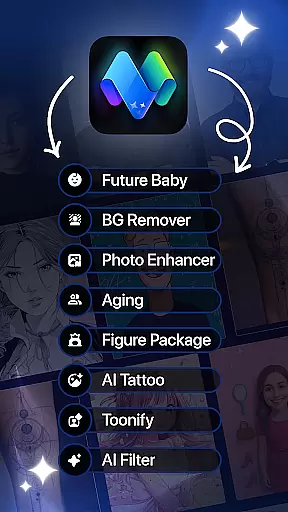
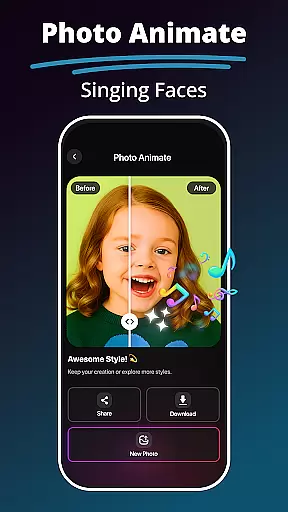
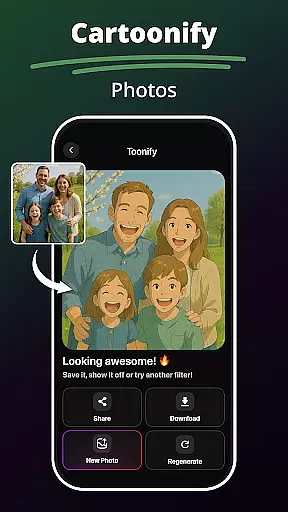
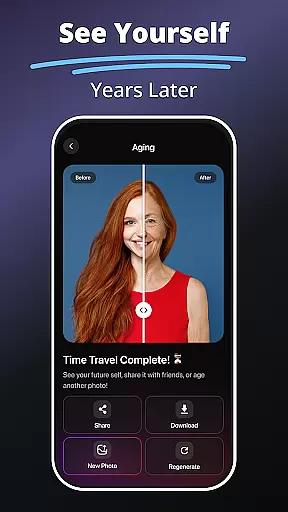
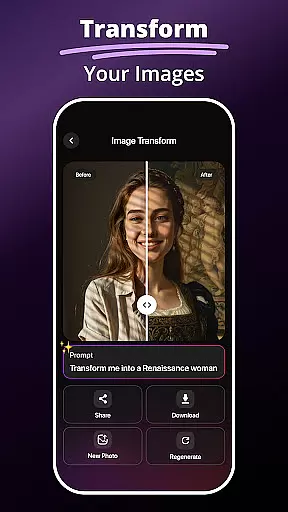
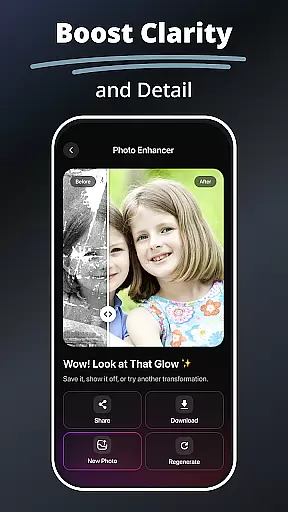
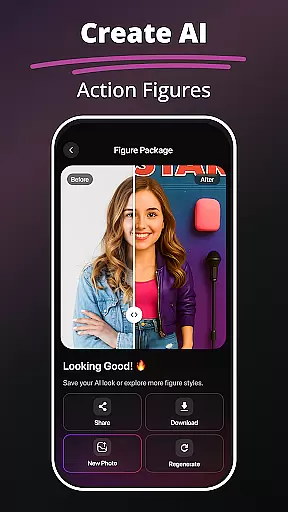
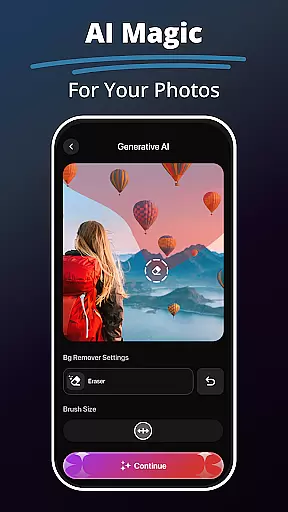
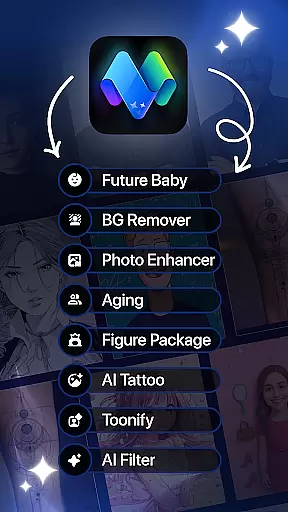
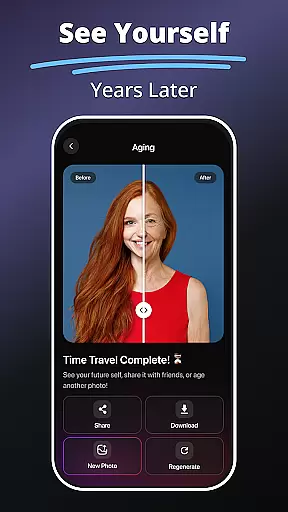
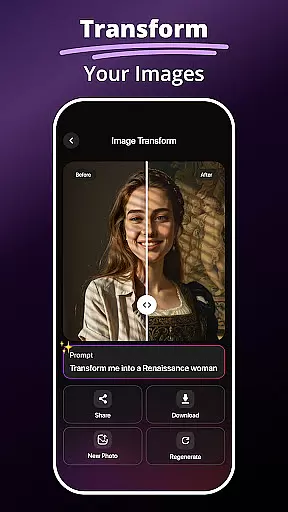
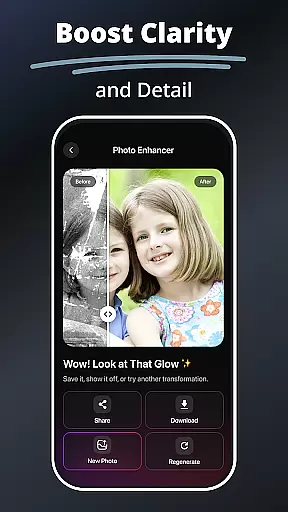
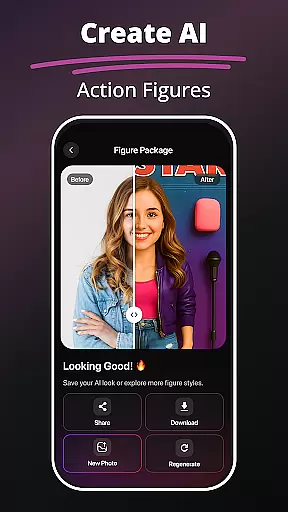
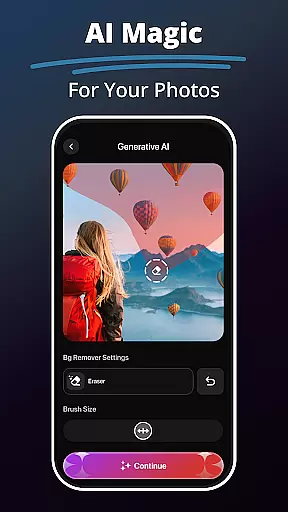
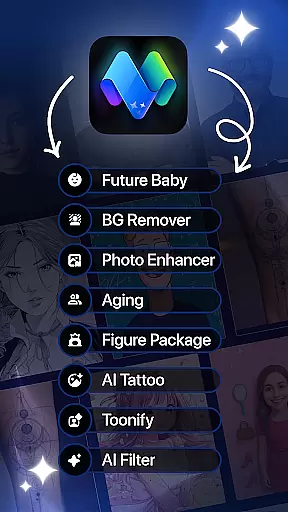
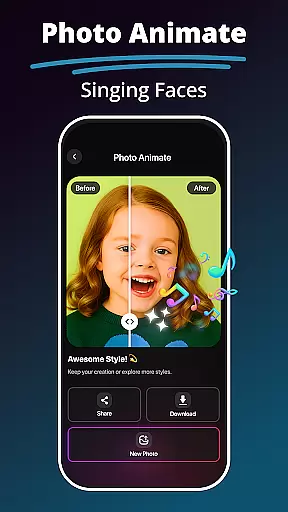
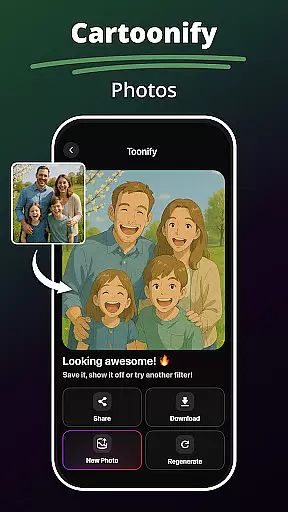
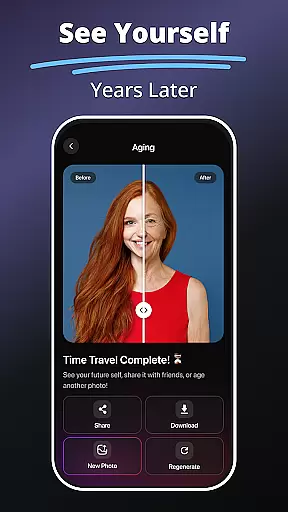
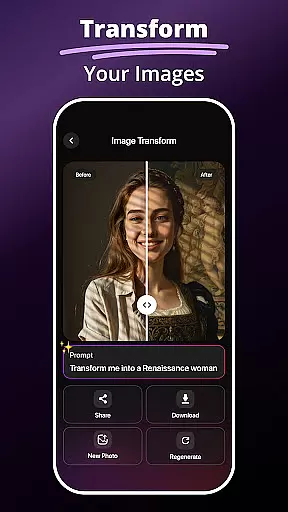
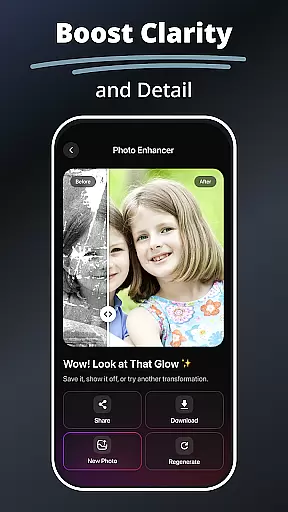
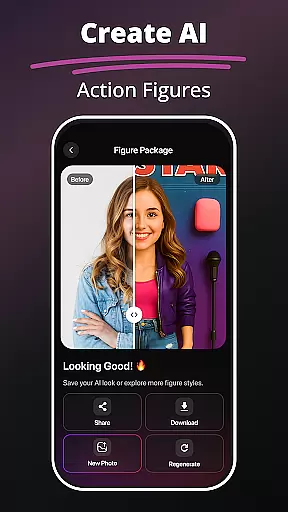
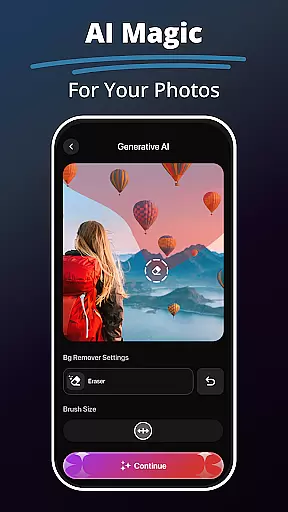
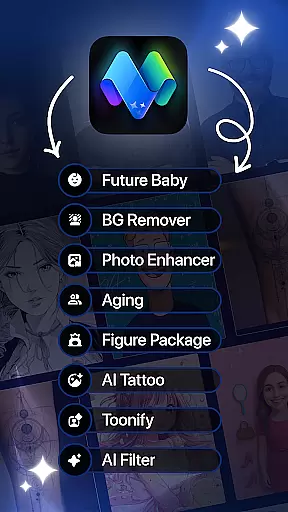
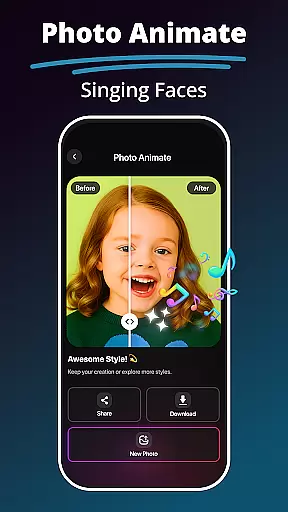
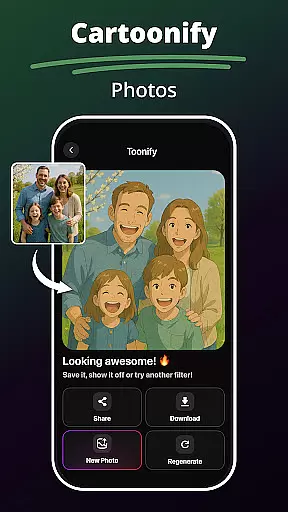
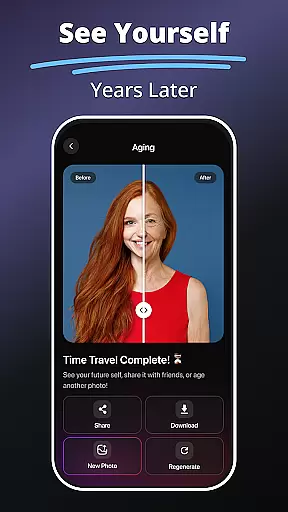
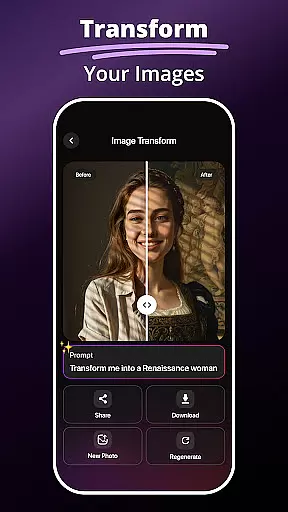
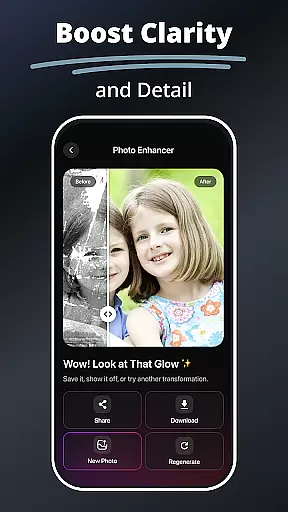
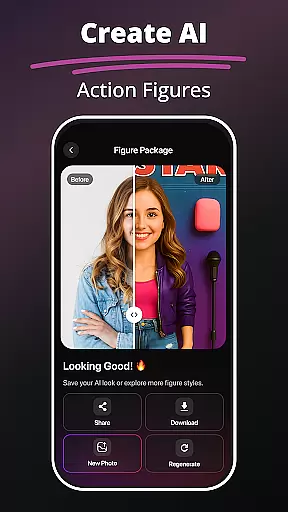
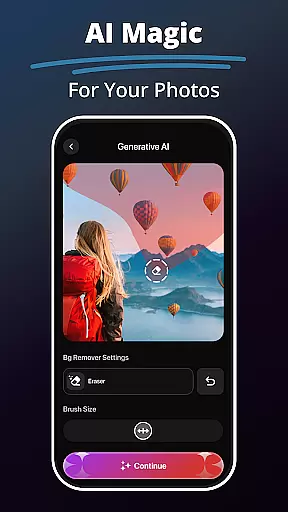
MePic is an advanced AI-powered photo editor designed for creative professionals and casual users alike. This all-in-one solution allows you to transform ordinary photos into stunning digital artworks with minimal effort. The app's core functionality revolves around its powerful AI tools that handle everything from basic editing to complex image generation.
Key features include Text to Image conversion, where your written ideas become visual masterpieces, and the innovative Future Baby Generator that predicts potential offspring appearances. MePic stands out in the Art & Design category by offering professional-grade tools like background removal, object editing, and facial animation, making it suitable for both personal projects and commercial use.
The application's true value lies in its ability to democratize professional photo editing. Whether you're enhancing portraits, creating custom avatars, or experimenting with different hairstyles, MePic provides intuitive tools that deliver professional results without requiring extensive technical knowledge.
MePic distinguishes itself through its comprehensive suite of AI-driven editing tools. The Text to Image feature utilizes sophisticated natural language processing to interpret user descriptions and generate corresponding visuals, while the AI Photo Editor offers precise control over skin smoothing, color correction, and object removal.
Unique to MePic is its Avatar Creator system, which employs advanced facial recognition algorithms to enable detailed customization of digital personas. Users can modify facial features, experiment with various hairstyles, and apply makeup effects with remarkable accuracy. The Background Remover tool uses edge detection technology to create clean cutouts, while the Photo Enhancer automatically optimizes image quality through machine learning analysis.
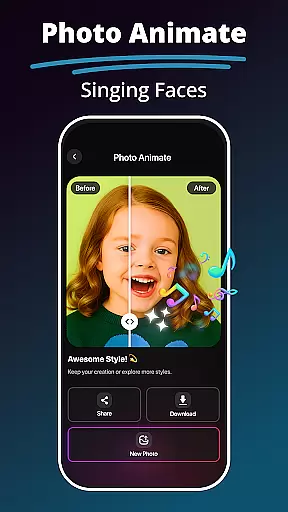
What sets MePic apart is its seamless integration of entertainment and utility. Features like Photo Animate bring static images to life through motion effects, while the Hair & Beard Changer lets users virtually try different styles. These capabilities, combined with traditional editing functions, make MePic a versatile tool for modern digital artists and content creators.
MePic offers a comprehensive suite of creative tools that cater to both casual users and professional designers. The app includes features like AI-powered photo editing, background removal, object manipulation, and advanced filters that allow for extensive customization.
With its Text to Image feature, users can generate unique visuals simply by describing their ideas in words. This functionality is particularly useful for artists exploring new concepts or creating digital artwork from scratch.
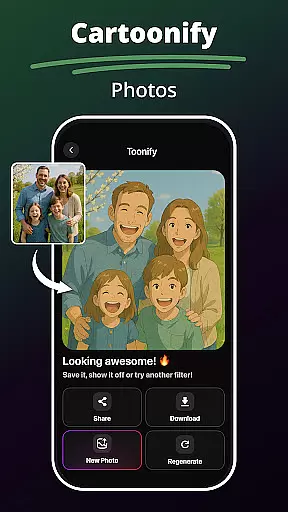
The Avatar Creator and Styles tool provides additional versatility, enabling users to design personalized avatars in various artistic styles. From cartoonish representations to realistic portraits, MePic ensures every creative vision can be realized.
These robust creative capabilities make MePic an indispensable tool for anyone looking to push the boundaries of digital art and photo manipulation.
MePic stands out with its exceptional canvas and format flexibility, allowing users to work on projects of varying sizes and dimensions. Whether you're editing a small social media profile picture or creating large-scale digital artwork, the app adapts seamlessly to your needs.
The application supports multiple file formats, making it easy to import and export projects without worrying about compatibility issues. This flexibility extends to the app's ability to handle different aspect ratios while maintaining image quality.
Users can experiment with custom canvas sizes when creating avatars or designing unique visuals through the Text to Image feature. The app maintains professional-grade resolution throughout the editing process.
This level of format adaptability ensures that creatives can focus on their artistic expression without technical limitations holding them back.
User-friendly interface
Advanced AI features
Comprehensive editing tools
Real-time preview capability
Cross-platform compatibility
Premium features locked
High system requirements
Occasional processing delays
Limited free usage
Subscription pricing model

Transform photos into amazing monochrome dither art with professional algorithms
 4.0
4.0
Sketch, trace and master AR drawing with awesome anime art!
3.30
Photo blender app to create overlay photos & double exposure.
4.40
See Color, Paint Color
4.90
The perfect place to start sketching! Use Sketchbook to draw and paint sketches.
4.50
Novices can also easily complete diamond painting masters
4.70
Unleash the artist in you with our AR drawing and tracing tool for photo drawing
4.10
Video AI: Revolutionize Your Content Creation with Advanced Video Generation
4.50
Create cute cat emojis & PFPs! Fun, custom avatars for cat lovers.
3.70
Learn how to draw with step-by-step tutorials, fun lessons & multiplayer drawing
4.70
Draw on screen: FP sDraw is a simple and lightweight drawing app
4.70
The ultimate tool for creating animations
4.60
Trace, draw, and create art with AR - from memes to masterpieces!
4.30
Nano Banana AI Image Generator, Anime Filter, AI Portrait, AI Photo Generator
4.30
Bring One UI 8.5 Icons to life -elegant dark icons with a modern, premium touch.
4.30
Text to Image, Image to Video & AI Chat
4.20
Art of Combination Wear OS Watch Faces
3.30
Create trending AI photos & videos with powerful effects and 3D styles.
3.20
Inky runs Inkscape on Android devices and Chromebooks
2.90


User Reviews