
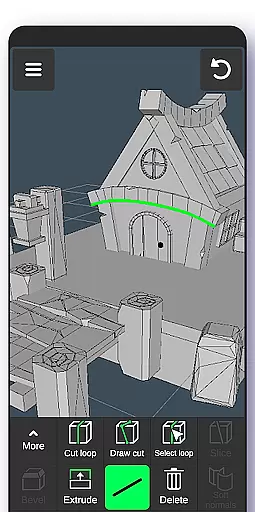
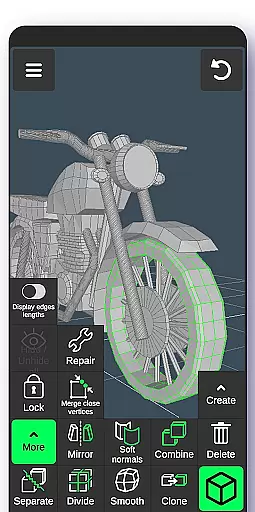
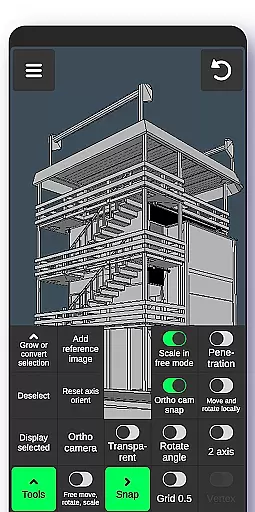
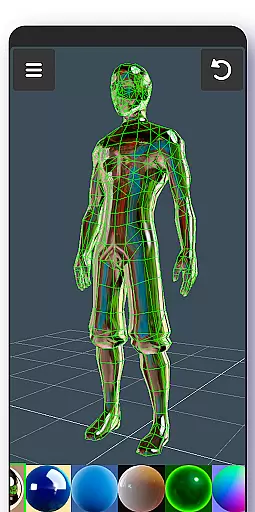
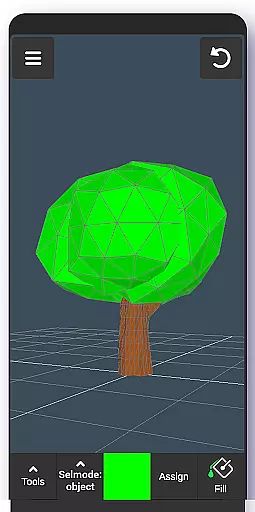
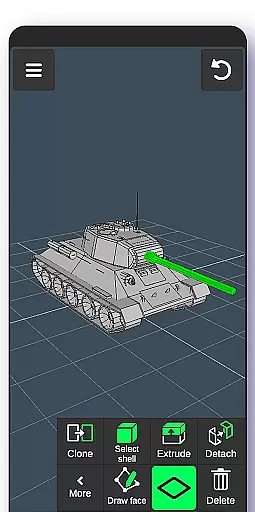
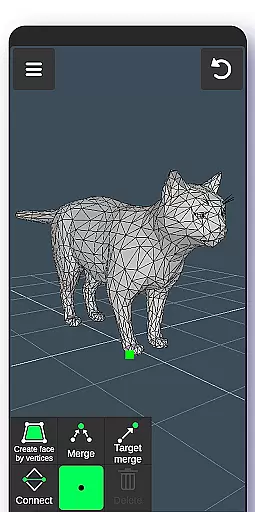
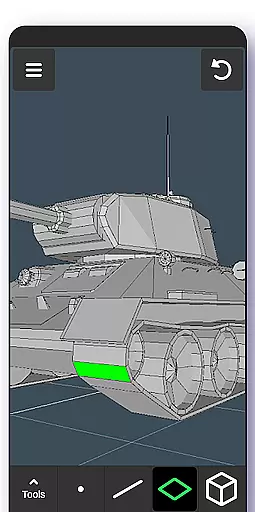
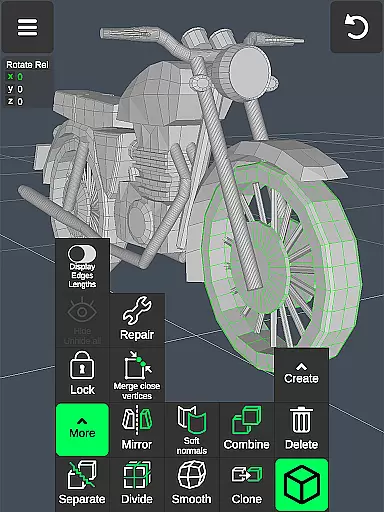
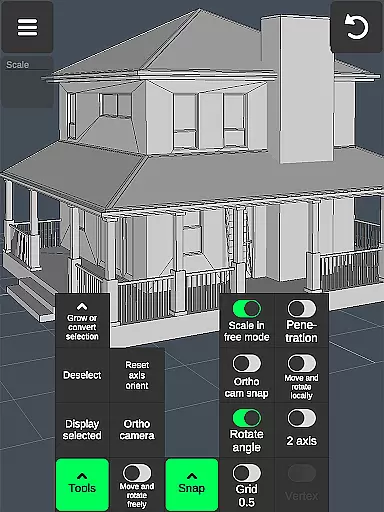
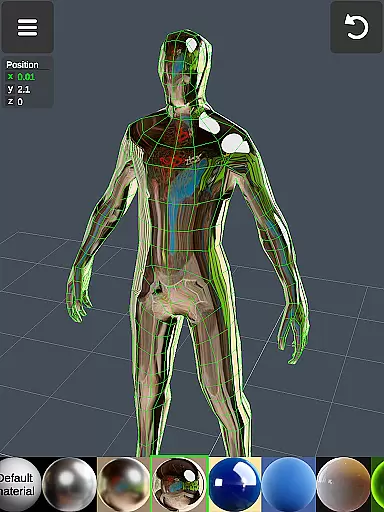
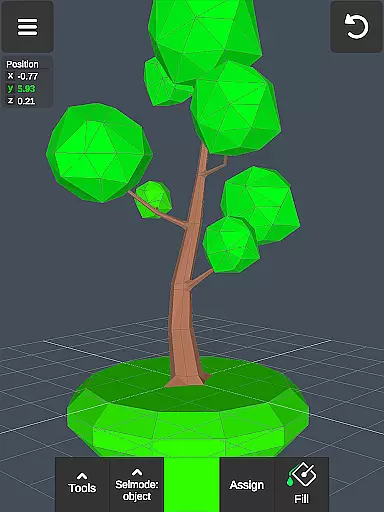
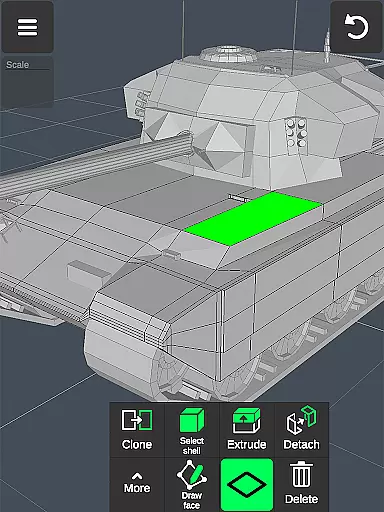
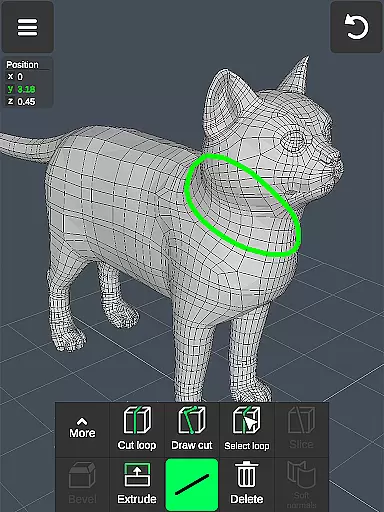
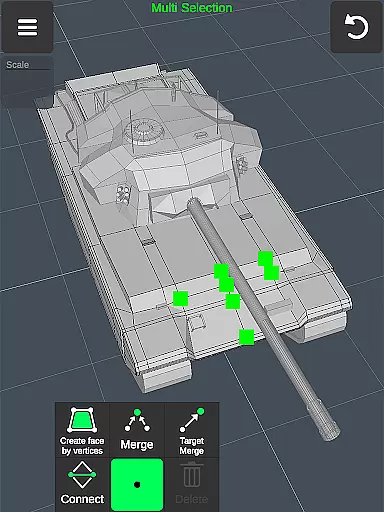
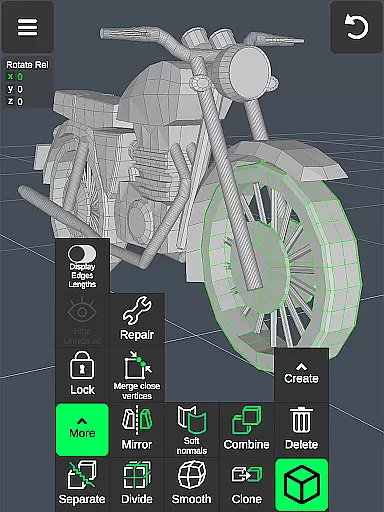

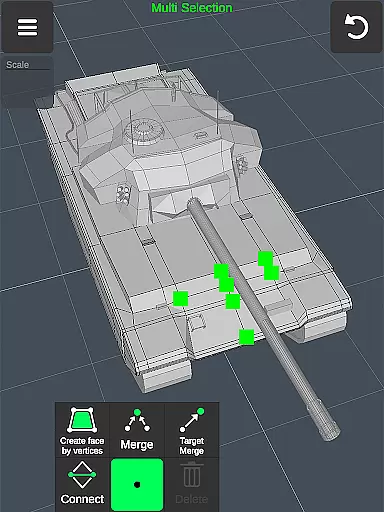
3D Modeling App is a powerful mobile solution for creating 3D models, objects, and art using intuitive gestures on your phone or tablet. Designed for professionals and hobbyists alike, this app supports a wide range of creative tasks from 3D character design to industrial modeling.
The application stands out with its versatile toolset that includes vertex, edge, and face manipulation tools, sculpting brushes, and advanced display options. Users can create detailed 3D designs for business purposes, game development, or artistic projects with precision and ease.
Whether you're an automotive engineer designing car components or a game developer crafting immersive worlds, this app provides the necessary tools to bring your ideas to life. Its compatibility with various professional software through file export-import features makes it an essential addition to any designer's toolkit.
This 3D Modeling App offers an extensive array of features designed to streamline the creation process. The fast workflow allows users to manipulate 3D images through simple gestures while providing quick access to different tools for efficient editing.
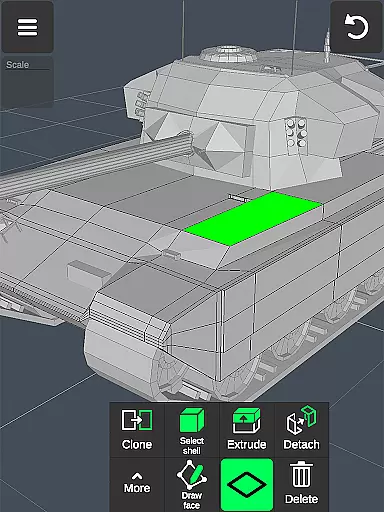
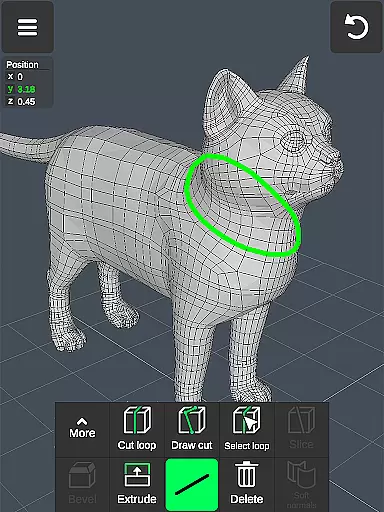
Advanced geometry tools enable detailed modifications including merging vertices, cutting edges, and extruding faces. The app also includes robust sculpting tools with adjustable brush sizes and strengths, giving artists full control over their digital sculptures.
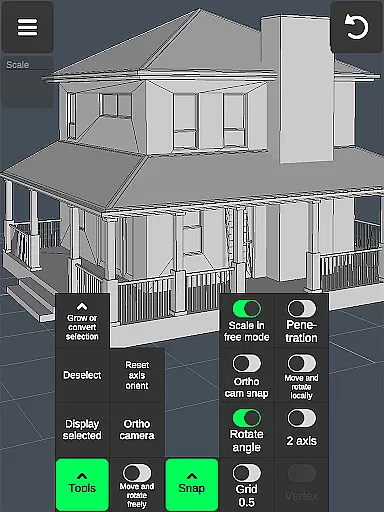
Additional functionalities like orthographic camera views, precise value settings for transformations, and comprehensive snapping options ensure accuracy in every project. With support for multiple materials and file compatibility with major 3D modeling and CAD software, this app delivers professional-grade capabilities on mobile devices.
Creative tool completeness is essential for any professional-grade 3D modeling application. The 3D Modeling App offers a comprehensive suite of tools that cater to various aspects of 3D creation, ensuring users have everything they need at their fingertips.
From vertex, edge, and face tools to object and sculpting tools, the app provides functionalities such as merging, connecting, extruding, cloning, and smoothing. These tools allow users to manipulate 3D geometries with precision and ease, making it suitable for both beginners and advanced users.
The inclusion of display tools like grids, wireframes, shadows, and axis controls enhances the user's ability to visualize and refine their models accurately. Additionally, features like orthographic camera views and precise value settings for movement, rotation, and scaling further augment the creative process.
By offering extensive export and import capabilities with compatibility across numerous 3D modeling and CAD software, the app ensures seamless integration into existing workflows. This level of tool completeness empowers artists, designers, and engineers to bring their ideas to life without limitations.
Canvas and format flexibility are crucial for accommodating diverse project requirements and ensuring that users can work within their preferred parameters. The 3D Modeling App excels in providing this flexibility, allowing creators to customize their workspace and output formats extensively.
Users can adjust canvas settings such as grid size, snapping values, and display options including triangles count, distance between vertices, and edge length. This adaptability ensures that each project can be tailored to specific needs, whether it involves detailed engineering designs or expansive game environments.
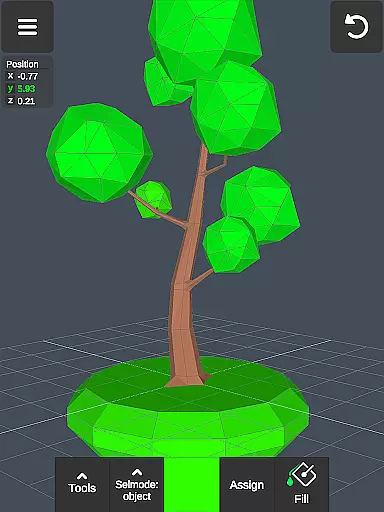
The app supports applying up to 20 materials to objects and includes coloring features like vertex color painting, giving users the freedom to experiment with textures and appearances. Moreover, the ability to move, rotate, and scale elements freely without grid snap adds another layer of customization.
With support for exporting and importing .obj files and compatibility with a wide range of third-party converters, the app offers unparalleled format flexibility. Users can convert their projects into multiple file formats, facilitating collaboration and integration with other software solutions, thus enhancing productivity and creative possibilities.
User-friendly interface
Comprehensive toolset
Versatile application
Professional compatibility
Intuitive gesture controls
Steep learning curve
High system requirements
Limited free features
No collaborative tools
Occasional bugs

Meet the magic aı 3d photo generator and smart AI video generator app.
 3.20
3.20
Apply cartoon, caricature, and portrait effects to make your photos stand out!
3.60
Create stunning video, photo & magic from text with FlixAI GPT video generator.
3.10
AR Anime Drawing: How to draw anime with AR drawing & sketching apps!
4.00
Resize photos and print photos in exact size with our powerful photo printer!
3.80
Your homescreen as an elegant glass with customized blur, lighting, and visuals.
3.70
Create Logos, Tattoos, AI Art & more with our AI Photo Generator & Design Editor
4.20
Draw, make movies & animate cartoons easily with our 2D animation maker app
4.40
Multiplayer Drawing game, Coloring, Painting・Sketch, Handwriting・Paint, draw
4.30
Passport size photo maker, create ID photo and visa photo in seconds
4.80
Logo Generator powered by AI: Create stunning logos effortlessly!
4.70
The ultimate tool for creating animations
4.60
Stylish letters, Stylish Keyboard, Symbols, Emojis, Cool nickname
4.40
Image/ Text to Video Generator
4.40
Just trace a projected picture on paper and color! Draw & Paint with AR drawing
4.40
Pose and morph realistic male and female models! 3D poser app
3.00
Download now for a stylish and functional timepiece
4.5
Transform photos into amazing monochrome dither art with professional algorithms
4.0
Art of Combination Wear OS Watch faces
4.4


User Reviews