
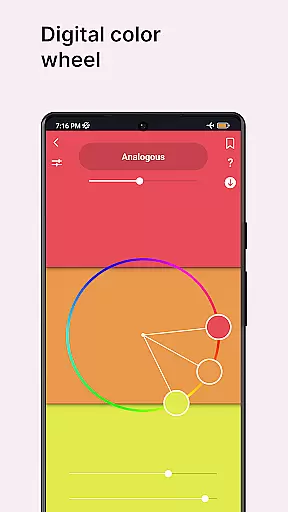
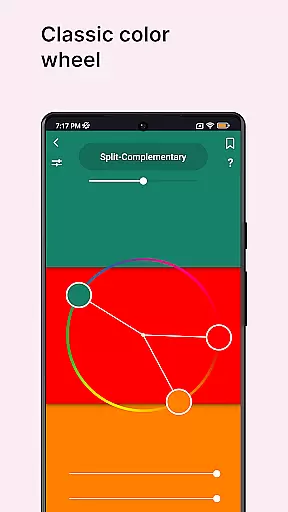
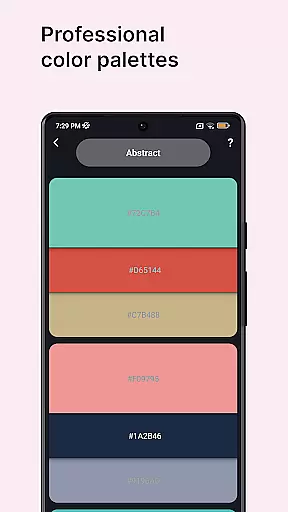
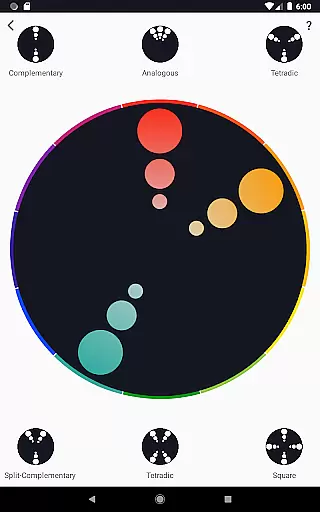
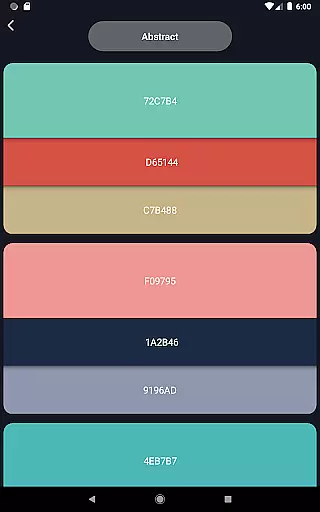
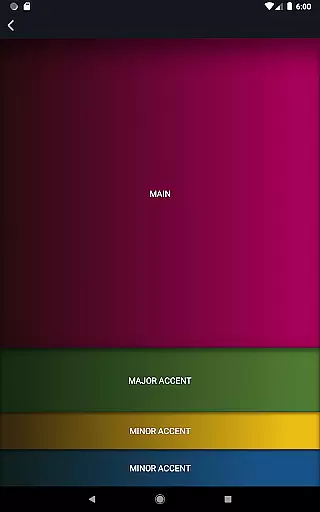
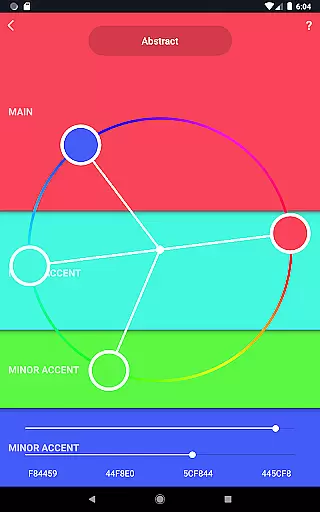
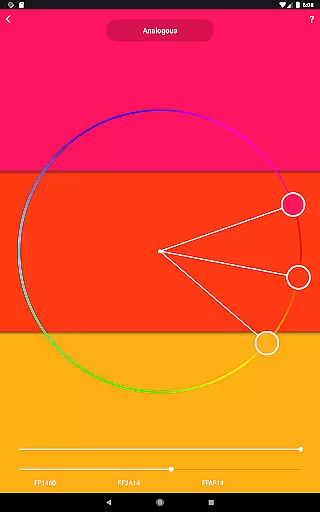
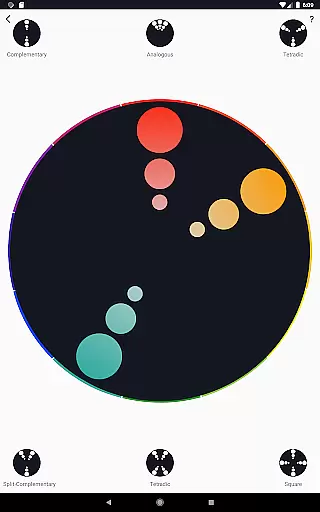
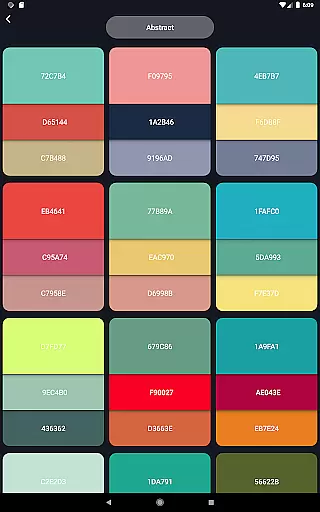
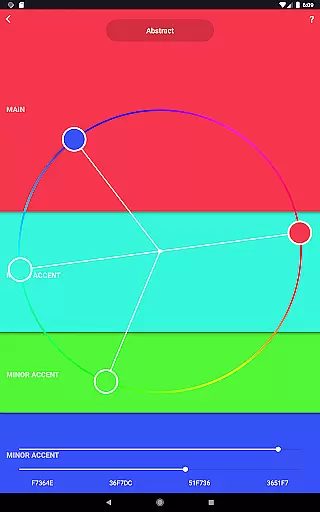
Color Wheel is an all-in-one app that brings together various types of color wheels, essential for artists and designers. The app features digital, abstract, and classic color wheels, catering to different artistic needs.
With specialized tools like a color picker, image color extractor, and value checker, it offers professional-grade utilities for creating and analyzing color combinations. Whether you're a graphic designer or painter, this app provides indispensable resources to enhance your creative workflow.
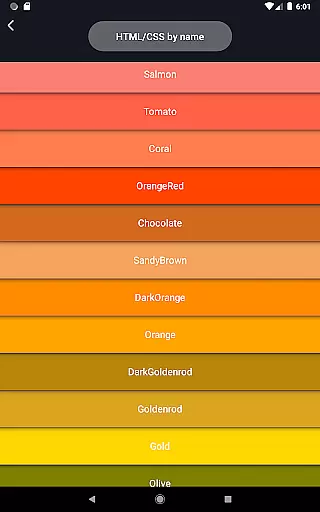
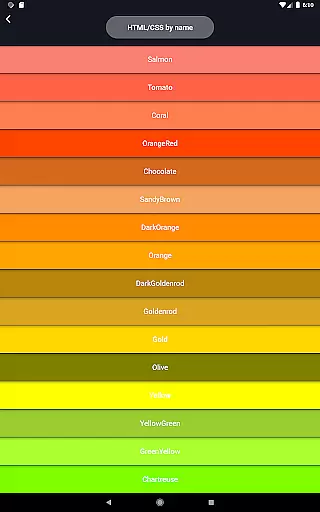
The app boasts a comprehensive set of features including multiple color wheels such as Digital, Abstract, and Classic, each tailored for specific art forms. It also includes professional color palettes for varied design needs.
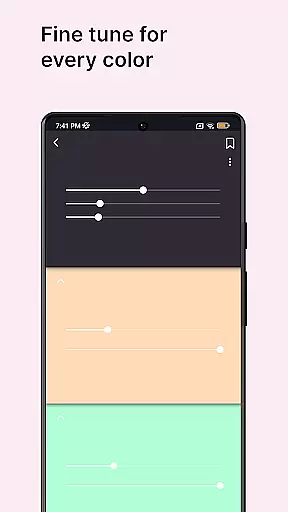
Additional tools like the color picker, image colors, and grayscale offer practical solutions for real-world artistic challenges. These functionalities ensure users can work efficiently across different mediums and styles.
Unique features like the Value Checker and Value Breaker simplify complex tasks, making it accessible for beginners while still being powerful enough for professionals.
In the realm of digital art and design, having a comprehensive set of creative tools is essential for unleashing one's full artistic potential. Color Wheel offers an impressive array of features that cater to various artistic disciplines, ensuring that both digital designers and traditional painters have everything they need at their fingertips.
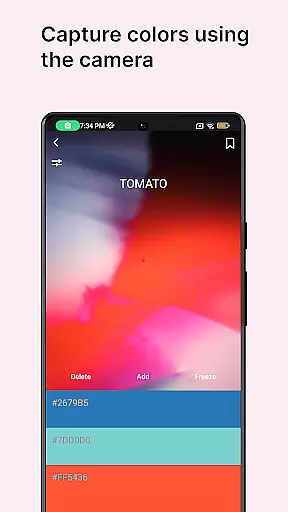
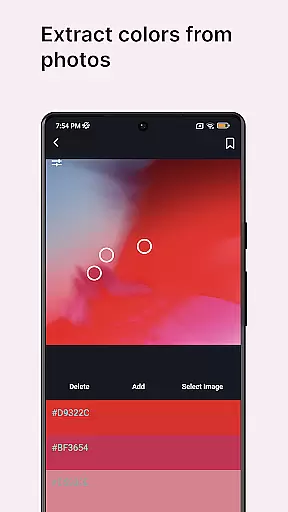
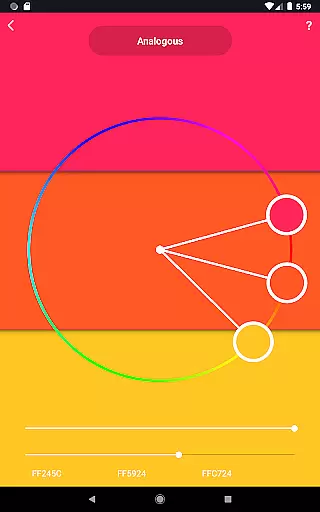
The app includes a digital color wheel for graphic designers, an abstract color wheel for abstract painting, and a classic color wheel for versatile use. Additionally, it provides color combinations, a color picker for extracting colors from the camera, and image colors for deriving palettes from existing images. These diverse functionalities empower users to explore different styles and mediums without limitations.
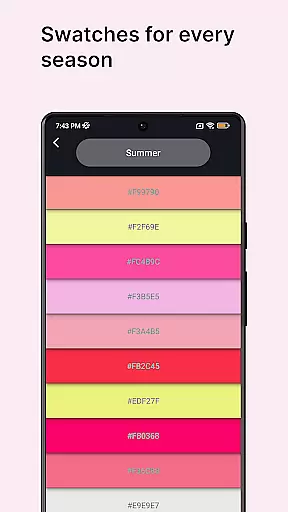
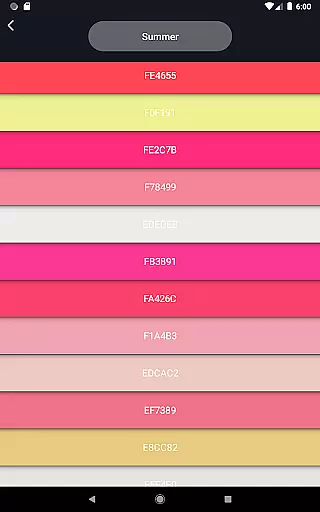
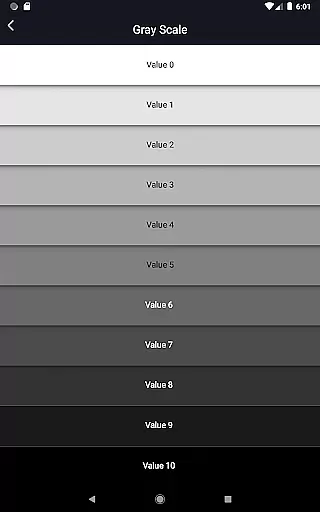
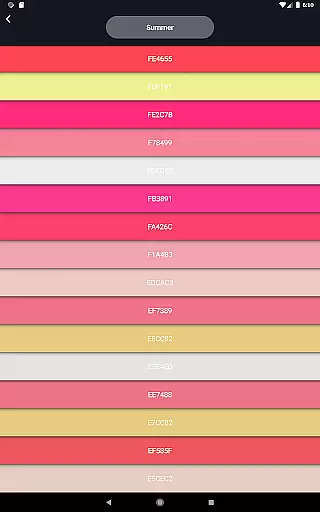
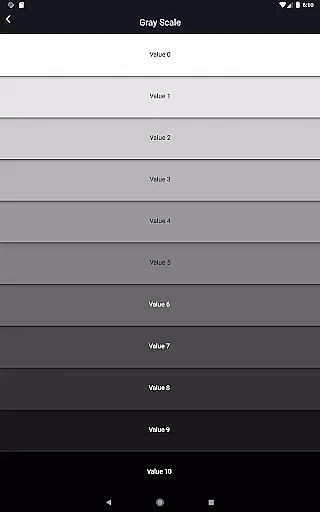
With specialized tools like color swatches for seasonal and mood-based color selection, grayscale for value assessment, and a value checker for maintaining proper balance, Color Wheel supports artists in making informed decisions about their color choices. This holistic approach enhances the creative process and enables users to produce more harmonious and visually appealing artwork.
Flexibility in canvas and format options is crucial for artists who work across different mediums and require adaptability in their tools. Color Wheel addresses this need by offering features that accommodate various artistic preferences and workflows, allowing users to tailor their experience to specific projects or personal styles.
One standout feature is the value breaker, which simplifies painting for beginners by breaking images into distinct values. This tool not only aids in learning but also provides experienced artists with new ways to approach composition and value studies. The inclusion of grayscale and value checking further demonstrates the app's commitment to supporting artists at every skill level.
By providing tools that work seamlessly across digital and traditional mediums, Color Wheel ensures that users can transition between different forms of art creation with ease. Whether working on digital designs or preparing color schemes for physical paintings, artists can rely on Color Wheel to deliver consistent results and maintain creative momentum.
User-friendly interface
Comprehensive toolset
Versatile color options
Professional palettes
Beginner-friendly tools
Limited advanced features
No cloud sync
Occasional bugs
Heavy on memory
Ads in free version

Trace, draw, and create art with AR - from memes to masterpieces!
 4.30
4.30
Text to Image, Image to Video & AI Chat
4.20
Your Essential Color Theory Guide: Red, Yellow, Blue (RYB)
4.1
Create stunning video, photo & magic from text with FlixAI GPT video generator.
3.10
800+ Drawing, Painting Lessons App to Practice, Sketch & Paint Art.
4.30
Art of Combination Wear OS Watch Faces
3.30
2D animation studio for Android tablets - unlimited layers, infinite timeline
4.70
Inky runs Inkscape on Android devices and Chromebooks
2.90
Everything you need to create hand drawn animation, anywhere you go!
4.40
See Color, Paint Color
4.90
Mobile pixel art editor. Simple. Fast. Portable.
4.80
Novices can also easily complete diamond painting masters
4.70
Draw glowing spinners, relax, and spin your creative art
4.60
Draw Trace image sketch by, AR art projector app, Easy to trace any image.
4.50
Share the joy of painting with ibis Paint! Drawing anime and manga art.
4.50
Customizable Outlined Fonts. Watch Face Format. Battery friendly Digital Clock.
4.20
Resize photos and print photos in exact size with our powerful photo printer!
3.80
AI Assistant, powered by ChatGPT GPT-4 & GPT-4o. Your intelligent companion.
3.50
Art of Combination Wear OS Watch faces
4.2


User Reviews