![[KNA015] CRESCENT](https://cdn.linksharehub.com/ocp/?u=https%3A%2F%2Fl1.fancapitalize.com%2Fimages%2F2025%2F12%2F679a09946cef61bbb056bb0b13adfcd7.jpg&t=webp)
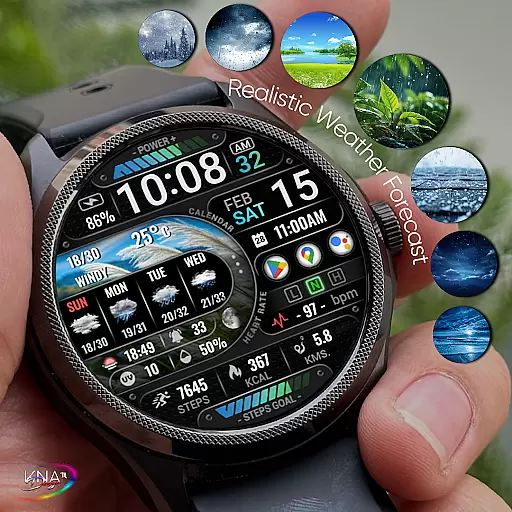
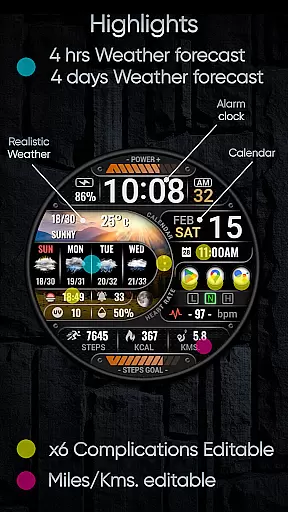
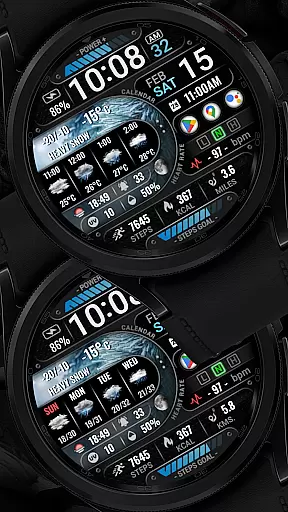
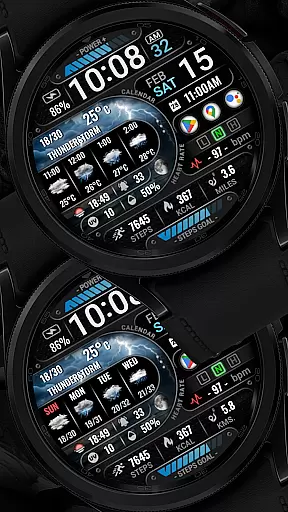
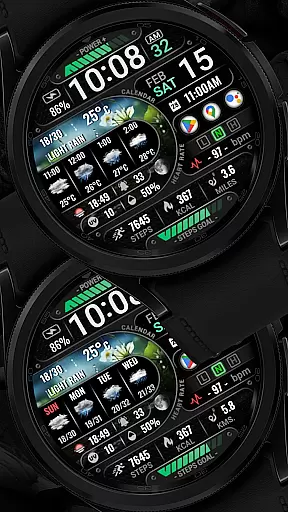
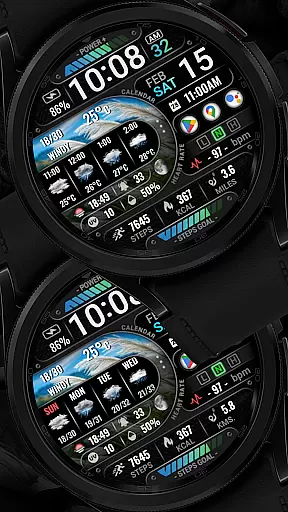
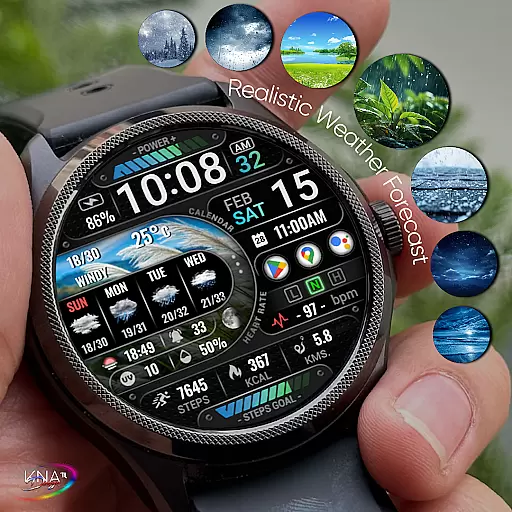
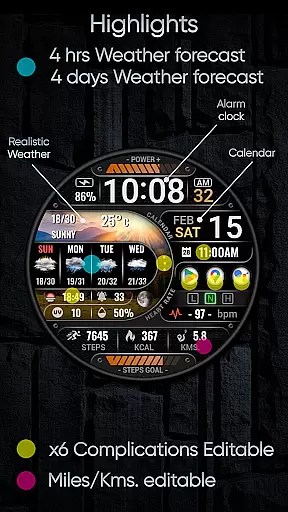
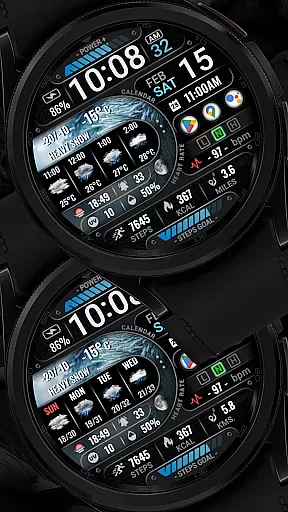
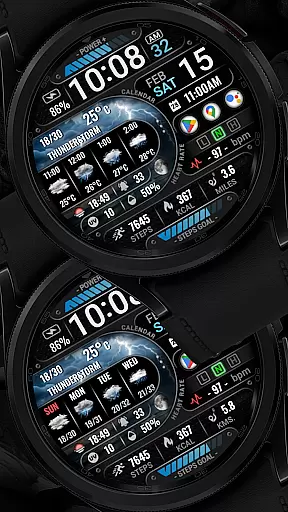
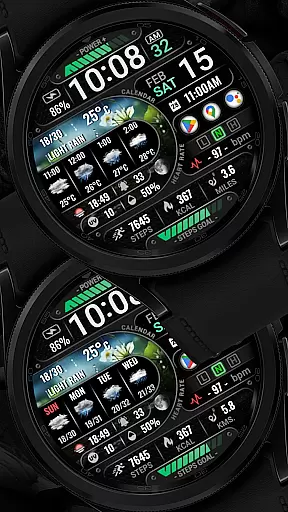
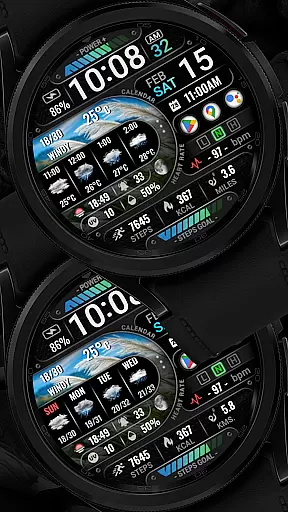

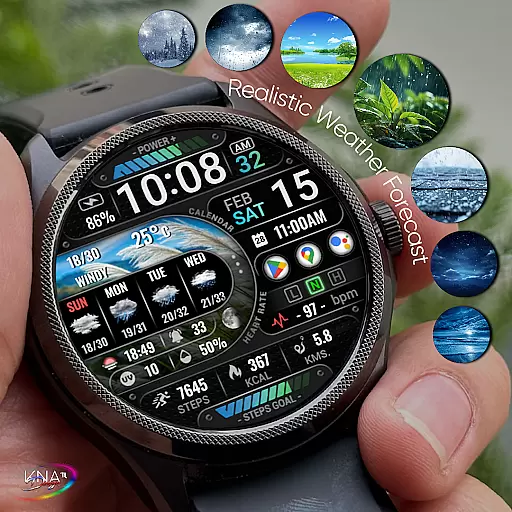
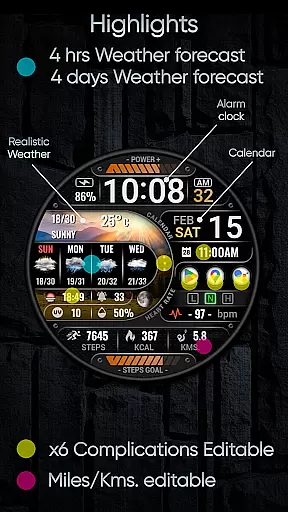
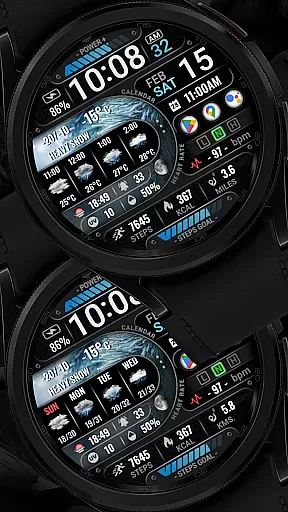
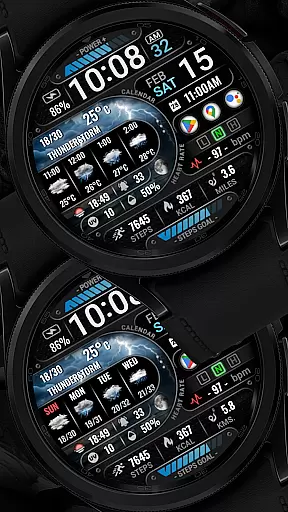
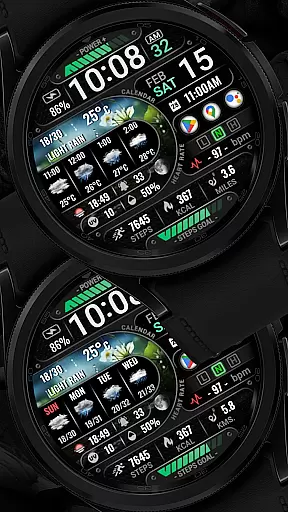
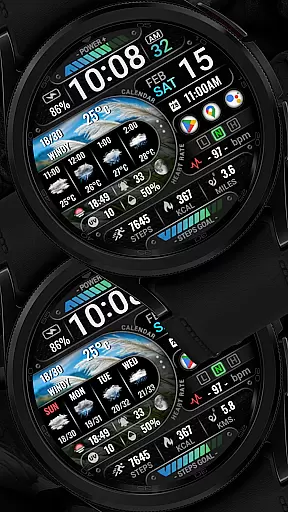
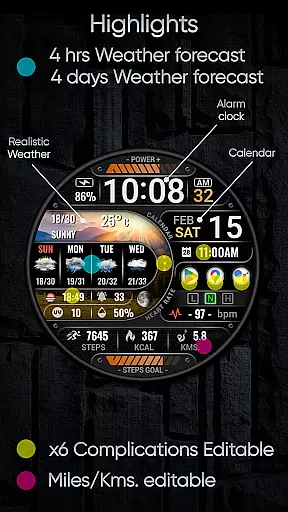
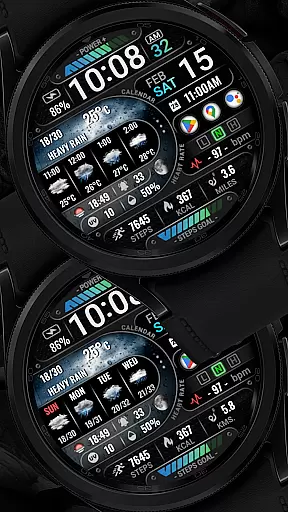
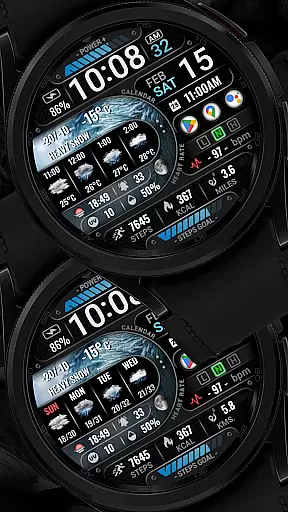
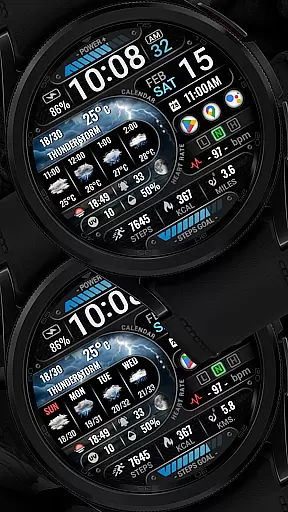
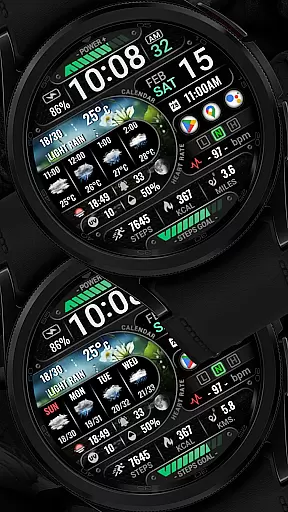
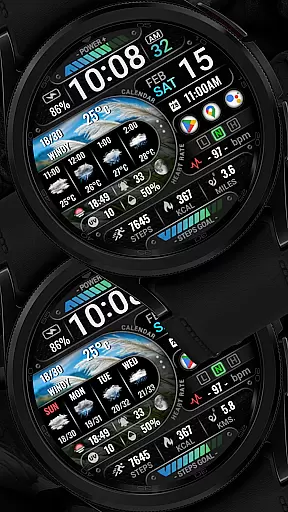
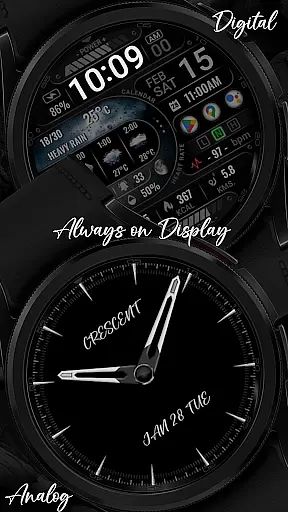
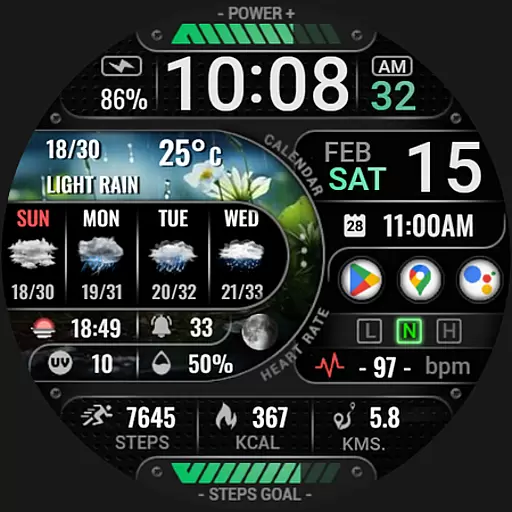
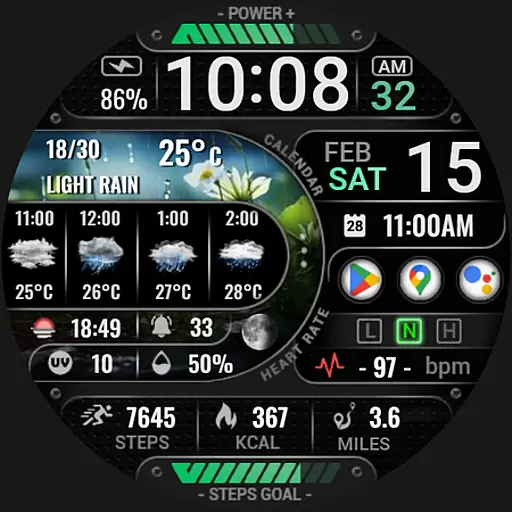
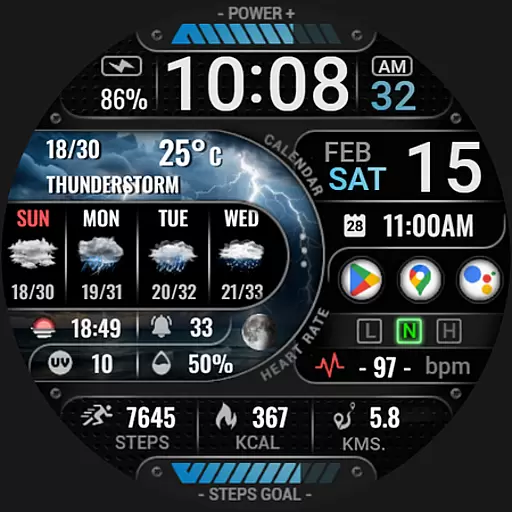
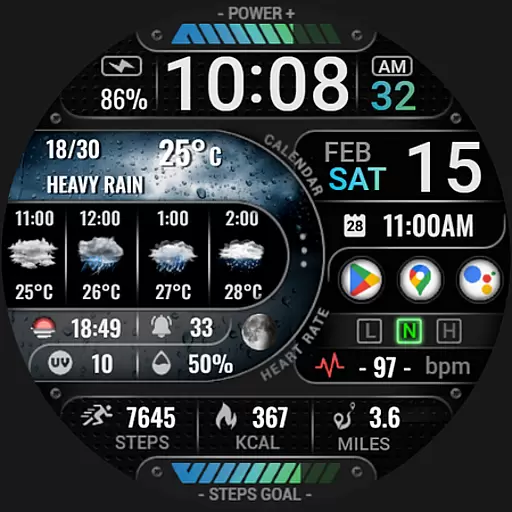
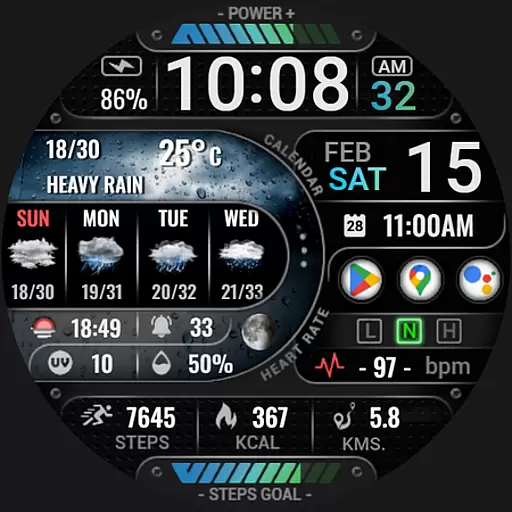
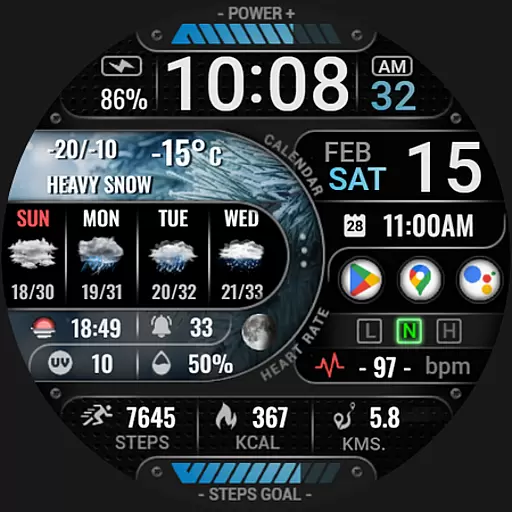
[KNA015] CRESCENT is a feature-rich watch face designed specifically for Wear OS 5+ devices. This customizable watch face offers users the ability to tailor their smartwatch display with various complications and widgets, making it both functional and visually appealing.
The app provides essential timekeeping features alongside advanced functionalities such as realistic weather updates, UV index, moon phase, and health tracking metrics like heart rate and step count. With support for multiple widget types and Always-On Display (AOD) modes, users can personalize their experience while enjoying practical benefits tailored to their lifestyle.
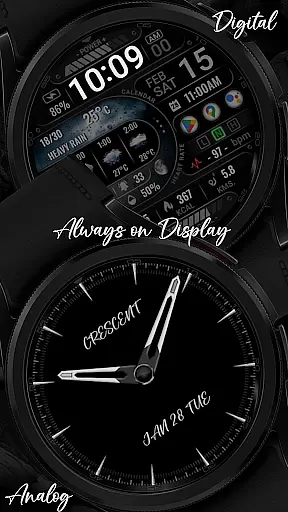
This Wear OS watch face stands out with its extensive customization options. Users can choose from digital or analog styles, select between 12/24 hour formats, and access detailed weather forecasts up to four days in advance. The inclusion of six editable complications allows for personalized data display.
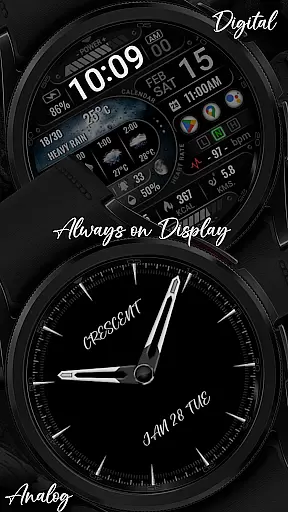
Additional notable features include distance calculation in either kilometers or miles, AOD functionality with two style options, and comprehensive health tracking through widgets displaying steps, heart rate, battery level, unread messages, and calorie calculations. These capabilities ensure that users have quick access to vital information directly on their wrist.
When it comes to designing watch faces for Wear OS devices, having access to a comprehensive set of creative tools is essential. The [KNA015] CRESCENT watch face offers an impressive array of features that cater to both aesthetic customization and functional utility.
With options like digital styles in 12/24 hour formats, date and day display, realistic weather updates, and even moon phases, users can craft a personalized timepiece that suits their lifestyle. Additionally, the inclusion of six editable complications allows for further personalization with widgets ranging from heart rate monitors to UV index trackers.
This level of detail empowers designers and users alike to create unique interfaces that not only look good but also provide valuable information at a glance. By offering such extensive customization possibilities, this app ensures that every user's watch face is truly one-of-a-kind.
A key aspect of any design application is its canvas flexibilityu2014the ability to adapt designs across various formats and resolutions seamlessly. For [KNA015] CRESCENT, this translates into compatibility with API level 34+ on Wear OS 5+ devices, ensuring broad device support while maintaining high-quality visuals.
The app supports two Always-On Display (AOD) stylesu2014Analog and Digitalu2014allowing users to choose what best fits their visual preferences or battery-saving needs. Moreover, distance calculations are customizable between kilometers and miles, catering to international audiences without compromising accuracy.
By providing these adaptable design elements alongside robust functionality, [KNA015] CRESCENT stands out as a versatile choice for those looking to enhance their smartwatch experience through thoughtful design considerations.
User-friendly interface
Extensive customization
Realistic weather updates
Health tracking integration
Versatile widget options
Limited device compatibility
Some features unavailable on certain watches
Requires latest Android version
No automatic application post-install
Potential complexity for new users

Floor Plan Creator lets you create, edit and share floor plans.
 4.00
4.00
Art of Combination Wear OS Watch faces
4.3
Unleash your drawing and painting potential
4.50
Create color palette from Image, RGB & RYB Color wheel harmonies, Color Scheme
4.50
Make your phone cooler and have a fantastic experience
4.80
Mobile pixel art editor. Simple. Fast. Portable.
4.80
2D animation studio for Android tablets - unlimited layers, infinite timeline
4.70
Retouch photos. Create or edit images. Endless capabilities.
2.70
Explore future self face age filter & remove background image for a unique look.
3.50
See Color, Paint Color
4.90
Logo Generator powered by AI: Create stunning logos effortlessly!
4.70
The ultimate tool for creating animations
4.60
Castle is social media for creating and playing games!
4.60
AI Tattoo Generator: Create Tattoo Designs & Get Ideas! Ink & Stencil Maker
4.50
Create and Design Custom Logos in Seconds with AI-Powered Tools!
4.40
Design your dream room with AI. Get decor ideas & plan home interiors
3.90
Paint with oils and sketch with natural tools on a realistic virtual canvas.
3.80
Your homescreen as an elegant glass with customized blur, lighting, and visuals.
3.70
Pose and morph realistic male and female models! 3D poser app
3.00


User Reviews