
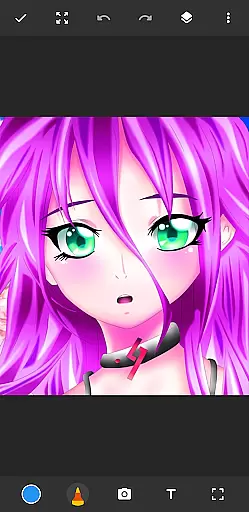
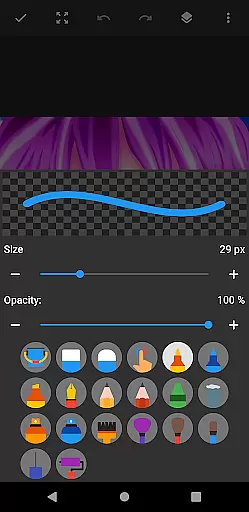
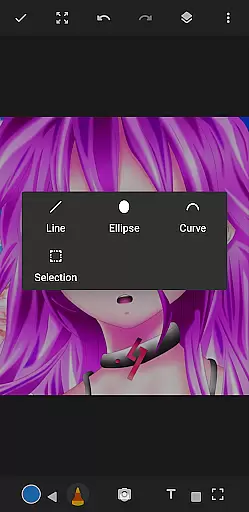
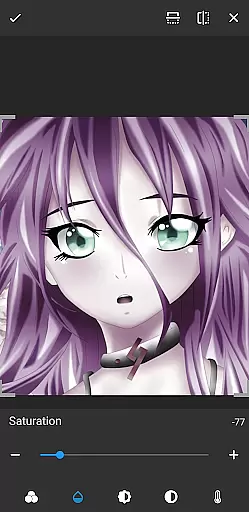
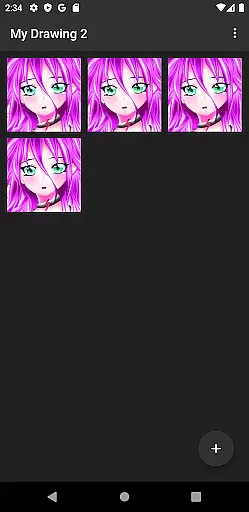
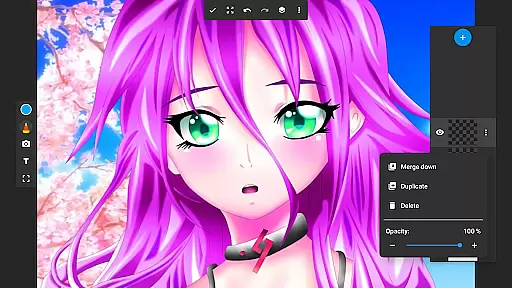
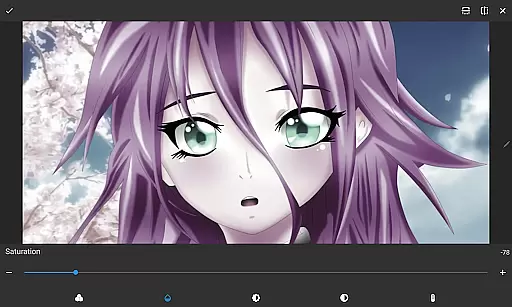
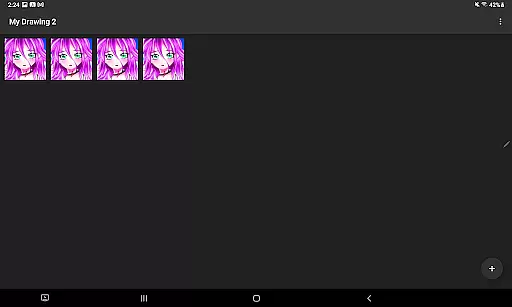
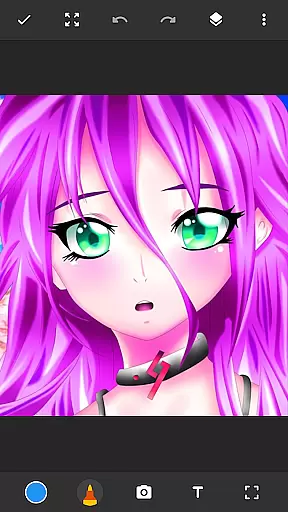
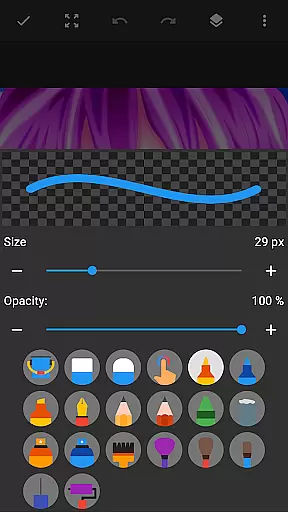
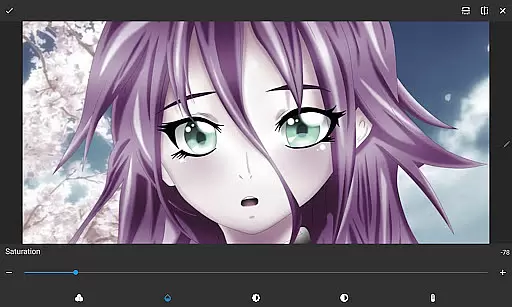
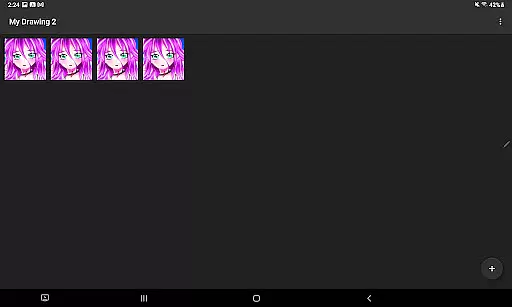
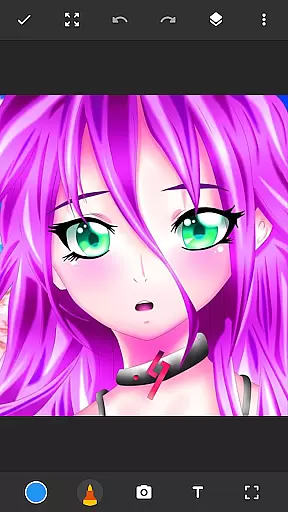
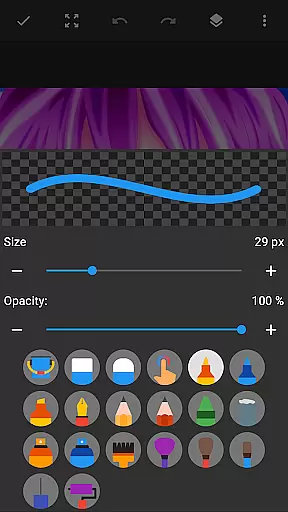
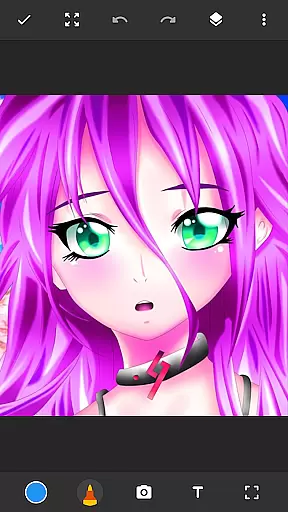
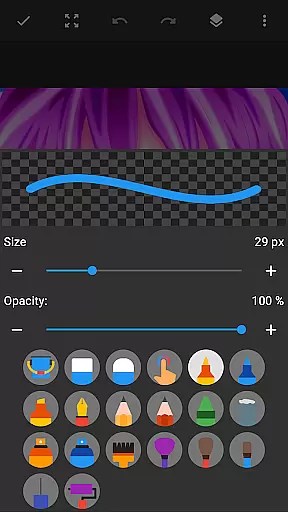
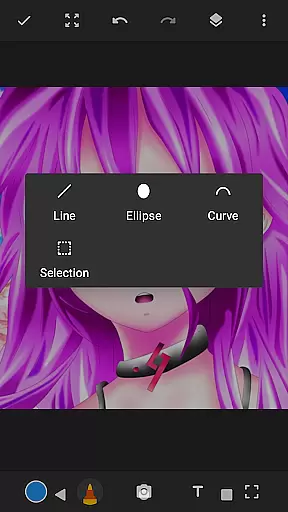
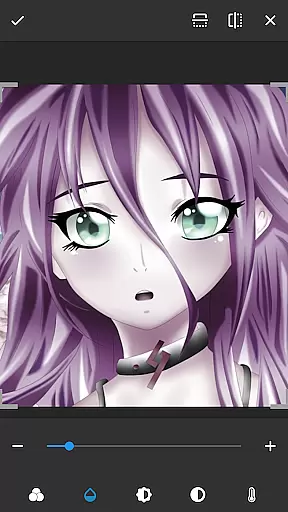
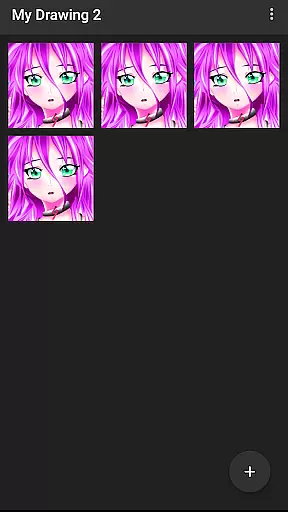
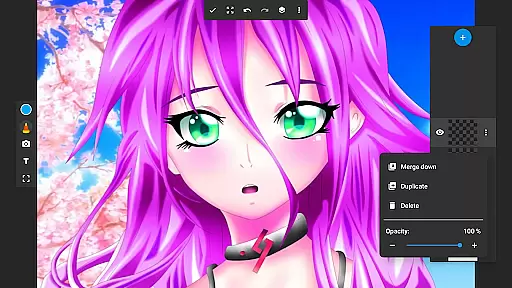
Drawing Pad Lite is a versatile digital art application designed for both beginners and experienced artists. This app provides an intuitive platform to create sketches, drawings, and vibrant digital artwork with ease. Featuring a wide range of brushstrokes, pencil tools, and customizable options, it allows users to express their creativity without limitations.
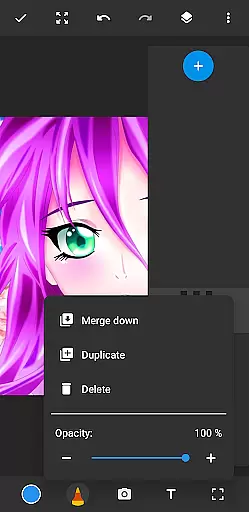
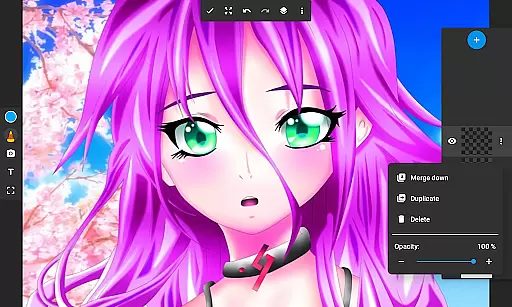
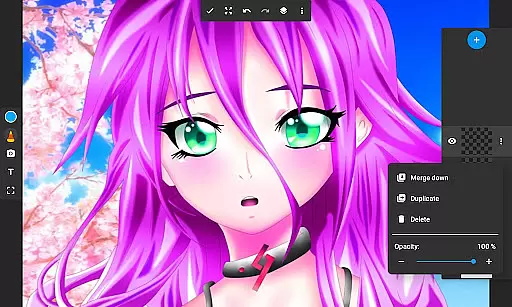
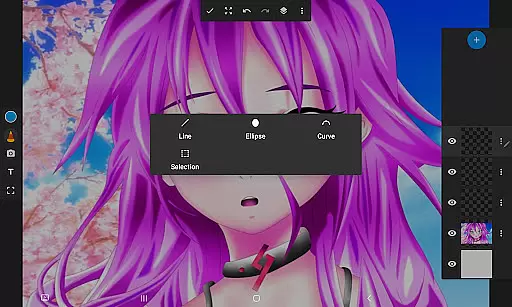
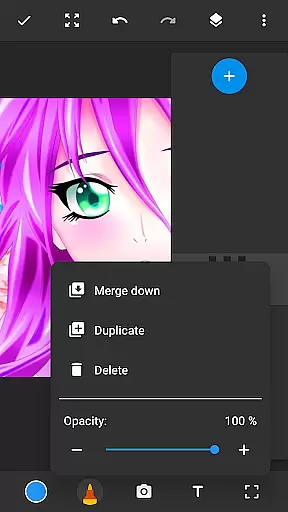
One of the standout features of Drawing Pad Lite is its layer functionality, which enables artists to organize their work efficiently and experiment with different ideas. Whether you're sketching independently or drawing on photos, this app offers all the essential tools to bring your artistic vision to life. Its user-friendly interface ensures that even those new to digital art can quickly adapt and start creating.
The app is particularly useful for individuals who enjoy anime coloring, manga creation, or simply doodling for fun. With its vibrant color palette and precise drawing tools, Drawing Pad Lite serves as a portable artbook, making it easy to produce professional-quality sketches anytime, anywhere.
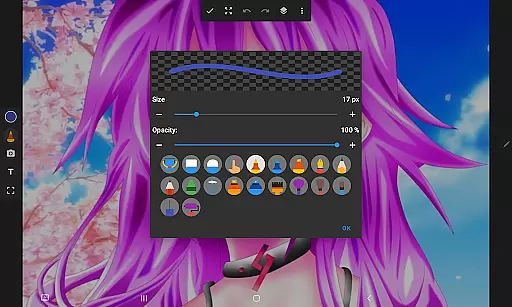
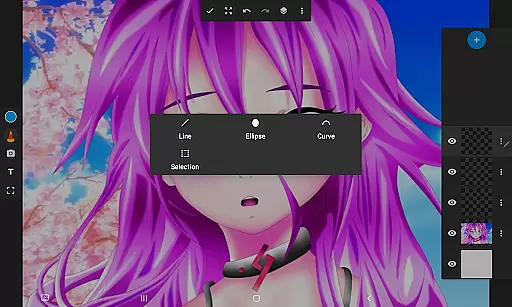
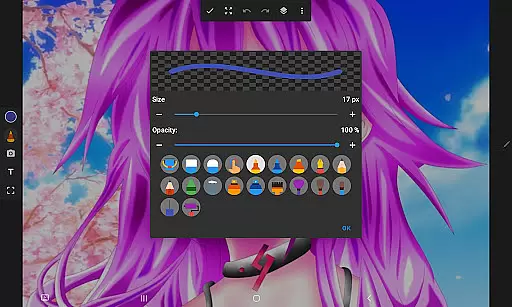
Drawing Pad Lite stands out due to its comprehensive set of features tailored for digital artists. The app includes various brush and pencil types, each offering multiple sizes and styles to suit different artistic needs. These tools provide complete control over strokes, ensuring precision in every drawing or painting project.
In addition to its diverse toolset, Drawing Pad Lite offers advanced customization options. Users can adjust opacity levels, rearrange layers, and save their work in organized layers. This flexibility makes it simple to refine artwork until it reaches perfection. The ability to draw directly on photos adds another creative dimension, allowing users to enhance images with unique artistic touches.
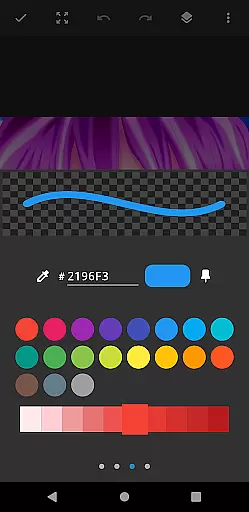
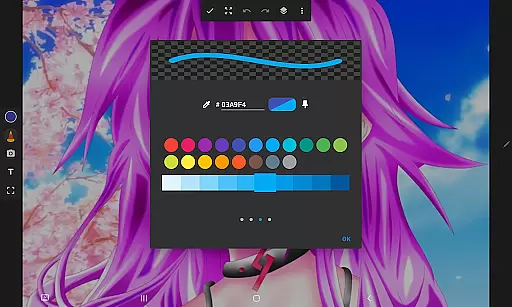
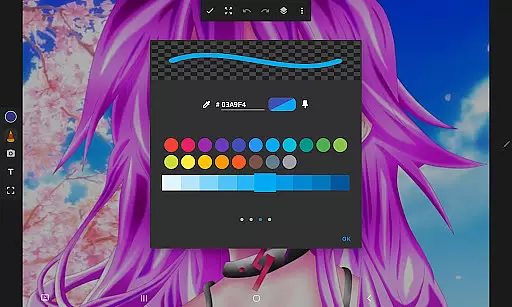
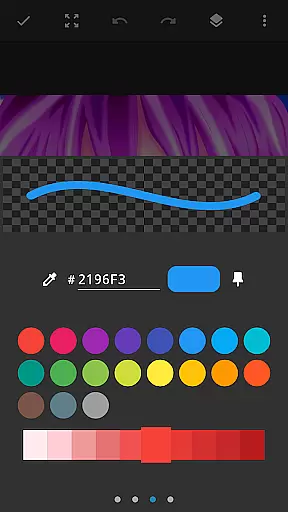
Another notable feature is the app's vibrant color selection, which helps bring artwork to life with intricate details. Whether you're working on detailed paintings or casual doodles, Drawing Pad Lite provides everything needed to create visually stunning pieces. Its combination of powerful editing capabilities and an accessible interface makes it an ideal choice for artists of all skill levels.
In the realm of digital art, having a comprehensive set of creative tools is paramount. Sketchbook Lite - Artbook offers an impressive array of brushstrokes, pencils, pens, and markers that cater to both novice doodlers and seasoned artists alike.
Each tool within this drawing app has been meticulously crafted to provide users with complete control over their creations. The diverse selection of brush types, sizes, and styles allows for intricate detailing and personal expression in every stroke.
Moreover, the inclusion of layers revolutionizes how artists manage complex artworks. This feature enables users to organize their sketches efficiently, experiment with different ideas without risk, and adjust opacity levels to achieve desired visual effects seamlessly.
With these robust creative tools at your disposal, Sketchbook Lite empowers you to refine your work until it reaches perfection. It's akin to having a professional drawing editor right at your fingertips, ensuring flawless sketches every time.
A versatile canvas is essential for unleashing creativity without constraints. Sketchbook Lite - Artbook excels in providing unparalleled format flexibility, allowing artists to explore various dimensions and resolutions for their digital masterpieces.
This drawing tablet app supports multiple canvas sizes, catering to different artistic needs from quick doodles to elaborate paintings. Whether you're into anime coloring or manga illustrations, the adaptable canvas ensures that your artwork maintains its intended impact and detail.
Furthermore, the ability to draw on photos adds another layer of creative possibilities. Users can import images and transform them into unique pieces of art by applying vibrant colors and intricate brushwork directly onto the photo canvas.
By offering such extensive canvas and format options, Sketchbook Lite stands out as an exceptional artbook for your sketches. It combines traditional sketching freedom with modern digital capabilities, making it an indispensable companion for all your artistic endeavors.
User-friendly interface
Wide range of brushes
Layer organization
Vibrant color options
Photo drawing capability
Limited free features
Occasional bugs
Ads in free version
Advanced tools locked
Steep learning curve

Sketch, trace and master AR drawing with awesome anime art!
 3.30
3.30
Apply cartoon, caricature, and portrait effects to make your photos stand out!
3.60
AI Assistant, powered by ChatGPT GPT-4 & GPT-4o. Your intelligent companion.
3.50
Photo blender app to create overlay photos & double exposure.
4.40
Art of Combination Wear OS Watch Faces
4.1
Draw beautiful mandala's very easily
4.60
Draw anime easily with AR guidance, sketch templates & trace tools!
3.10
AI Art Generator transforms your words into AI generated art & paintings.
3.70
Image resizer to resize, crop, rotate, flip, change dpi photo or picture in bulk
4.60
Passport size photo maker, create ID photo and visa photo in seconds
4.80
Novices can also easily complete diamond painting masters
4.70
Digital, Abstract, Classic - all types of color wheels in one app!
4.60
Turn your drawings into flipbook-style animations with simple creative tools
4.60
Discover Cartoon Dream : Unleash Your Creativity with CuttingEdge AI
4.50
Unleash your drawing and painting potential
4.50
Share the joy of painting with ibis Paint! Drawing anime and manga art.
4.50
Floor Plan Creator lets you create, edit and share floor plans.
4.00
AI Face Swap, Video Effects Editor, Realtime Morph, Funny Video FX,AI Filters
3.70
Download now for a stylish and functional timepiece
4.3


User Reviews