
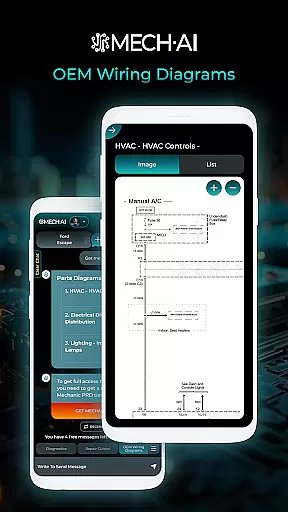
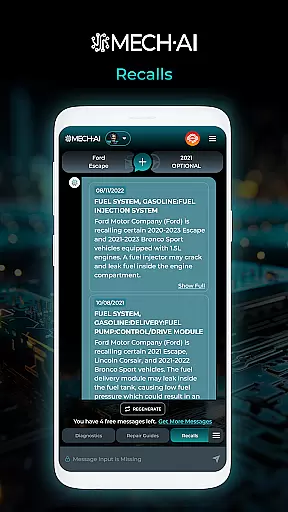
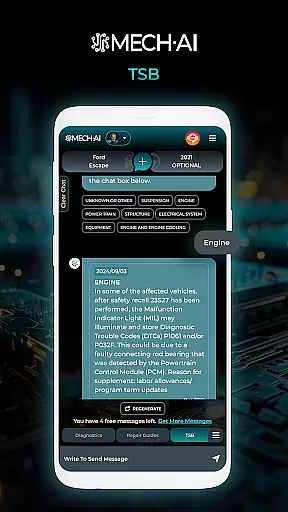
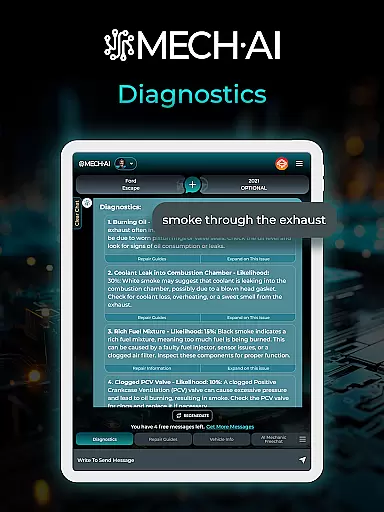
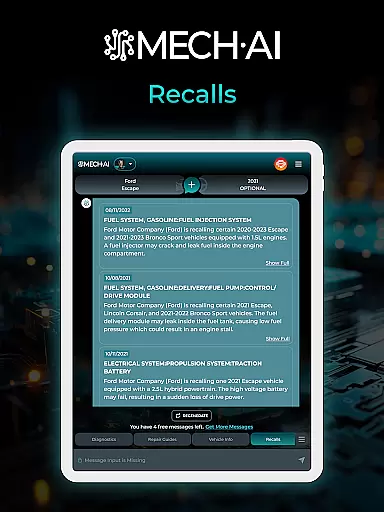
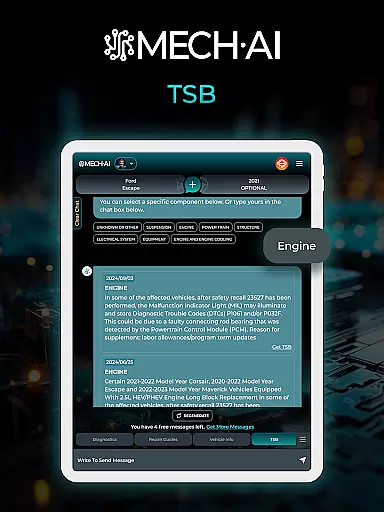
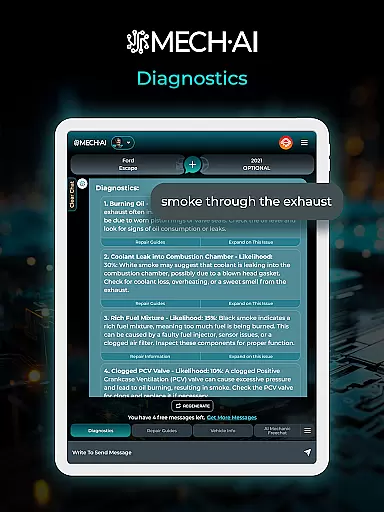
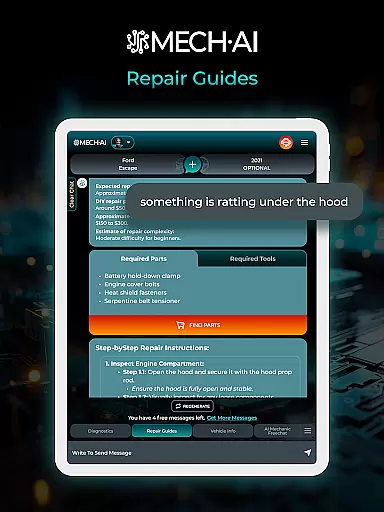
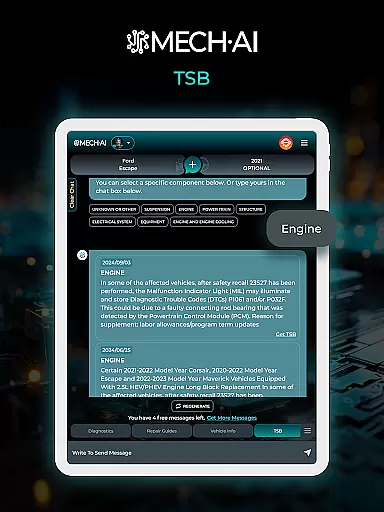
MECH.AI is an advanced automotive assistant app designed to revolutionize car maintenance and repair. This AI-powered solution caters to both individual vehicle owners and professional auto shops, providing comprehensive support for all automotive needs.
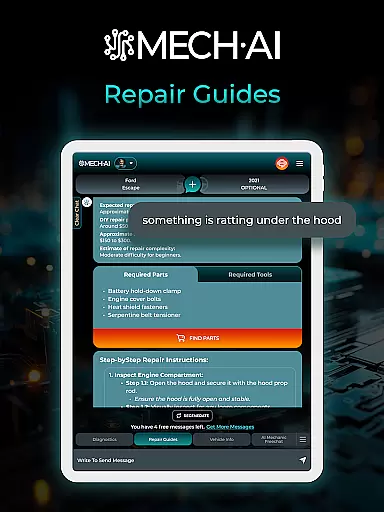
The application's core functionality includes step-by-step repair guidance, professional diagnostics, and performance optimization recommendations. Users can access detailed repair tutorials, identify correct parts through an extensive database, and receive AI-driven diagnostic solutions that ensure accurate repairs.
Whether you're a DIY enthusiast working in your garage or a professional mechanic managing a busy repair shop, MECH.AI streamlines the entire maintenance process while improving efficiency and accuracy.
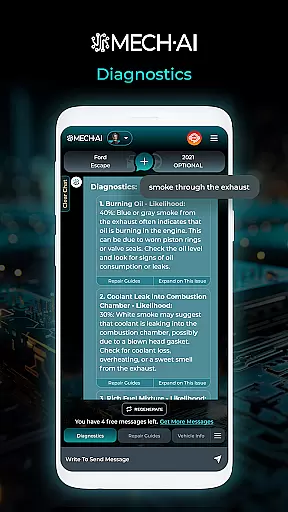
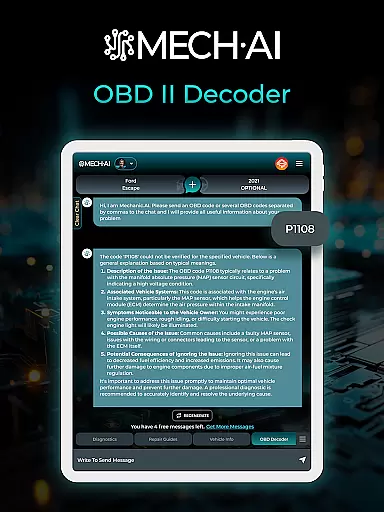
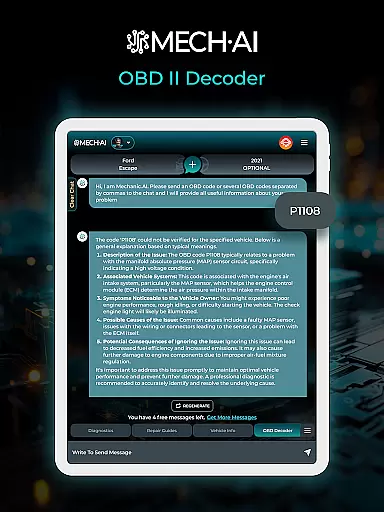
MECH.AI distinguishes itself through its comprehensive suite of automotive features. The app's standout capability is its AI-powered diagnostic system, which analyzes vehicle symptoms and provides precise repair recommendations.
For professional users, the application offers specialized tools including detailed repair procedures, parts identification, and performance tuning advice. Its extensive parts database ensures compatibility across various vehicle models while saving valuable time during repairs.
The app maintains a competitive edge through regular updates that incorporate the latest automotive technologies and repair methodologies, ensuring users always have access to current information.
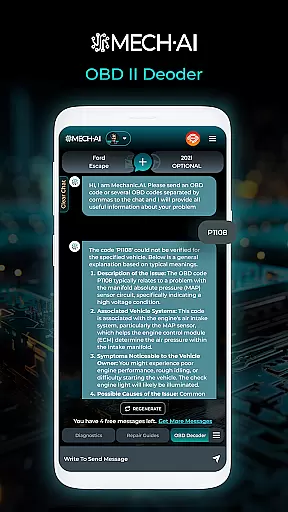
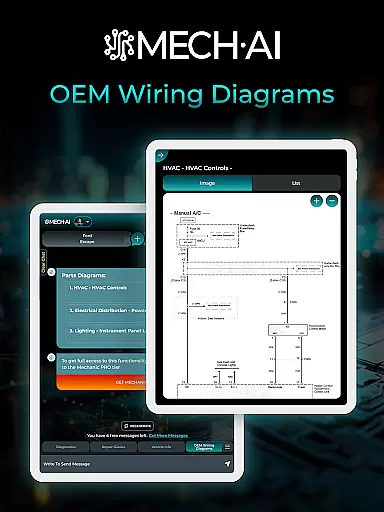
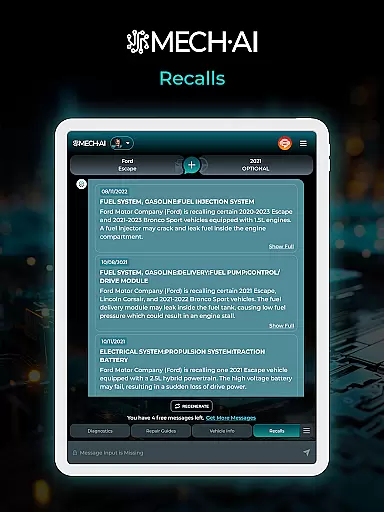
Detailed vehicle information is crucial for car owners and repair professionals alike. MECH.AI provides comprehensive data on various vehicles, ensuring users have access to accurate specifications and maintenance histories.
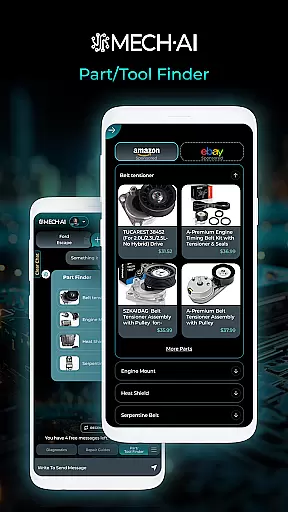
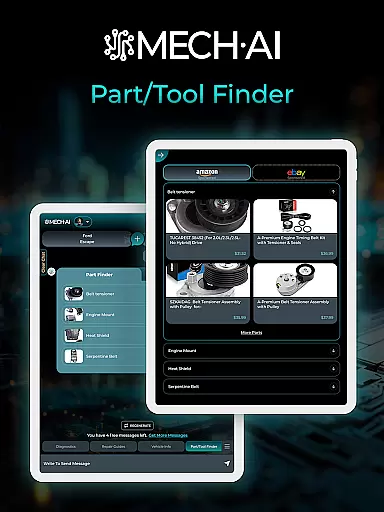
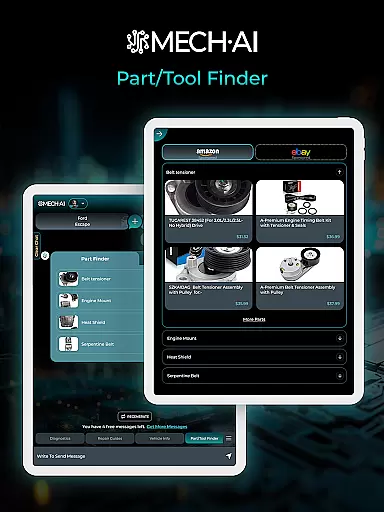
The app offers an extensive parts database that allows users to easily identify and source the right components for their vehicles. This feature saves time and ensures compatibility, which is essential for efficient repairs.
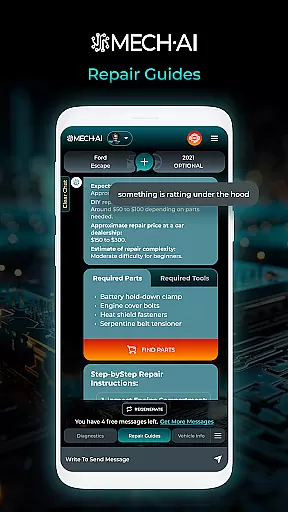
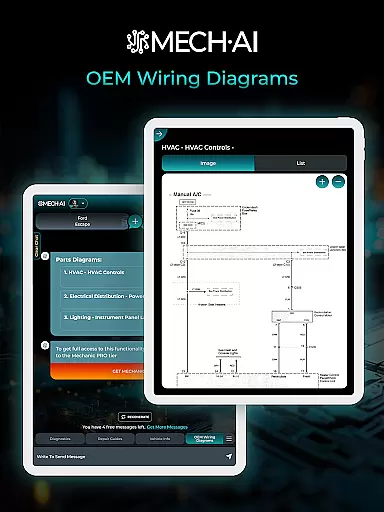
With MECH.AI, users can access step-by-step repair guidance tailored to specific tasks. This ensures clarity and confidence in every repair job, whether it's a simple maintenance task or a complex diagnostic procedure.
Overall, MECH.AI empowers users with the knowledge needed to maintain and repair vehicles effectively. By providing detailed vehicle information, the app helps both DIY enthusiasts and professional mechanics achieve optimal results.
Price transparency is a key factor in making informed decisions about vehicle repairs and maintenance. MECH.AI addresses this by offering clear insights into the costs associated with different repair tasks.
The app provides AI-powered diagnostics that quickly detect issues and suggest tailored solutions. This feature not only improves repair accuracy but also helps users understand the financial implications of each repair option.
For auto shops, MECH.AI supports cost-effective solutions by streamlining operations and reducing turnaround times. The app's professional repair advice enhances efficiency, leading to better customer satisfaction and more transparent pricing.
By promoting price transparency, MECH.AI enables users to save money and time. Whether managing a busy auto shop or tackling DIY repairs, the app ensures that users can address repairs confidently and efficiently.
User-friendly interface
Comprehensive repair guides
AI-driven diagnostics
Extensive parts database
Regular feature updates
Premium features locked
Internet connection required
Occasional AI errors
Limited older model support
Subscription pricing

Attention! This is the theme for the Car Launcher app
 4.3
4.3
Read and delete OBD codes with any ELM327 OBD scanner. Coding functions included
3.40
Oil change service & coupons for car maintenance at Valvoline Instant Oil Change
4.70
Car Sounds Engine Sounds app welcomes Auto Lovers to feel Car Simulator Sound
4.20
Take state-specific DMV permit tests and ace the exam.
3.90
MySubaru: Download. Connect. Love.
4.70
Quick and easy car diagnostics to get you the right fix.
4.70
Earn and save with Fuel Rewards®
3.20
A smarter way to park and reserve your spot ahead of time.
4.40
Practice the drills within MotoJitsu Master Riding Program Volume 1 & 2!
4.80
View your car’s service records and find out when maintenance is due.
4.70
Your go-to app for car, truck & SUV parts, DIY tools, and expert repair help.
4.70
Find Your Local Store or Shop Online for the Car, Truck, or SUV Parts You Need
4.70
OBD diagnostics, Live Data, DPF regeneration for BMW
4.00
Boost profits and hit your goals faster with GigU's amazing tools for gigworkers
4.00
Mobile Phone Parking - So easy to park
3.70
The Smarter Way Forward
3.30
DIY Vehicle Wheel Alignment
4.0
Theme for Car Launcher
4.1


User Reviews