
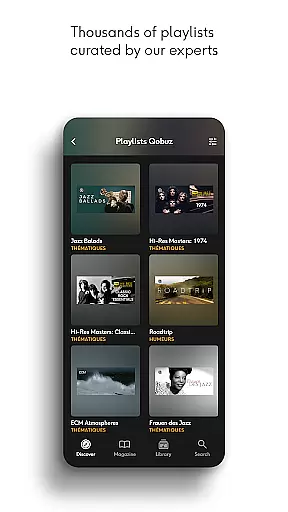
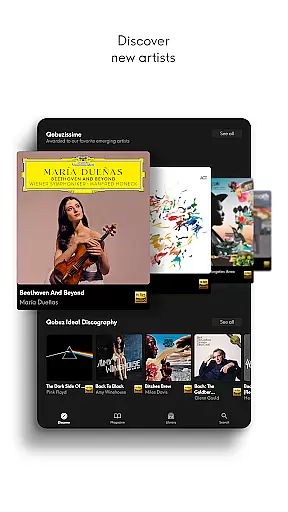
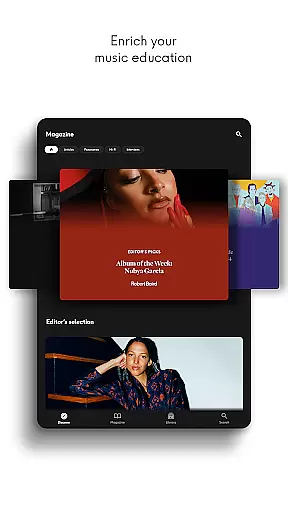
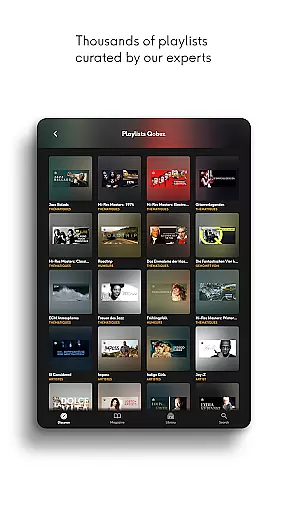
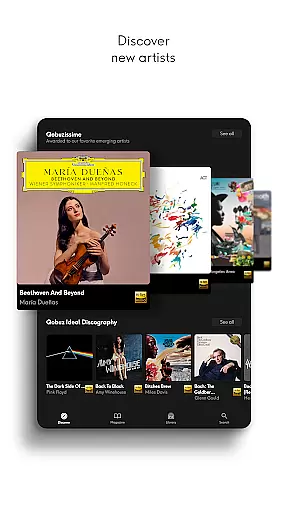
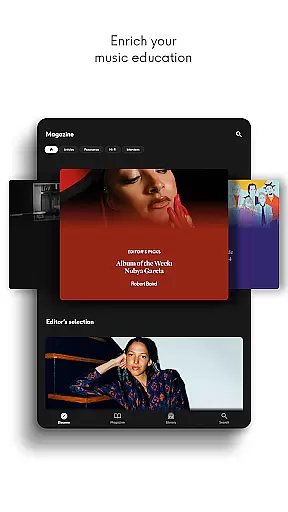
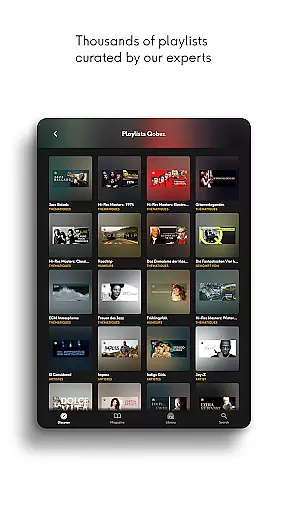
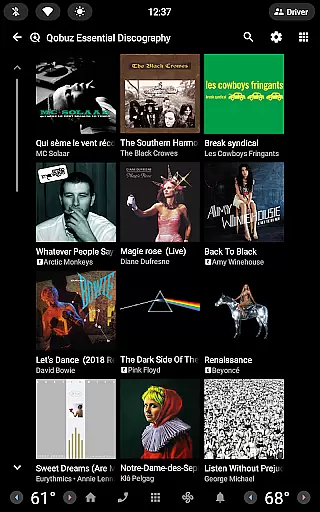
Qobuz is a premier music streaming and editorial platform that offers an unparalleled listening experience with over 100 million tracks in high-resolution and CD-quality audio. The app combines expertly curated playlists, exclusive editorial content, and recommendations from seasoned music experts to guide users through their musical journey.
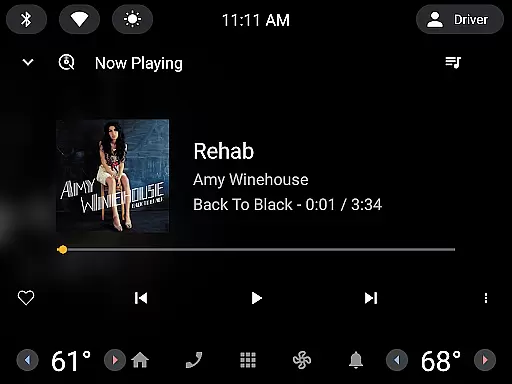
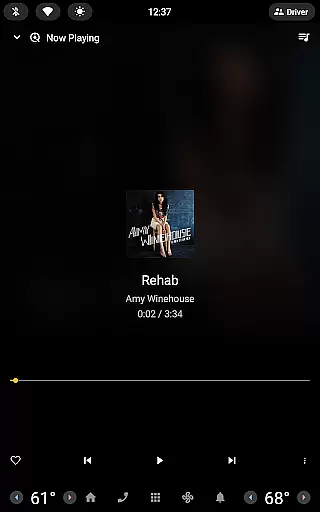
Available on all devices, Qobuz ensures seamless offline playback and features a background player for uninterrupted music enjoyment. With its unique Hi-Res streaming and download options, Qobuz stands out as the only service providing both lossless audio and extensive editorial insights, making it ideal for audiophiles and music enthusiasts alike.
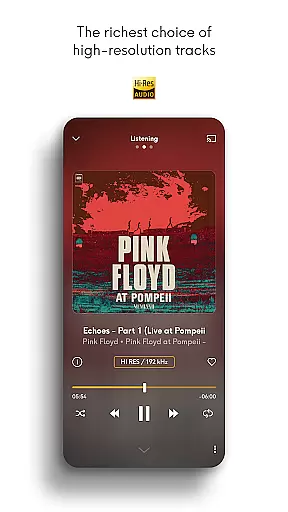
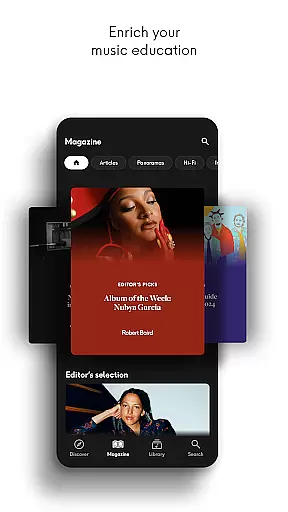
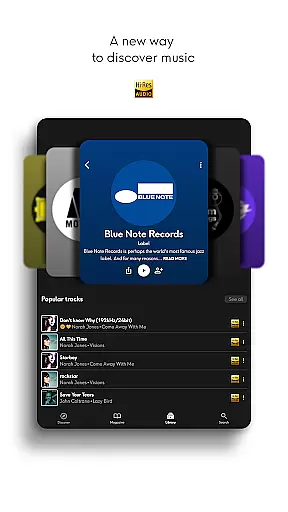
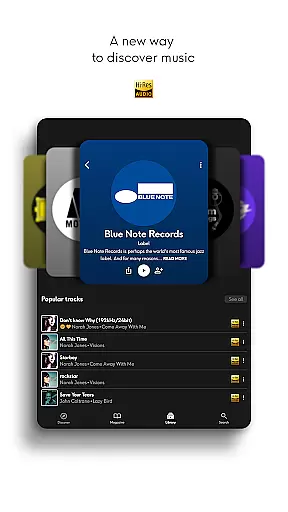
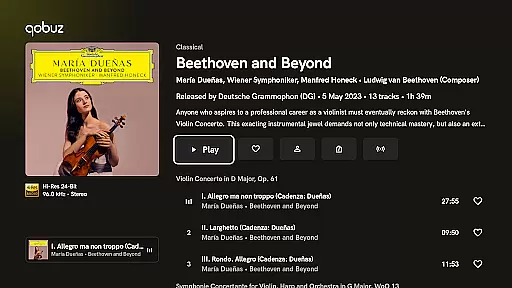
Qobuz distinguishes itself through its commitment to high-fidelity sound, offering FLAC 16-Bit/44.1 kHz and Hi-Res 24-Bit audio up to 192 kHz. This ensures users experience studio-quality sound with every track. Additionally, the app provides a rich editorial experience with over 500,000 expert-written articles, artist interviews, and deep dives into genres, albums, and labels.
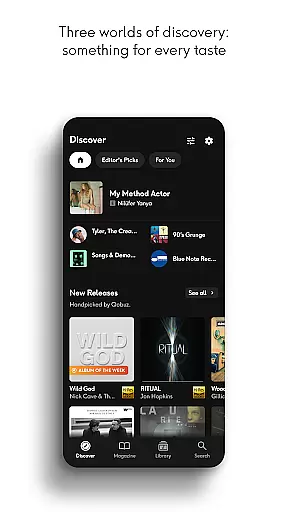
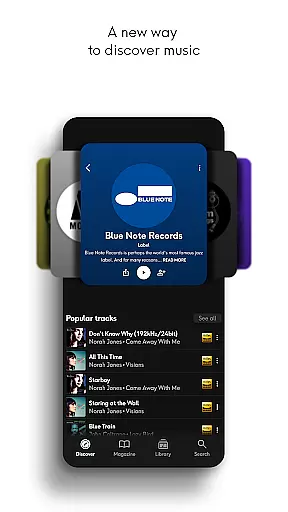
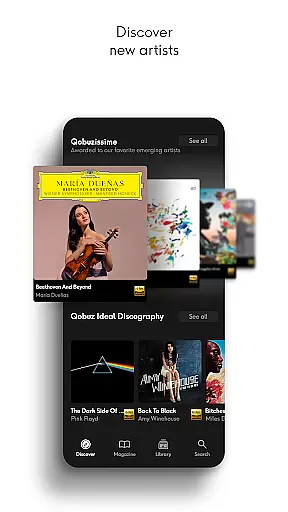
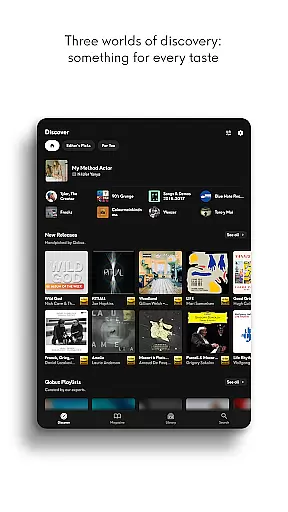
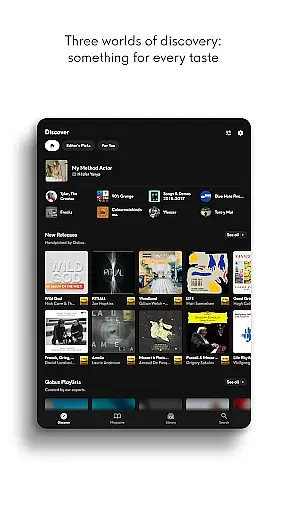
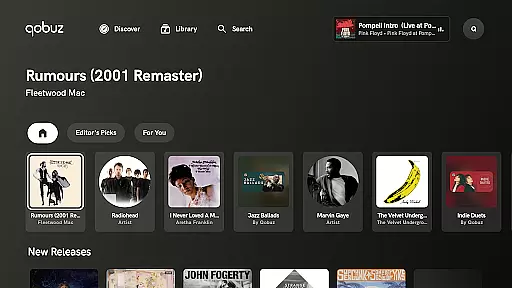
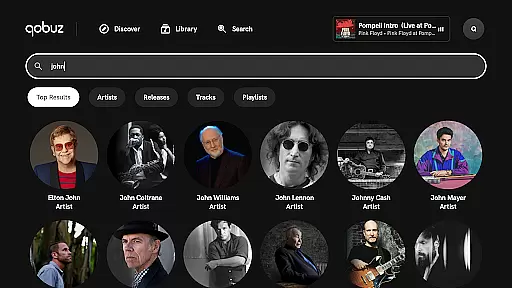
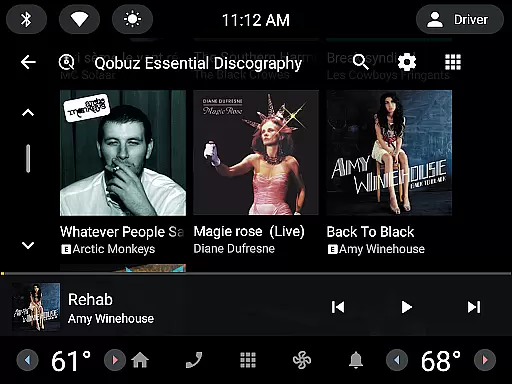
The Discover page simplifies exploration with a clean interface, dedicated search bars, and instant access to recent articles via Qobuz widgets. Users can also enrich their knowledge with digital booklets and curated playlists, while compatibility with major Hi-Fi equipment guarantees optimal audio performance across devices.
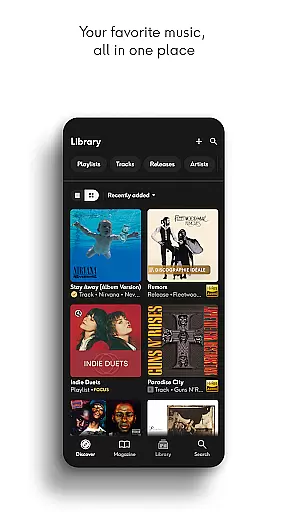
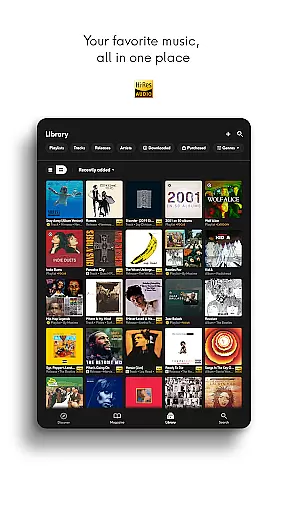
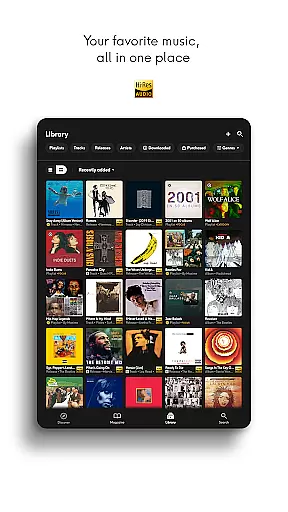
Qobuz offers an extensive music library with over 100 million tracks available in high resolution and CD quality. This vast collection ensures that users have access to a wide variety of music genres, from classical to contemporary hits.
The platform is committed to copyright authenticity, providing users with legally acquired music. Each track is sourced directly from the studio, ensuring that artists and rights holders are properly compensated for their work.
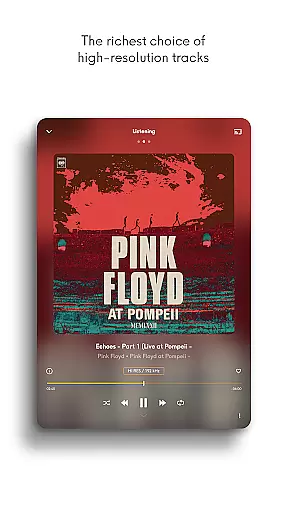
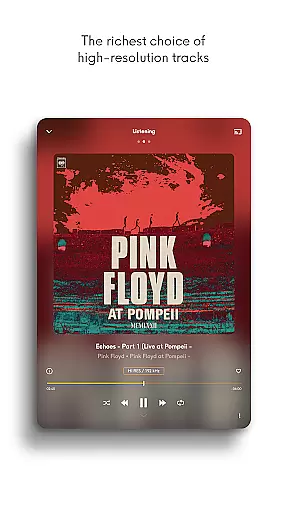
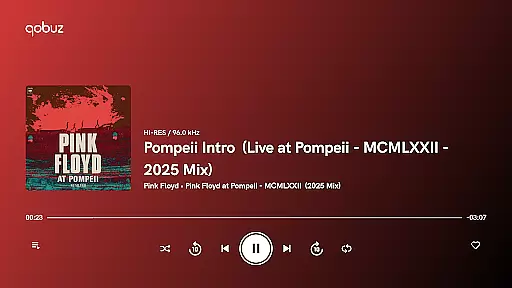
With Qobuz, users can enjoy new releases and reissues in lossless FLAC 16-Bit/44.1 kHz and Hi-Res quality up to 24-Bit encoded sound at 192 kHz. This guarantees an exceptional listening experience with the highest sound quality available.
Additionally, Qobuz supports both music streaming and downloads in Hi-Res, making it the only platform of its kind. This dual functionality allows users to access their favorite music anytime, anywhere, even without an internet connection.
Qobuz stands out for its superior audio quality options, offering music enthusiasts an authentic sound experience. The platform provides lossless audio and Hi-Res quality, ensuring that every note and nuance is preserved as intended by the artist.
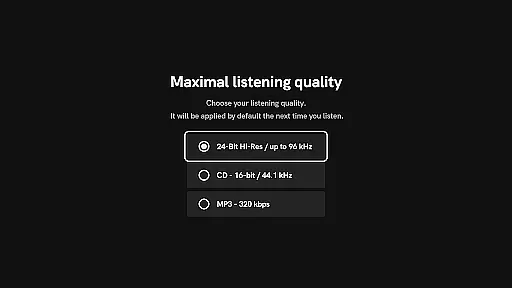
Listeners can choose between different audio formats, including FLAC 16-Bit/44.1 kHz for CD-quality sound and up to 24-Bit/192 kHz for Hi-Res audio. These options cater to audiophiles who demand the best possible sound reproduction.
In addition to high-quality streaming, Qobuz also supports offline playback in Hi-Res. This feature allows users to download their favorite tracks and enjoy them without an internet connection while maintaining exceptional audio fidelity.
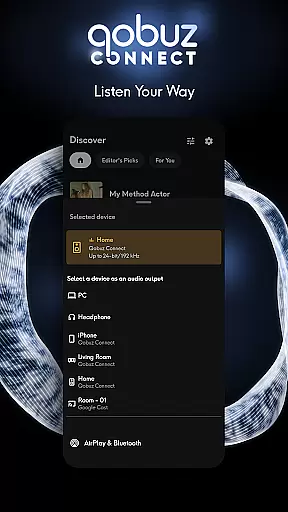
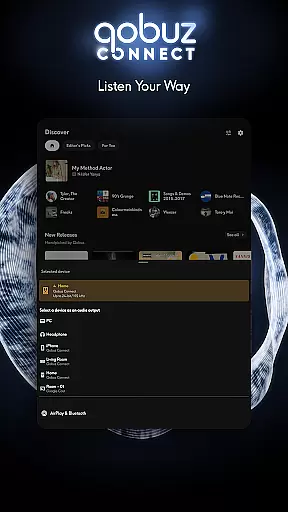
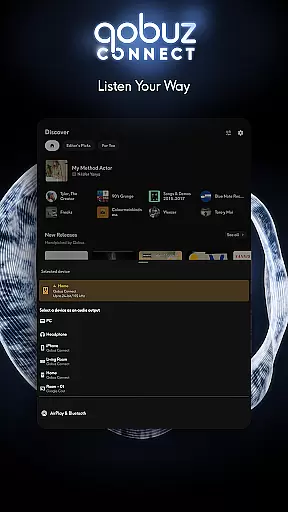
Furthermore, Qobuz is compatible with major wireless listening devices such as Chromecast, Airplay, Roon, and more. It works seamlessly with prestigious Hi-Fi brands, ensuring uninterrupted playback on all types of audio equipment.
High-quality audio streaming
Extensive editorial content
Offline playback support
Expert-curated playlists
Cross-device compatibility
Premium subscription required
Limited free trial period
Interface may overwhelm beginners
Heavy data usage for Hi-Res
Fewer mainstream pop tracks

Your HD audio recorder on the go for music, meetings, ambience, animal sounds…
 4.30
4.30
The Cubase remote control app
3.60
A synth that really lets you shape your sounds!
4.50
The best music and audio player, with beautiful UI, music search and equalizer.
4.60
Voice recorder - Audio recorder. Best recorder for recording
4.90
Offline Music Player&MP3 Player with themes, equalizer, lyrics, music play mode
4.60
Let your Android device with the sound effects you want
4.50
Full featured mp3 and audio player with Chromecast and Android Auto support.
4.40
Reverse your voice & songs instantly! Fun singing challenge with cool effects.
4.60
24,000 free audio books and no ads!
4.90
JBL PartyBox APP works with 110/310/710/120/320/520/Encore/Encore 2/Encore Ess 2
4.80
Music, News & Sports Radio Tuner App. Tune in Live FM & AM Radio Stations.
4.80
Bass Booster & Volume Equalizer Pro improves your music and video sound quality
4.60
Help you quickly get started with Shokz headphones
4.40
Network/Cloud Streaming, Visualization, Graphic Equalizer and Sound Effects.
4.20
VB-AUDIO Software / VBAN-Receptor allows listening to any VBAN Streams
4.10
Learn to play the piano using falling notes!
3.80
The iconic iOS metronome app is now on Android.
3.70
The Skullcandy App Experience
3.20


User Reviews