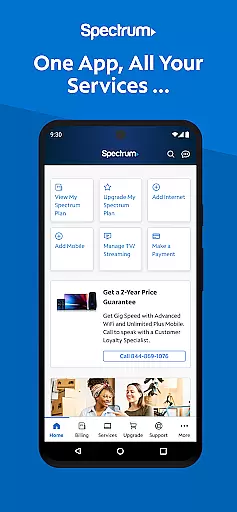

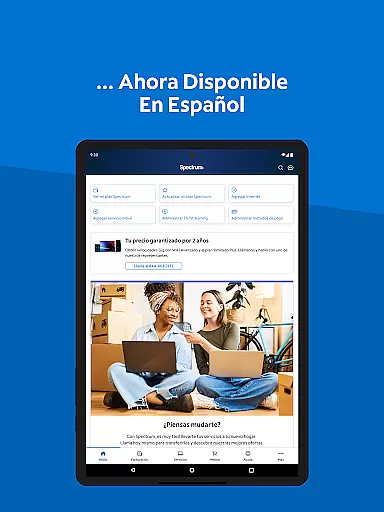
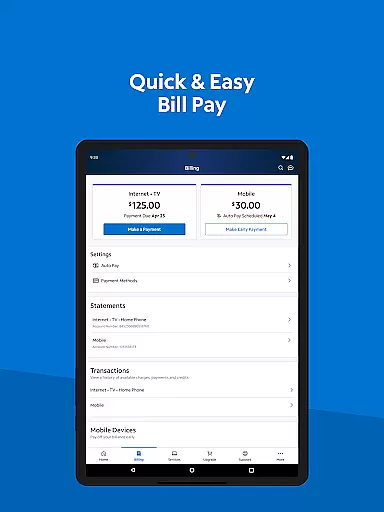
My Spectrum is a comprehensive tool designed for residential customers to manage all Spectrum services in one place. The app allows users to handle billing for Spectrum Mobile, Internet, TV, and Home Phone, offering features like Auto Pay and paperless billing. It also provides the ability to toggle between English and Spanish, making it accessible to a wider audience.
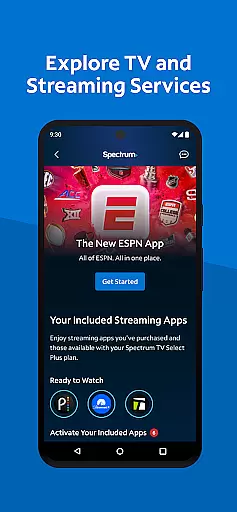
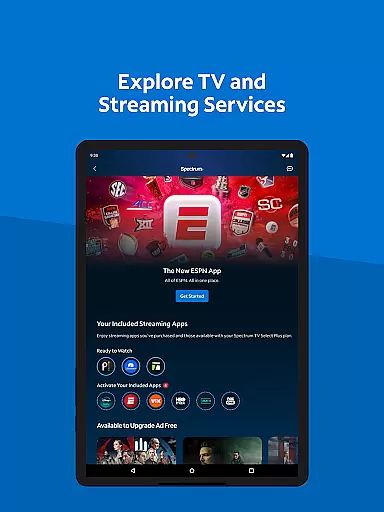
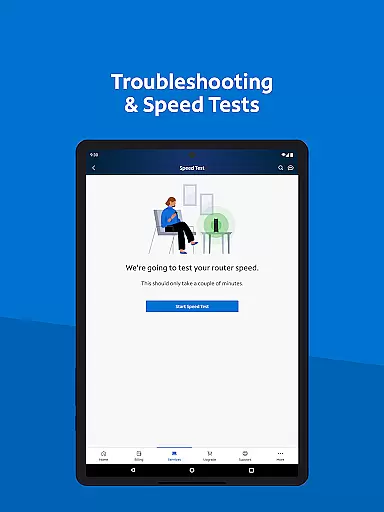
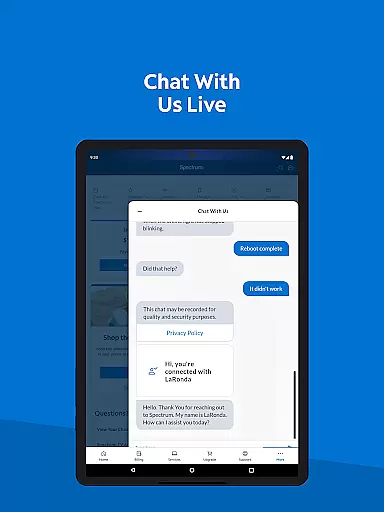
In addition to bill management, My Spectrum lets users monitor their mobile data usage, receive important notifications, and troubleshoot WiFi issues with an enhanced dual Speed Test. Users can explore TV and streaming services, customize channel lineups, and manage subscriptions easily. With simplified support options such as in-app chat and technician tracking, this app ensures that help is always at hand.
This app is particularly useful for those who want to streamline their Spectrum service management. Whether you're paying bills, checking mobile data usage, or customizing your TV experience, My Spectrum offers a seamless and efficient way to stay on top of your account, enhancing both convenience and control.
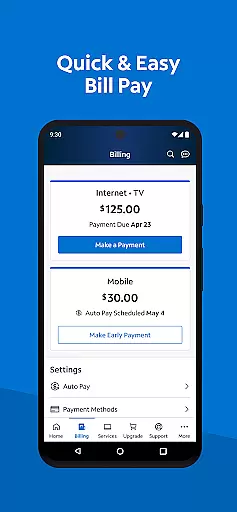
My Spectrum stands out with its extensive range of features tailored to enhance user experience. One of the key functionalities is the comprehensive billing management system, which includes Auto Pay, scheduled payments, and paperless billing options. This ensures users never miss a payment and have full control over their financial transactions within the app.
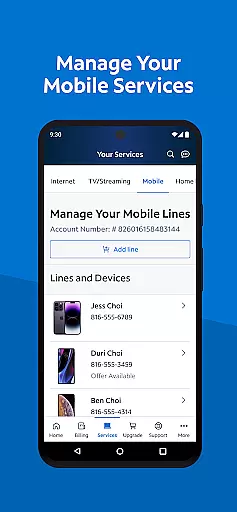
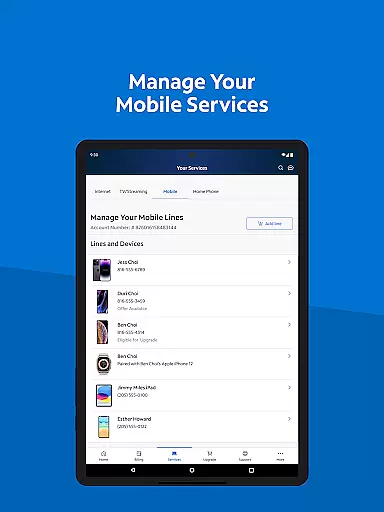
The app also excels in providing robust tools for managing mobile services. Users can check their Spectrum Mobile data usage, add new mobile lines, and receive real-time notifications about billing and service outages. Additionally, the app supports language preferences, allowing users to switch between English and Spanish effortlessly, catering to a bilingual audience.
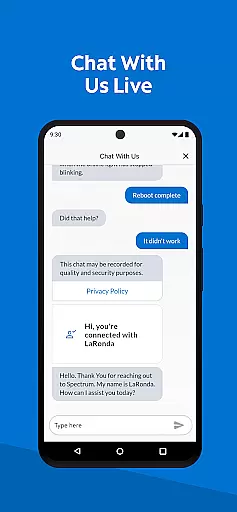
Another notable feature is the simplified support system, which includes in-app chat, technician tracking, and a newly designed support section for quick answers. These features collectively ensure that users have a smooth and hassle-free experience when dealing with any service-related queries or issues, making My Spectrum a reliable tool for managing various Spectrum services.
When it comes to managing your Spectrum services, the My Spectrum App excels in core function accuracy and effectiveness. This app allows residential customers to handle a variety of essential tasks with precision.
One of the standout features is the ability to pay your bill for various Spectrum services including Mobile, Internet, TV, and Home Phone. The app offers options like Auto Pay, scheduling one-time payments, and signing up for paperless billing, ensuring that users can manage their finances effectively without missing any due dates.
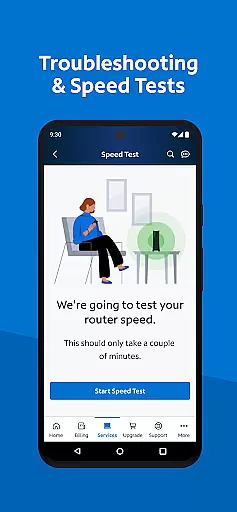
Beyond billing, the app provides tools for managing mobile services such as checking data usage and adding new mobile lines. It also includes advanced functionalities like WiFi troubleshooting with an enhanced dual Speed Test and finding nearby Spectrum Stores, which contribute to a seamless user experience.
The accuracy and effectiveness of these functions ensure that users can maintain control over their services, leading to increased satisfaction and convenience. By consolidating all these capabilities into one platform, the My Spectrum App delivers a reliable and efficient tool for managing your Spectrum account.
The My Spectrum App stands out not only for its functionality but also for its interface simplicity and intuitiveness. Navigating through the app is straightforward, making it accessible even for those who may not be tech-savvy.
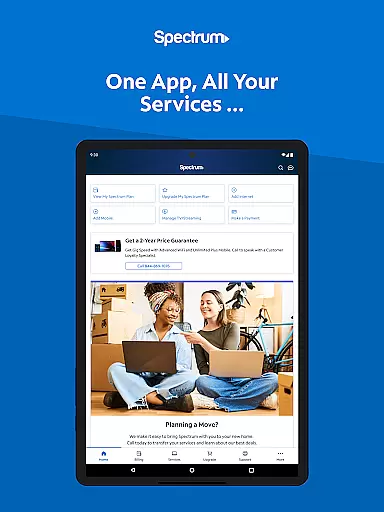
Upon opening the app, users are greeted with a clean home screen that provides quick access to vital notifications regarding billing, equipment, activation, and outages. This immediate visibility ensures that users stay informed about their service status without having to dig deep into menus.
Moreover, the app offers intuitive management options for both TV and streaming services. Users can easily view their channel lineup, manage streaming subscriptions, and customize their viewing experience with premium add-onsu2014all within a few taps. The language toggle feature further enhances accessibility by allowing users to switch between English and Spanish effortlessly.
Overall, the simplicity and intuitiveness of the My Spectrum App's interface make it an invaluable tool for residential customers looking to efficiently manage their Spectrum services. Its design prioritizes user experience, ensuring that every interaction is smooth and hassle-free.
User-friendly interface
Comprehensive billing options
Bilingual support
Real-time notifications
Enhanced troubleshooting tools
Limited to Spectrum customers
Occasional bugs reported
Requires constant updates
Advanced features need subscription
Customer service response varies

pdf merge, word to pdf, jpg to pdf, edit pdf, convert to pdf and much more!
 4.20
4.20
A powerful, easy-to-use flight computer on your phone or tablet!
3.80
Transfer Files, APK from Phone to Watch & Install.
4.5
Unleash gamepad precision for ultimate mobile gaming dominance.
3.90
PC precision for mobile gaming: dominate with keyboard and mouse!
4.30
Undelete and recover your lost or deleted files with DiskDigger!
3.40
Automate everything from settings to photos, SMS to speech. ADC2 prize winner.
4.10
Button mapper, mouse toggle, sleep timer and a lot of another features
4.50
Protect your device with antivirus, storage cleanup, and system monitoring
4.70
Learn the vast amount of system information about device and monitor it's state
4.70
App to pay for FUTO Keyboard
4.60
Head tracking for PC sim games such as MSFS 2024 or Elite:Dangerous. No headset!
4.50
Just swipe the edge to do something!
4.40
An easy-to-use calculator designed to save time calculating and bending conduit
4.30
Just one-tap to easy translate in any language after calls within seconds.
4.20
A simple app to back up and restore SMS & MMS messages and call logs.
4.10
Detect hidden spy camera with advanced scanning {{ Premium version }}
4.00
This app unlocks the Pro features of the Central for DayZ app
3.60
PDF Reader - Document Viewer: Read, Manage & Organize Your Documents
3.10


User Reviews