
PDF Editor & PDF Converter Pro is a comprehensive document management tool designed to enhance productivity and streamline workflows. This all-in-one solution allows users to convert, edit, merge, split, secure, and optimize PDF files with remarkable ease.
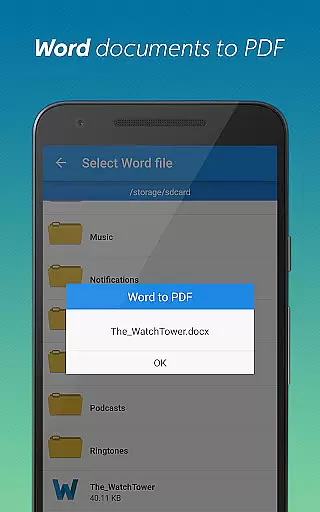
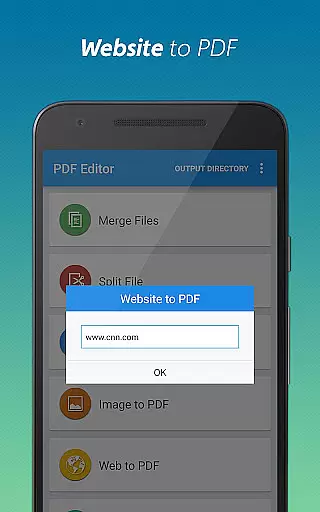
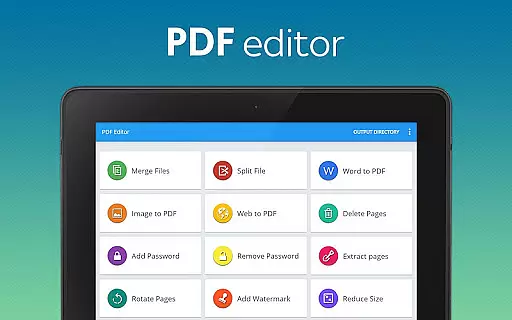
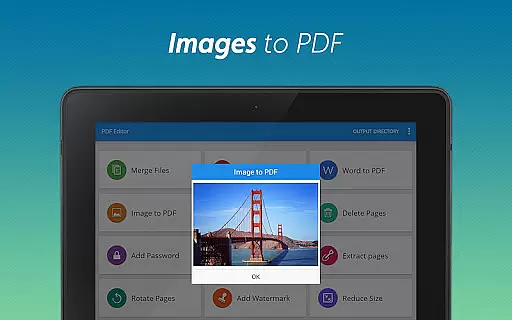
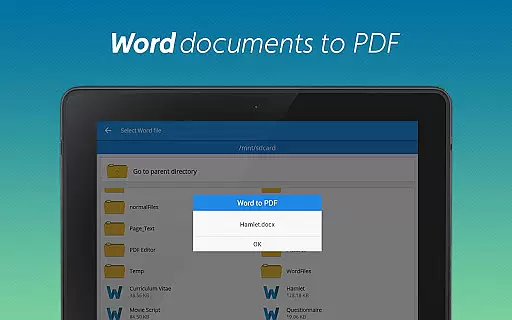
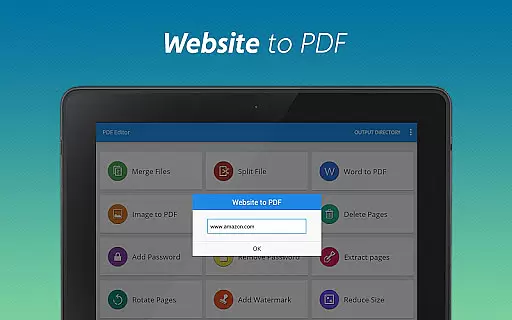
The app's standout features include seamless Word-to-PDF conversion, image-to-PDF transformation, and website archiving capabilities. Users can also add watermarks, rotate pages, compress files, and manage document security through password protection. These robust tools make it an essential companion for professionals, students, and anyone working with digital documents.
Ideal for business environments and academic settings, this application enables efficient document handling across multiple platforms. Its intuitive interface and powerful functionality help users save time while maintaining professional-grade document quality.
This versatile PDF tool distinguishes itself through its comprehensive feature set and user-friendly design. The app supports multiple conversion formats including Word to PDF, image to PDF, and webpage to PDF, making document transformation effortless and accessible.
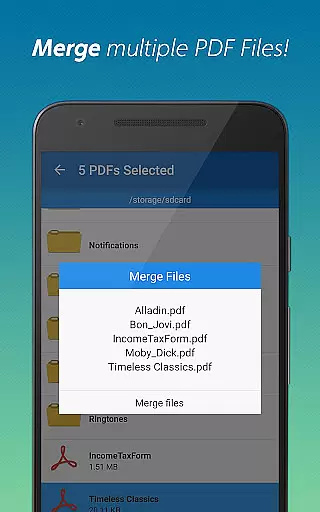
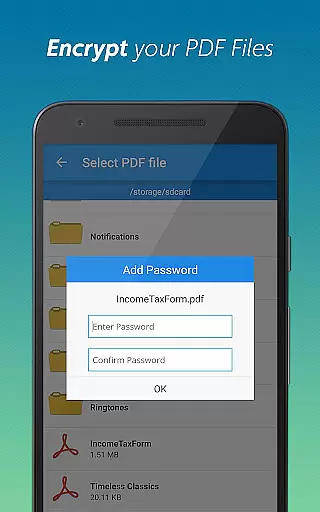
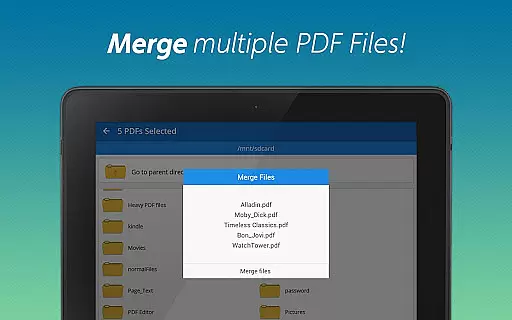
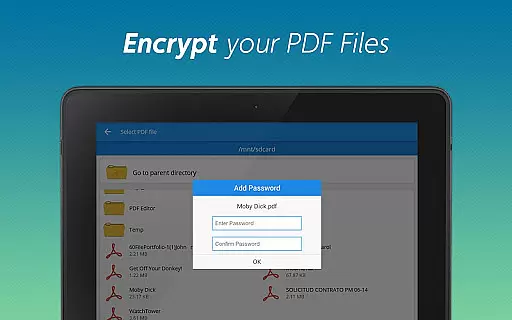
Advanced editing capabilities allow users to merge multiple PDFs, split large documents, delete unnecessary pages, and extract specific sections. Security-conscious users will appreciate the ability to add or remove password protection while maintaining complete control over document access permissions.
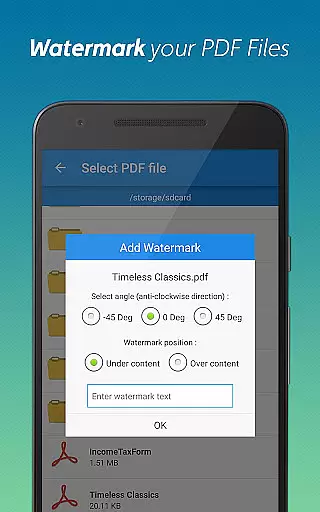
Additional professional-grade features include page rotation for optimal presentation, watermark addition for document branding, and file compression for efficient sharing. Each function is carefully designed to maintain document integrity while delivering exceptional performance across various use cases.
When it comes to document management, the precision and effectiveness of core functions are paramount. PDF editor & PDF converter pro offers a comprehensive suite of tools that ensure every conversion, merge, split, or security action is executed with utmost accuracy.
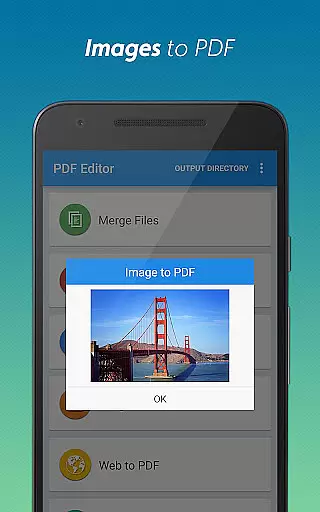
The app's ability to convert Word documents to PDFs and images to PDFs demonstrates its robust processing capabilities. These conversions retain original formatting and quality, ensuring professional-grade results every time. The website to PDF feature further extends this accuracy by allowing users to save web content in a reliable and organized manner.
Users benefit from advanced functionalities like password protection, watermark addition, and page manipulation features that work seamlessly. Each tool has been optimized for efficiency, enabling quick processing without compromising on output quality. This reliability makes the app suitable for both personal and professional document management needs.
The true value lies in how these accurate core functions translate into productivity gains. By providing dependable tools that work as expected, users can focus on their primary tasks rather than troubleshooting conversion issues or fixing formatting errors, making their document workflow more streamlined and efficient.
A user-friendly interface is essential for productivity tools, and PDF editor & PDF converter pro excels in providing an intuitive experience. The app's design emphasizes ease of use, ensuring that even first-time users can navigate its features effortlessly.
All key functions are readily accessible through a well-organized menu system. Whether you're converting files, merging PDFs, or applying security measures, each action can be completed within a few taps. The straightforward layout eliminates unnecessary complexity, making document management accessible to users of all technical skill levels.
The app employs familiar UI patterns and logical workflows that reduce the learning curve. For instance, the drag-and-drop functionality for file selection and the preview options before finalizing conversions help users work more confidently. Visual indicators and clear status messages keep users informed throughout each operation.
This intuitive design approach not only enhances user satisfaction but also improves overall efficiency. When users can complete their document tasks quickly and accurately without needing extensive training or support, they can dedicate more time to their core activities, ultimately boosting their productivity.
User-friendly interface
Comprehensive feature set
Efficient document processing
Robust security options
Cross-platform compatibility
Premium features require subscription
Occasional performance slowdowns
Limited free conversion quota
Advanced options may overwhelm beginners
Storage space requirements

 4.50
4.50
Easily install aab(Android App Bundle) files on your Android device with our app
4.80
HD Camera captures every special moment.
4.60
Extremely fast, secure, and protects your privacy
4.80
Undelete and recover your lost or deleted files with DiskDigger!
3.40
Support Fossify apps with a warm thank you!
5.00
Mirror your screen to Fire TV - Super fast and simple
4.40
Screen Mirroring for Roku Sticks, Roku TCL TV and Roku Hisense TV
4.50
Pro Emulator is an easy to use game console emulator for a range of consoles.
4.40
The ultimate tool for network analysis, wifi scanning and problem detection.
4.90
Enjoy smooth gameplay with Game Booster
4.90
Monitor car performance in real time and troubleshoot malfunctions.
4.80
Bedrock Together: Join any bedrock server on Xbox/PS
4.80
Optimize your WiFi network, turn your phone into Wifi Analyzer
4.70
Small and simple app to Verify Root Access and BusyBox Install!
4.70
eXtended Permission Manager - a small app to manage permissions and AppOps
4.50
Game Booster, GFX Tool is now compatible with newer game update
4.50
Family Locator, Share location, StayConnect with your family in real time
3.90
PDF Reader - Document Viewer: Read, Manage & Organize Your Documents
3.10


User Reviews