
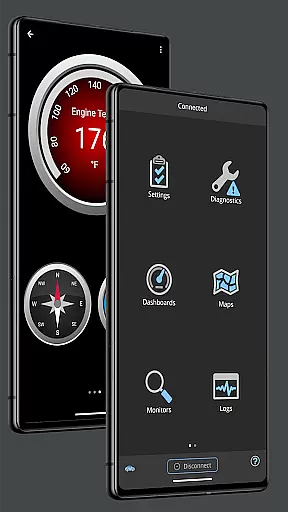
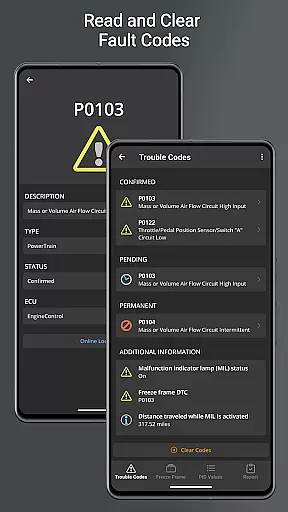
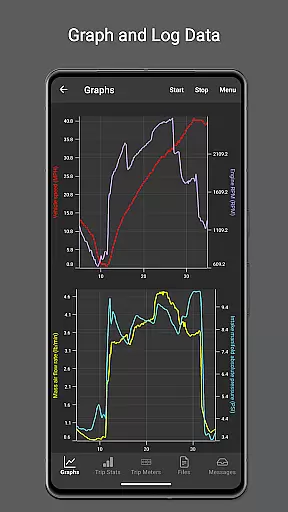
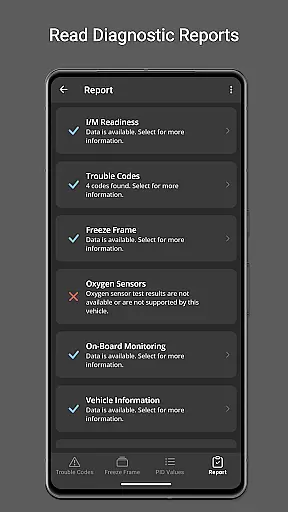
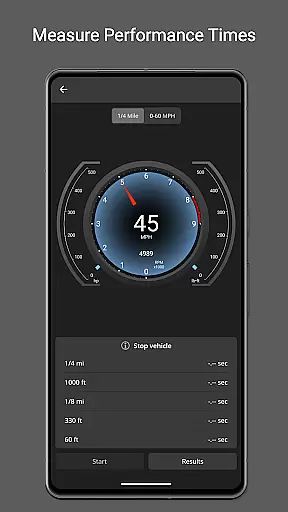
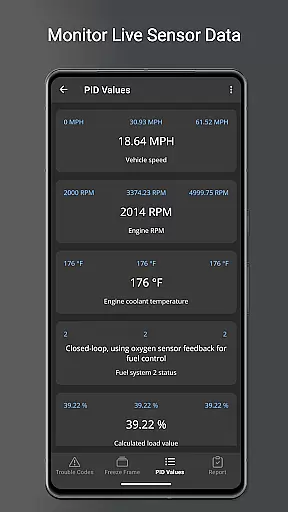
OBD Fusion is a comprehensive vehicle diagnostics tool designed for Android users, enabling direct access to OBD2 vehicle data. This app stands out by offering professional-grade features that cater to car mechanics, DIY enthusiasts, and everyday drivers alike. With capabilities ranging from reading diagnostic trouble codes to monitoring fuel economy, OBD Fusion transforms your smartphone or tablet into an advanced automotive scanner.
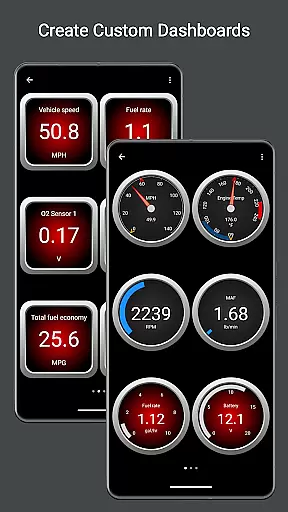
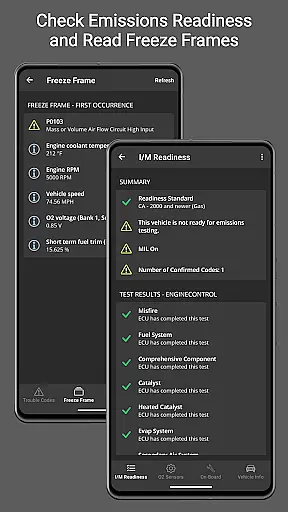
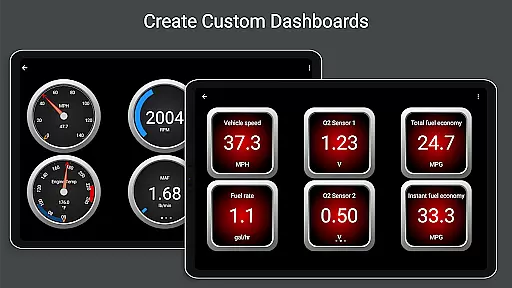
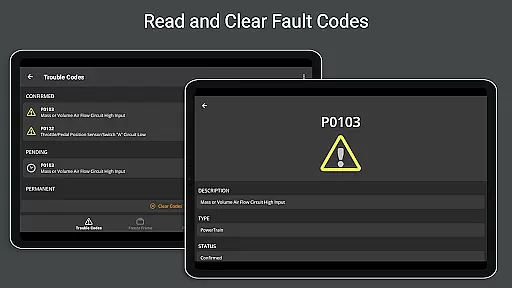
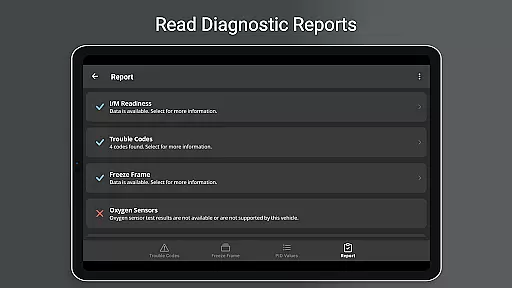
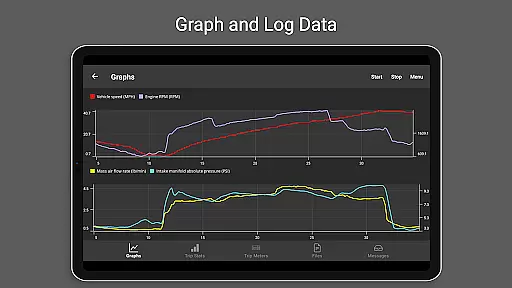
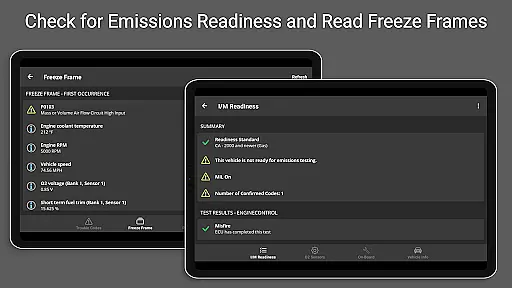
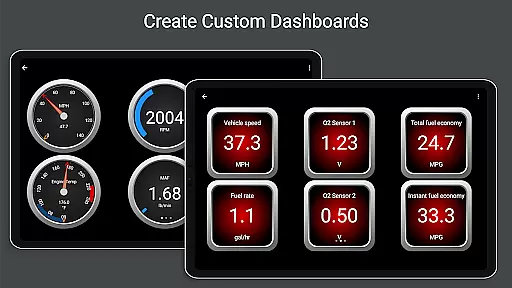
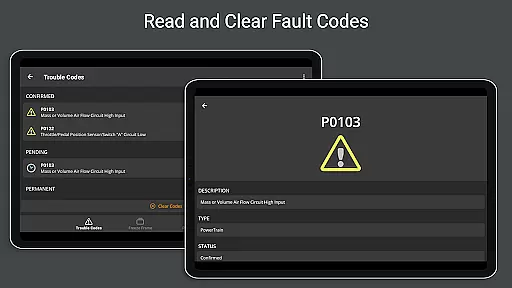
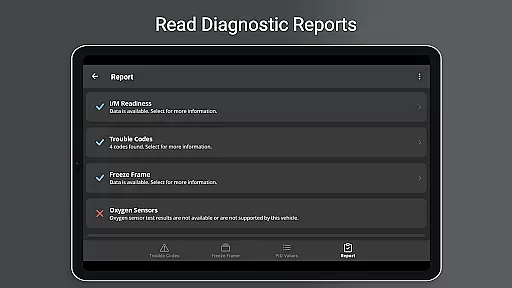
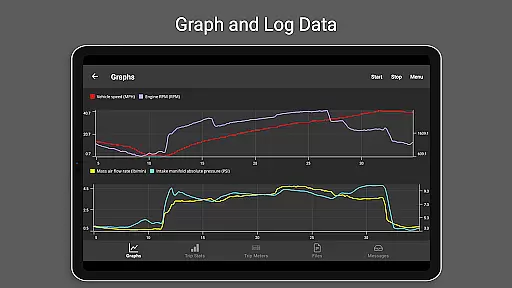
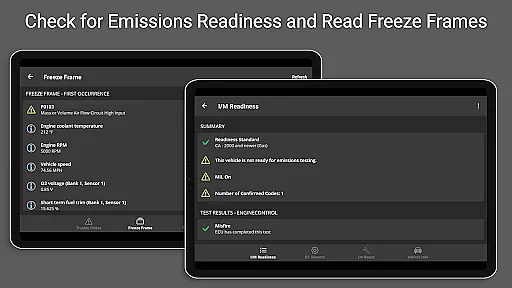
One of the key strengths of OBD Fusion lies in its versatility and depth of functionality. Users can create customizable dashboards, view real-time graphs of vehicle sensors, and even generate full diagnostic reports. Whether you need to clear your check engine light, track fuel usage during daily commutes, or analyze emission readiness status, this app provides the necessary tools to keep your vehicle in optimal condition while delivering actionable insights.
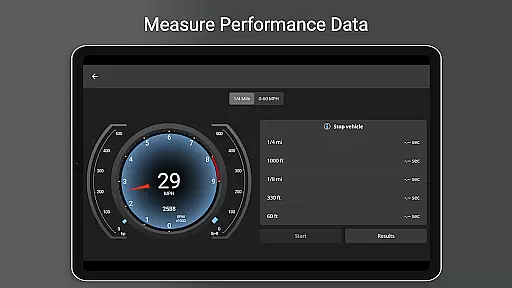
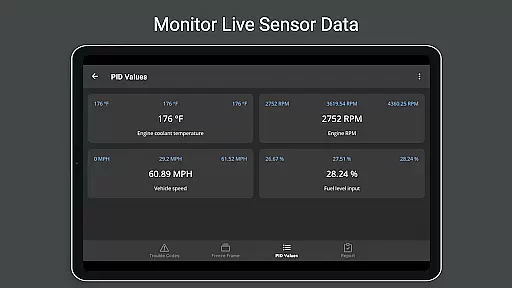
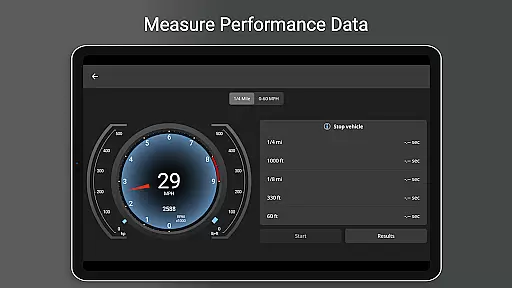
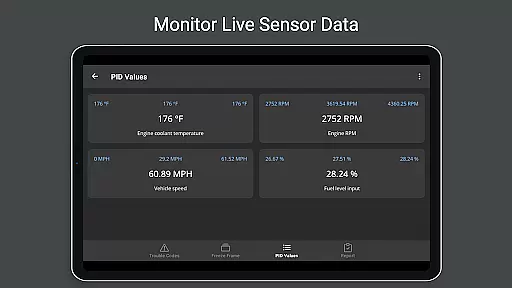
OBD Fusion distinguishes itself through an impressive array of specialized features tailored for both casual users and automotive professionals. The app supports over 150 standard parameter IDs (PIDs), allowing detailed monitoring of engine performance metrics such as turbo boost pressure, air-to-fuel ratio, and engine torque. These capabilities are complemented by advanced functionalities like custom PID creation and multiple trip meter tracking for fuel economy and EV energy efficiency.
Another standout aspect is its compatibility with various connection methods including Bluetooth, USB, and Wi-Fi adapters, making it adaptable to different user preferences and hardware setups. Additionally, the inclusion of Android Auto support (excluding dashboard gauges) and multilingual interface options enhances accessibility. The ability to log data in CSV format for spreadsheet analysis further demonstrates the app's commitment to providing practical solutions for vehicle maintenance and performance optimization.
Real-time messaging speed and reliability are crucial for effective communication within the OBD Fusion app. This feature ensures that data between your Android device and the vehicle's onboard diagnostics system is transmitted without delays or interruptions.
OBD Fusion achieves this by maintaining a stable connection with compatible scan tools, allowing users to receive instant feedback on their vehicle's performance metrics. Whether you're monitoring engine parameters or clearing diagnostic trouble codes, the real-time interaction provides an immediate response, which is essential for both professional mechanics and DIY enthusiasts.
The benefit of such reliable messaging is evident when performing tasks like reading live sensor data or conducting emission tests. Users can trust that the information displayed on their dashboards reflects the current state of the vehicle, enabling them to make informed decisions quickly. With OBD Fusion, there's no need to wait for data updates; they appear as they happen, enhancing the overall user experience.
This seamless flow of information not only saves time but also increases productivity during vehicle diagnostics. Mechanics can diagnose issues faster, while car owners gain peace of mind knowing they have up-to-the-second details about their caru2019s health at their fingertips.
Media sharing support in OBD Fusion refers to the app's capability to export and share diagnostic data and reports. This functionality is vital for users who need to send detailed vehicle information to mechanics or keep records for future reference.
With OBD Fusion, you can log data into CSV format, which allows for easy integration with spreadsheet applications. This means that whether you're tracking fuel economy over time or analyzing engine performance, you have the flexibility to manipulate and present your findings in a way that suits your needs best.
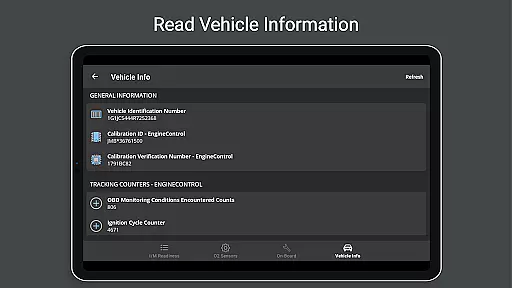
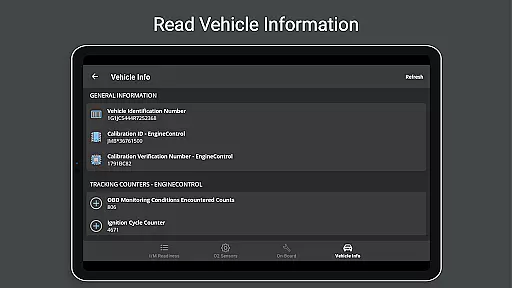
The advantage of having robust media sharing capabilities becomes clear when it comes time to collaborate with others or maintain comprehensive documentation of your vehicle's maintenance history. By exporting full diagnostic reports, including fault code definitions and freeze frame data, users ensure that all parties involved have access to the same accurate and detailed information.
Ultimately, this feature empowers users by giving them control over their vehicle's data. It facilitates better communication between car owners and service providers, potentially leading to more precise repairs and maintenance advice based on shared insights from the OBD Fusion application.
User-friendly interface
Extensive feature set
Real-time data monitoring
Customizable dashboard options
Professional diagnostic tools
Requires compatible adapter
Some features need premium
Complex for beginners
Occasional connectivity issues
Limited free version

Enables Plus features of Quick Search.
 4.0
4.0
We’re taking the yada yada out of wireless—now we’ve taken it out of your app.
4.70
Secure Messaging App to Enhance Messenger Texting Experience and Organize SMS.
3.50
Identify unknown numbers, block spam calls, customize calls with cool themes.
4.60
Browse fast on Opera Mini, with Data Saving, News, Football Scores, and Download
4.60
2nd Phone Number Line for Anonymous Texting, Calling, and Picture Messages
4.30
Weargram is an unofficial Telegram Client for Wear OS.
3.50
Manage your mobile phone plan, check unlimited 5g data usage and track rewards
4.50
Enhance browsing with AI-powered features and Copilot.
4.70
Messenger for SMS - texting message app, faster, simpler & safer, for you.
4.70
Faster version of Messages. Messenger for your contacts.
4.50
Block spam calls & scam - no more annoying calls with the call blocker function
4.30
Fast Dialer & Contact Manager with Caller ID and Spam Protection
4.00
Measure BHP, Torque & 0-60 Clear car OBD faults View engine data in Google Earth
4.00 3.90
3.90
TeamSpeak - Secure Chat for Gaming & Business
3.10
Watchgram for Telegram: Experience seamless Telegram messaging on your watch
1.80
Radio communication simulator for gaming communities
4.4
Manage Phone Calls, call history, and contacts easily with Phone Pro.
4.4


User Reviews