
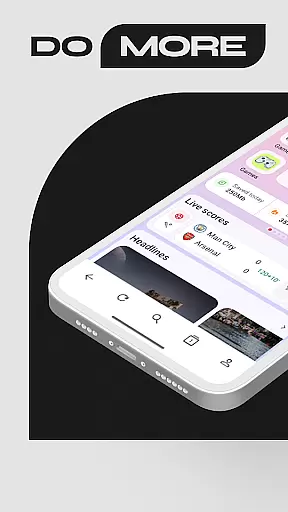
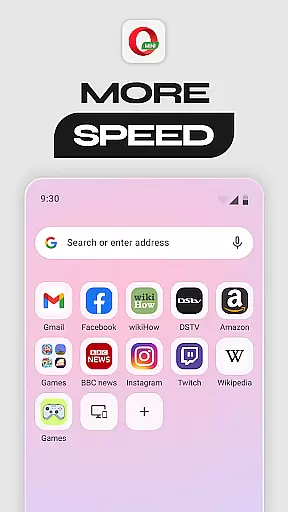
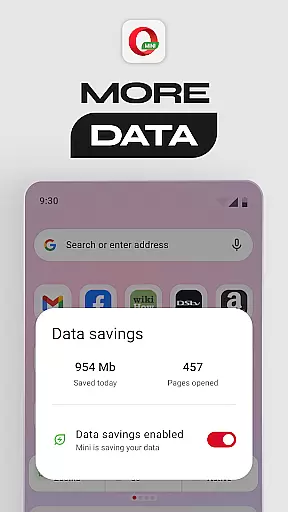
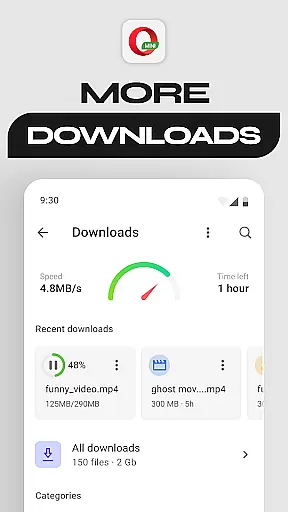
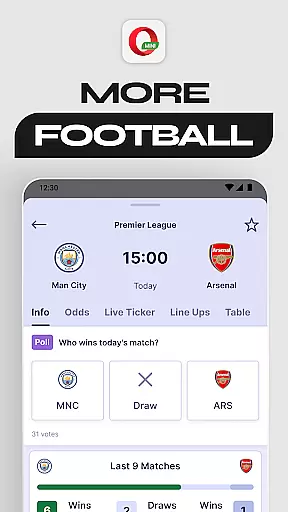
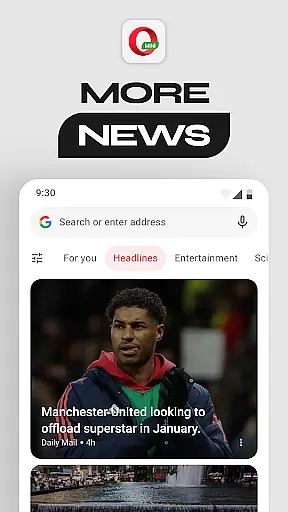
Opera Mini is a lightweight, fast web browser designed for smooth performance even on slow networks. It offers up to 90% data savings, making it ideal for users with limited data plans. With features like Fast Browsing & Downloads, Football Mode, and Locked Mode, Opera Mini ensures both efficiency and entertainment. Available on multiple platforms, this browser provides a secure and customizable browsing experience while keeping users updated with personalized newsfeeds and ad-blocking capabilities.
Its unique combination of speed, security, and personalization makes Opera Mini a top choice for mobile browsing. Whether you're looking to conserve data, stay updated on sports, or enjoy uninterrupted browsing, Opera Mini delivers exceptional value for everyday internet users.
Opera Mini stands out with its robust feature set tailored for modern browsing needs. The Data Savings Mode reduces data usage by up to 90%, allowing users to browse longer without worrying about exceeding their data limits. Its Fast Browsing & Downloads ensure pages load quickly, even on slower connections, providing a seamless user experience.
Additional highlights include Football Mode, which keeps sports enthusiasts updated with live scores and news from leagues like the Premier League and UEFA Champions League. The Locked Mode adds an extra layer of security by protecting private browsing sessions behind a PIN. With further options like Night Mode, Offline Pages, and a built-in Video Player, Opera Mini caters to diverse user preferences while maintaining high performance standards.
Real-time messaging speed and reliability are crucial for a seamless communication experience. Opera Mini ensures that users can browse and interact with web content without frustrating delays, even on slower networks.
The browser's optimized data compression technology reduces page loading times significantly. This means you can send and receive messages on web platforms faster than ever before, ensuring your conversations flow smoothly without unnecessary interruptions.
Opera Mini also offers a stable browsing environment, minimizing the chances of unexpected crashes or connectivity issues. This reliability is essential when staying connected with friends, family, or colleagues online.
With its fast browsing capabilities and dependable performance, Opera Mini enhances real-time communication, making it an excellent choice for users who prioritize speed and stability in their messaging activities.
Media sharing support is a vital feature for modern browsers, allowing users to share images, videos, and other files effortlessly. Opera Mini excels in this area by providing robust options for uploading and downloading media files quickly and efficiently.
The browser's data-saving mode does not compromise the quality of media files, ensuring that photos and videos retain their clarity and detail during transfers. This makes Opera Mini ideal for users who frequently share high-quality media but are conscious of their data usage.
Additionally, Opera Mini supports various file formats, giving users the flexibility to share different types of media without compatibility issues. Whether you're posting on social media or sending files via email, Opera Mini handles all your media-sharing needs with ease.
By combining efficient data usage with comprehensive media support, Opera Mini ensures that users can share content freely and reliably, enhancing their overall communication experience.
Fast page loading
Up to 90% data saving
Secure PIN lock
Free ad-blocker
Personalized newsfeed
Limited desktop features
No cloud sync
Basic UI design
Fewer extensions
Occasional bugs

Enjoy secure messaging & calling. Safe Messenger: group chats, calls, messages.
 4.20
4.20
Quickly and easily identify and block unknown callers
3.70
This app enables the phone to receive and send FT8 traffic!
3.80
Caller ID App! Add names & photos to unknown calls & Call Recording
4.40
Fun, free app that lets kids video call and message family and close friends.
3.80
Bringing the functionality of Winlink to your Android device
4.2
BE PRIVATE
Anonymous. No Trace. Fast.
4.20
Caller ID, Spam Call & SMS Blocker
3.80
Useful. Social. Expressive.
4.70
Welcome to the future of phone service.
4.60
Messenger, an MMS & SMS messages app with Blockers, Driving mode & Private box
4.60
Create a secure hotspot on-the-go with Portable WiFi - Mobile hotspot.
4.40
Call Blocker app: Identify unknown callers, block spam calls, fraud & robocalls
4.30
HD Video Meeting app is a fast & unlimited video conferencing app across world.
4.30
Messages is Private SMS Messenger 2023 with text message, instant messaging.
4.00
A softphone with crystal clear SIP Calling & Reliable VoIP dialer
4.00
Measure BHP, Torque & 0-60 Clear car OBD faults View engine data in Google Earth
4.00
At select facilities, you now have an easy way to video visit your loved ones!
3.30
An app dedicated solely to marriage, not dating, and supported by a rigorous verification mechanism to ensure seriousness.
4.2


User Reviews