






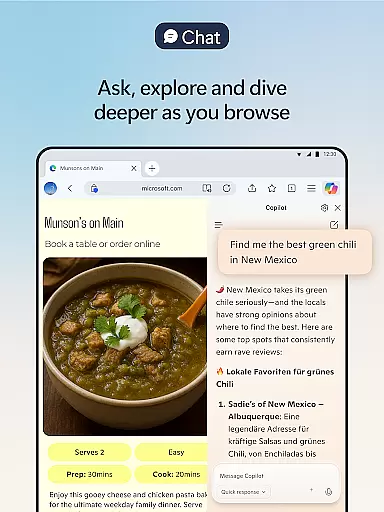

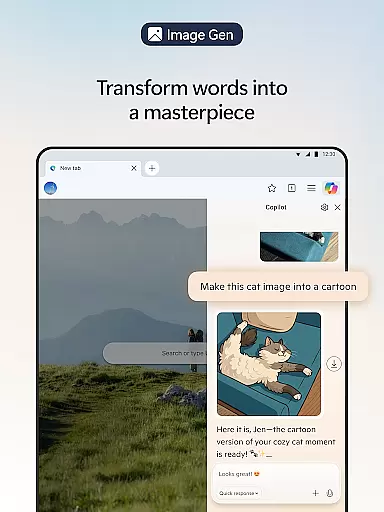



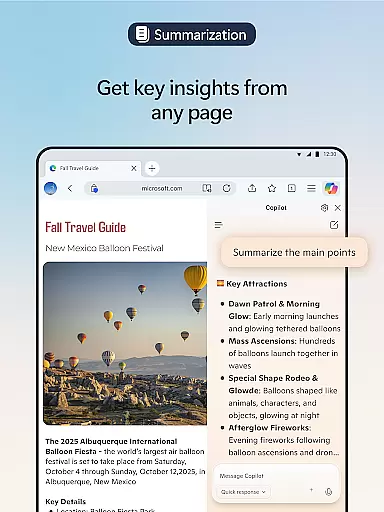
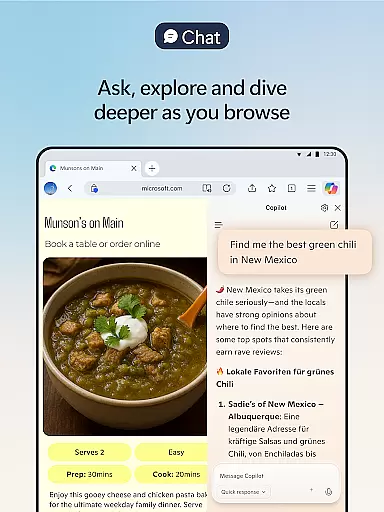

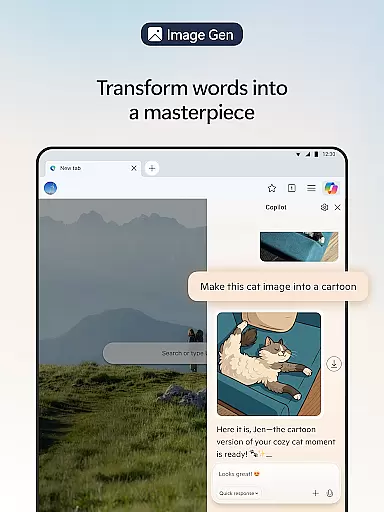

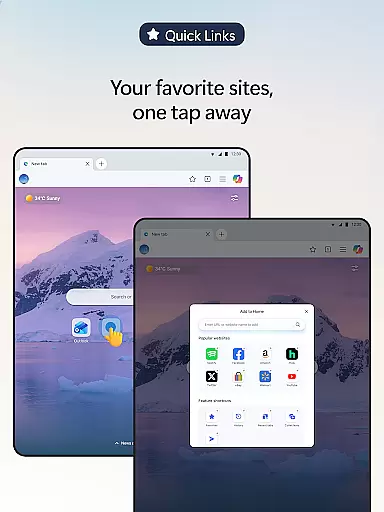

Microsoft Edge is a cutting-edge AI-powered web browser that integrates Copilot, your personal AI assistant, to revolutionize the browsing experience. With capabilities powered by advanced models from OpenAI and Microsoft, including GPT-5, this browser offers smarter tools for summarizing content, answering queries, and even generating images. Designed for productivity and efficiency, Edge ensures users can browse, create, and accomplish tasks seamlessly.
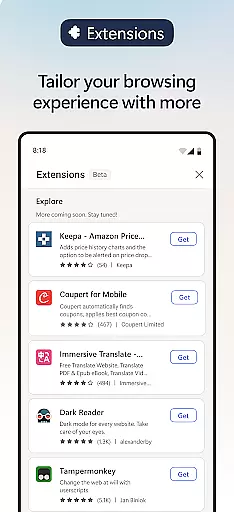
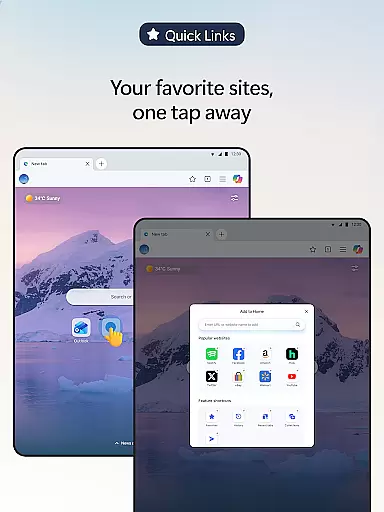
Beyond its AI functionalities, Microsoft Edge provides robust customization options through extensions like cookie management, speed controls, and website theme adjustments. Privacy and security are prioritized with features such as tracking prevention, InPrivate browsing, AdBlock, and Microsoft Defender SmartScreen. Whether you're looking to enhance productivity or safeguard your online presence, Microsoft Edge delivers a fast, secure, and personalized browsing experience.
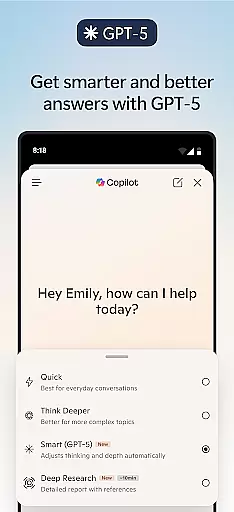
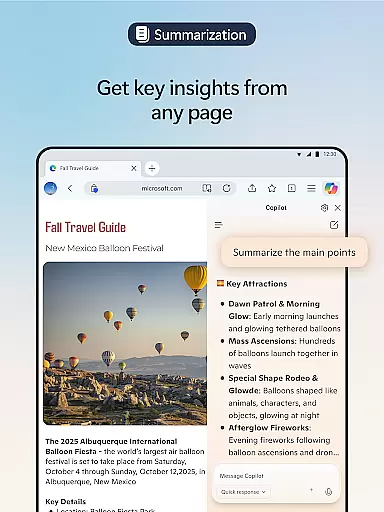
Microsoft Edge stands out with its innovative AI-driven features designed to optimize how users interact with the web. At its core is Copilot, an AI assistant that transforms browsing by delivering faster search results, summarizing lengthy articles, videos, and PDFs, and providing cited insights within seconds. The integration of GPT-5 ensures intelligent responses tailored to the complexity of user queries, making it adaptable for both quick answers and deeper analysis.
In addition to AI capabilities, Edge offers practical tools for content creation and multitasking. Users can leverage Copilot's voice commands for hands-free brainstorming, scriptwriting, or drafting polished content. Extensions further enhance functionality, enabling cookie management, video speed control, and more. For safety, features like Tracking Prevention, InPrivate mode, and AdBlock Plus ensure a secure browsing environment free from intrusive ads and potential threats.
Real-time messaging speed and reliability are crucial for a seamless communication experience. Microsoft Edge ensures this through its advanced AI capabilities, making interactions swift and dependable.
The browser's built-in Copilot feature leverages the latest AI models from OpenAI and Microsoft to facilitate instant responses and actions. Whether you're summarizing content or generating images, Copilot ensures that your requests are handled promptly and accurately.
Users benefit from reduced latency in processing queries and executing commands, which enhances productivity and user satisfaction. This immediacy in feedback fosters an engaging environment where tasks can be accomplished efficiently without unnecessary delays.
Moreover, the integration of GPT-5 guarantees that the system knows when to respond quickly or take more time to think deeply about complex questions. This balance ensures reliable performance tailored to the task at hand, providing users with expert-level results effortlessly.
Media sharing support is essential for modern web browsers, enabling users to exchange files seamlessly across platforms. Microsoft Edge excels in this area by offering robust media sharing capabilities integrated into its core functionalities.
With features like Read Aloud, users can listen to content while multitasking or improve reading comprehension in their preferred language. Available in various natural-sounding voices and accents, this tool enhances accessibility and convenience when consuming media.
Additionally, Edge's extensions ecosystem allows for further customization of media handling. Extensions such as cookie management, speed control for videos and audios, and website theme customization empower users to tailor their browsing experience according to specific needs.
By combining these advanced tools with secure browsing practices, Microsoft Edge provides a comprehensive solution for efficient and safe media sharing, ensuring that users can share and consume content confidently and effectively.
Advanced AI integration
Customizable extensions
Robust privacy tools
Fast performance
Multilingual support
Resource-intensive
Limited offline use
Complex UI for beginners
Frequent updates required
Privacy concerns with data

Radio communication simulator for gaming communities
 4.0
4.0
Enjoy secure messaging & calling. Safe Messenger: group chats, calls, messages.
4.20
Manage BoostMobile Account
4.60
Chat on the Jabber network (XMPP protocol); support for SMS and other gateways
2.10
Create a secure hotspot on-the-go with Portable WiFi - Mobile hotspot.
4.40
Chill zone on your phone: relax with fun reels & hype shorts!
4.20
Manage Phone Calls, call history, and contacts easily with Phone Pro.
4.5
SMS Messenger is a lightning-fast messaging app.
4.20
Share the moment!
4.10
Talk & text free with a second phone number plus unlimited 5G data, no fees.
4.50
Call Blocker app: Identify unknown callers, block spam calls, fraud & robocalls
4.30
Group Chat That’s Fun & Games
4.30
Messenger app for faster and simpler SMS text messaging, and personalized themes
4.10
WazzapMigrator: transfer your WhatsApp history from iPhone to Android
4.00
Telegram is a messaging app with a focus on speed and security.
4.00
Call Forwarding is easy and simple application to use.
3.80
Manage and Fund Calling Accounts and Schedule and Join Video Sessions
3.60
At select facilities, you now have an easy way to video visit your loved ones!
3.30
Auto Reply SMS, Text Messaging, Away SMS Response, Busy SMS messages, Block Text
3.10


User Reviews