
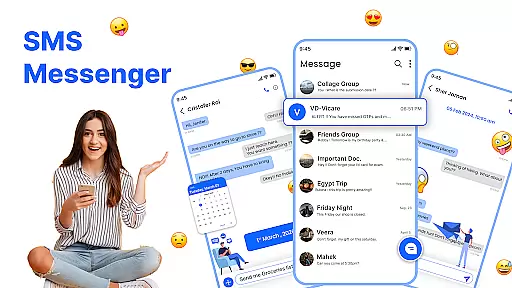
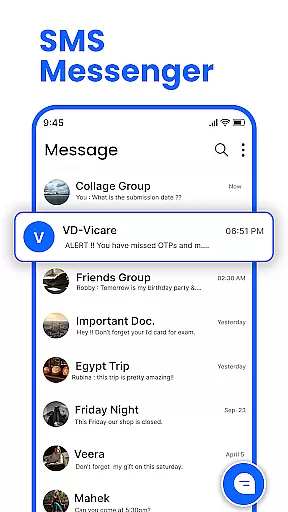
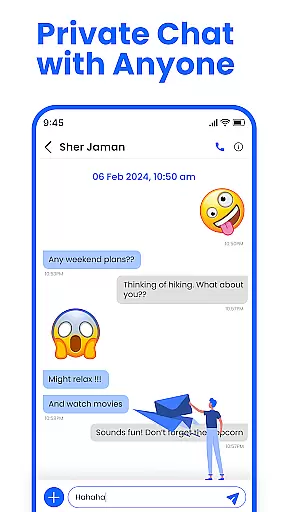
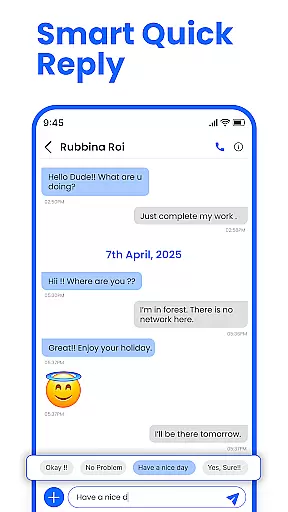
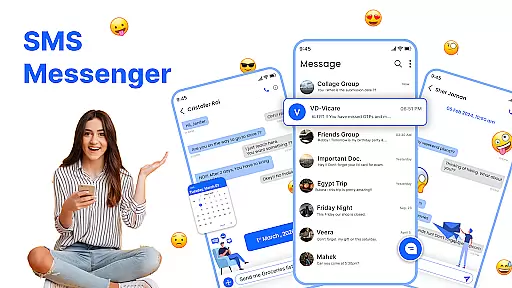
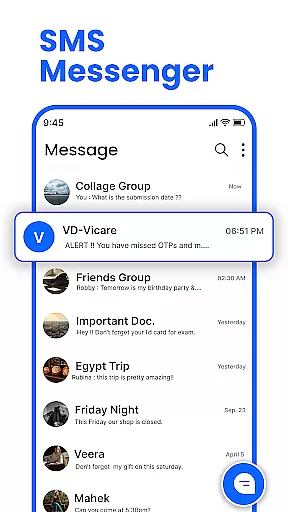
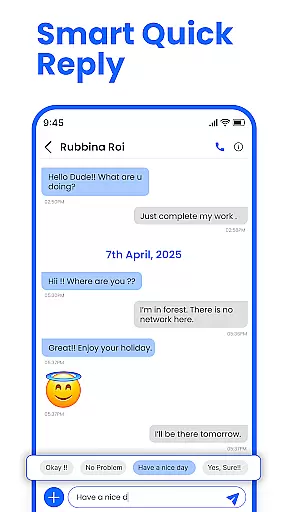
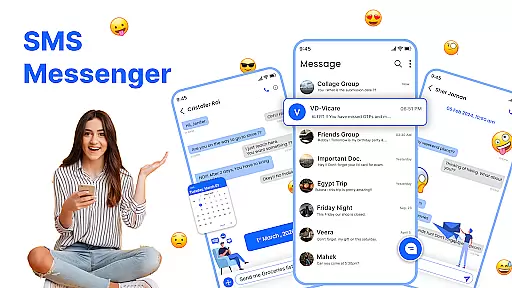
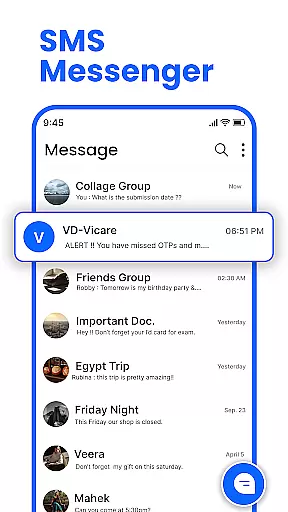
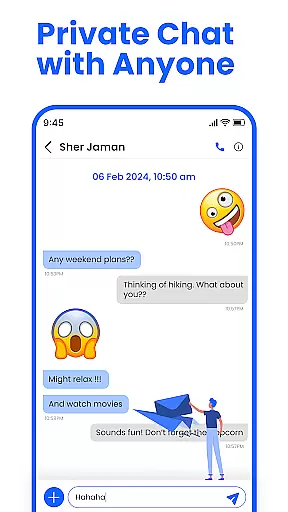
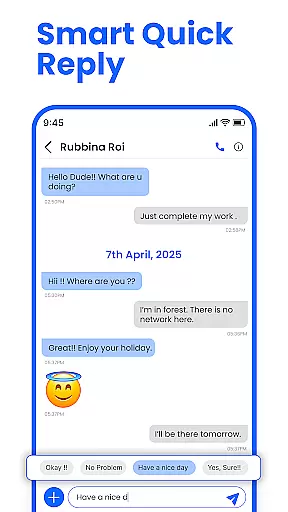
Messenger: SMS Home is a feature-rich communication app designed to enhance your texting experience on Android devices. The app serves as an all-in-one solution for managing SMS messages, offering users the ability to send instant texts, schedule future messages, and block unwanted spam.
What sets this app apart is its customizable home layout that allows users to personalize their messaging interface. With compatibility across various Android devices including Samsung, Google Pixel, and Motorola, Messenger ensures a seamless performance while providing powerful tools like swipe actions and scheduled messaging.
Whether you're looking to organize your inbox, set up birthday reminders, or simply express yourself through text, this app provides the features needed to stay connected with friends and family while maintaining full control over your messaging experience.
The Messenger: SMS Home app boasts an impressive array of features that cater to both basic and advanced messaging needs. One standout capability is the Smart Launcher functionality, which provides quick access to essential SMS organization tools directly from the home screen.
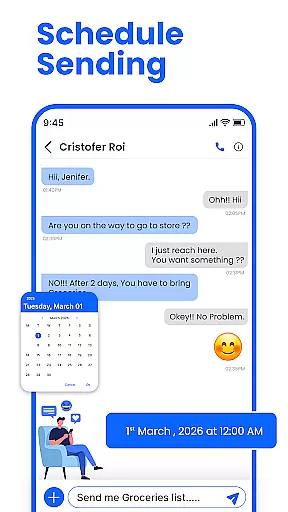
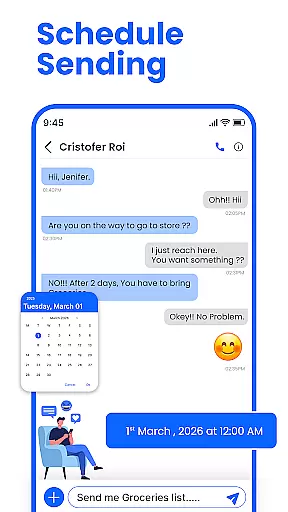
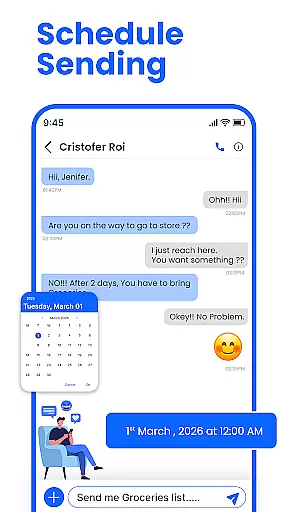
For users seeking more control over their communication timing, the app offers a robust scheduling feature. This allows you to compose messages in advance and have them delivered at precise dates and times, perfect for remembering important events or managing work-related communications.
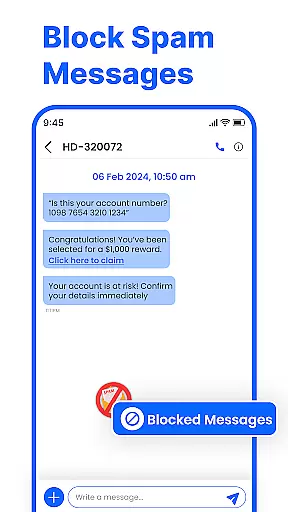
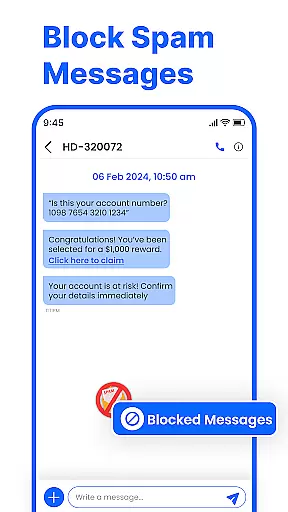
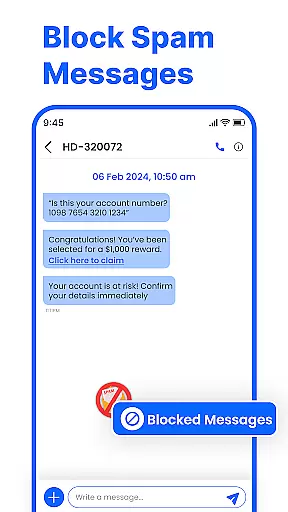
Security and convenience are prioritized through advanced spam-blocking capabilities and intuitive swipe actions. These features enable users to maintain a clean inbox by easily archiving, deleting, or marking messages while keeping unwanted promotional content at bay.
Real-time messaging speed and reliability are crucial for maintaining seamless communication in any messaging app. Messenger: SMS Home ensures that messages are delivered instantly, allowing users to stay connected without delays.
The app employs advanced synchronization techniques to ensure message delivery even under fluctuating network conditions. This means you can send and receive messages without worrying about connectivity issues interrupting your conversations.
For users, this translates into a dependable communication tool where important messages reach their destination promptly. Whether it's urgent work-related information or casual chats with friends, the assurance of timely delivery enhances the overall user experience.
Moreover, the robust infrastructure supporting this real-time capability guarantees minimal downtime, making Messenger: SMS Home a reliable choice for all your texting needs.
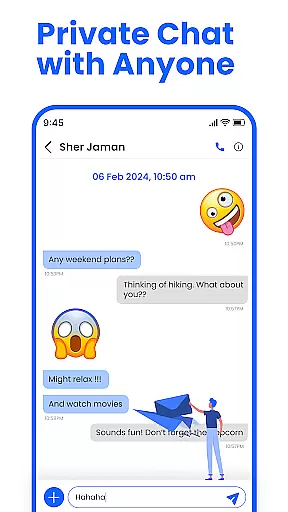
Media sharing support is an essential feature in modern messaging apps, enabling users to share photos, videos, and other files effortlessly. Messenger: SMS Home offers comprehensive media sharing capabilities that enhance user interaction and engagement.
The app supports various file formats, ensuring compatibility across different media types. Users can easily send high-resolution images and videos without compromising on quality. Additionally, the app optimizes file sizes for faster transmission without losing significant detail.
This functionality enriches the communication experience by allowing users to express themselves more vividly through multimedia content. Sharing memorable moments becomes hassle-free, fostering closer connections among friends and family.
Furthermore, the intuitive interface simplifies the process of selecting and sending media files, making it accessible even for less tech-savvy individuals. Overall, Messenger: SMS Home excels in providing a versatile platform for all forms of digital communication.
User-friendly interface
Customizable home layout
Powerful spam protection
Scheduled messaging feature
Cross-device compatibility
Limited iOS support
Advanced features locked
Occasional bugs reported
High storage usage
Ads in free version

Official NDI app: turn your phone into a professional live-streaming IP camera.
 3.20
3.20
Fast and mini browser with Ad Blocker,Video Downloader and Video Player
4.40
Welcome to the future of phone service.
4.60
Faster version of Messages. Messenger for your contacts.
4.50
RemoteHams.com Android RCForb Client Pre-Release
4.30
Bringing the functionality of Winlink to your Android device
4.4
A customizable phone number in the cloud
4.20
Fast internet with AI, Adblock & VPN. Browse on a safe, incognito web browser.
4.70
Get through your inbox faster with the mail app designed to simplify your life.
4.40
Useful. Social. Expressive.
4.70
Use this SMS app standalone or as a TREK: Total Interface companion.
4.30
Fast and simple walkie talkie app
4.20
Enjoy secure messaging & calling. Safe Messenger: group chats, calls, messages.
4.20
Chill zone on your phone: relax with fun reels & hype shorts!
4.20
Threema is the messenger with the most consistent focus on security and privacy.
4.00
Measure BHP, Torque & 0-60 Clear car OBD faults View engine data in Google Earth
4.00
This app enables the phone to receive and send FT8 traffic!
3.80
Message and video call your family and friends in HD!
3.80
An app dedicated solely to marriage, not dating, and supported by a rigorous verification mechanism to ensure seriousness.
4.1


User Reviews