
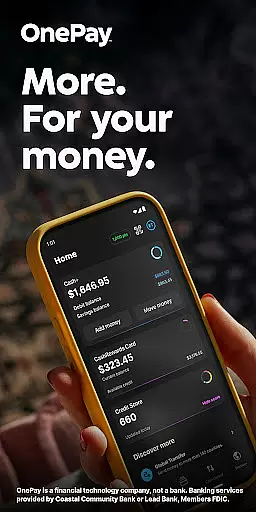
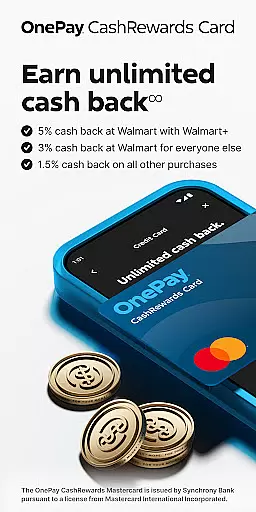
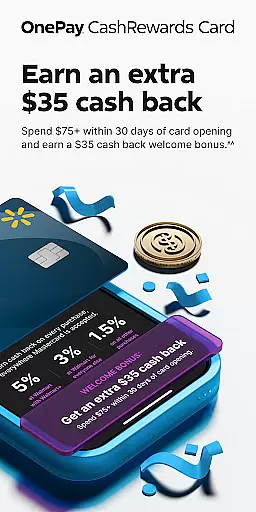
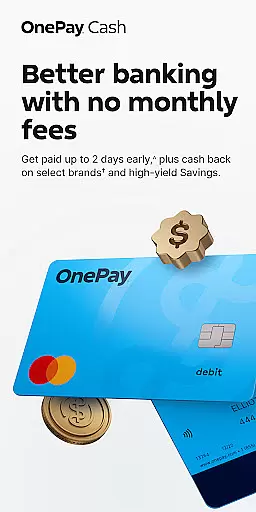
OnePay - Mobile Banking is a comprehensive financial technology application that offers users an innovative way to manage their finances. As a non-bank financial service provider, OnePay partners with established banking institutions like Coastal Community Bank and Lead Bank to deliver FDIC-insured banking services. The app provides users with access to features such as the OnePay CashRewards Mastercard and Debit Card, both issued under license from Mastercard International Incorporated.
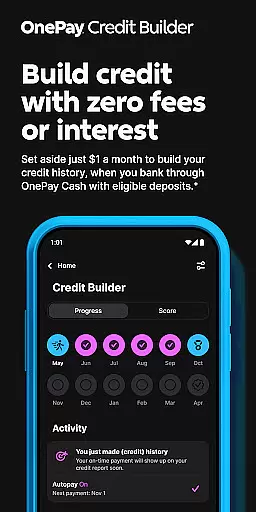
The core functionality of OnePay revolves around its digital banking capabilities, including direct deposit requirements, cash back rewards earned as OnePay Points, and credit building tools. Users can enjoy benefits like Savings Backup and Fee-Free Overdraft when eligible deposits are met. Additionally, the app supports loan management through its Credit Builder Program, which operates at 0% APR for a 12-month period.
OnePay is particularly useful for individuals seeking a modern banking solution that combines traditional banking services with contemporary financial technology. By using this app, customers can conveniently manage their accounts, earn rewards, and build credit while having access to detailed terms and conditions on www.onepay.com/terms.
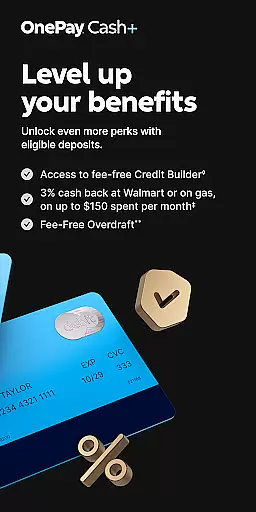
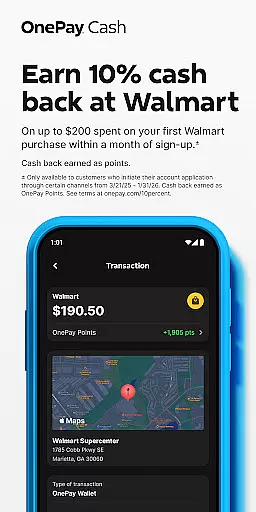
OnePay - Mobile Banking stands out due to its diverse range of features tailored to enhance personal finance management. A significant feature is the ability to earn cash back rewards in the form of OnePay Points, which requires meeting eligible deposit criteria. These points are redeemable into a OnePay Cash account or other options, providing flexibility and value to the user.
The app also includes a Credit Builder Program, allowing users to improve their credit scores by making monthly payments towards a loan. This program holds loan proceeds in a lockbox, ensuring disciplined financial behavior. Furthermore, OnePay offers Savings Backup and Fee-Free Overdraft services, which prioritize user-selected transactions and exclude certain types like bill pay and global transfers.
Additional functionalities include currency exchange services and integration with Mastercard's global network, offering users extensive purchasing power and security. Each feature within OnePay is designed to provide tangible benefits, such as improved financial health, increased purchasing power, and seamless access to funds, setting it apart from conventional banking apps.
Account and fund security is a critical aspect of any financial application, ensuring the safety of user data and transactions. OnePay u2013 Mobile Banking employs advanced encryption protocols to protect sensitive information such as account details and personal data. This ensures that all communications between the app and banking servers remain confidential and tamper-proof.
In addition to encryption, OnePay implements multi-factor authentication processes. Users are required to verify their identity through multiple steps before accessing their accounts or performing significant transactions. This adds an extra layer of security, significantly reducing the risk of unauthorized access even if login credentials are compromised.
OnePay also provides real-time fraud monitoring and alerts. The system continuously analyzes transaction patterns and flags any unusual activities. Users receive instant notifications for suspicious actions, allowing them to take immediate action to secure their accounts. This proactive approach helps in mitigating potential threats swiftly and effectively.
By prioritizing these robust security measures, OnePay not only safeguards user funds but also builds trust. Customers can manage their finances with peace of mind, knowing that their assets and personal information are protected against modern cyber threats.
The transaction experience in a mobile banking app like OnePay is crucial for ensuring smooth and efficient financial operations. OnePay offers a streamlined interface where users can easily initiate and complete various types of transactions, from simple transfers to complex payment schedules. The intuitive design minimizes the steps required, enhancing overall usability and saving time for the user.
Real-time transaction notifications further augment the user experience by providing immediate updates on all financial activities. Users receive alerts for every deposit, withdrawal, or transfer, keeping them informed about their account status at all times. This transparency allows users to track their spending and manage their budgets more effectively.
OnePay also supports extensive transaction history records, enabling users to review past activities effortlessly. Detailed logs of all transactions are maintained, which can be filtered and searched based on date, amount, or type. This feature is particularly useful for reconciling statements or analyzing expenditure patterns over time.
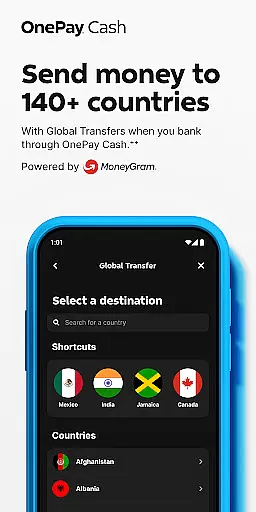
Moreover, OnePay integrates seamlessly with external financial systems, facilitating swift cross-platform transactions. Whether it's paying bills, sending money to friends, or managing international transfers, the app ensures that each process is handled efficiently and accurately. By focusing on delivering a superior transaction experience, OnePay empowers users to handle their finances with confidence and ease.
User-friendly interface
Flexible cash back options
Secure banking services
Comprehensive credit tools
Innovative savings solutions
Limited to eligible users
Dependent on partner banks
Requires direct deposit
Overdraft coverage limits
Variable exchange rates

Currency Converter supports all currencies of the world.
 5.00
5.00
Companies owe you money.
4.80
Play for fun, earn for real. Collect rent by owning virtual land & get cashback
4.60
Bitcoin gpu app helps you remote mine using your cell phone easily .
3.60
Pay rent on your schedule.
4.70
Retirement plan, IRA, retail and HSA customers serviced by Empower.
3.10
The simplest way to budget, bank, save and invest.
4.50
Registration of your debts and Mdionatk and assembled, as well as a significant reports
4.30
Amazing Financial Calculator. Based on HP 10bII, but easier to use!
4.40
Wells Fargo Mobile allows you to access your investment and bank accounts.
4.80
All expenses at a glance.
4.80
Cash Advance, Credit Cards, Credit Lines, Score Monitoring, Saving, Budgeting
4.70
Get a cash advance instantly. File taxes & cover unexpected bills in minutes.
4.60
Banking, Budgeting & Investing
4.60
Real-time tracking: Stocks, Indices, Futures, Commodities, ETF, & Funds prices.
4.60
Manage your account, make a payment, and redeem your rewards on the go.
4.50
Make Real Cash by Playing Games! Fetch Playful Rewards, Win & Triumph
4.50
Read and extract public data on NFC Contactless banking card (VISA, MasterCard
4.30
Make your paycheck work harder for you with Perpay.
4.10


User Reviews