
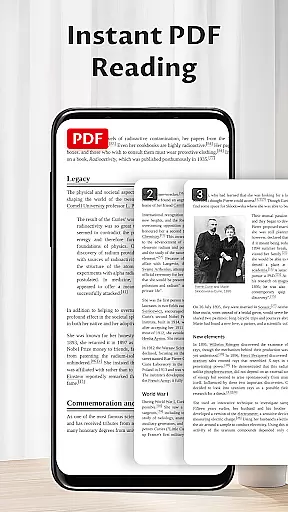
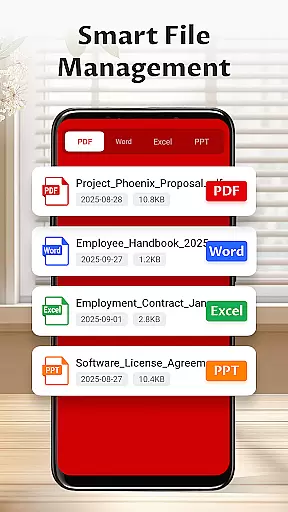
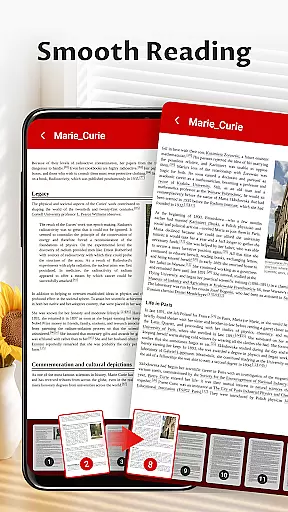
Pocket PDF is a streamlined PDF reader tailored for everyday use, focusing on simplicity and efficiency. This app allows users to open, view, and manage PDF documents with ease, eliminating complex menus and distractions. Designed for those who appreciate a minimalist approach, Pocket PDF offers a clutter-free interface that enhances focus while reading.
With features like local file access, easy sharing options, and simple file deletion, the app provides essential document handling without unnecessary complications. It is particularly suited for business professionals and students who need a reliable tool for their PDF management needs. The app's permission requirements are transparent, ensuring user trust and data security.
Pocket PDF stands out with its clean and intuitive design, offering users a seamless experience in PDF management. The app provides quick access to locally stored PDFs, allowing users to effortlessly retrieve and view their documents. Its minimalist interface removes any extraneous elements, creating an environment conducive to concentration and productivity.
Additional functionality includes easy sharing capabilities, enabling users to send files to colleagues or friends directly from the app. Users can also delete unwanted PDFs with a single tap, streamlining document organization. For Android 11+ users, the app requests MANAGE_EXTERNAL_STORAGE permission to ensure smooth access to files, using this permission solely for necessary document operations.
The combination of these features makes Pocket PDF a practical choice for anyone seeking an efficient and straightforward PDF reader. By focusing on core functionalities, the app delivers a superior user experience that prioritizes performance and ease of use.
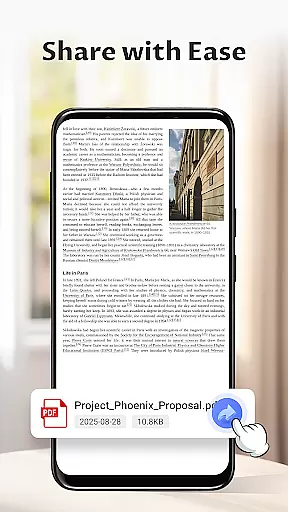
Collaborative work features are essential for modern business applications, enabling teams to work together efficiently regardless of location. Pocket PDF supports this by offering easy sharing capabilities directly within the app.
With Pocket PDF, users can quickly share PDF documents with colleagues via various methods such as email or cloud services. This ensures that all team members have access to the necessary files without any hassle.
The app's minimalist interface further enhances collaboration by providing a distraction-free environment where users can focus on the content of the documents rather than navigating complex menus.
By simplifying document management and sharing, Pocket PDF facilitates seamless teamwork, allowing businesses to maintain productivity and ensure that everyone is on the same page.
Effective task management is crucial for maintaining productivity in a business setting. Pocket PDF contributes to this by offering straightforward file management options that help users organize their tasks more efficiently.
Users can easily delete unnecessary files, keeping their workspace clutter-free and ensuring that only relevant documents are retained. This feature aids in prioritizing important tasks and reducing digital noise.
The app also allows quick access to local PDFs, enabling users to retrieve necessary documents swiftly. This immediate access helps streamline workflows and keeps projects moving forward without delays.
Overall, Pocket PDFu2019s efficient file handling and simple yet powerful features make it an excellent tool for managing document-related tasks, thereby enhancing overall business productivity.
User-friendly interface
Quick PDF access
Easy file sharing
Simple document deletion
Transparent permissions
Limited advanced features
No cloud integration
Basic customization options
Restricted file format support
Minimal collaborative tools

The Penny Puss app with DG penny finder
 4.10
4.10
FaxCover - Create fax cover pages. Works with any app or fax machine.
4.90
One marketplace. Hundreds of services. Unlimited possibilities. All on Fiverr.
4.40
Master crypto trading with real-time simulations and exciting challenges!
4.50
Mobile POS for any business: sales, invoices, retail, restaurants & appointments
4.60
From Gone to Back Again — In Just a Few Taps
4.50
Make invoices, bills, receipts & estimates on the go with Invoice Generator.
4.70
Say hello to the mobile work experience built to help you thrive at work.
4.30
The app that lets you deliver with Amazon.
4.50
Employee Management Made Easy
4.80
The MyWalmart App is available for all associates in stores.
4.70
Use Generative Summary to understand your rental or insurance docs in seconds.
4.70
AI-powered document scanner with auto enhance for perfect PDFs.
4.60
Finance, Investing, Stocks, Trading and Stock news
4.60
Earn money with the driver & delivery partner app for Uber, UberEats & Postmates
4.60
Drive and earn extra money
4.50
Make money as a delivery driver with DoorDash and work when you want as a Dasher
4.30
Shop, deliver, and earn with the Spark Driver™ App
4.10
Take the stress out of storage with the all-in-one app to manage your space.
3.70


User Reviews