
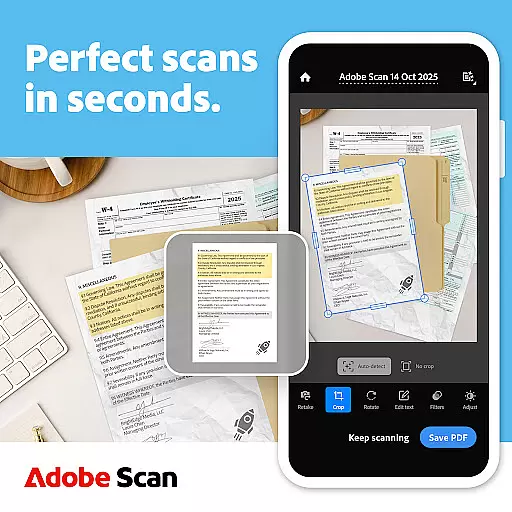
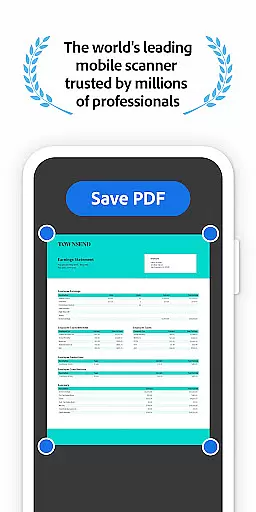
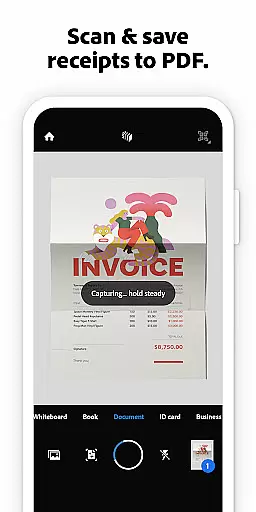
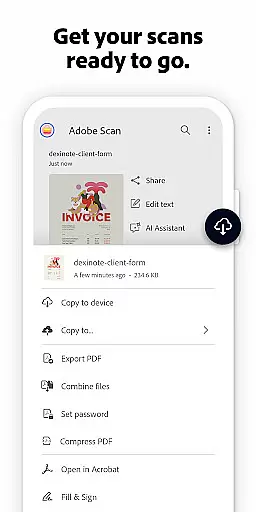
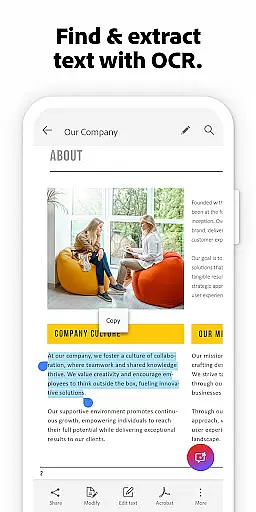

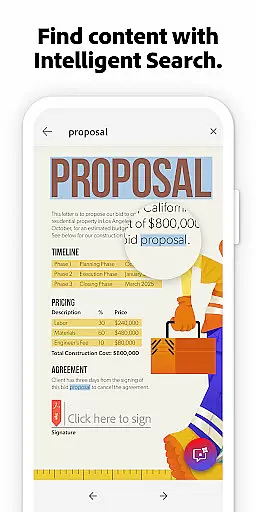
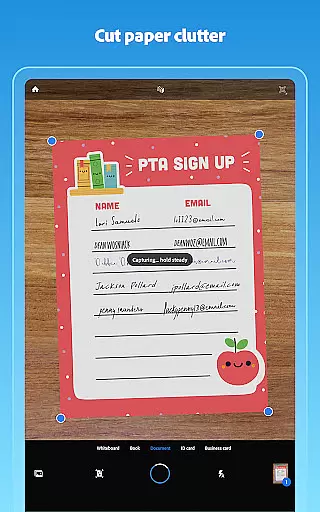
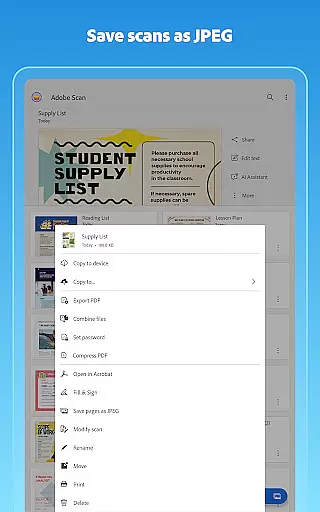
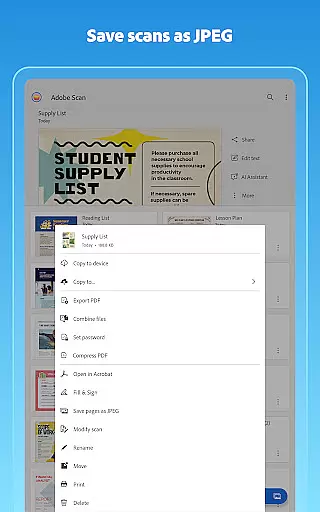
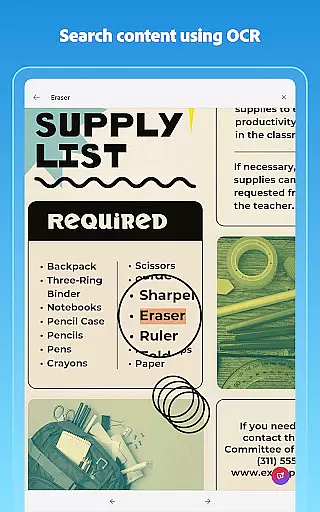
Adobe Scan AI PDF Scanner is a versatile mobile application that transforms your device into a powerful document scanner. It specializes in converting paper documents, images, and various physical materials into high-quality, editable PDFs or JPEGs. The app's advanced OCR technology ensures that text within scans becomes fully searchable and editable, making it an essential tool for both personal and professional use.
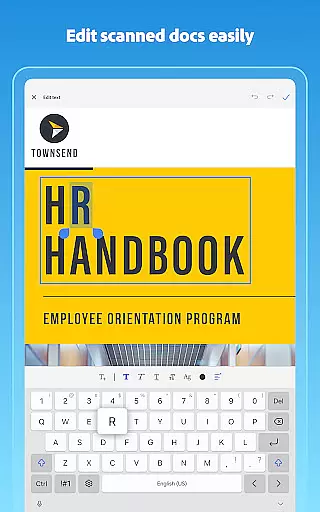
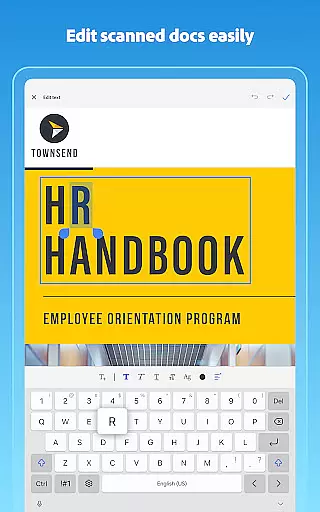
The application offers unique features such as AI-powered summaries, automatic document straightening, and intelligent organization tools. Whether you're digitizing receipts, business cards, notes, or whiteboards, Adobe Scan provides precise scanning capabilities with options to enhance image quality, reorder pages, and adjust colors. Its seamless integration with Adobe Document Cloud allows instant access and sharing across multiple devices.
With its ability to convert physical documents into digital formats quickly and accurately, Adobe Scan proves invaluable for users who need efficient document management solutions on the go. The app's intuitive interface and robust functionality make it suitable for students, professionals, and anyone looking to streamline their paperwork digitally.
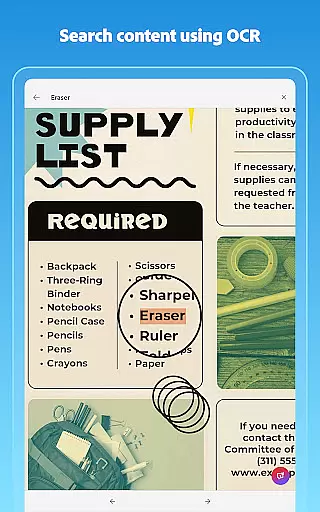
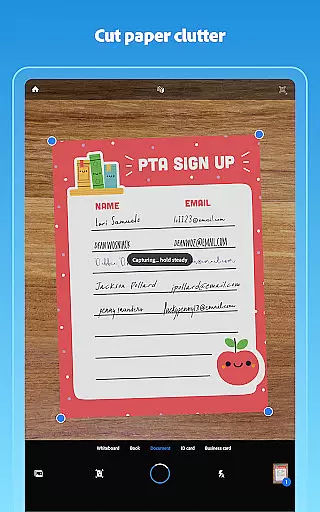
Adobe Scan AI PDF Scanner stands out with its comprehensive feature set tailored for efficient document management. One of its core strengths is the High-speed scan capability, which allows users to bulk scan stacks of documents and convert them into PDFs within seconds. This feature saves significant time, especially when handling large volumes of paperwork. Additionally, the app's OCR technology not only converts images to text but also makes handwritten notes searchable and editable, enhancing productivity.
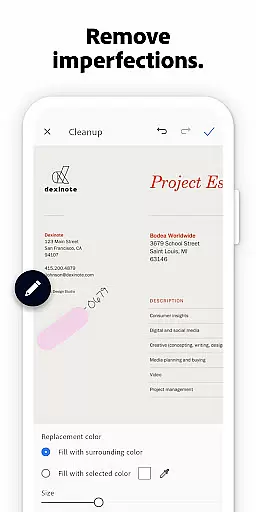
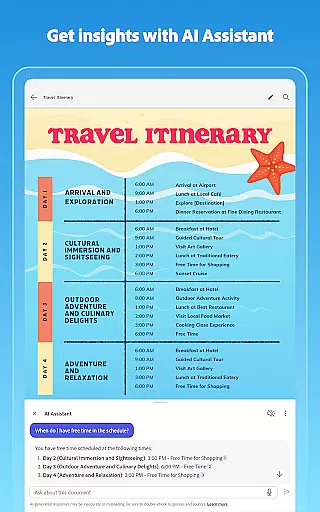
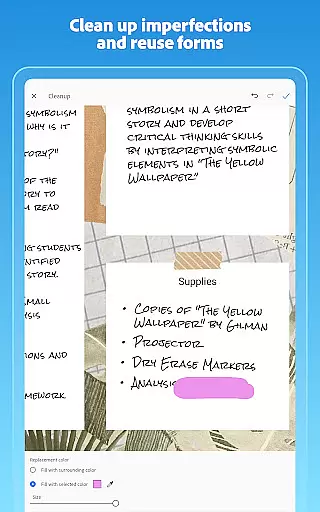
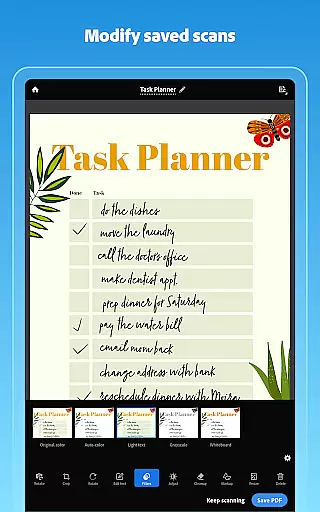
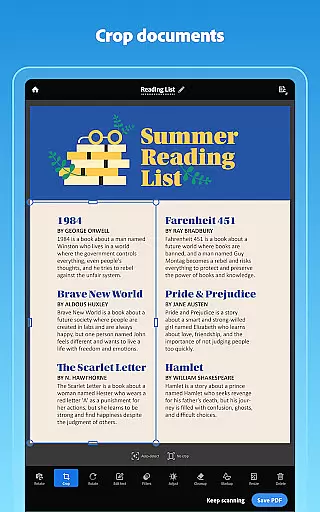
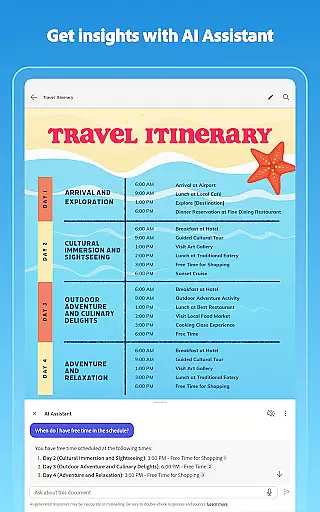
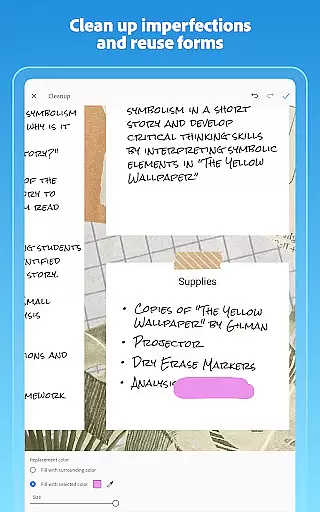
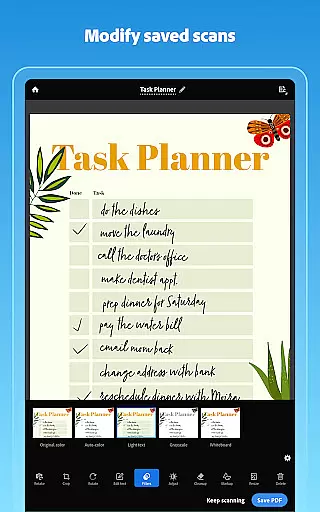
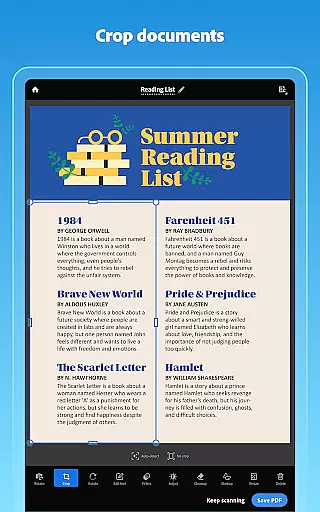
The app includes innovative AI-driven tools like Generative Summary and AI Assistant. These features allow users to extract key points from any scanned document, draft follow-up emails, or generate reports automatically. The Modify tool offers advanced editing options such as cropping, rotating, resizing, and adjusting brightness, ensuring every scan looks professional. Furthermore, Cleanup functionality helps remove imperfections, stains, creases, and even unwanted handwriting from scans.
Organization is another strong suit of Adobe Scan. Users can create custom folders for different types of documents, reorder pages before saving, and pull contact details directly from business cards using OCR. Scans are automatically saved to Adobe Document Cloud, enabling easy access and secure sharing across devices. With additional capabilities like exporting scans to Word, Excel, or PowerPoint formats, Adobe Scan empowers users to reuse content flexibly while maintaining high-quality standards.
In today's fast-paced business environment, collaborative work features are essential for maximizing productivity and ensuring seamless communication among team members. Adobe Scan AI PDF Scanner, OCR offers a comprehensive suite of tools that facilitate efficient collaboration.
One of the standout features is its ability to automatically save scans to Adobe Document Cloud. This ensures that all team members have instant access to the latest versions of documents, regardless of their location. The cloud integration supports real-time sharing and collaboration, allowing teams to work together on documents without the need for cumbersome email attachments.
Additionally, the app allows users to export scans to various formats such as Word, Excel, or PowerPoint. This versatility enables teams to repurpose content easily, making it simpler to integrate scanned data into reports, presentations, or spreadsheets. The ability to comment, highlight, fill forms, and sign documents within Acrobat Reader further enhances collaborative efforts, providing a centralized platform for all document-related interactions.
By combining these robust collaborative features with its powerful scanning capabilities, Adobe Scan AI PDF Scanner, OCR significantly boosts team efficiency and ensures that everyone stays on the same page, thereby driving project success.
Effective task management is crucial for maintaining organization and ensuring that projects progress smoothly. Adobe Scan AI PDF Scanner, OCR incorporates several features that greatly enhance task management capabilities.
The app allows users to create custom folders for different types of documents, such as work documents, personal files, school forms, or ID scans. This organizational structure helps users manage their tasks more efficiently by categorizing documents in a way that makes them easily retrievable. The ability to reorder pages and preview before saving also contributes to better task management, allowing users to ensure that their documents are structured correctly before finalizing them.
Moreover, the Smart Library feature finds documents and receipts in your photo library and turns them into PDFs. This not only saves time but also helps keep track of important documents related to specific tasks. The Modify tool, which helps crop, rotate, resize, and adjust colors, ensures that each document meets the required standards, thus streamlining task completion.
With these advanced task management features, Adobe Scan AI PDF Scanner, OCR empowers users to handle their responsibilities more effectively, leading to improved productivity and better outcomes.
User-friendly interface
Advanced OCR technology
AI-powered summary tool
Seamless cloud integration
Comprehensive editing options
Limited free OCR pages
Premium features require subscription
Occasional scanning inaccuracies
High storage usage for large files
Some tools locked behind paywall

All Your Gig Work. One App.
 4.30
4.30
ANDROID'S TOP MOBILE OFFICE - Word, Excel, PowerPoint and PDF at your fingertips
4.50
VSD Viewer - Visio Drawings Viewer for Android Preview VSD, VDX, VSDX drawings
4.10
Earn crypto with secure cloud mining. Monitor, track & withdraw easily
4.40
Earn free swag, G-Cards & food • Enter sweepstakes • Find stores • So much more.
4.70
Simple, Fast & Lightweight
3.90
We are a dynamic team of creatives people of design, marketing, web & apps
3.00
Build a store in minutes with our full suite of AI tools. Start for free!
4.20
Master crypto trading with real-time simulations and exciting challenges!
4.50
Create curriculum vitae, a professional cover letter creator and resume designer
4.80
TurboScan turns your phone into a full-featured PDF document scanner.
4.80
Start earning fast. Apply Today.
4.80
Permission Guard is a security app that helps you manage app permissions.
4.80
Finance, Investing, Stocks, Trading and Stock news
4.60
Amazon A to Z is the place to manage your work-life at Amazon.
4.50
Scan Business Cards & Conference Badges - Capture Leads at Events & Tradeshows
4.20
The Penny Puss app with DG penny finder
4.10
Access All PDF Files
3.40
Convert Your Lovable.dev Website into a Mobile App Instantly!
4.1


User Reviews