
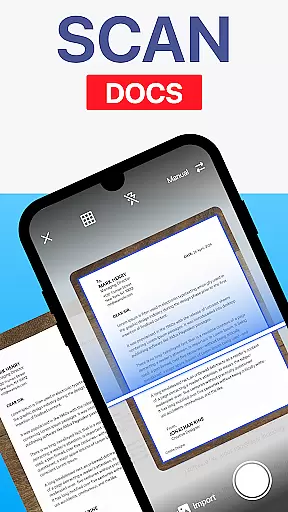
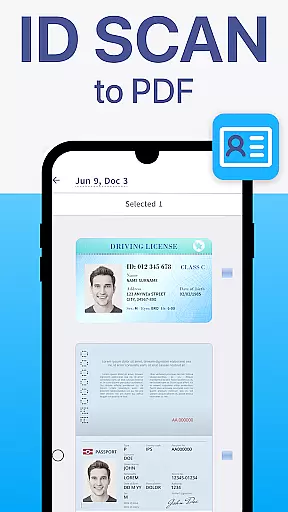
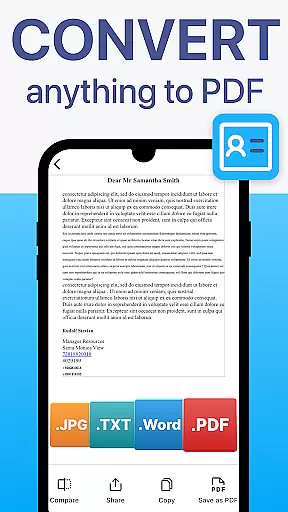
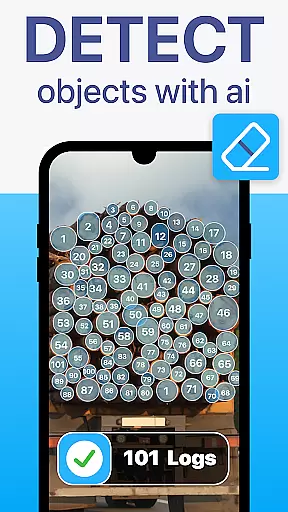
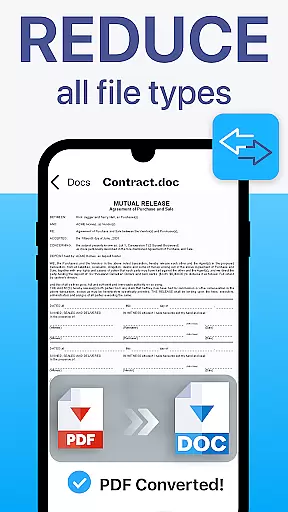
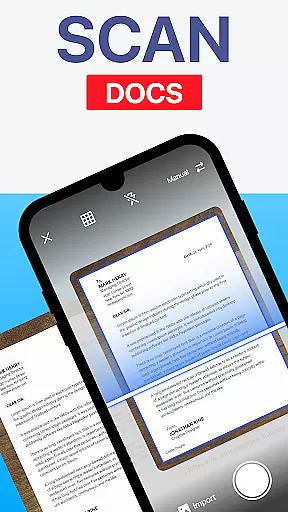
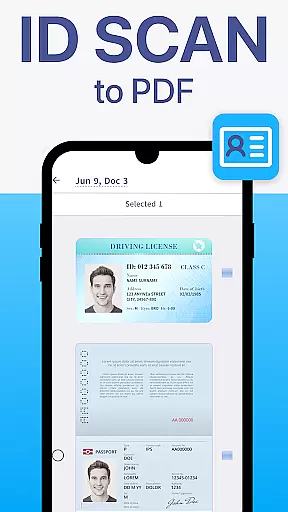
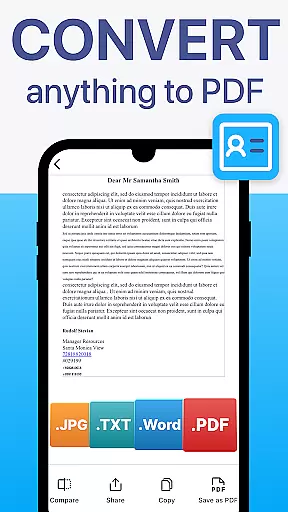
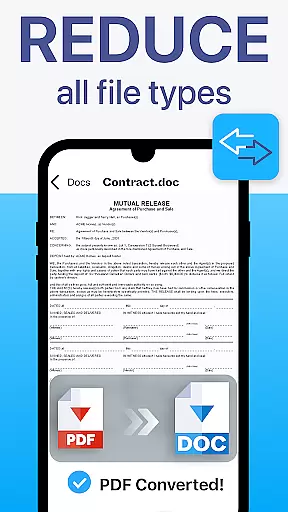
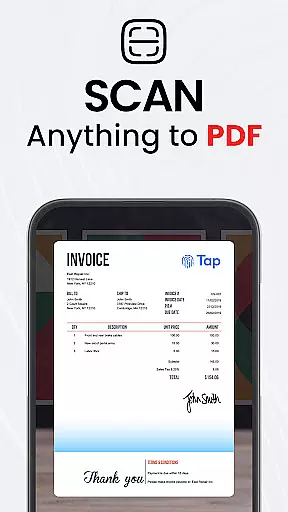
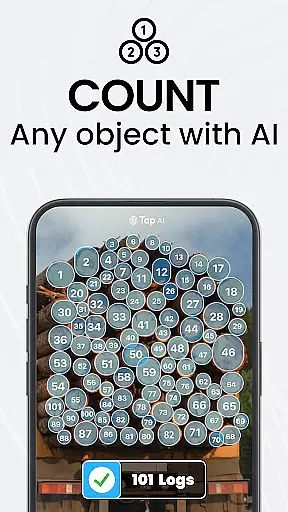
TapScanner is a powerful mobile application that transforms your device into a professional-grade document scanner and comprehensive PDF management tool. Trusted by millions globally, this app allows users to capture, edit, organize, and share documents with remarkable ease and security.
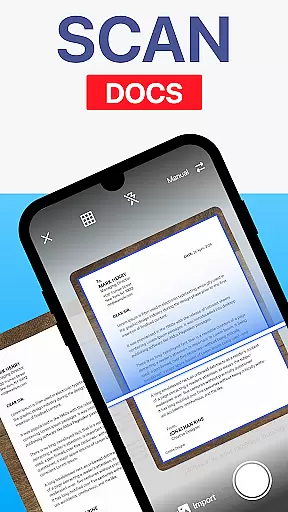
The app's standout feature is its ability to produce high-quality scans through automatic edge detection and intelligent image correction. Whether you're digitizing receipts, contracts, or multi-page documents, TapScanner ensures every scan is clear and professional. Additionally, the built-in OCR technology supports over 110 languages, converting images into fully searchable and editable text.
TapScanner is particularly beneficial for professionals who need to manage paperwork efficiently while on the go. Its seamless integration with cloud services like Google Drive and Dropbox, along with advanced PDF editing capabilities, makes it an indispensable tool for anyone seeking to streamline their document workflows.
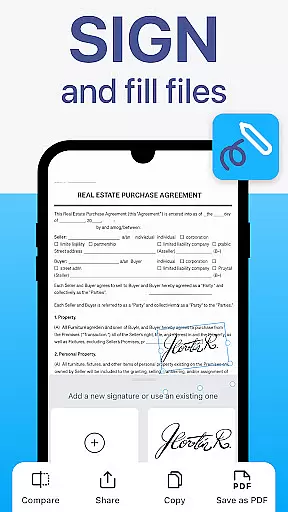
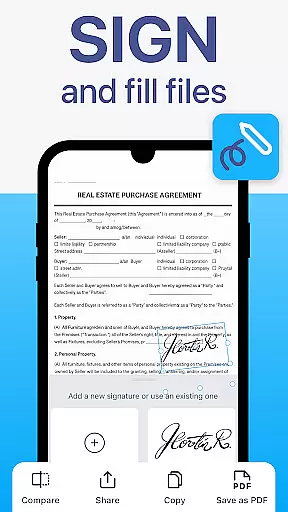
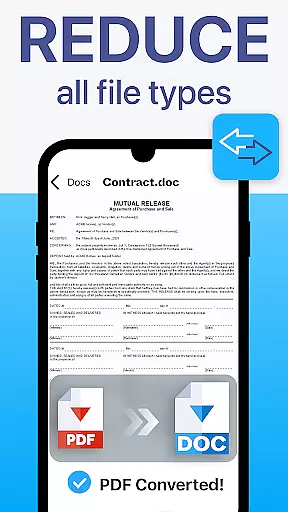
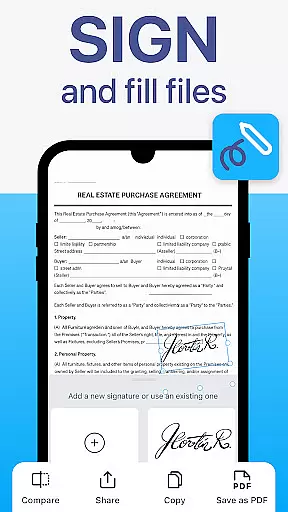
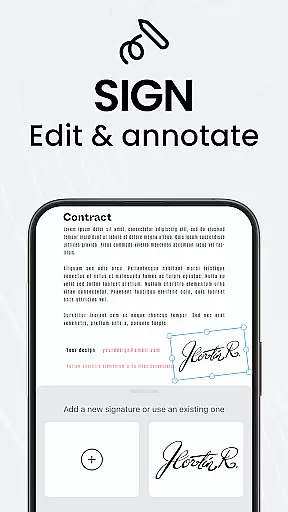
TapScanner offers an impressive array of features designed to enhance productivity and simplify document management. One of its core strengths is the complete PDF workspace, which allows users to merge, split, reorder, sign, and annotate PDF files directly within the app. This functionality eliminates the need for separate desktop software and enables users to handle all their PDF tasks on the go.
Another notable feature is the app's support for batch scanning and automated file organization. Users can scan multiple pages in quick succession and compile them into a single, well-ordered PDF document. The intuitive interface also includes time-saving tools like one-tap renaming and customizable sorting options, making document management effortless.
Furthermore, TapScanner provides robust security features such as password protection for sensitive files and secure cloud backup options. These capabilities ensure that your important documents remain safe and accessible across all your devices. With its combination of advanced functionality and user-friendly design, TapScanner stands out as a top choice for mobile document management.
TapScanner offers a comprehensive set of collaborative work features that are essential for modern business environments. The app allows multiple users to access and manage PDF documents simultaneously, ensuring seamless teamwork even when team members are geographically dispersed.
One of the standout collaborative features is the ability to merge, split, reorder, sign, and annotate PDFs directly within the app. This functionality streamlines workflows by eliminating the need for back-and-forth emails or third-party tools, making document collaboration more efficient and secure.
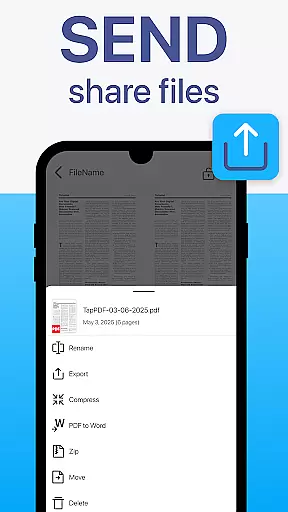
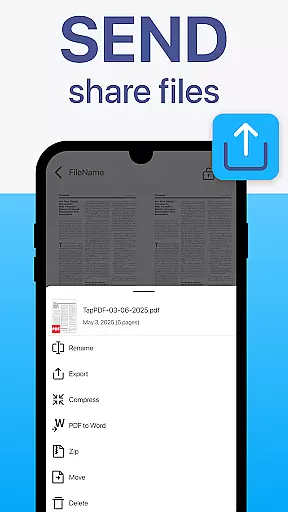
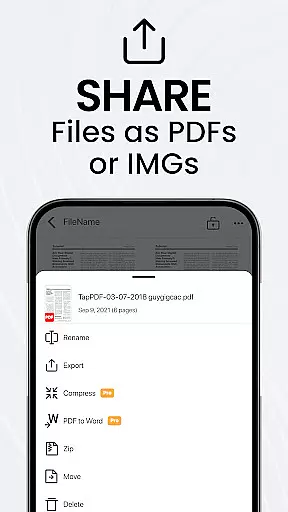
Furthermore, TapScanner supports instant sharing via email and messaging apps, which enhances communication among team members. Whether you're working on contracts, reports, or multi-page documents, the app ensures that all collaborators have access to the latest version of the document, thus maintaining consistency and accuracy across all edits and updates.
Effective task management is crucial for productivity, and TapScanner excels in this area by offering a suite of features designed to save time and keep users organized. The app includes batch scanning capabilities, allowing users to scan multiple documents at once and compile them into a single, neatly ordered PDF.
In addition to batch scanning, TapScanner provides one-tap renaming and automated file organization, which significantly reduce the time spent on manual document management tasks. These features ensure that all your scanned documents are systematically arranged and easily retrievable when needed.
Moreover, TapScanner's secure cloud backup options, including integration with Google Drive, Dropbox, and OneDrive, enhance task management by providing reliable storage solutions. Users can sync their scans across devices, add password protection for sensitive documents, and access their files from anywhere, ensuring that important paperwork is always at hand and protected against data loss.
High-quality scans
Advanced PDF editing
Multi-language OCR
Secure cloud sync
User-friendly UI
Paid subscription
Limited free features
Internet required
Occasional bugs
Ads in free version

Completed Course Lectures on how to use IBM Maximo in Maintenance issues
 4.5
4.5
The Penny Puss app with DG penny finder
4.10
BuildCalc - the easiest AND the most advanced construction calculator app.
4.80
viewing and sharing PDFs and other files—anytime, anywhere!
4.4
Amazon A to Z is the place to manage your work-life at Amazon.
4.50
Simple, Fast & Lightweight
3.90
Use Generative Summary to understand your rental or insurance docs in seconds.
4.70
Find part-time earning opportunities near you that pay within days.
3.20
Access to Paylocity, empowering employees with information they need 24/7.
4.70
TurboScan turns your phone into a full-featured PDF document scanner.
4.80
Find jobs and make money fast with JobStack.
4.60
The revolutionary flexible staffing platform
4.40
Deliver and earn money
4.30
FX Plus adds media, networking, and cloud capabilities to FX File Explorer.
4.10
The All-in-One File Manager for Phone, TV, Watch, Cars, XR / VR, Chromebook
4.10
Find flexible, hourly jobs hiring near you in restaurant, retail & hospitality!
4.00
Zoom built for Chrome OS
3.90
All document reader, pdf viewer app, read docs & excel files
3.80
Roadie connects people with stuff to send with drivers already going that way.
3.50


User Reviews