
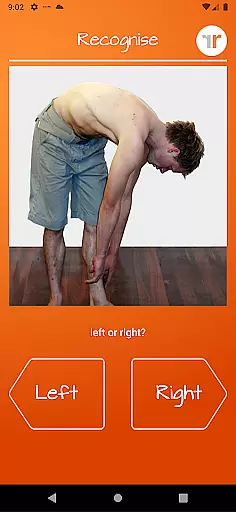
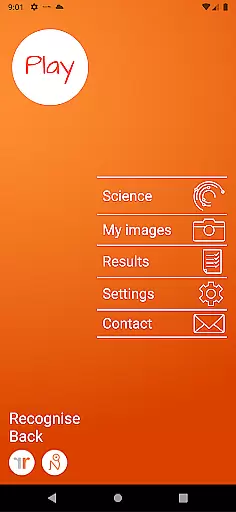
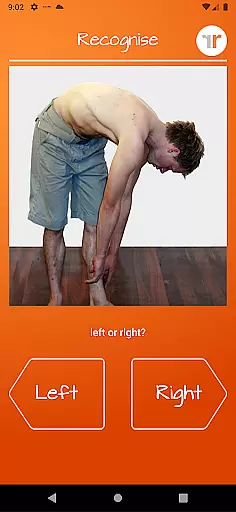
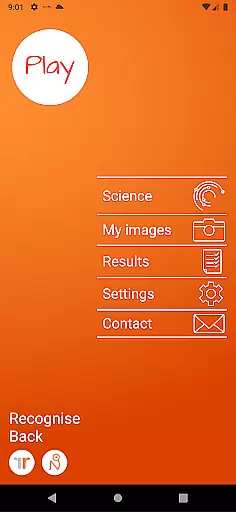
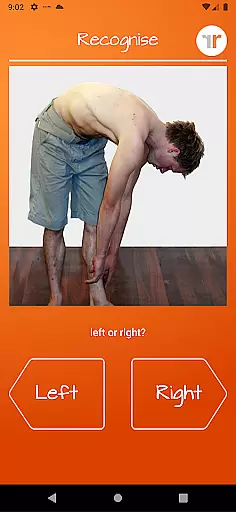
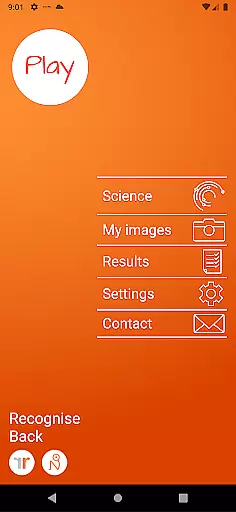
Recognise Back is a specialized health and fitness application designed to assist users in managing pain, enhancing performance, and supporting rehabilitation through a structured Graded Motor Imagery (GMI) program. The app focuses on improving the user's ability to discriminate between left and right body parts, which is crucial for retraining the brain in cases of chronic pain or injury.
The application offers two primary modes - TEST and TRAIN. In TEST mode, users can assess their proficiency in recognizing images of body areas as either left or right. This functionality helps track progress over time. The TRAIN mode leverages the brain's neuroplasticity by providing various tools that enhance learning and adaptation. Recognise Back also includes advanced features such as memory games, speed matching, graded difficulty levels, and personal best challenges, making it an essential tool for both patients and clinicians.
This app is particularly beneficial for individuals undergoing physical therapy or rehabilitation. By integrating clinical tools that allow users to export and email detailed results and graphs directly to their healthcare providers, Recognise Back ensures that progress is monitored accurately and efficiently. Additionally, the ability to capture custom images for personalized training adds another layer of flexibility and effectiveness.
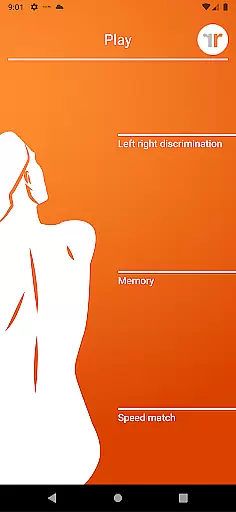
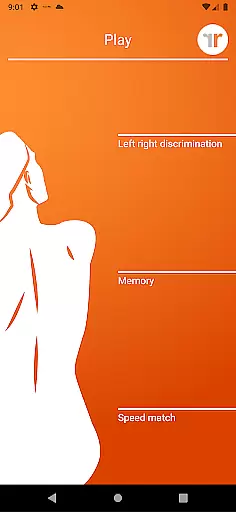
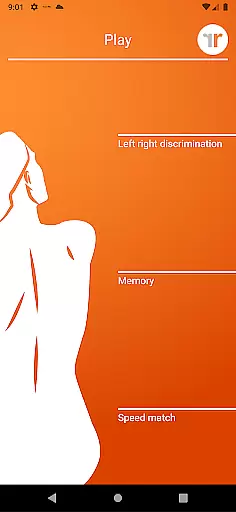
Recognise Back stands out with its comprehensive suite of features tailored to enhance motor imagery training. One of the key functionalities is the 'Left/Right Discrimination' test, which allows users to evaluate their quick recognition skills of body parts. This feature is complemented by advanced training tools like 'Memory' and 'Speed match', which elevate the training experience by challenging the user's cognitive abilities.
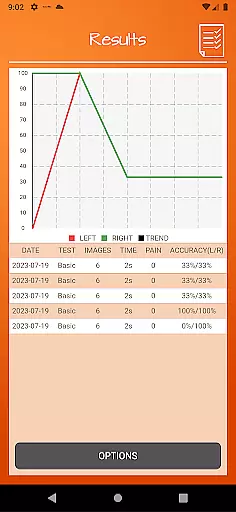
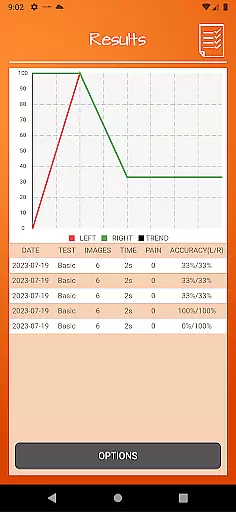
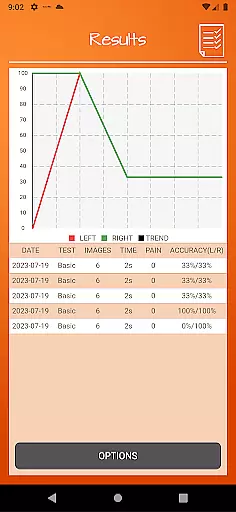
The app provides graded difficulty levels and personal best challenges, ensuring that users remain engaged and motivated throughout their rehabilitation journey. Detailed onscreen results and graphs offer a visual representation of progress, enabling users to see improvements over time clearly. These analytics are not only useful for personal tracking but can also be shared directly with clinicians or therapists via powerful clinical integration tools.
Another standout feature is the ability to capture custom images using the device's camera. Users can incorporate these images into their training routines, adding a personalized touch to their rehabilitation process. The app also includes a thorough explanation of the science behind Left/Right Discrimination and Graded Motor Imagery, educating users about the underlying principles and enhancing their understanding of the therapy.
Personalized planning in Recognise Back is a key feature designed to cater to individual rehabilitation needs. This app integrates into a Graded Motor Imagery program, which is crucial for those dealing with complex pain and injury states.
The application offers tailored training modules that adapt to the user's progress. With features like 'Memory' and 'Speed match', users can challenge themselves at their own pace, ensuring a personalized experience that evolves over time.
Users benefit from detailed onscreen results and graphs that map their progress. These analytics allow users to understand their improvement areas and strengths, making it easier to set future goals within their rehabilitation journey.
Ultimately, the personalized planning feature empowers users by providing them with the tools necessary to harness neuroplasticity effectively. This leads to reduced pain, improved performance, and successful rehabilitation when used consistently as part of their therapeutic regimen.
Progress visualization in Recognise Back provides users with clear insights into their rehabilitation journey. The ability to see one's advancement through detailed onscreen results and graphs plays a significant role in maintaining motivation and adherence to therapy.
This feature includes graded difficulty levels and personal best challenges, allowing users to visually track improvements over time. By setting benchmarks and achieving personal records, individuals can witness tangible evidence of their progress.
Moreover, powerful clinical integration tools enhance progress visualization by enabling users to export and email their results directly to healthcare providers. This facilitates better communication between patients and clinicians, leading to more informed decision-making regarding treatment plans.
In summary, progress visualization not only tracks user achievements but also supports ongoing clinical assessment and adjustment of therapeutic strategies for optimal outcomes in managing pain and injuries.
User-friendly interface
Comprehensive analytics
Customizable training options
Clinical integration tools
Engaging challenges
Requires consistent use
Premium pricing
Limited free resources
Steep learning curve
Device compatibility issues

Easy access to health benefits
 4.70
4.70
Your plan in your pocket 24/7
3.00
Your Health Has Met Its App (℠)
3.90
App to stop smoking slowly or now with a motivational badges and helpful tips
4.80
A simple way to calculate peptide doses and also to convert different units.
4.4
50 HD sounds to help you relax during the day and sleep great at night!
4.40
Pilates, Calisthenics, Yoga
4.50
Your personal BP tracking companion, focus on helping you achieve wellness goal.
4.10
Point, scan, and unlock truth in every bite.
4.50
Easy reconstitution calc for mixing peptides and creating protocols
4.70
Your AI pet BFF. Talk, play, and beat anxiety in this calming game.
4.60
Interval timer for High Intensity Interval Training, Tabata and Circuit Training
4.20
Make sense of your health data.
3.80
Pupillary distance PD with camera quick and easy, checking glasses frames on you
3.70
GloryFit is a companion app for the smart bracelet.
3.60
HRV4Training helps you optimize goals and improve performance. No sensors needed
3.30
Text notifications, button control, heart monitor & more for your Amazfit.
2.40
Transform your body and soul with DBFFitness, with a 40-day fitness journey.
4.0
Using Recognise™ has been shown to reduce pain and improve performance
4.2


User Reviews