
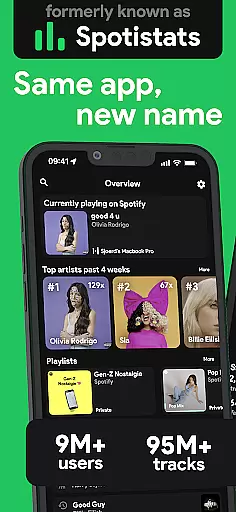
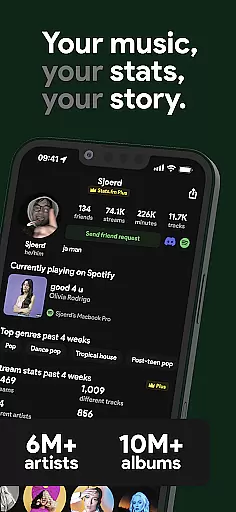
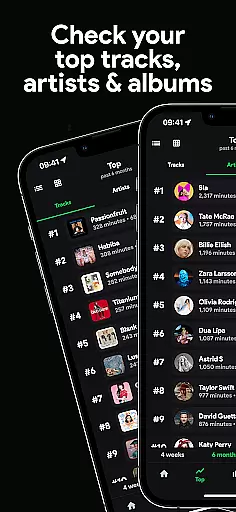
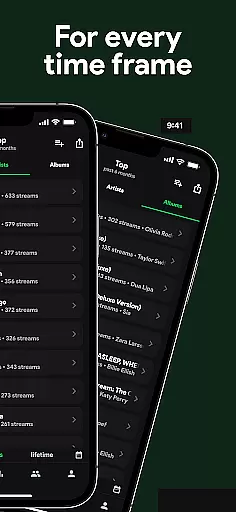
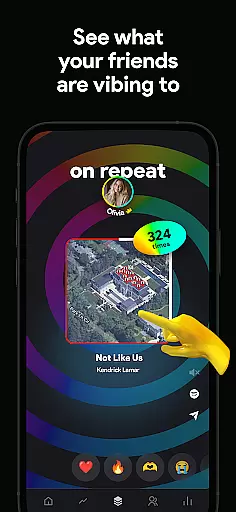
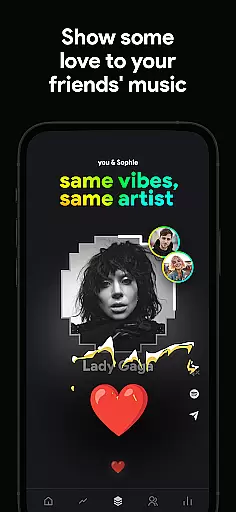
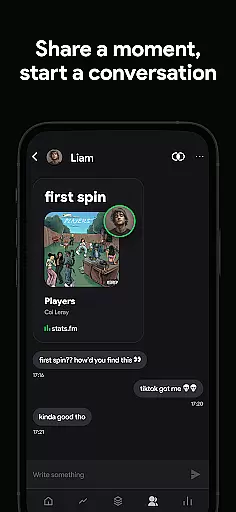
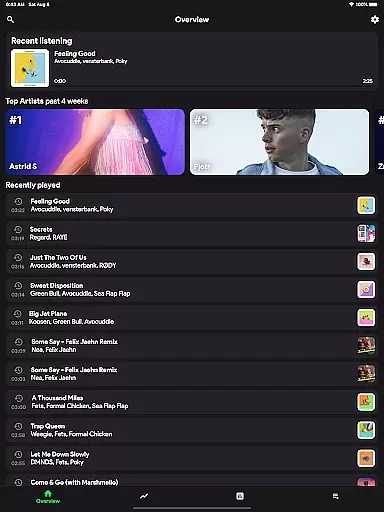
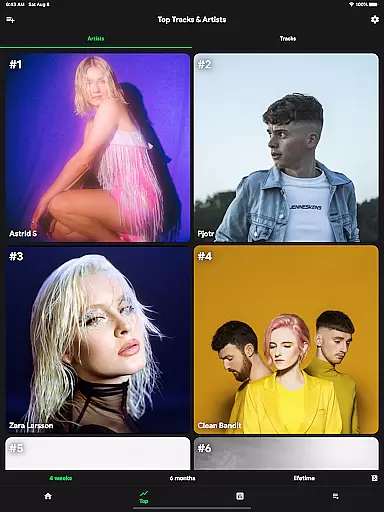
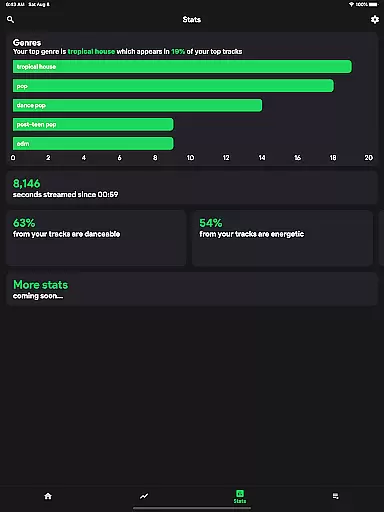
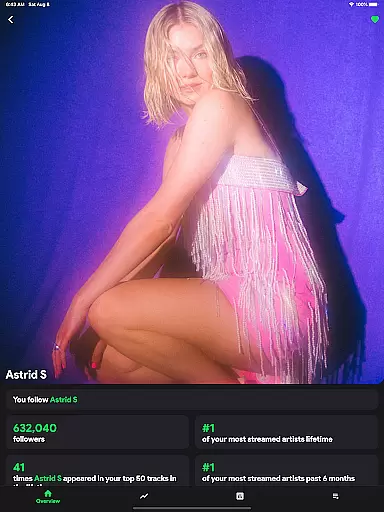
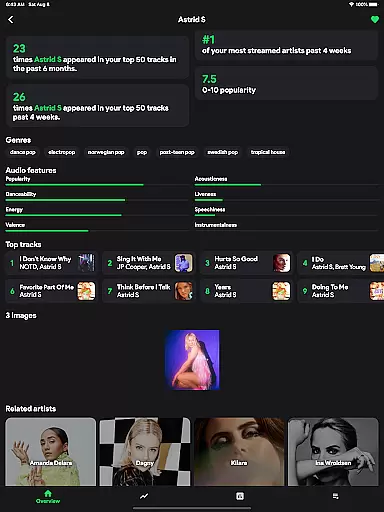
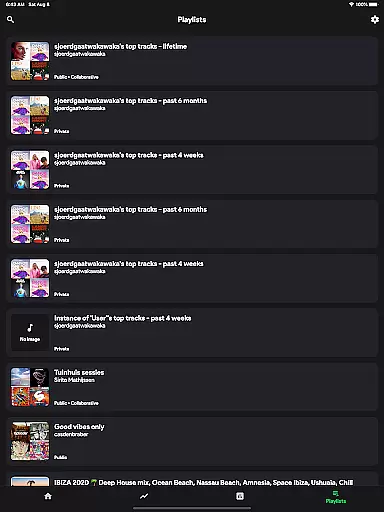
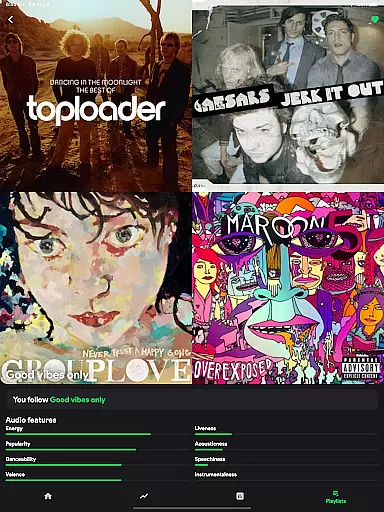
stats.fm for Spotify is a comprehensive music analytics app that provides users with detailed insights into their listening habits. With over 10 million users globally, the app offers statistics on tracks, albums, and artists, allowing users to explore their most listened songs and artists across various periods.
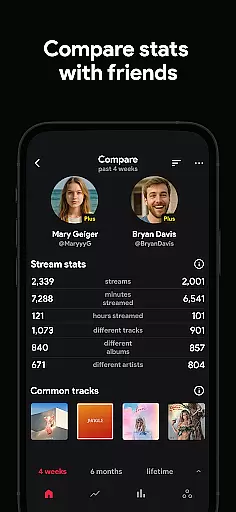
The app stands out by offering features similar to Spotify Wrapped but available anytime. Users can view playcounts, streaming minutes, and even analyze their favorite music's characteristics like liveliness or energy. Additionally, it enables social comparisons by letting users add friends and compare stats, making it an engaging tool for music enthusiasts.
One of the key strengths of stats.fm lies in its robust feature set tailored for music aficionados. The app provides extensive data visualization through cool graphs and charts, displaying top tracks, artists, albums, and genres. It also shows listening patterns with features like the listening clock, total playcounts, and streaming duration.
Beyond individual stats, users can explore collective insights by connecting with friends. The app allows searching and adding friends to compare listening behaviors. Detailed analytics about song popularity, listener demographics, and music characteristics offer a deeper understanding of one's musical preferences, making stats.fm an indispensable companion for Spotify users.
When it comes to music streaming services, the size of the music library and the authenticity of its content are crucial factors for users. stats.fm for Spotify boasts an impressive collection of over 14 million albums and 6 million artists, ensuring that users have access to a vast array of music from all genres and eras.
The app's extensive database is not just about quantity; it also emphasizes quality and legitimacy. By sourcing its content directly through Spotify, a trusted name in music streaming, stats.fm ensures that all tracks are properly licensed and authenticated. This means users can enjoy their favorite songs without worrying about legal issues or content removal due to copyright infringement.
For music enthusiasts who want more than just a playlist, stats.fm offers detailed statistics on listening habits across this enormous library. Users can dive into specifics such as play counts, minutes streamed, and even discover how popular a song is among the wider Spotify community.
This combination of a large, authentic music library with insightful analytics makes stats.fm an invaluable tool for anyone looking to explore their musical tastes in depth while having confidence in the legitimacy of the content they consume.
Audio quality is a significant aspect of the music listening experience, and stats.fm for Spotify provides users with various options to enhance this experience. While the app itself does not stream audio, it works seamlessly with Spotify to give users insights into their listening habits, which can lead to a more personalized and higher-quality auditory journey.
Through stats.fm, listeners can understand what type of music they preferu2014be it lively, energetic, danceable, or instrumentalu2014and tailor their playlists accordingly. This personalization ensures that each track played matches the listener's mood and preferences, effectively elevating the perceived audio quality by matching sound characteristics to user expectations.
Moreover, stats.fm allows users to see how popular certain songs or artists are within the Spotify ecosystem. Popularity often correlates with better production values and high-definition tracks, so users can prioritize these selections if audio fidelity is important to them.
By offering detailed statistics about individual tracksu2014including play count, minutes listened, and listener demographicsu2014stats.fm empowers users to curate their music libraries with precision. This level of control helps ensure that every playback meets their standards for both content variety and sonic excellence.
User-friendly interface
Comprehensive music stats
Social comparison features
Detailed analytics and graphs
Regular feature updates
Premium features require payment
Some features need history import
Limited without Spotify connection
Occasional sync issues
Third-party app risks

Performance-Synthesizer & Multi-Track-Sequencer, polyphonic + multi timbral!
 4.70
4.70
Taal player that lets you sing any Indian & Western song with Tabla & Tanpura
4.60
A synth that really lets you shape your sounds!
4.50
Bass Booster Pro takes auto-equalizing to the next level!
4.30
Guzheng Master supports many playing techniques as an acoustic Guzheng
4.50
Offline Music Player & MP3 Player.Powerful equalizer, Lyrics, Themes, Tag Editor
4.80
A complete sound package for the sound engineer or enthusiast
4.60
Turn Every Moment into Music
3.60
Melody Beat: Great for travel, workouts, offline vibes, play your tunes anytime.
4.10
Full-featured, High-Quality Groovebox Workstation, perfect for Live Performance!
4.80
JBL PartyBox APP works with 110/310/710/120/320/520/Encore/Encore 2/Encore Ess 2
4.80
Over 100 million tracks available for high quality streaming and download
4.60
Super Sound Editor, Song Maker & Mixer, Vocal Remover, Voice Recorder & Changer!
4.60
Full featured mp3 and audio player with Chromecast and Android Auto support.
4.40
Time Trainer: accurate metronome w tools to help you develop your internal time!
4.20
A sleek, no-frills player designed for true music lovers.
4.20
The only true audiophile music player with Hi-Fi audio rendering and DSP engine
3.90
Sheet music reader, piano & music note player. Play music score & learn to read.
3.90
The Skullcandy App Experience
3.20


User Reviews