
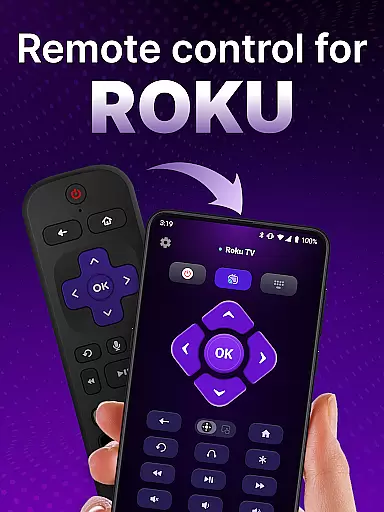
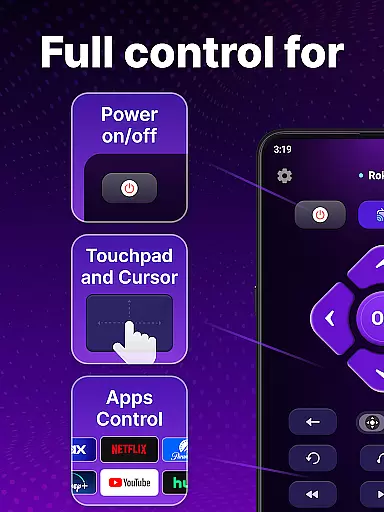
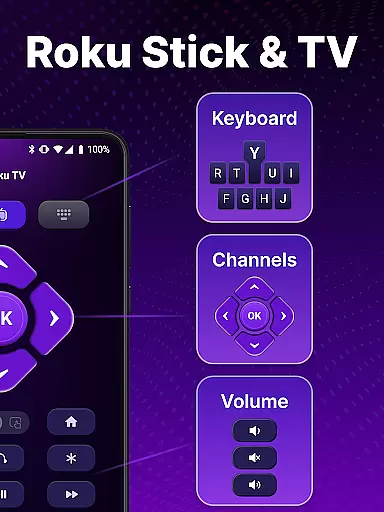
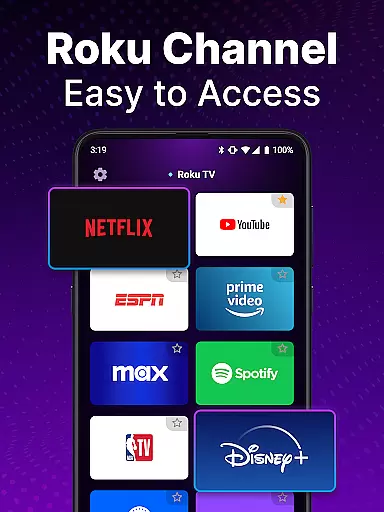
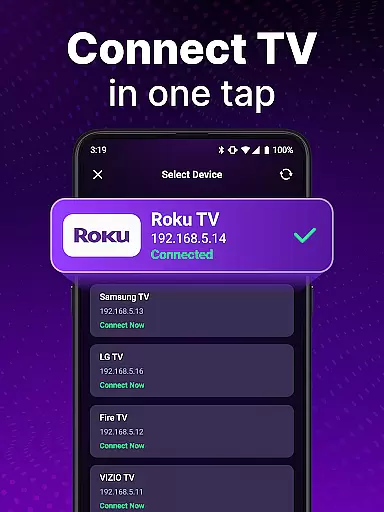
TV Remote control for Roku TV is a universal remote app designed to replace your physical Roku remote. This application allows users to seamlessly control their Roku TV devices through an intuitive mobile interface, offering features such as power on/off, volume adjustment, channel launching, and content browsing. By connecting to the same Wi-Fi network as your Roku TV, this app provides a convenient way to manage your entertainment experience without the need for multiple remotes.
The app stands out with its automatic device detection and voice control capabilities, making it easy to set up and use. Whether you want to search for your favorite shows using voice commands or navigate smoothly with touchpad controls, this universal remote app enhances the overall Roku TV experience. It eliminates the hassle of losing traditional remotes and offers a modern solution for managing your smart TV effortlessly.
This universal remote app boasts several key features that make it a powerful tool for Roku TV owners. First, its automatic detection system identifies Roku TV devices on the same Wi-Fi network, streamlining the setup process. Once connected, users can take advantage of rapid control options like instant access to volume adjustments, channel launches, and even power management directly from their smartphones.
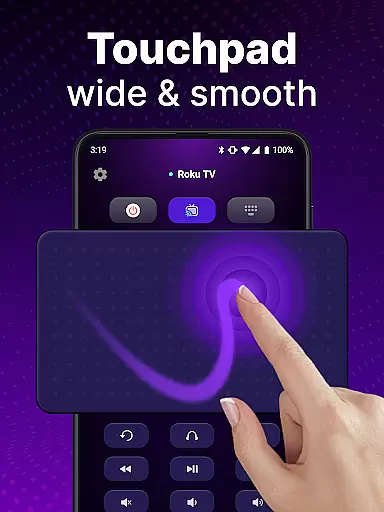
Another standout feature is the voice control functionality, which allows hands-free operation for searching shows and controlling the TV. The app also includes a virtual touchpad for smooth scrolling and swiping, mimicking the natural navigation of a physical remote. Additionally, the keyboard input option enables quick text searches, helping users find their favorite content faster than ever before. These innovative features collectively create a more efficient and enjoyable user experience.
When it comes to remote control applications, the precision and reliability of core functions are paramount. The TV Remote control for Roku TV app excels in this area by providing users with accurate and effective control over their Roku TV devices. This universal remote app not only detects Roku TV devices on the same Wi-Fi network effortlessly but also ensures that every command, from power toggling to channel navigation, is executed without delay or error.
The app's design emphasizes performance, allowing users to launch channels, adjust volume, and browse content seamlessly. With features like voice control and keyboard input, the application caters to various user preferences, ensuring that everyone can manage their entertainment experience efficiently. These capabilities make the app a reliable tool for enhancing daily TV interactions.
For users who seek convenience without compromising on functionality, this app delivers an exceptional experience. By transforming your smartphone into a powerful Roku remote control, it eliminates the frustration of lost remotes and unresponsive buttons. The result is a smoother, more enjoyable viewing experience that simplifies how you engage with your Roku TV.
A straightforward and intuitive interface is crucial for any tool-based application, and the TV Remote control for Roku TV app meets these expectations admirably. Upon opening the app, users are greeted with a clean layout that mirrors the simplicity of a physical remote, making the transition from traditional controls to digital effortless. Each button and feature is strategically placed, ensuring that even first-time users can navigate with ease.
The touchpad functionality within the app offers smooth scrolling and swiping actions, mimicking the natural gestures most users are already familiar with on their smartphones. This intuitive design extends to advanced features like voice input and text search, which are integrated seamlessly, allowing users to find and watch their favorite shows without unnecessary complexity.
By prioritizing user experience through thoughtful design, the app reduces the learning curve typically associated with new technology. Users can enjoy a hassle-free interaction that focuses on what truly mattersu2014enhancing their Roku TV experience without being bogged down by complicated controls. This approach not only boosts usability but also increases overall satisfaction with the app.
User-friendly interface
Voice command support
Automatic device detection
Quick setup process
Enhanced navigation tools
Requires stable Wi-Fi
Limited to Roku devices
No official Roku endorsement
Potential connection issues
Dependent on phone compatibility

Unit and currency converter with easy and simple UI.
 4.80
4.80
This app unlocks the Pro features of the Central for DayZ app
3.60
Universal TV remote control all TVs, Roku, LG, Samsung, Fire, Vizio, Sony, TCL.
4.40
Mirror your screen to Fire TV - Super fast and simple
4.40
Screen Mirroring with sound for Samsung TV, LG TV, Sony TV, Smart TV and Browser
4.20
Automate everything from settings to photos, SMS to speech. ADC2 prize winner.
4.10
Button mapper, mouse toggle, sleep timer and a lot of another features
4.50
Mobile Security with Scam Protection | Malware & Virus Cleaner | Safe Browser
4.70
Screen recorder with audio to record high-quality videos and take screenshots.
4.40
Connect wirelessly to your computer to watch movies, browse the web, play games
5.00
NFC Tools can read and write NFC tags.
4.70
Keep track of your Palia friendships, tasks, and inventory with Palia Notebook
4.60
App to pay for FUTO Keyboard
4.60
Forza Tuning Calculator App for Forza Horizon 5, Motorsport and Earlier Titles
4.40
Quickly & easily calculate the spacing of handrail balusters
4.20
Create your own live wallpaper or check out thousands already made presets
3.90
A powerful, easy-to-use flight computer on your phone or tablet!
3.80
A non-root local ADB shell client. READ BELOW!
3.40
Transfer Files, APK from Phone to Watch & Install.
4.5


User Reviews