
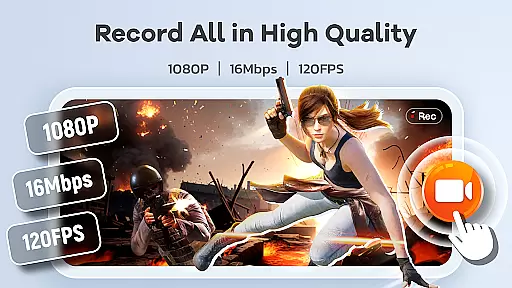
Screen Recorder Video Recorder is a versatile screen recording and video editing tool designed for both casual users and content creators. This all-in-one application allows you to capture high-quality videos of your screen with options like HD recording at 1080P, 16Mbps bitrate, and up to 120FPS frame rate. The app also supports internal and external audio recording, ensuring crisp sound quality from either your device or an external microphone.
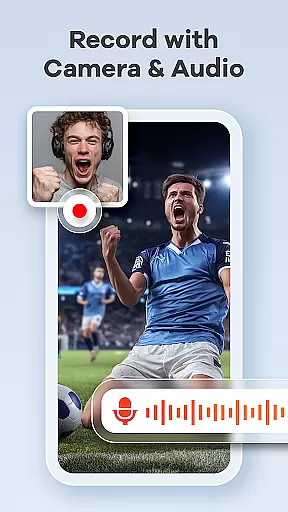
Beyond basic recording, the app offers advanced features such as built-in video editing tools, live drawing, and facecam functionality. These features make it ideal for creating engaging tutorials, recording gameplay, or capturing video calls. With intuitive controls like gesture customization and a floating control ball, managing recordings becomes seamless and efficient. Whether you're producing educational content or sharing personal moments, Screen Recorder Video Recorder provides the tools necessary to create polished, professional-looking videos.
One of the standout aspects of Screen Recorder Video Recorder is its comprehensive feature set tailored for different types of video creation needs. The app supports HD recording at various resolutions and frame rates, allowing users to capture every detail in stunning clarity. Additionally, the ability to record both internal system sounds and external microphone audio ensures that your videos will have high-quality sound regardless of the source.
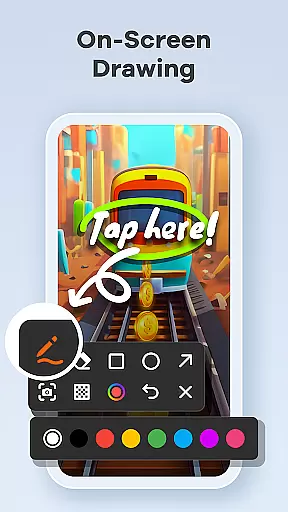
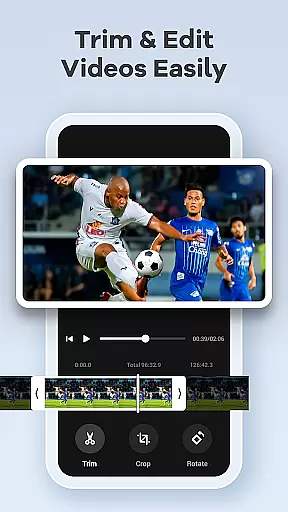
The built-in video editor offers essential editing functions such as trimming, cropping, and rotating, enabling users to perfect their recordings before sharing them. Moreover, unique features like converting videos into GIFs and adding live facecam reactions help enhance viewer engagement. For those who need to explain complex ideas visually, the live drawing and annotation tools are invaluable. These capabilities ensure that whether you're making tutorials, recording gaming sessions, or preserving precious memories, this app has everything needed to produce compelling content efficiently.
Screen Recorder Video Recorder excels in delivering precise and effective core functionalities that cater to both casual and professional users. The app supports HD recording at up to 1080P resolution, with a bitrate of 16Mbps and frame rates as high as 120FPS, ensuring every detail is captured with stunning clarity.
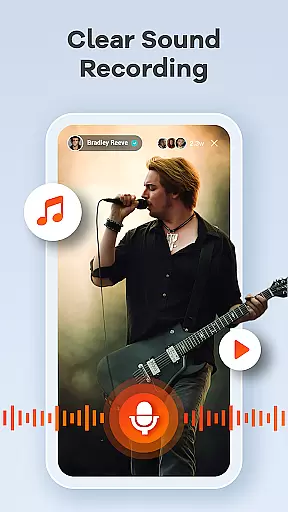
In addition to video quality, the app offers comprehensive audio recording options. Users can capture clear internal audio from their device or external audio via a microphone, making it ideal for creating tutorials, recording gameplay, or preserving important video calls.
The built-in video editor enhances the app's effectiveness by allowing users to trim, crop, and rotate videos effortlessly. This feature ensures that the final content is not only high-quality but also polished and ready for sharing across various platforms.
With additional features like video-to-GIF conversion, facecam support, and live drawing tools, Screen Recorder Video Recorder provides an all-in-one solution for creating engaging and professional-looking videos. These capabilities collectively ensure that users can produce content that meets both their creative and practical needs.
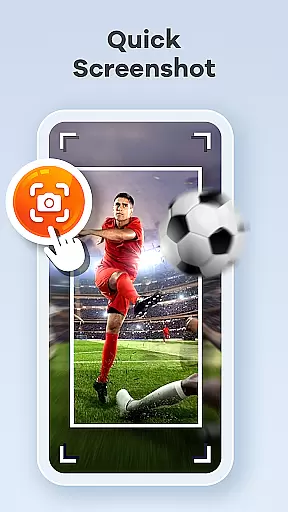
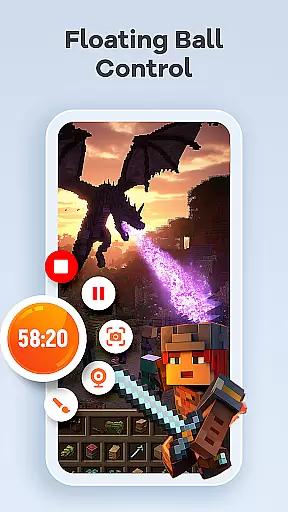
A user-friendly interface is crucial for any tool-based application, and Screen Recorder Video Recorder delivers an intuitive experience through its well-designed controls. The one-tap floating ball allows users to start, pause, resume, and take screenshots without interrupting their workflow, streamlining the entire recording process.
Gestures play a significant role in enhancing the app's intuitiveness. Customizable gesture controls enable quick actions, such as stopping a recording or capturing a screenshot, which greatly improves the overall efficiency of video creation.
Furthermore, the app offers customizable settings that let users adjust recording parameters according to their preferences. This flexibility ensures that both novice and advanced users can tailor the app to suit their specific needs, making the recording process as seamless as possible.
By combining straightforward controls with customizable options, Screen Recorder Video Recorder ensures that users can focus on their content creation without being hindered by complex or confusing interfaces. This simplicity and intuitiveness make the app accessible to a wide range of users, regardless of their technical expertise.
User-friendly interface
High-quality recording
Built-in editing tools
No watermark on videos
Live annotations
Limited support for some apps
Advanced features require learning
Privacy concerns with recording
May drain battery faster
Large file sizes

 4.50
4.50
Change your GPS location instantly. Simulate routes anywhere in the world.
4.90
FV File Manager Pro, Fast and powerful file manager for Android
4.60
This app unlocks the Pro features of the Central for DayZ app
3.60
Universal TV remote control all TVs, Roku, LG, Samsung, Fire, Vizio, Sony, TCL.
4.40
Unleash gamepad precision for ultimate mobile gaming dominance.
3.90
The one-and-only remote control for PC, Mac, and Linux
4.70
Planner and Tracker for Stardew Valley
4.60
Screen Mirroring with sound for Samsung TV, LG TV, Sony TV, Smart TV and Browser
4.20
Remote Play with FSR upscaling, low latency & full controller support
4.80
Fast Video Downloader, Movie Downloader, Torrent Downloader & Adblock Browser
4.70
Creation, Learning, Entertainment & More — The All-in-One AI Search Engine
4.70
The Ultimate Bluetooth Keyboard & Mouse. Securely control your PC, Mac, and more
4.50
Use your phone as a webcam on your computer over WiFi or USB.
4.40
Quickly check the frequency of the Earth
4.30
App that Recover your pictures, videos or files after you delete them.
4.20
Create your own live wallpaper or check out thousands already made presets
3.90
A non-root local ADB shell client. READ BELOW!
3.40
Unlock your Essential Key. Create custom shortcuts to your favorite apps!
4.4


User Reviews