
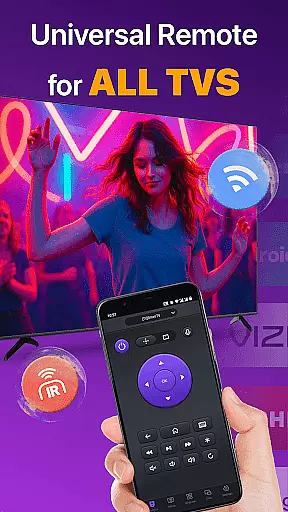
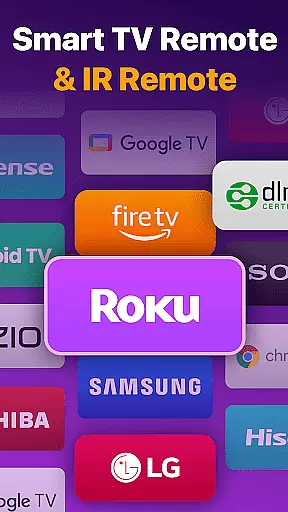
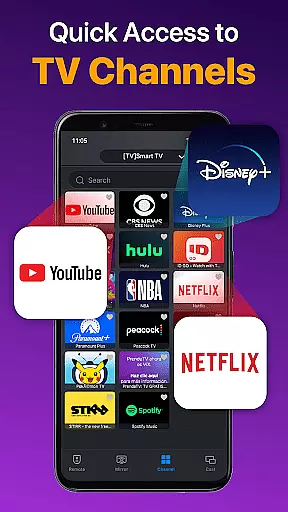
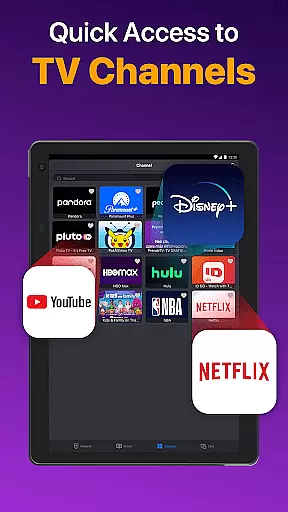
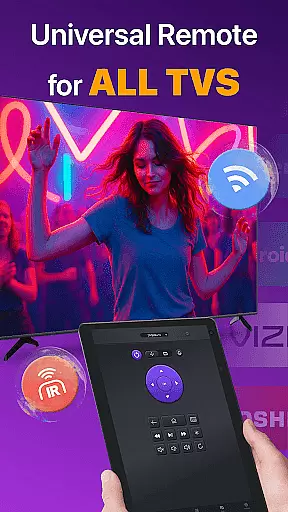
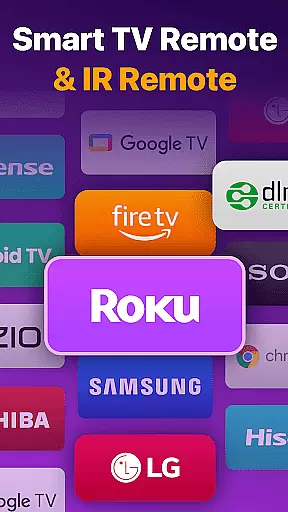
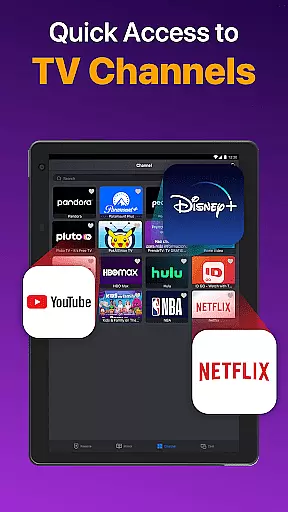
Universal TV Remote for All TV is a versatile remote control application designed to simplify the management of multiple smart TVs. This app supports major brands like Roku, LG, Samsung, and TCL, allowing users to seamlessly switch between devices without the need for multiple physical remotes. The app operates efficiently under the same WiFi network as your smart TV, providing functionalities such as power on/off, channel management, volume adjustment, and content playback control.
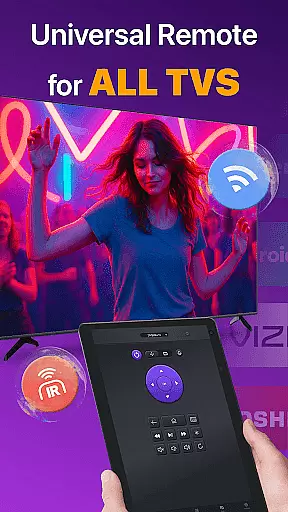
In addition to WiFi connectivity, the app also supports IR modes, ensuring functionality even when WiFi is unavailable. With features like auto-detection of Smart TVs on the same network, responsive touchpad controls, and quick text input for searching shows or movies, this app enhances user convenience. It also allows screen mirroring and casting from mobile devices to TVs with minimal latency, making it an all-in-one solution for modern home entertainment systems.
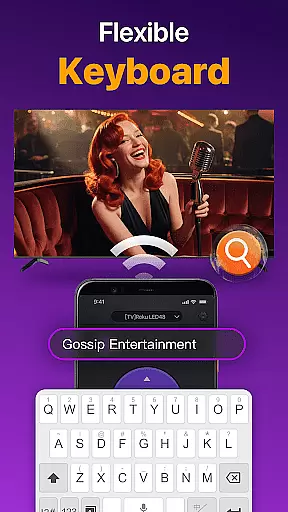
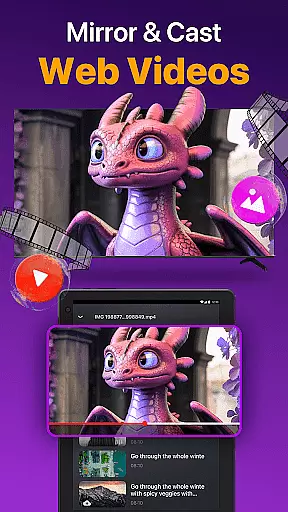
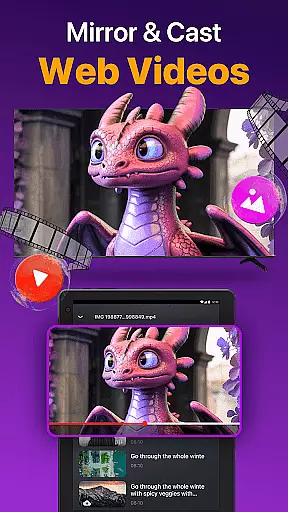
The Universal TV Remote app boasts an array of advanced features that cater to diverse user needs. One of its standout capabilities is the auto-detection of all Smart TVs within the same WiFi network, streamlining the connection process. The responsive touchpad interface offers efficient control over your TV, while the quick text input function lets you easily search for your favorite content. Additionally, the app enables users to cast photos and videos directly from their mobile devices to their TVs.
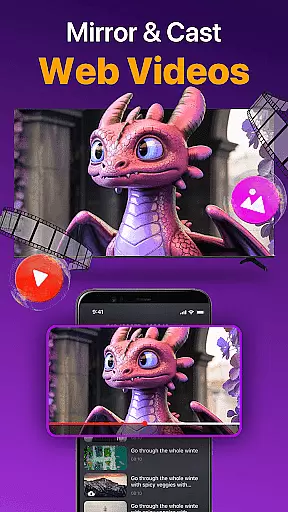
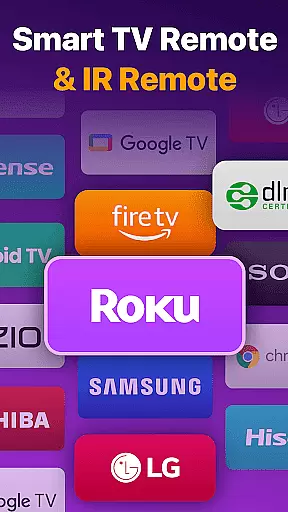
Another significant feature is the ability to mirror your phone's screen to a larger TV display with low latency, enhancing shared viewing experiences. The app supports various TV brands including Roku, Vizio, LG, and Samsung, among others. By offering both WiFi and IR connectivity options, it ensures reliable performance in different scenarios. These comprehensive features make the Universal TV Remote app a powerful tool for managing and enhancing your smart TV experience.
Universal TV Remote for All TV offers a comprehensive solution for controlling multiple smart TVs through a single app. The core functionality revolves around its ability to auto-detect all Smart TVs on the same WiFi network, enabling users to seamlessly switch between different TV brands such as Roku, LG, Samsung, and more.
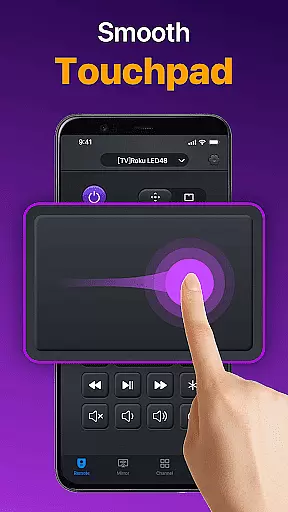
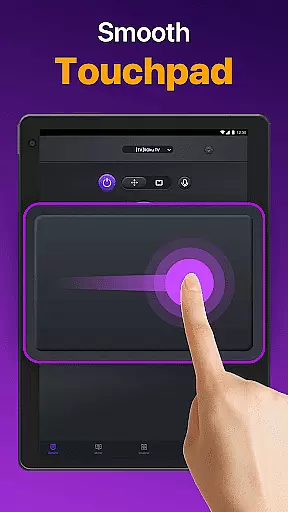
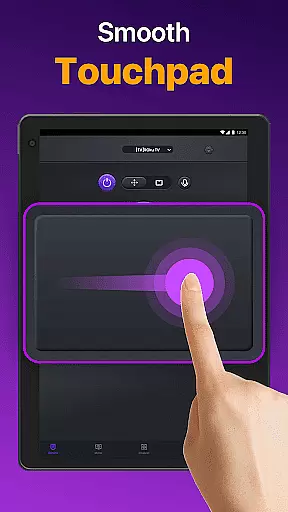
The app's effectiveness is demonstrated through responsive touchpad controls that allow efficient management of TV operations. Users can easily adjust volume, change channels, and control content playback with minimal latency, mimicking the experience of using a physical remote control.
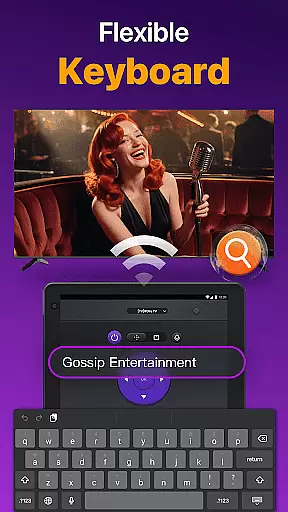
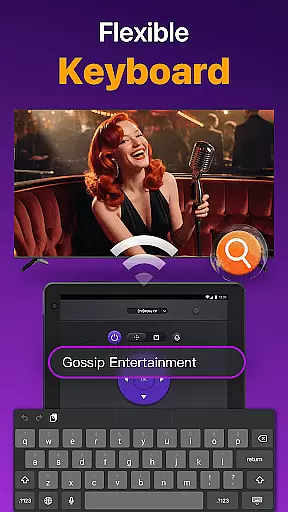
One of the standout features is the quick text input and search capability, which lets users find their favorite shows or movies without hassle. Additionally, the app supports screen mirroring and casting functionalities, enhancing user convenience by allowing media sharing directly from their device to the big screen.
By covering a wide range of TV brands and models, this universal remote app ensures broad compatibility and reliable performance. Whether it's for power management or advanced functions like reverse and fast forward, the app delivers accurate and effective control, making it an indispensable tool for smart TV owners.
The Universal TV Remote for All TV app excels in providing an intuitive and user-friendly interface that simplifies the process of managing various smart TVs. Upon launching the app, users are greeted with a straightforward setup process that involves selecting their TV brand and connecting to the TV under the same WiFi network.
Its design emphasizes ease of use, featuring a clean layout where essential functions such as volume control, channel management, and playback controls are easily accessible. This simplicity extends to the responsive touchpad, which allows users to interact with their TV efficiently, reducing the learning curve typically associated with new technology.
Another highlight is the quick text input feature, which streamlines the search process for content. By integrating familiar gestures and commands, the app minimizes complexity, ensuring that even those who are not tech-savvy can navigate and utilize its features effortlessly.
Overall, the app's focus on interface simplicity enhances the user experience, making daily interactions with smart TVs more enjoyable and less cumbersome. Its intuitive design ensures that users can take full advantage of their smart TV capabilities without being overwhelmed by complicated controls or settings.
User-friendly interface
Wide device compatibility
Efficient screen mirroring
Quick text input
IR and WiFi support
Limited to same WiFi
Occasional connectivity issues
Not officially affiliated
May not support all models
Requires careful setup

Transfer Files, APK from Phone to Watch & Install.
 4.1
4.1
A convenient photo, video, and file recovery tool.
4.00
Remote for Roku, Fire TV, Samsung TV, LG TV, Android TV, Chromecast and VIZIO TV
4.20
card-reader app
2.20
Smart and comfortable browsing experience.
3.80
Undelete and recover your lost or deleted files with DiskDigger!
3.40
Mirror your screen to Fire TV - Super fast and simple
4.40
Play your X-Box games remotely in 1080p with any controller and zero latency
4.60
Screen recorder with audio to record high-quality videos and take screenshots.
4.40
Learn the vast amount of system information about device and monitor it's state
4.70
HD Camera captures every special moment.
4.60 4.50
4.50 4.50
4.50
With videos, electrical calculators, and built-in ebook, Ugly’s has your answer.
4.50
App that Recover your pictures, videos or files after you delete them.
4.20
An open-source APK explorer for Android!
4.10
Family Locator, Share location, StayConnect with your family in real time
3.90
A powerful, easy-to-use flight computer on your phone or tablet!
3.80
Clean the junk files on your device
3.40


User Reviews