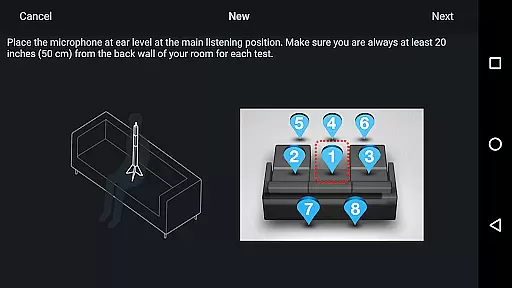
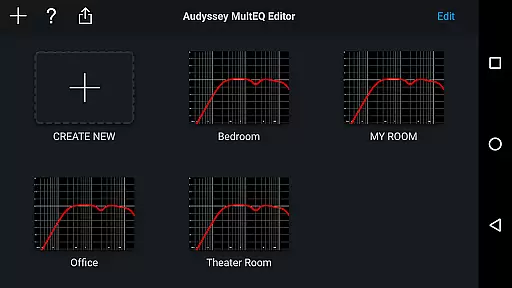
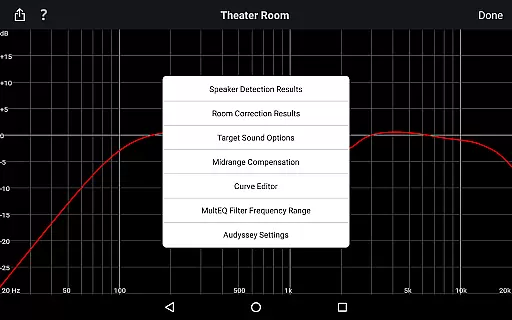
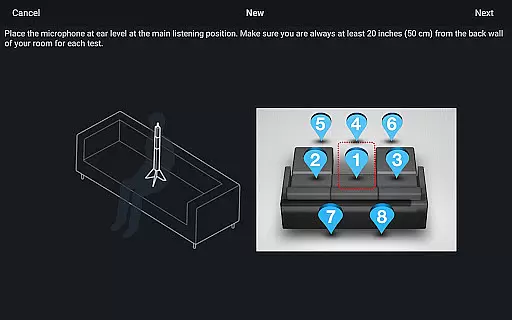
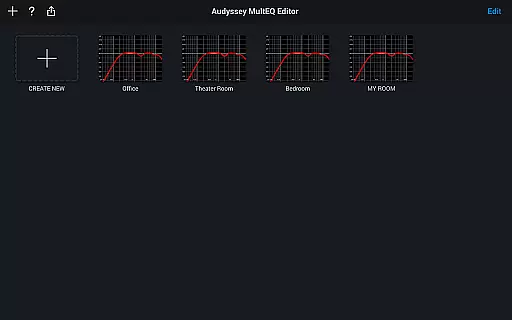
Audyssey MultEQ Editor app offers advanced control over your Denon or Marantz AV receiver's calibration, allowing detailed tuning beyond the standard setup. It provides users with the ability to adjust and customize audio settings to match room acoustics and personal preferences.
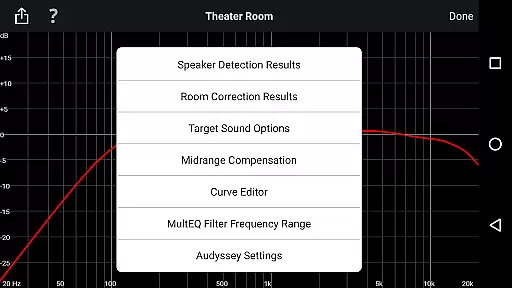
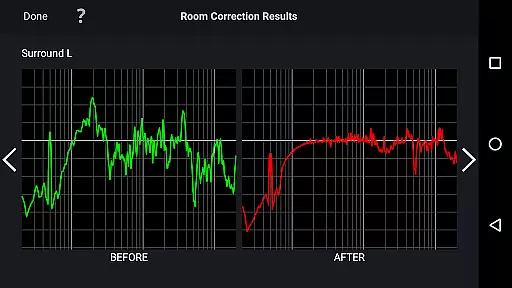
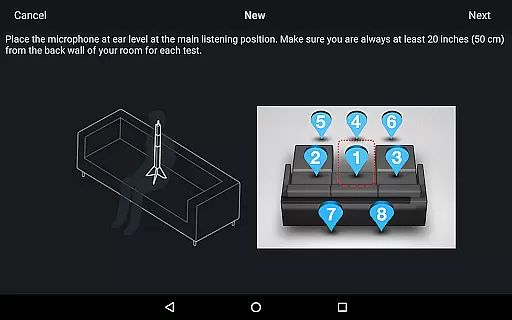
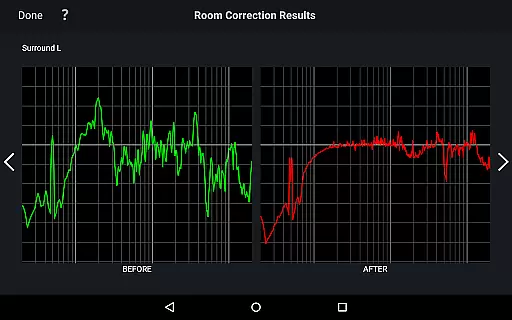
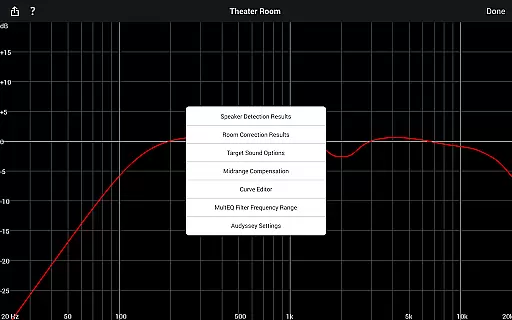
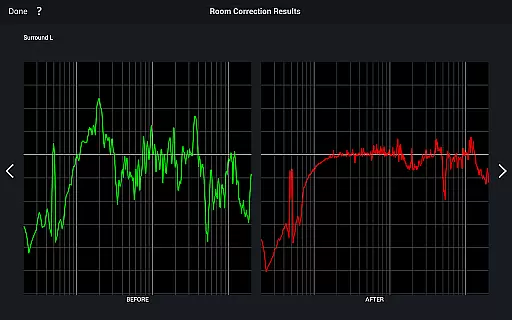
With this app, you can view speaker detection results, compare Audyssey calibration impacts, modify target curves, and adjust EQ settings. This level of customization ensures optimal sound quality tailored to your specific environment and listening tastes.
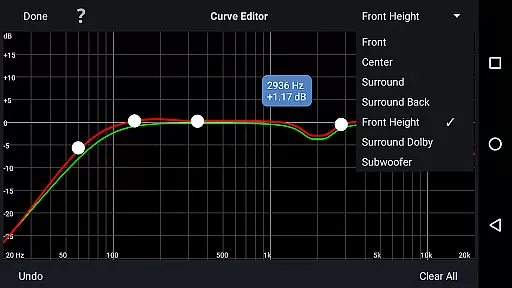
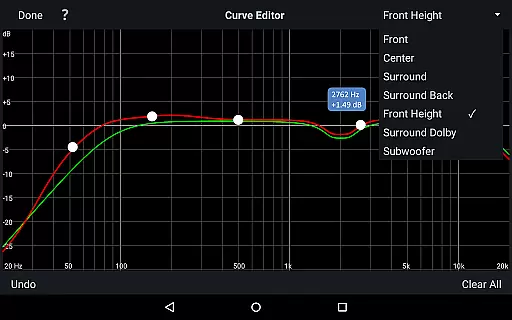
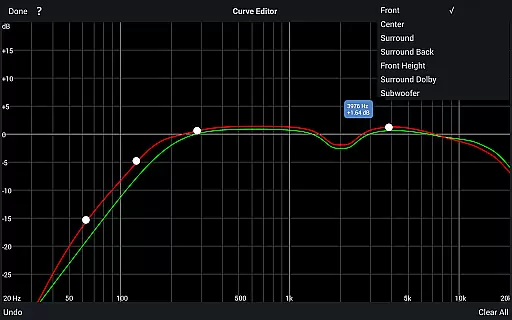
The app supports editing Audyssey target curves and adjusting EQ frequency rolloffs for each channel pair, enhancing sound precision. Users can switch between high-frequency rolloff curves and enable midrange compensation for brighter or smoother audio.
Additional features include saving and loading calibration results, multi-language support, and compatibility with a range of Denon and Marantz models. These functionalities provide convenience and flexibility in managing your home cinema audio experience.
The Audyssey MultEQ Editor app provides a comprehensive solution for advanced audio calibration, though it doesn't directly manage music libraries. Instead, its focus is on optimizing sound quality through detailed system adjustments. This ensures that any music library played through supported Denon and Marantz AV receivers benefits from enhanced audio precision.
With compatibility across numerous models, the app allows users to fine-tune settings such as speaker detection, EQ frequency rolloff, and high-frequency target curves. These features ensure that each track in your music library is reproduced with the highest fidelity, respecting the original audio content's integrity and copyright.
While the app itself does not store or categorize music, its ability to adjust sound parameters according to personal preferences means that listeners can experience their entire music collection with improved clarity and depth. The result is an authentic reproduction of audio tracks, preserving the artist's intended sound across various genres and formats.
One of the standout features of the Audyssey MultEQ Editor app is the extensive control it offers over audio quality options. Users can modify the Audyssey target curve for each channel pair, allowing precise tailoring of sound output to match room acoustics and personal taste. This level of customization ensures optimal audio performance, regardless of the playback material.
In addition to target curve adjustments, the app enables switching between two high-frequency rolloff target curves and managing midrange compensation. These capabilities contribute to achieving the desired tonal balance, whether you prefer a brighter or smoother sound profile. Such flexibility empowers users to overcome specific acoustic challenges in their listening environment.
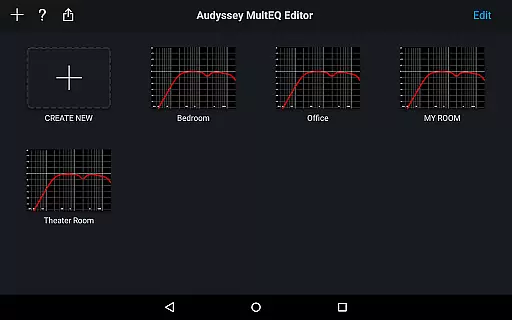
Furthermore, the app supports saving and loading calibration results, which means once the perfect settings are achieved, they can be stored indefinitely. This feature guarantees consistent audio quality across listening sessions and ensures that all music, movies, or other audio content benefits from the meticulously tuned system, providing an immersive and high-quality auditory experience every time.
Advanced audio calibration
Customizable target curves
Multi-language support
Save and load calibrations
Compatible with many models
Not compatible with all devices
Requires specific hardware
Limited to certain AV receivers
High system requirements
Potential complexity for novices

SqueezePlayer turns your Android phone or tablet into a SqueezeBox on its own!
 4.60
4.60
Full-featured, High-Quality Groovebox Workstation, perfect for Live Performance!
4.80
Powerful beat maker & DJ mixer to remix tracks, make music, & perform DJ mix
3.70
Enhance the sound quality of your devices, listen to what you want
4.50
24,000 free audio books and no ads!
4.90
AI Music Maker: Generate And Compose AI Tunes & AI Songs & AI Music & AI Melody!
4.60
Enjoy singing any song, no matter how high or low it is
4.30
The Minimalistic Premium Music Player. Handmade with passion for music
2.20
Turn your Android phone into a professional audio analyser with up to 120 bands.
4.00
Responsive piano with great sounds, graphics, and songs
4.80
Brian Eno and Peter Chilvers’ acclaimed music app Bloom, radically reinvented.
4.80
Gorgeous UI, Powerful music Search and Equalizer, the great choice for you!
4.70
Walkout Song DJ is the most intuitive app to manage your sports music.
4.70
Record, Mix & Master with all n-Track effects, 64-bit audio and Stem Separation.
4.70
Guzheng Master supports many playing techniques as an acoustic Guzheng
4.50
Advanced 10-Band Audio Graphic Equalizer Sound Booster Pro
4.30
Powerful 10-Band equalizer pro with sound booster improves Android audio quality
4.30
Offline Tunes, Unlimited Vibes
3.90
MilkDrop for Android TV
3.00


User Reviews