
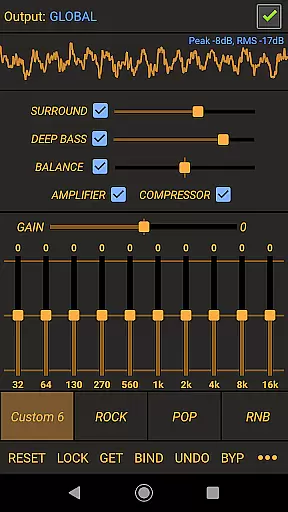
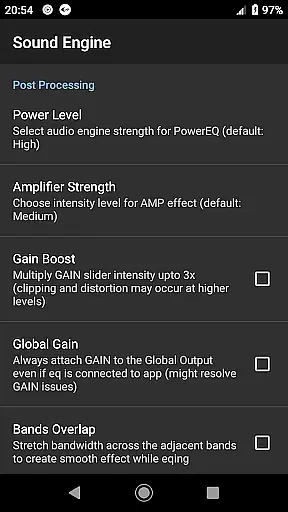
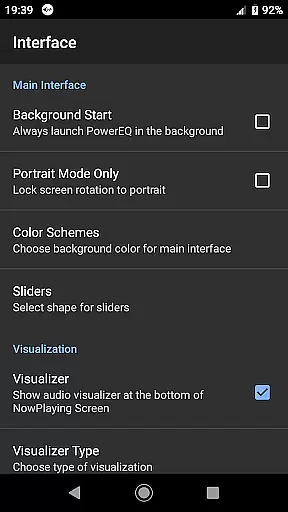
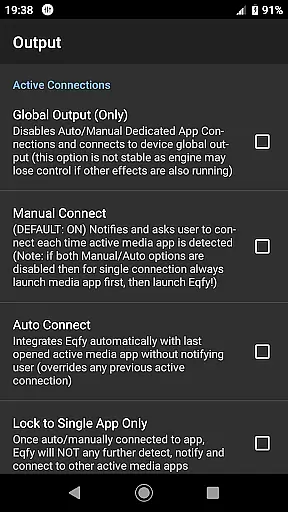
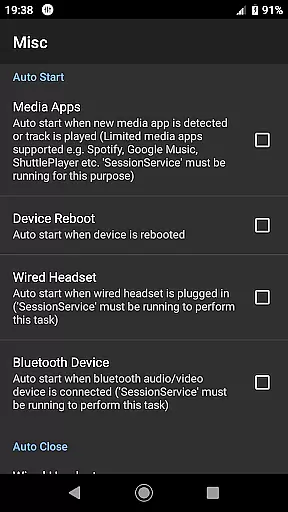
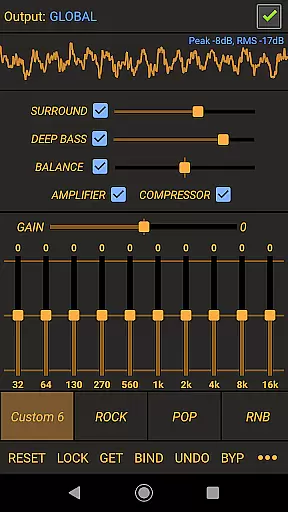
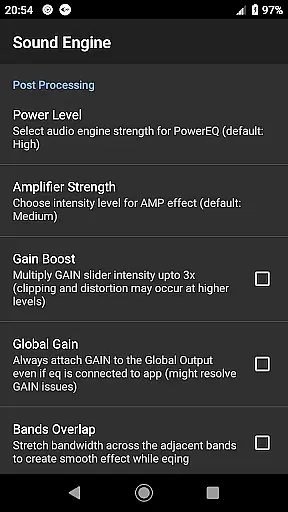
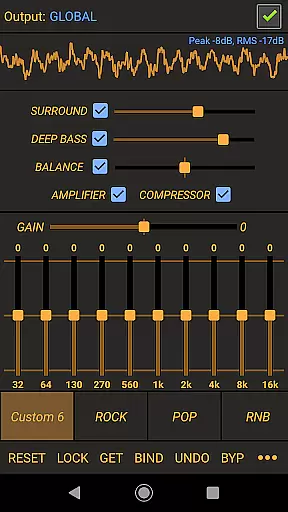
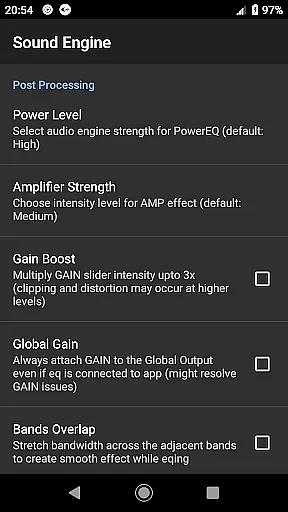
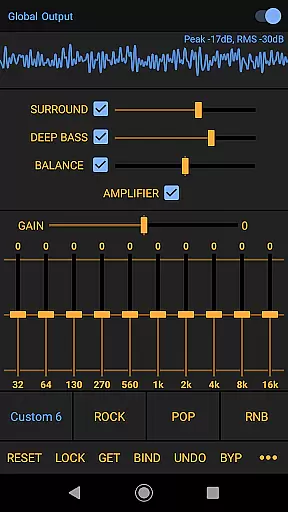
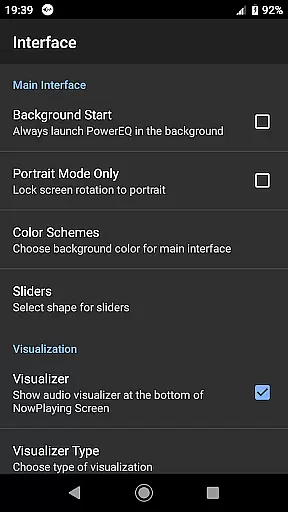
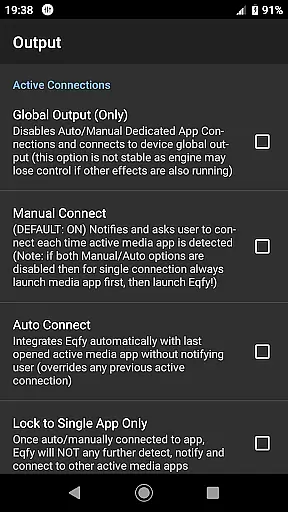
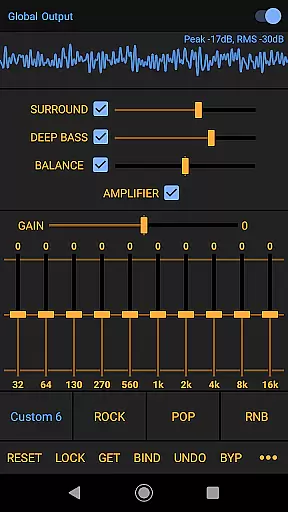
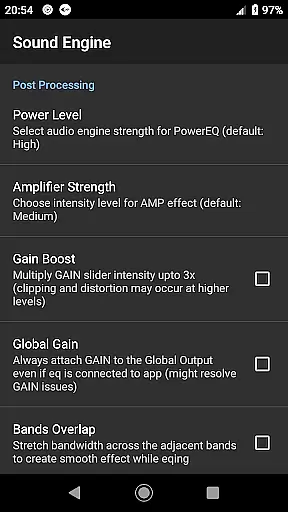
Power Audio Equalizer is a feature-rich audio enhancement application designed to elevate your listening experience on Android devices. This app specializes in boosting volume, restoring sound quality, and providing precise control over audio output through its advanced equalizer settings.
The core functionality revolves around a powerful 10-band equalizer that supports bass boost, volume amplification, and sound balance adjustments. It works seamlessly with a wide range of music players including YouTube Music, Spotify, and Google Play Music, ensuring compatibility across various audio apps. Additionally, the app enhances global system audio, making it versatile for different types of media playback.
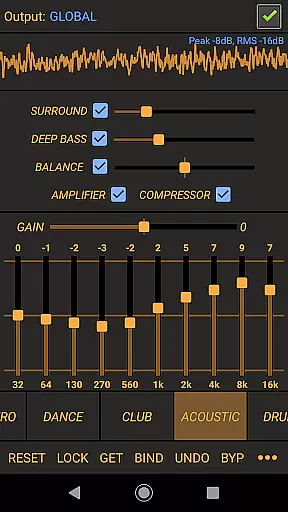
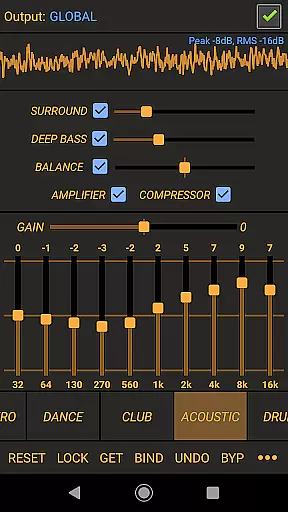
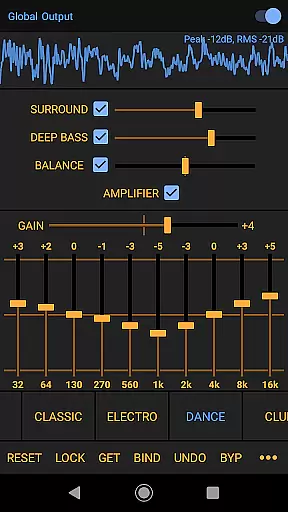
Whether you're using headphones, speakers, or Bluetooth audio systems, Power Audio Equalizer optimizes sound output for all devices. Its customizable presets like Rock, Pop, and Acoustic cater to diverse musical preferences, while features such as loudness enhancer and virtual surround make it ideal for audiophiles seeking professional-grade audio control.
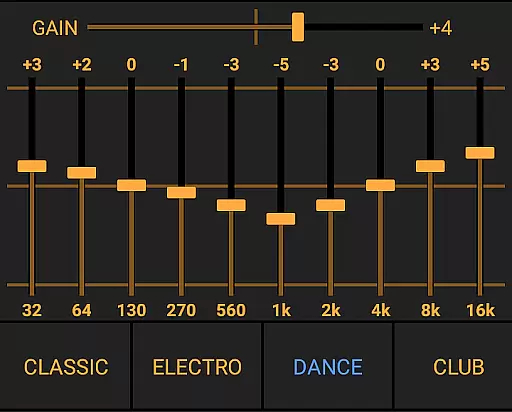
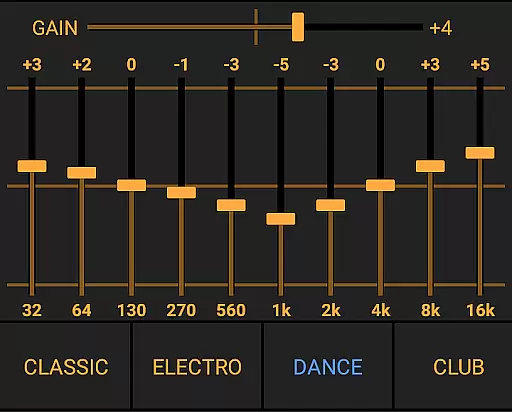
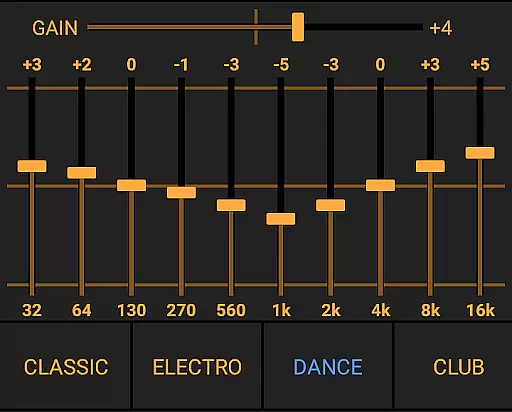
Power Audio Equalizer stands out with its comprehensive suite of audio processing tools. The app employs a high-performance DSP (Digital Signal Processor) engine that delivers exceptional sound clarity through its 10-band equalizer. Each band offers a +/- 15dB boost/cut range, allowing users to fine-tune audio frequencies with remarkable precision.
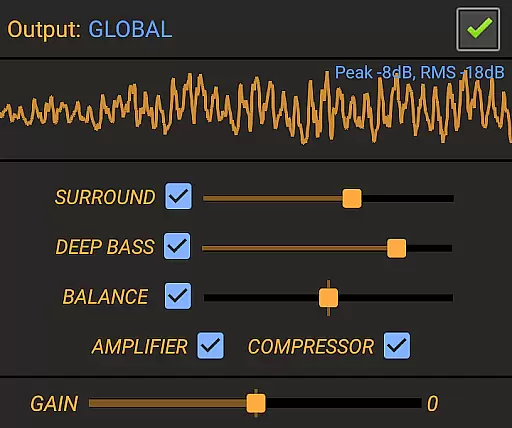
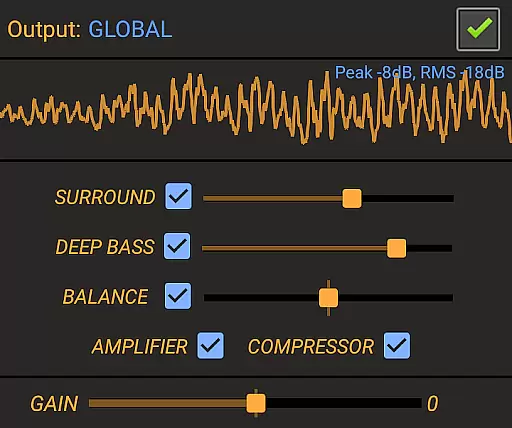
Beyond basic equalization, the app includes advanced features such as a pre-amp power amplifier with up to 45dB volume boost, dynamic range compression, and bass enhancement up to 10dB. These functionalities ensure richer bass tones and balanced audio dynamics. The inclusion of a loudness enhancer and stereo sound balance controls further refines the listening experience.
One of the standout aspects is its compatibility with both local and streaming audio apps. Whether you're playing music from Spotify or watching videos on YouTube, the app ensures consistent sound quality. Regular updates and dedicated user support make this app a reliable choice for anyone looking to enhance their device's audio capabilities.
Power Audio Equalizer focuses on delivering a high-quality audio experience rather than maintaining an internal music library. This app is designed to enhance the sound quality of your existing music collection by working seamlessly with various music and audio apps such as YouTube Music, Google Play Music, and Spotify.
The emphasis is placed on compatibility with a wide range of audio sources, ensuring that users can enjoy improved sound regardless of their chosen platform. While it doesn't directly manage or store music files, its strength lies in its ability to amplify and refine audio playback from other applications.
Regarding copyright authenticity, Power Audio Equalizer respects the legal framework surrounding digital content. It operates independently of any specific music service, meaning it neither infringes nor enforces copyright policies but rather complements legitimate music streaming and playback services.
Users benefit from this approach through enhanced audio experiences without concerns about unauthorized content distribution. The app's regular updates and dedicated user support further reinforce its commitment to providing a reliable and lawful audio enhancement solution.
One of Power Audio Equalizer's standout features is its comprehensive suite of audio quality options. At the heart of these options lies a sophisticated 10-Band equalizer, allowing for precise sound adjustments across different frequency ranges. Users can fine-tune their listening experience with +/- 15dB boost/cut capabilities, ensuring optimal audio performance tailored to individual preferences.
In addition to the equalizer, the app includes a powerful pre-amp volume booster capable of increasing sound levels by up to 45dB. This feature is particularly beneficial for devices with limited native volume capabilities, enabling users to achieve richer and more dynamic sound reproduction.
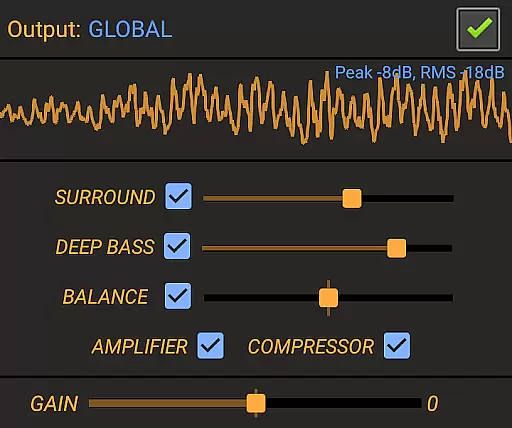
The inclusion of specialized audio effects further enhances the overall quality. These include bass boost, virtual surround sound, and a loudness enhancer, each offering up to 10dB of adjustment. Such tools empower users to create immersive audio environments that rival professional sound systems.
Moreover, the app provides customizable equalizer presets catering to various musical genres like Rock, Pop, and Classical. Coupled with real-time music visualization displaying Peak and Rms values, these features ensure that users have both qualitative and quantitative control over their audio output, resulting in an unparalleled listening experience.
Wide app compatibility
Advanced EQ controls
High-quality sound
Regular updates
User-friendly interface
May drain battery
Premium features locked
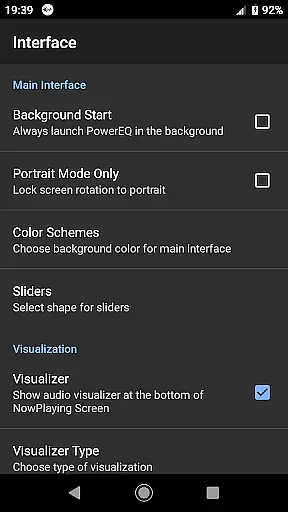
Interface not modern
Occasional bugs
Heavy on storage

10-Band Audio Equalizer, Sound / Bass Booster for Spotify Users & Music Players
 4.40
4.40
Listen to live FM radio stations, sports, music and news on global radios online
4.70
Simple & Intuitive Metronome
4.70
Music Streaming suite for Ampache, Nextcloud Music and compatible backends.
4.5
The best music and audio player, with beautiful UI, music search and equalizer.
4.60
Recording studio w/ 10k beats, pro vocal FX and a network of 20M rappers & fans!
4.60
AI Music Maker: Generate And Compose AI Tunes & AI Songs & AI Music & AI Melody!
4.60
MilkDrop for Android TV
3.00
Get alarms that fit your lifestyle and wake up to the sounds you love.
4.80
Gorgeous UI, Powerful music Search and Equalizer, the great choice for you!
4.70
Offline Music Player&MP3 Player with themes, equalizer, lyrics, music play mode
4.60
Guzheng Master supports many playing techniques as an acoustic Guzheng
4.50
Let your Android device with the sound effects you want
4.50
Help you quickly get started with Shokz headphones
4.40
A sleek, no-frills player designed for true music lovers.
4.20
PowerAudio is a powerful offline music player.
4.20
Next generation modular control surface
4.10
Background pads for your band
3.80
Simply convert wav to mp3. Clear. Reliable. Safe.
4.1


User Reviews