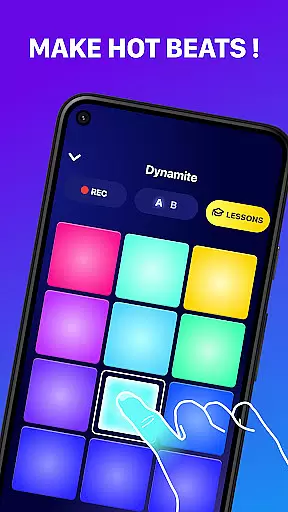
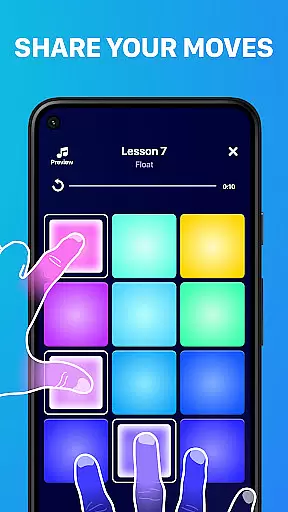
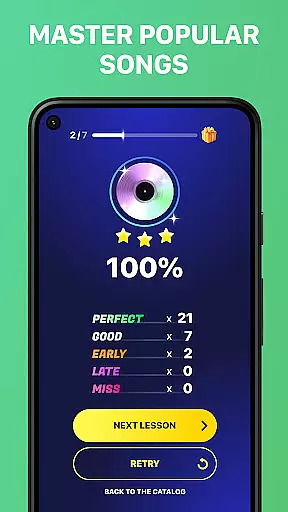
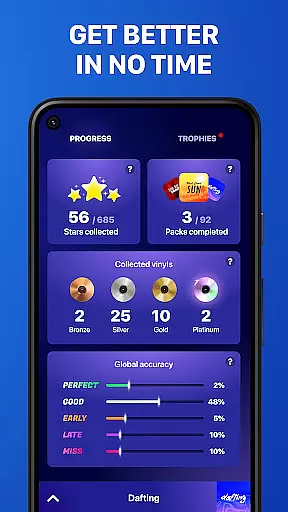
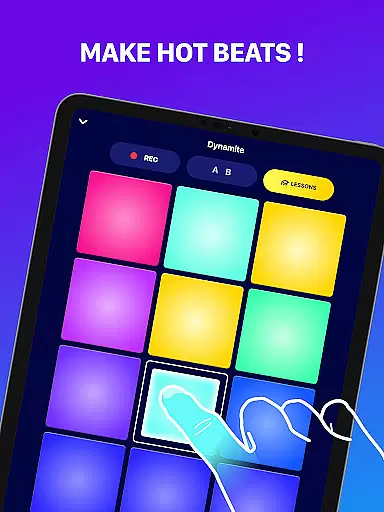
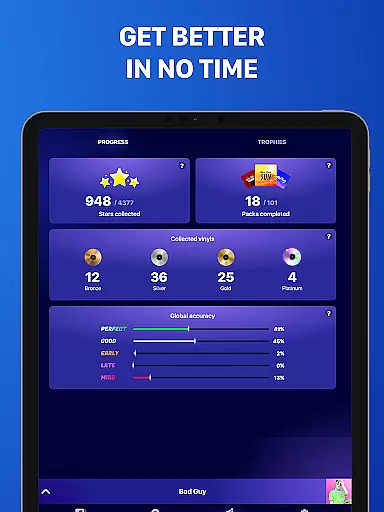
Beat Maker Pro is a comprehensive music creation tool that allows users to produce professional-quality beats and melodies across various genres. The app features an intuitive 24-pad drum machine interface, enabling aspiring DJs and musicians to craft unique rhythms with ease. Whether you're into EDM, hip-hop, or dubstep, this application provides the tools necessary to create complex compositions.
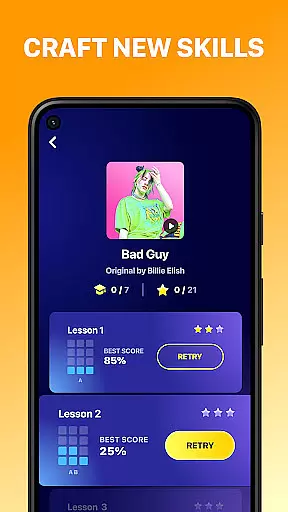
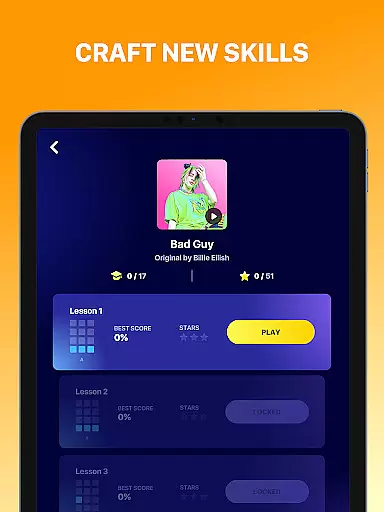
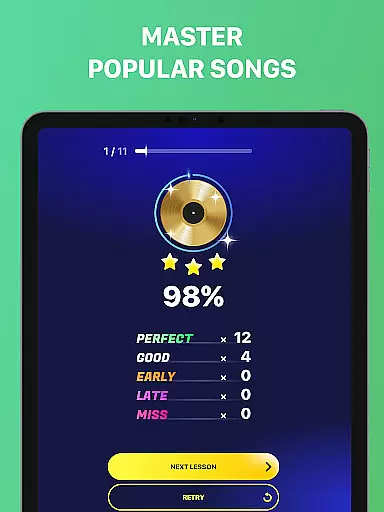
In addition to its robust beat-making capabilities, Beat Maker Pro offers educational content for those looking to refine their skills. Users can access lessons on beatboxing and DJ techniques, helping them advance from beginners to proficient music producers. With functionality that supports loop mixing and song remixing, the app serves as a portable studio, empowering creators to produce music anytime, anywhere.
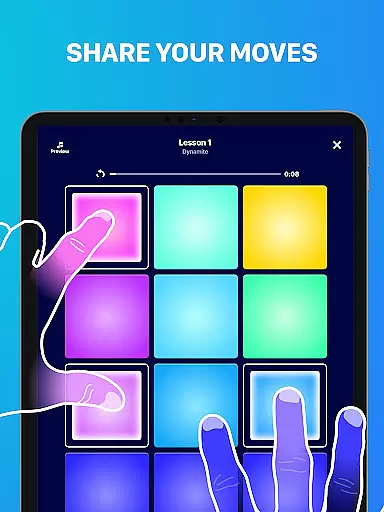
One of the standout features of Beat Maker Pro is its versatile 24-pad drum machine, which facilitates dynamic beat creation and manipulation. Each pad can be customized to trigger different sounds or samples, allowing for intricate layering and sequencing. This flexibility ensures that users can experiment with diverse musical styles and patterns, from simple drum beats to complex melodic arrangements.
Beyond its core music production tools, the app includes a suite of learning resources designed to enhance user proficiency. These include interactive tutorials on beatboxing and DJing, as well as tips for mastering rhythm and groove. Furthermore, the app's recording functionality enables users to capture their creations, providing a platform for sharing and refining their work. With regular updates and a supportive community, Beat Maker Pro remains at the forefront of mobile music production technology.
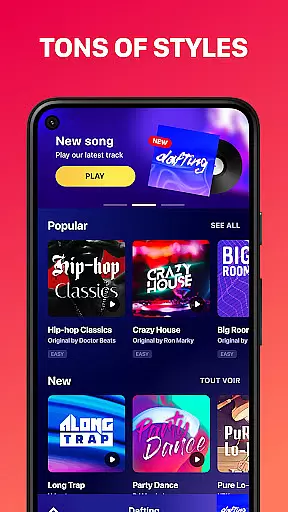
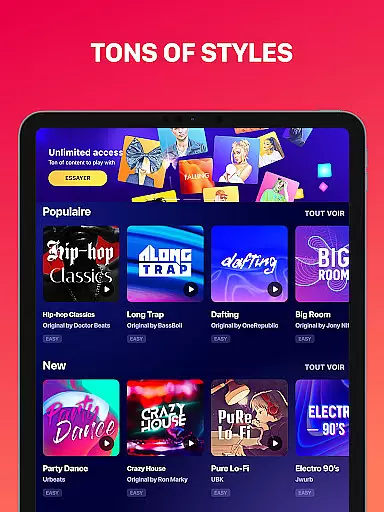
Beat Maker Pro offers an extensive music library that caters to a wide array of genres including dubstep, trap, EDM, and hip-hop. This vast collection ensures that users have access to a diverse set of sounds and loops, which is crucial for creating unique and engaging beats.
The app places a high emphasis on copyright authenticity, ensuring that all the music content available for use is properly licensed. This gives users peace of mind, knowing they can create music without infringing on any copyrights, thus protecting their work and reputation as a music creator.
With Beat Maker Pro, musicians and DJs can rely on the app's comprehensive library to produce professional-quality tracks. The combination of a rich sound palette and verified licensing makes it an invaluable tool for both amateur beat makers and seasoned professionals alike.
Audio quality is paramount when producing music, and Beat Maker Pro excels in delivering pristine sound output. The app supports various audio quality options, allowing users to choose the best setting that suits their project requirements, whether they are creating a demo or finalizing a track for release.
Users can select from multiple audio formats and bitrates, ensuring compatibility with different playback devices and platforms. This flexibility empowers producers to optimize their music files for specific uses, maintaining the integrity of the sound across all mediums.
Furthermore, the app's advanced audio processing capabilities guarantee that regardless of the chosen format, the output remains clear and dynamic. Beat Maker Pro stands out by providing musicians with the tools needed to achieve exceptional audio fidelity, elevating their productions to industry standards.
User-friendly interface
Wide range of genres supported
Comprehensive learning resources
High-quality sound samples
Portable music studio
Limited free content
Advanced features require purchase
Occasional bugs reported
Steep learning curve for beginners
Subscription model may deter some users

Equalizer, Bass Booster and Volume Booster (Eq & Bass) improve sound quality
 4.30
4.30
Taal player that lets you sing any Indian & Western song with Tabla & Tanpura
4.60
Network/Cloud Streaming, Visualization, Graphic Equalizer and Sound Effects.
4.20
Guzheng Master supports many playing techniques as an acoustic Guzheng
4.50
Bass Booster & Volume Equalizer Pro improves your music and video sound quality
4.60
Recording studio w/ 10k beats, pro vocal FX and a network of 20M rappers & fans!
4.60
Versatile MP3 recorder with auto-backup to Dropbox and Google Drive
4.10
Uninterrupted Tunes, Unmatched Vibes
3.90
Be a true music maker: create beats, mix and make music like a real DJ!
4.30
Voice recorder - Audio recorder. Best recorder for recording
4.90
Most Advanced AI Song Generator and Music Creator. Rap, Pop, Rock, Gospel & more
4.70
Full featured mp3 and audio player with Chromecast and Android Auto support.
4.40
Bass Booster Pro takes auto-equalizing to the next level!
4.30
No wifi music app. Mp3 offline. Tuner radio, young radio music. Music downloader
4.20
VB-AUDIO Software / VBAN-Receptor allows listening to any VBAN Streams
4.10
The ultimate media player for Android devices
3.90
The Cubase remote control app
3.60
Simple mp3 and mp4 player with advanced features.
3.40
MilkDrop for Android TV
3.00


User Reviews