
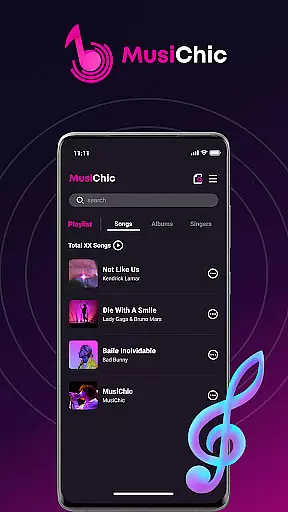
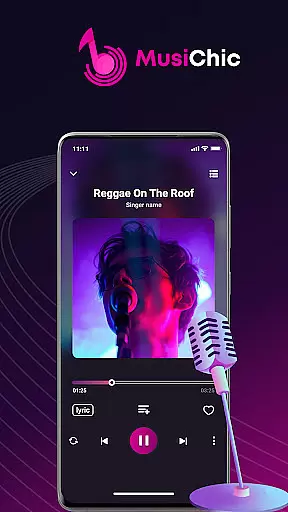
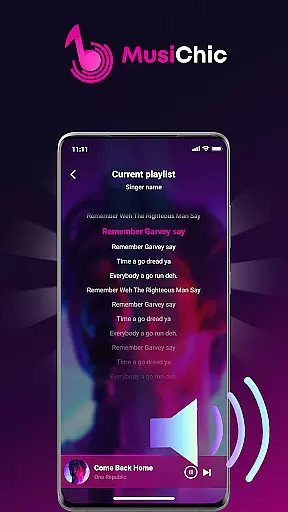
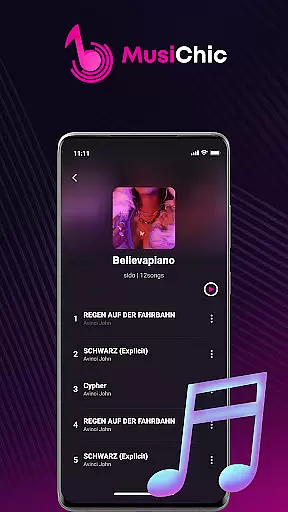
MusiChic is an advanced offline music player designed for audiophiles who demand the best in audio quality and organization. This sophisticated app transforms your mobile device into a personal concert hall, supporting lossless playback of numerous audio formats.
The application's intelligent scanning system builds your local music library instantly while organizing tracks by album, artist, and genre. Whether you're curating custom playlists for work or managing extensive music collections, MusiChic provides tools to enhance every listening experience.
Experience unparalleled music management with MusiChic's smart features. The app's intelligent scanning technology detects all audio files on your device, automatically sorting them into comprehensive libraries.
Enjoy uninterrupted playback with offline functionality that supports major audio formats in lossless quality. The app's customization options let you create unlimited playlists and collections, while its powerful search capability helps you find any track instantly.
When it comes to digital music players, the size and authenticity of the music library are crucial factors. MusiChic offers an impressive local music library that is instantly accessible through its smart scanning feature.
The application supports a wide array of audio formats, allowing users to enjoy an extensive collection of tracks without worrying about compatibility issues. This ensures that your entire music collection, regardless of its format, can be centralized in one place.
MusiChic emphasizes offline playback, which not only respects copyright laws but also provides peace of mind for users who want to manage their personal music collections responsibly. The app's dedication to copyright authenticity means you can trust that your music experience remains legal and above board.
With MusiChic, you're not just getting a music player; you're gaining a sophisticated tool designed to handle your valuable music assets with care and precision.
For audiophiles and casual listeners alike, audio quality is paramount. MusiChic delivers concert-hall quality sound, elevating the listening experience to new heights.
The app supports lossless audio playback, ensuring that every note and nuance of your music is preserved. Whether you're enjoying a symphony or a solo performance, the clarity and richness of sound are maintained without compromise.
Users have the flexibility to manage their audio preferences, thanks to MusiChic's support for various major formats. This versatility allows for an optimized listening session tailored to individual tastes and equipment capabilities.
Experience music as the artists intended, with MusiChic's commitment to providing top-tier audio quality options that cater to the most discerning ears.
Lossless audio quality
Smart library organization
Fast file scanning
Custom playlist creation
Offline playback support
Limited social features
No cloud integration
Premium only features
Heavy storage usage
Complex interface

Performance-Synthesizer & Multi-Track-Sequencer, polyphonic + multi timbral!
 4.70
4.70
Background pads for your band
3.80
Bass Booster Pro takes auto-equalizing to the next level!
4.30
Bass Booster & Volume Equalizer Pro improves your music and video sound quality
4.60
The official Sonos app
4.10
Simple mp3 and mp4 player with advanced features.
3.40
MilkDrop for Android TV
3.00
Responsive piano with great sounds, graphics, and songs
4.80
Be a true music maker: create beats, mix and make music like a real DJ!
4.30
24,000 free audio books and no ads!
4.90
Most Advanced AI Song Generator and Music Creator. Rap, Pop, Rock, Gospel & more
4.70
Ultimate Sonos Controller
4.70
AI Music Maker: Generate And Compose AI Tunes & AI Songs & AI Music & AI Melody!
4.60
Offline Music Player&MP3 Player with themes, equalizer, lyrics, music play mode
4.60
Visualize the guitar fretboard, master scales & play through changes like a pro!
4.50
Help you quickly get started with Shokz headphones
4.40
Your HD audio recorder on the go for music, meetings, ambience, animal sounds…
4.30
Permanently backup Now Playing. Maps, filters & listening stats.
4.00
Turn your Android phone into a professional audio analyser with up to 120 bands.
4.00


User Reviews