
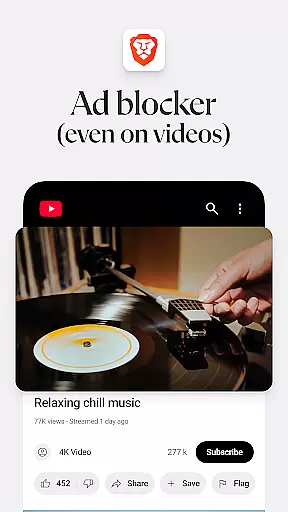
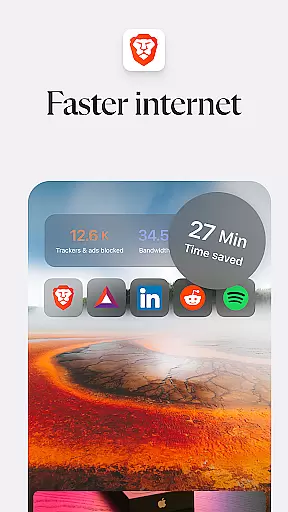
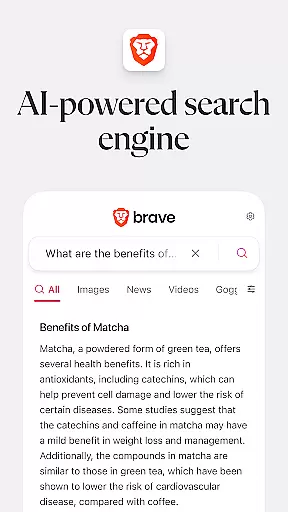
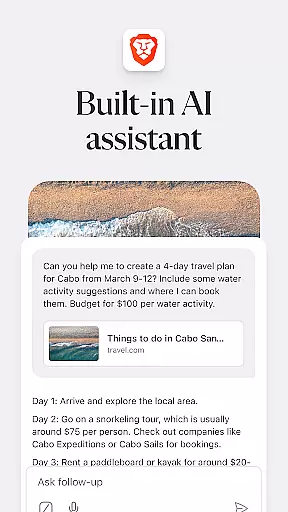
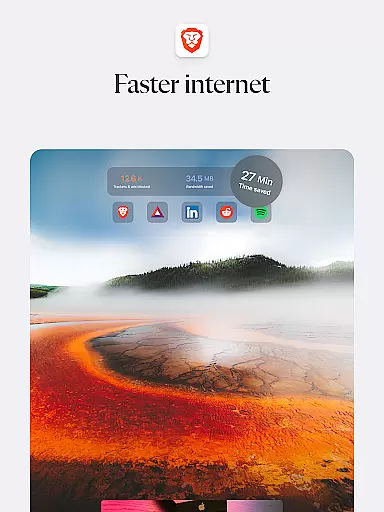

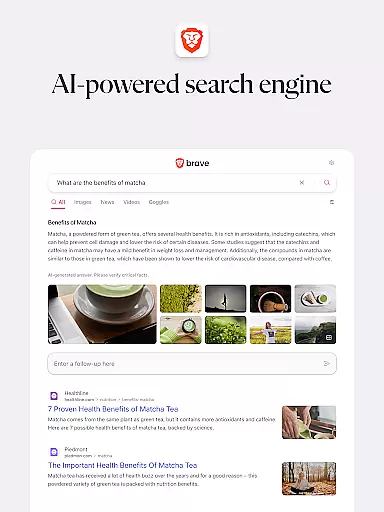
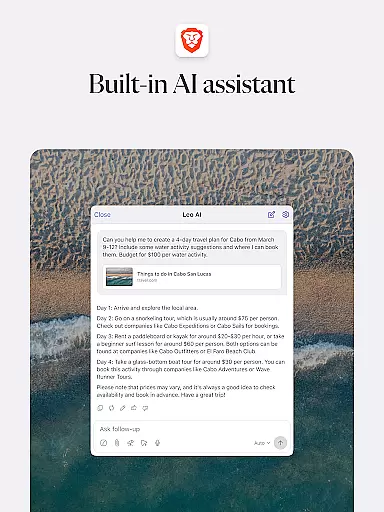
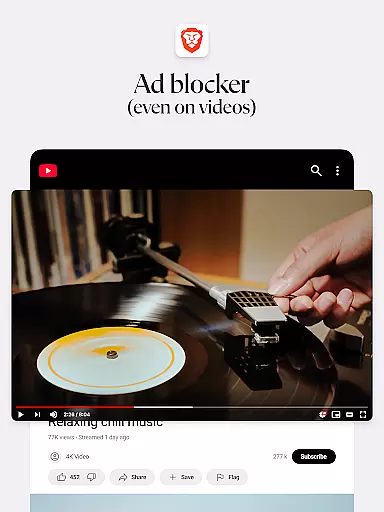
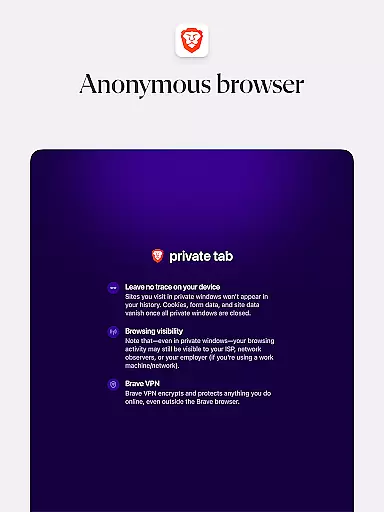

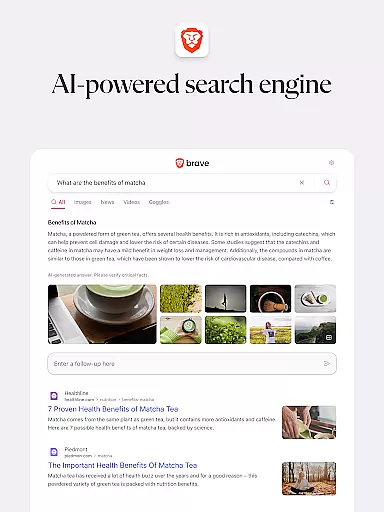
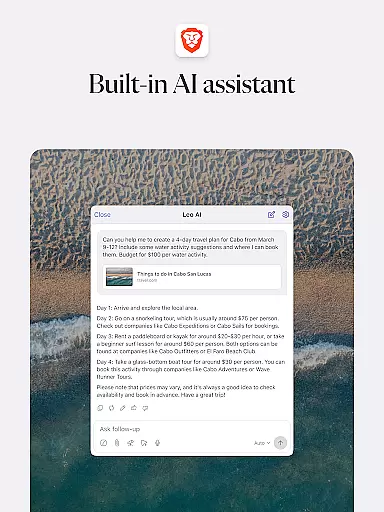
Brave Private Web Browser is a top-tier communication tool designed to enhance your browsing experience while maintaining privacy and speed. This browser offers 3X faster browsing with its built-in adblock, AI assistant named Brave Leo, Firewall + VPN, and an independent search engine called Brave Search that does not profile users. It also features night mode for comfortable reading in low light.
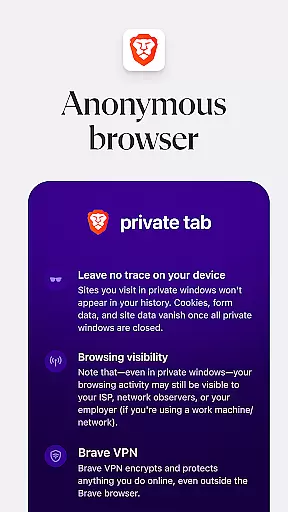
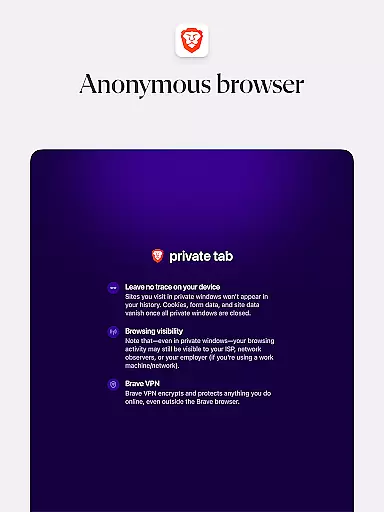
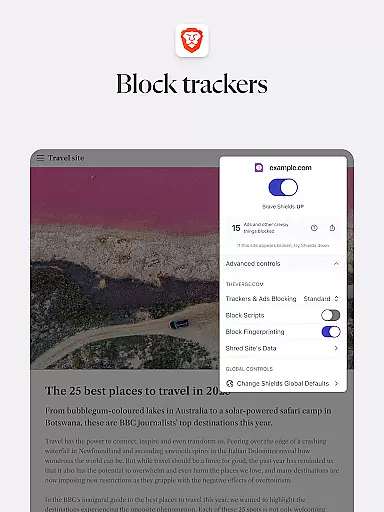
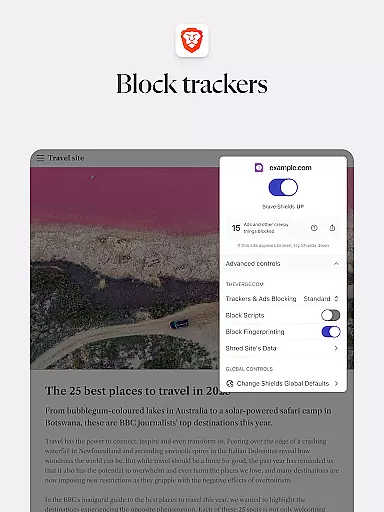
In addition to its core functionalities, Brave provides comprehensive privacy protection through HTTPS Everywhere, script blocking, cookie blocking, and private incognito tabs. The browser supports Android 7 and above, ensuring wide accessibility. With Brave Rewards, users can even get paid for their attention, transforming the traditional online ad ecosystem.
Brave stands out due to its rich feature set tailored for privacy and efficiency. One of its key features is the AI assistant, Brave Leo, which helps users with tasks such as answering questions and translating languages without recording or sharing chats. Another highlight is the integrated Firewall + VPN, providing an additional layer of security.
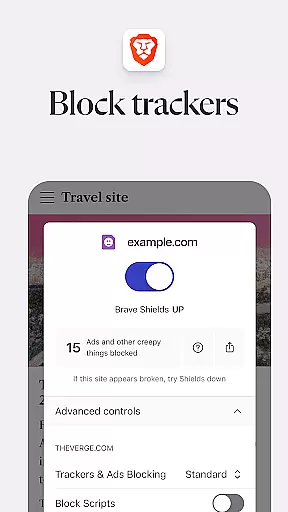
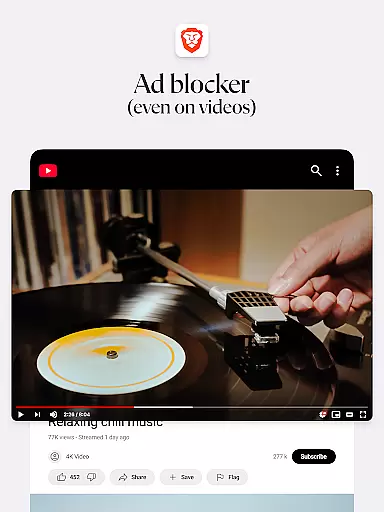
The browser includes Brave Search, a private and independent search engine that doesn't track user activity. It also blocks ads and pop-ups, saves data and battery, and ensures secure bookmark syncing. Additional features include free tracking protection, script blocker, private bookmarks, and the ability to import/export bookmarks from other browsers. These capabilities collectively ensure a fast, secure, and private browsing experience.
Real-time messaging speed and reliability are crucial for a seamless communication experience. Brave Private Web Browser ensures that users can browse the internet with minimal latency, providing an almost instantaneous response to user inputs.
The browser's optimized architecture reduces page loading times significantly, making it possible to access content quickly. This is particularly beneficial when interacting with web applications that rely on real-time data exchange, such as messaging platforms or live updates.
Users of Brave benefit from this enhanced speed without compromising security. The browser blocks ads and trackers that can slow down the browsing experience, ensuring reliable performance even on networks with high traffic or limited bandwidth.
With its fast web browsing capabilities, Brave allows users to enjoy swift navigation across different websites while maintaining top-notch privacy protection, thus offering a reliable tool for efficient online communication.
Media sharing support in a web browser enables users to easily distribute various types of content, including images, videos, and documents. Brave Private Web Browser facilitates this process by ensuring compatibility with multiple file formats and providing a secure environment for sharing.
Brave's built-in features like HTTPS Everywhere and script blocking contribute to safer media exchanges over the internet. By encrypting data traffic and preventing malicious scripts from running, users can share personal or sensitive information without exposing themselves to unnecessary risks.
In addition to security, Brave also simplifies the act of uploading and downloading media files through its intuitive interface. Whether you're posting content on social media or transferring large files via cloud services, Brave streamlines these tasks so they can be completed efficiently.
By combining robust privacy protections with practical tools for media management, Brave offers a comprehensive solution for individuals who prioritize both convenience and confidentiality when engaging in digital communications.
Fast browsing speed
Strong privacy protection
Built-in adblock
Free AI assistant
Private search engine
Limited iOS features
No native email client
Occasional bugs
Learning curve
Fewer extensions

We’re taking the yada yada out of wireless—now we’ve taken it out of your app.
 4.70
4.70
Messages: Fast, simple SMS app with scheduling and smart features.
4.00
Messenger for SMS - texting message app, faster, simpler & safer, for you.
4.70
Our Black Friday sale is here. Unlock special discounts on Proton Mail now.
4.30
Messenger app for faster and simpler SMS text messaging, and personalized themes
4.10
Quickly and easily identify and block unknown callers
3.70
Official NDI app: turn your phone into a professional live-streaming IP camera.
3.20
Smart and simple anti-wiring application - IMSI-catchers catcher
4.40
Group Chat That’s Fun & Games
4.30
Adblock & VPN Browser: Blocks banners, pop-ups and video ads, fast downloader!
4.60
Messenger, an MMS & SMS messages app with Blockers, Driving mode & Private box
4.60
Connect and browse the internet with a fast VPN proxy server and IP blocker.
4.50
Talk & text free with a second phone number plus unlimited 5G data, no fees.
4.50
Phone Dialer with Caller ID, Address Book & Contacts Manager.
4.30
Google's fast and secure browser
4.10
Measure BHP, Torque & 0-60 Clear car OBD faults View engine data in Google Earth
4.00
Fun, free app that lets kids video call and message family and close friends.
3.80
Secure Messaging App to Enhance Messenger Texting Experience and Organize SMS.
3.50
Bringing the functionality of Winlink to your Android device
4.3


User Reviews