

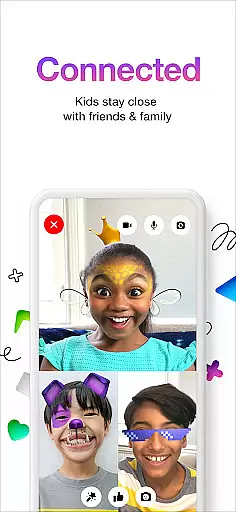
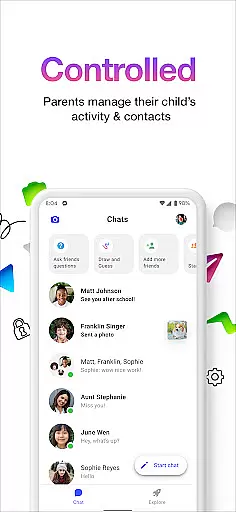
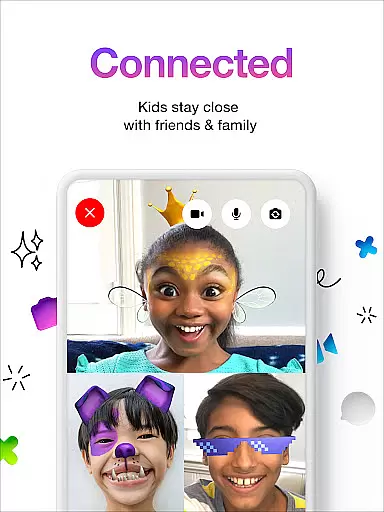
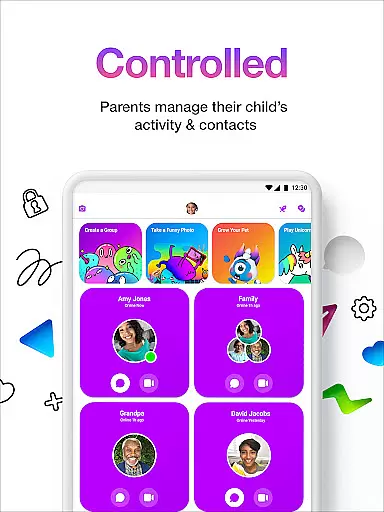

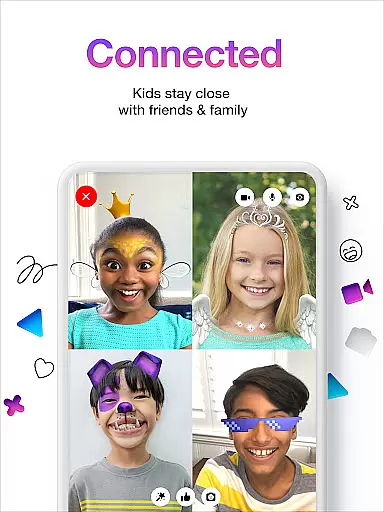
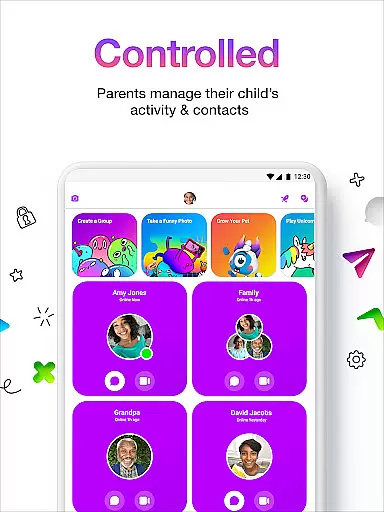
Messenger Kids is a communication app designed specifically for children, with parental controls to ensure safety. The app allows kids to video chat and message with approved contacts, ensuring a secure environment. Parents can manage their children's contact lists and monitor messages through the Parent Dashboard.
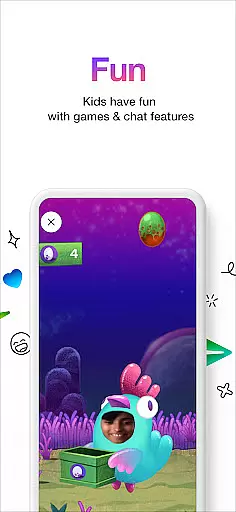
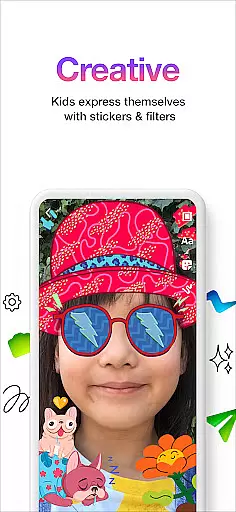
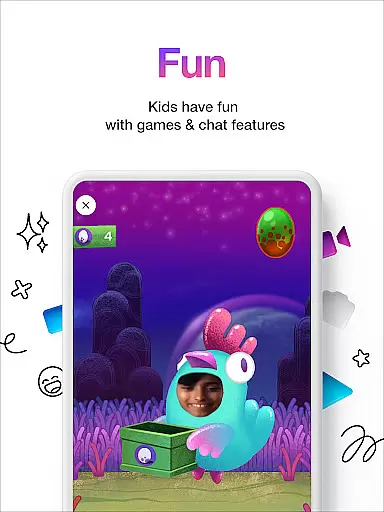
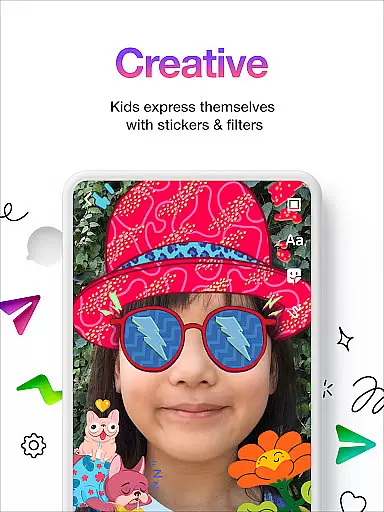
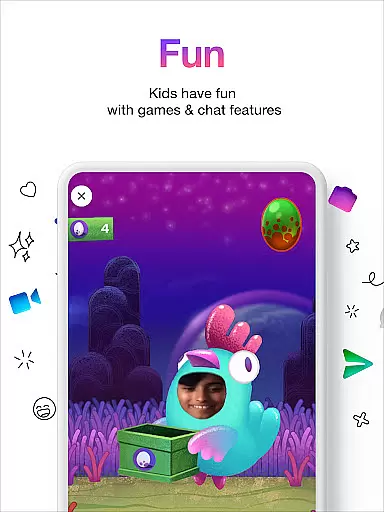
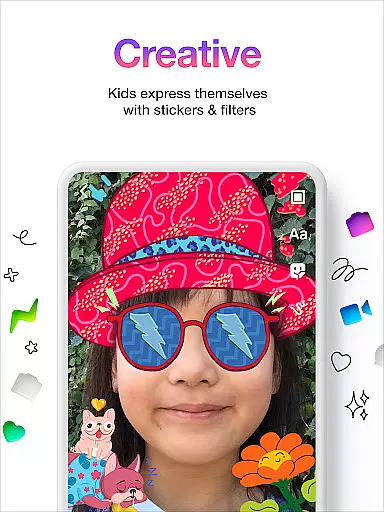
The app offers fun filters, reactions, and sound effects to make video chats more engaging. It also includes creative tools like stickers, GIFs, and emojis for expressive conversations. With no phone number required and no in-app purchases or ads, Messenger Kids provides a worry-free experience for both kids and parents.
Messenger Kids stands out with its robust parental controls and kid-friendly features. The Parent Dashboard lets parents manage contacts and set usage limits, ensuring a safe and balanced usage. The app provides a variety of fun filters, sound effects, and reactions that make video chatting exciting for kids.
Creative conversation tools include stickers, GIFs, emojis, and drawing options, allowing kids to express themselves freely. The app ensures there are no in-app purchases or advertisements, providing a seamless and uninterrupted experience. Messenger Kids is continuously improved based on user feedback, making it a reliable choice for safe digital communication.
Real-time messaging speed and reliability are crucial for any communication app, especially one designed for kids. Messenger Kids ensures that messages are delivered instantly, allowing children to communicate with their friends and family without delays.
The app employs advanced server infrastructure and optimized data transmission protocols to maintain high-speed message delivery. This means that whether kids are sending texts, stickers, or emojis, they can expect their messages to appear in conversations almost instantaneously.
Parents can rest assured that the reliability of message delivery is consistently upheld. The app minimizes the chances of message failures or delays, ensuring a seamless communication experience for its young users.
Moreover, the stability of real-time messaging fosters an engaging environment where kids feel connected and involved, enhancing their social interactions within a safe digital space.
Media sharing support is an essential feature in modern communication apps, enabling users to exchange photos, videos, and other media files effortlessly. Messenger Kids offers a secure platform for children to share media with their approved contacts.
The app allows kids to send images and videos to their friends and family while maintaining strict privacy controls. Parents have the ability to oversee all media exchanges through the Parent Dashboard, ensuring that only appropriate content is shared.
In addition to basic media sharing, Messenger Kids includes creative tools such as drawing options and fun filters. These features allow children to personalize their media before sharing, making each exchange more expressive and enjoyable.
By providing robust media sharing capabilities within a controlled environment, Messenger Kids empowers children to communicate creatively while giving parents peace of mind regarding content safety and appropriateness.
Parental controls
Kid-friendly interface
No ads or purchases
Fun creative tools
Secure environment
Limited features
Requires setup
Monitoring needed
Age restrictions
Dependent on parents

Enjoy secure messaging & calling. Safe Messenger: group chats, calls, messages.
 4.20
4.20
Google's fast and secure browser
4.10
Quickly and easily identify and block unknown callers
3.70
Chat on the Jabber network (XMPP protocol); support for SMS and other gateways
2.10
Manage and Fund Calling Accounts and Schedule and Join Video Sessions
3.60
Messenger, an MMS & SMS messages app with Blockers, Driving mode & Private box
4.60
Messages is Private SMS Messenger 2023 with text message, instant messaging.
4.00
Weargram is an unofficial Telegram Client for Wear OS.
3.50
Enhance browsing with AI-powered features and Copilot.
4.70
A browser that does more than load page, like keeping your privacy safe.
4.70
Manage your mobile phone plan, check unlimited 5g data usage and track rewards
4.50
Create a secure hotspot on-the-go with Portable WiFi - Mobile hotspot.
4.40
Call Blocker app: Identify unknown callers, block spam calls, fraud & robocalls
4.30
Send SMS and chat messages easily with a fast text messaging app for Android.
4.10
WazzapMigrator: transfer your WhatsApp history from iPhone to Android
4.00
Threema is the messenger with the most consistent focus on security and privacy.
4.00
Official NDI app: turn your phone into a professional live-streaming IP camera.
3.20
Watchgram for Telegram: Experience seamless Telegram messaging on your watch
1.80
Enables Plus features of Quick Search.
4.3


User Reviews