
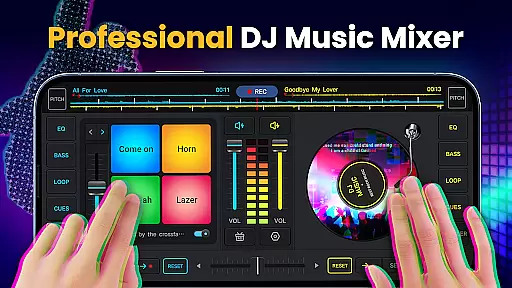
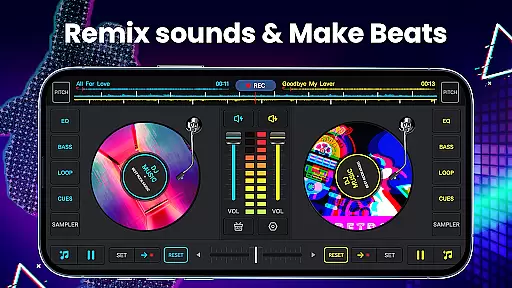
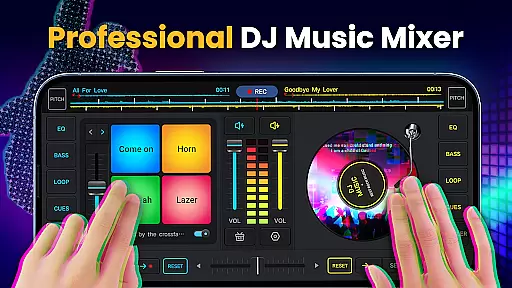
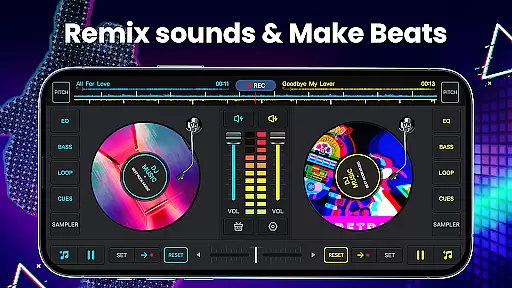
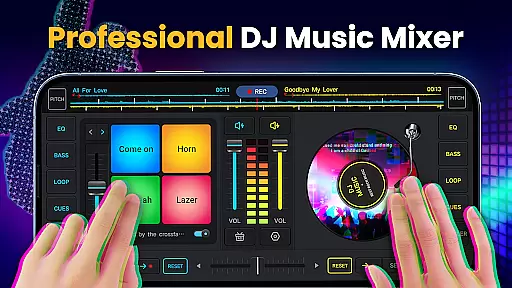
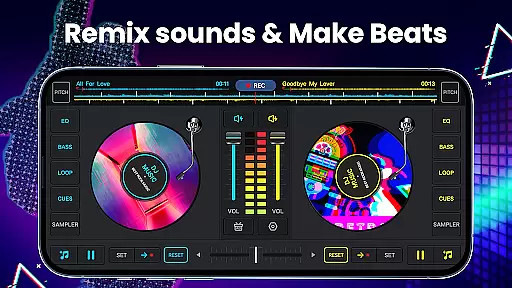
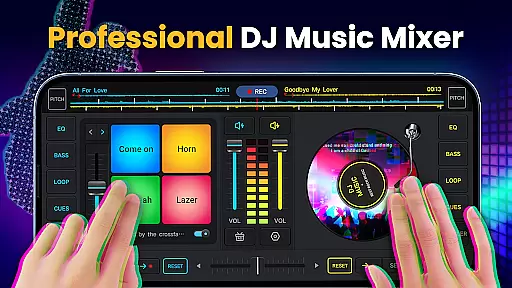
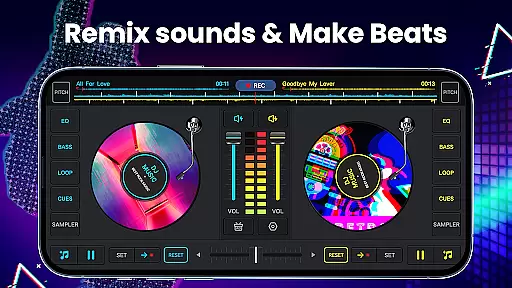
DJ Music Mixer - DJ Mix Studio is a feature-rich virtual DJ mixer and music mixing application designed for both professional DJs and music enthusiasts. The app offers an intuitive interface with powerful tools such as sound effects, equalizer, bass booster, and real crossfader functionality across two virtual turntables. Users can create customized mixes, remix songs, make beats, and record their sessions in high-quality MP3 format.
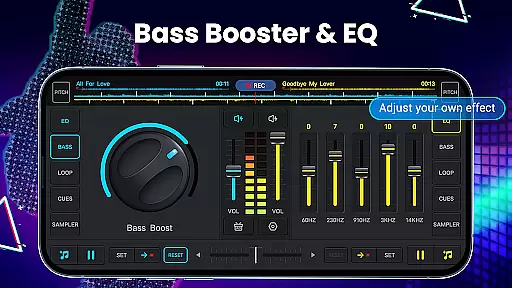
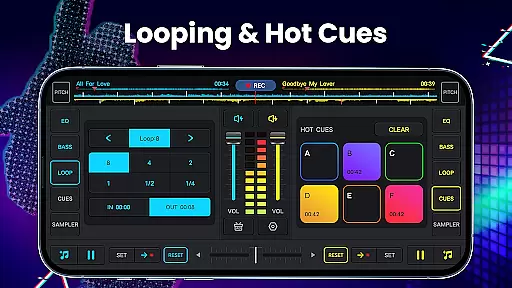
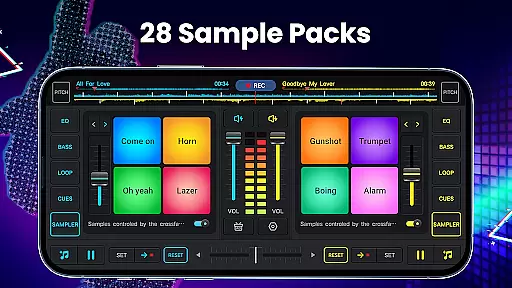
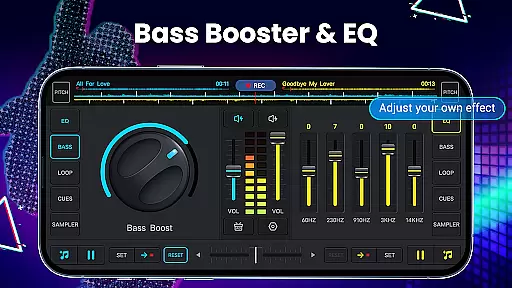
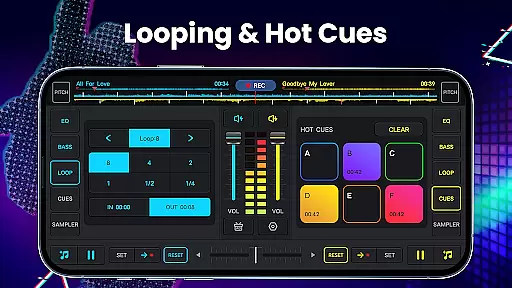
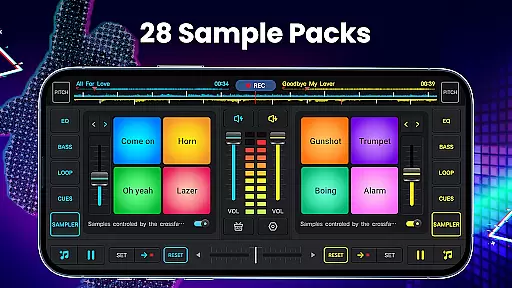
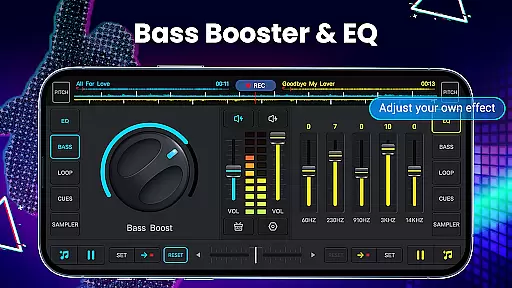
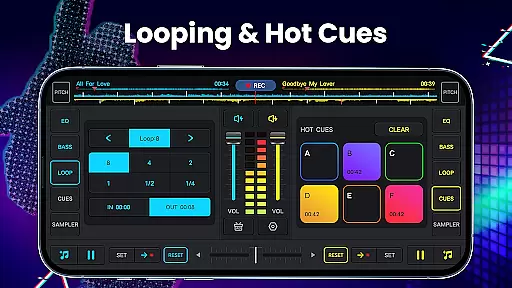
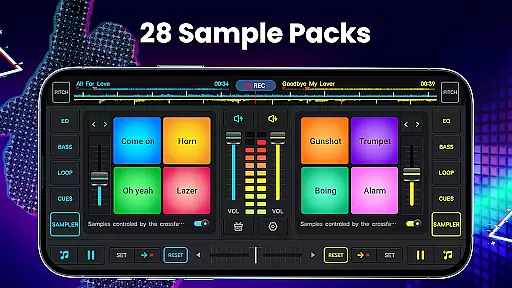
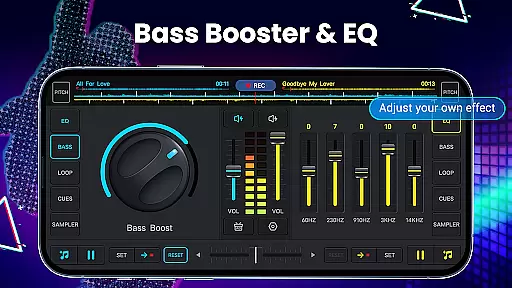
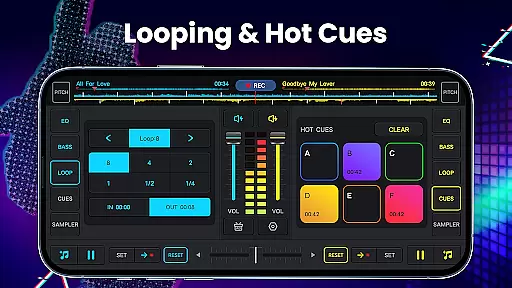
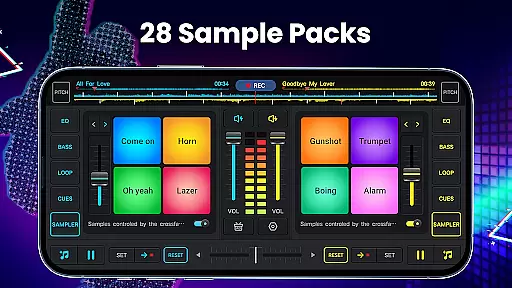
With support for advanced features like hot cues, loops, and five-band equalizers, the app provides everything needed to produce professional-grade mixes. It also includes 28 free sample packs for sound effects such as gunshots, claps, and scratches. Whether you're preparing for a live set or creating tracks for personal use, DJ Music Mixer ensures seamless performance on all compatible devices.
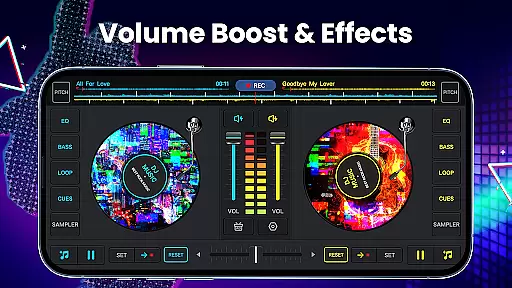
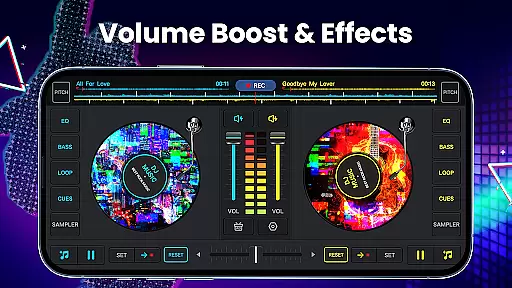
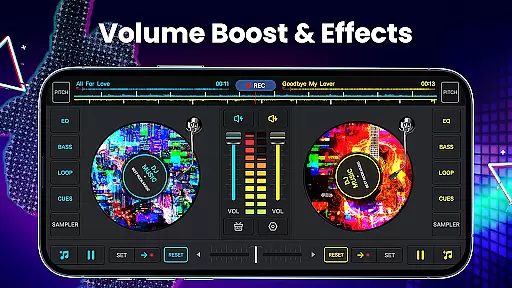
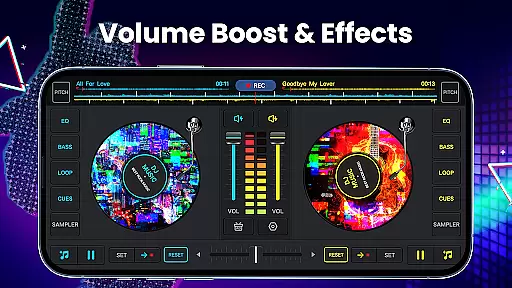
DJ Music Mixer stands out with its comprehensive suite of audio mixing tools. The app includes two virtual turntables equipped with a real crossfader, enabling smooth transitions between tracks. Users can set up to six hot cues per deck and utilize loop controls ranging from 1/64th to 128 beats, allowing precise track manipulation. Additionally, the built-in five-band equalizer and bass booster provide granular control over sound output.
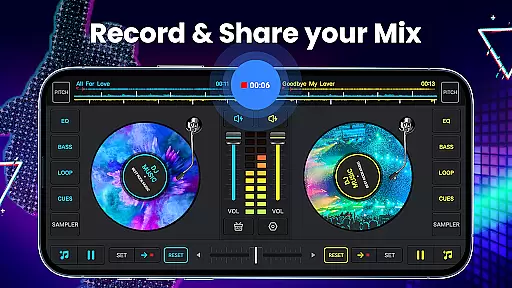
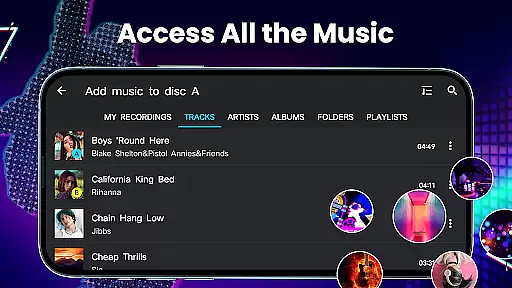
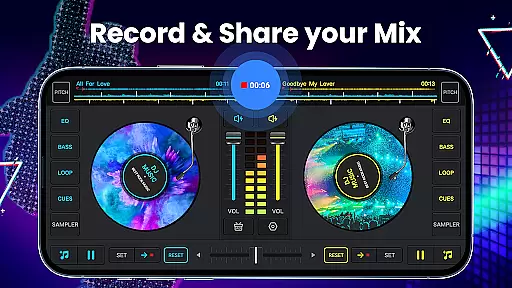
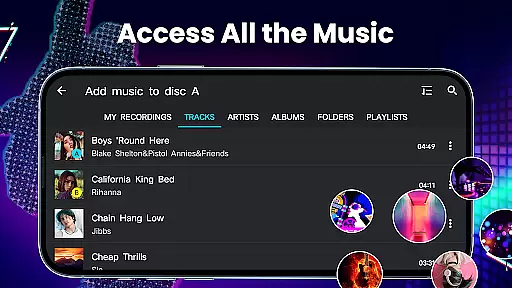
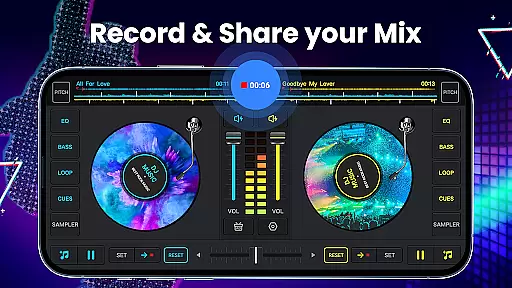
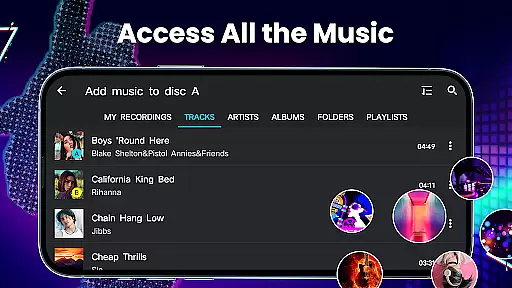
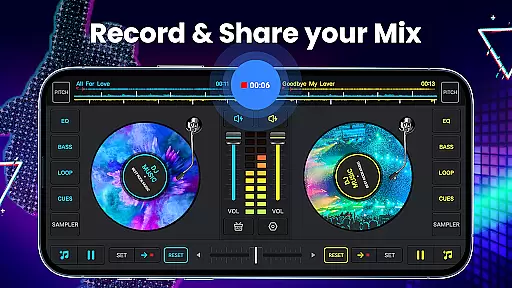
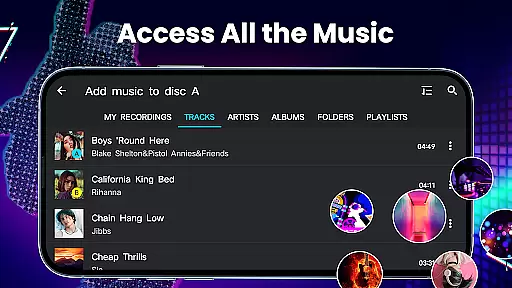
The app supports HD recording of mixes in MP3 format, capturing every detail of your creations. It allows access to device-stored music through categories like tracks, artists, albums, and folders, making it easy to import songs into playlists. Advanced functionalities include backward/forward disc rotation, adjustable pitch and volume, and wide audio spectrum detection for optimized beat matching. These features collectively empower users to craft unique DJ performances.
In the realm of digital music creation and mixing, having access to a vast and diverse music library is crucial for any DJ or music enthusiast. DJ Music Mixer - DJ Mix Studio offers an extensive collection of tracks that span across various genres, ensuring users have plenty of options to choose from when crafting their mixes.
The app allows users to access all the music stored on their device, organized neatly into TRACKS, ARTISTS, ALBUMS, and FOLDERS. This organization not only makes it easier to find the right track but also enhances the creative process by providing quick access to a user's personal music library.
Regarding copyright authenticity, while the app itself does not provide tracks, it ensures that users can utilize their legally acquired music within the app. By integrating with the user's existing music library, it respects copyright laws and promotes the use of legitimate content in creating new mixes.
Ultimately, the combination of a comprehensive music library and adherence to copyright standards empowers users to explore their creativity without legal concerns, making DJ Music Mixer - DJ Mix Studio a reliable tool for both amateur and professional DJs.
Audio quality is paramount when producing music mixes, especially for DJs who demand high fidelity in their work. DJ Music Mixer - DJ Mix Studio addresses this need by offering advanced audio features that ensure every mix sounds crisp and clear.
One of the standout features is the HD recording capability, which allows users to record their mixes and scratch routines in .mp3 format. This feature supports high-quality uninterrupted DJ songs, preserving the integrity of the original tracks during the mixing process.
Additionally, the app includes a simple equalizer to control turntable effects, alongside five bands equalizer and Bass Boost functionalities. These tools enable precise adjustments to the audio output, allowing users to fine-tune their mixes according to their preferences or the requirements of a particular venue.
With these audio quality options, DJ Music Mixer - DJ Mix Studio stands out as a top choice for those seeking professional-grade sound in their DJing endeavors. Whether performing live or recording in a studio setting, users can trust that their creations will maintain exceptional audio quality throughout.
User-friendly interface
Wide range of effects
High-quality recording
Customizable hot cues
Free to download
Limited free samples
Occasional bugs
Ads in free version
Complex for beginners
Heavy on storage

Control your MIDI USB or Bluetooth devices in app and avoid some trampling
 3.30
3.30
Full-featured, High-Quality Groovebox Workstation, perfect for Live Performance!
4.80
Enhance the sound quality of your devices, listen to what you want
4.50
More downloads than any other metronome. Includes drum machine & tempo trainer.
4.80
Recording studio w/ 10k beats, pro vocal FX and a network of 20M rappers & fans!
4.60
AI Music Maker: Generate And Compose AI Tunes & AI Songs & AI Music & AI Melody!
4.60
Let your Android device with the sound effects you want
4.50
Responsive piano with great sounds, graphics, and songs
4.80
Play your music offline without limits
4.80
Brian Eno and Peter Chilvers’ acclaimed music app Bloom, radically reinvented.
4.80
Play your hearts out on TouchTunes jukeboxes & connect with fellow music lovers.
4.80
Offline Music Player & MP3 Player.Powerful equalizer, Lyrics, Themes, Tag Editor
4.80
Performance-Synthesizer & Multi-Track-Sequencer, polyphonic + multi timbral!
4.70
Record, Mix & Master with all n-Track effects, 64-bit audio and Stem Separation.
4.70
Taal player that lets you sing any Indian & Western song with Tabla & Tanpura
4.60
Help you quickly get started with Shokz headphones
4.40
Full featured mp3 and audio player with Chromecast and Android Auto support.
4.40
The Music Journey in Your Hands
4.30
Learn and play 2M+ music tabs & chords on guitar, ukulele, bass, and more
4.30


User Reviews