
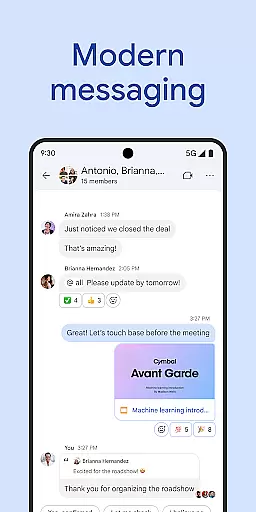
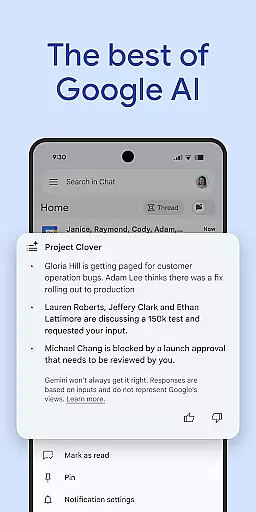
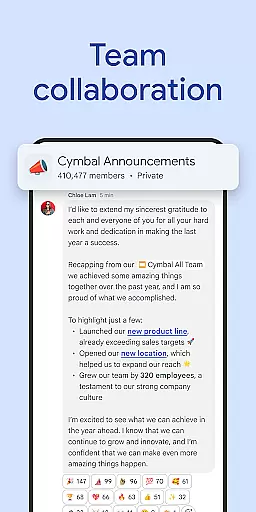
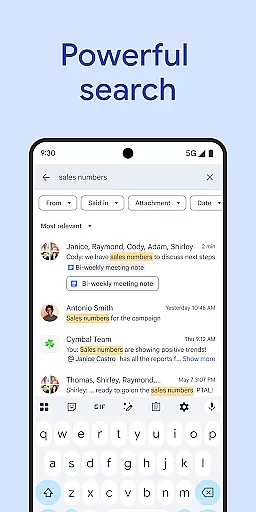
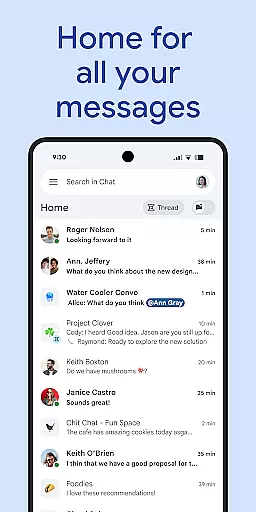
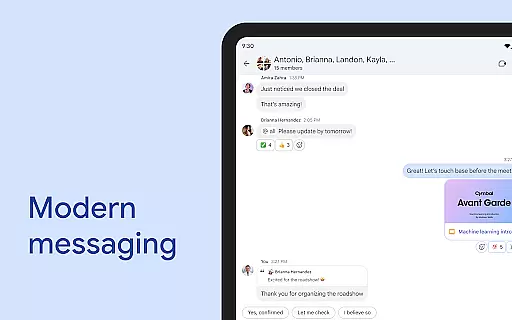
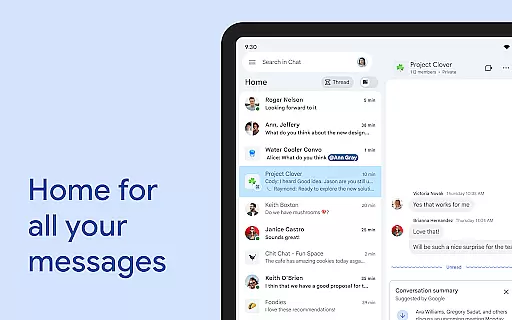
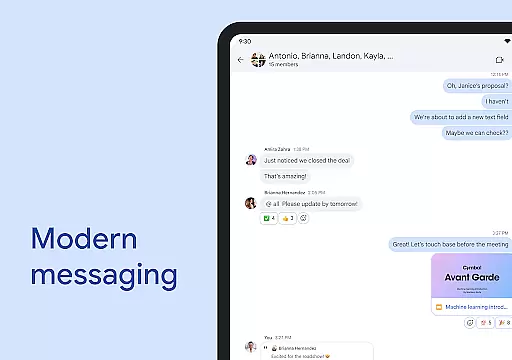
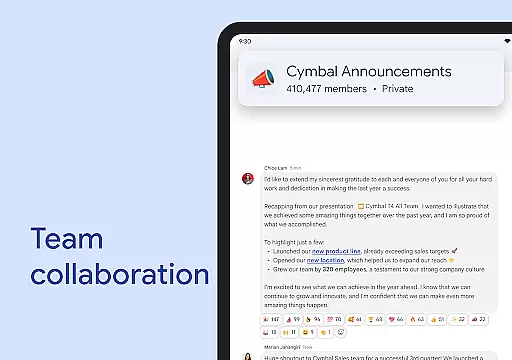
Google Chat is a powerful communication and collaboration tool designed specifically for teams using Google Workspace. This AI-first messaging platform transforms team interactions through innovative features powered by Gemini. The app provides seamless integration with other Workspace apps, making it an essential solution for modern teamwork.
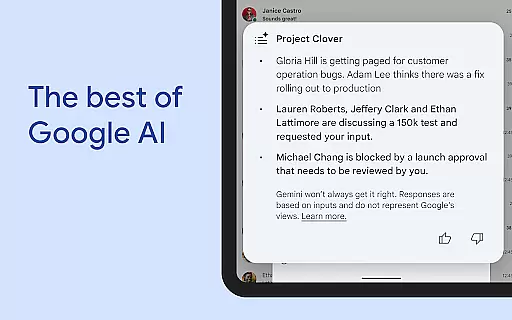
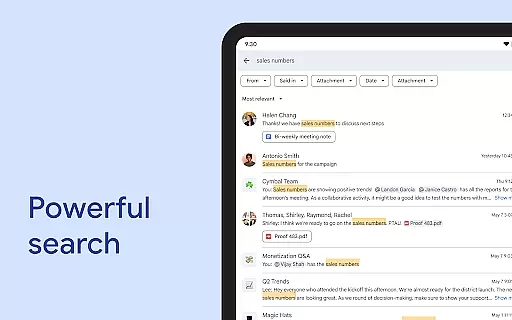
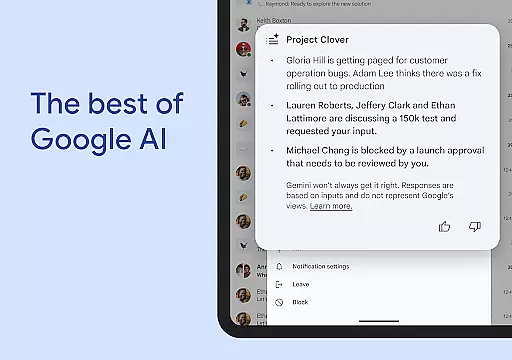
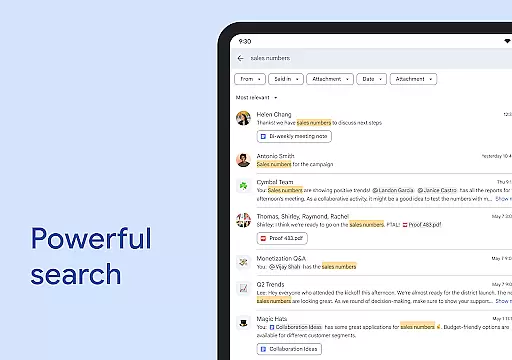
Key functionalities include smart conversation summaries, automatic message translation across 120+ languages, and AI-powered search capabilities. Users can easily capture action items and share detailed updates through audio and video messages. The app also supports real-time communication through huddles, ensuring teams stay connected regardless of location.
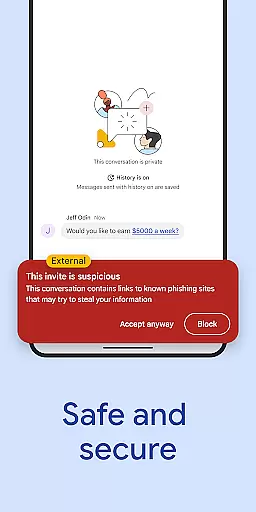
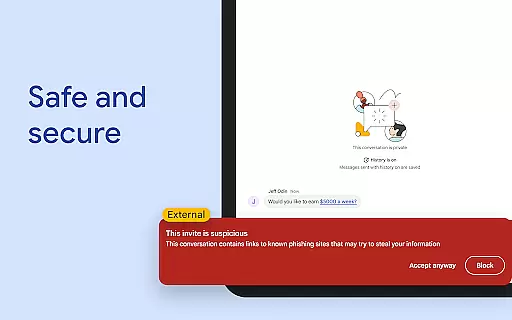
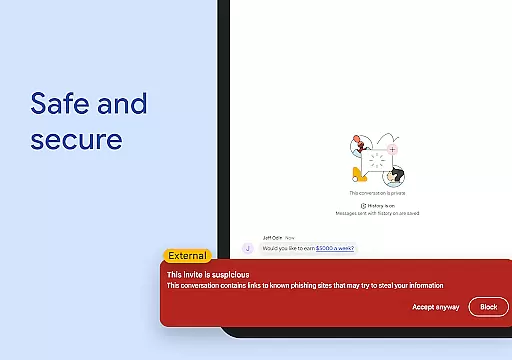
Google Chat is particularly valuable for organizations looking to enhance their digital collaboration while maintaining enterprise-grade security. Its zero-trust architecture and advanced data protection features make it suitable for businesses of all sizes, from small teams to large enterprises.
Google Chat distinguishes itself through its comprehensive feature set that enhances team productivity. The application's AI-powered capabilities are especially noteworthy, offering automatic translation services across more than 120 languages and intelligent conversation summaries that help users stay informed without reading entire threads.
The integration with Google Workspace ecosystem is another significant advantage. Users can seamlessly connect with Gmail, Calendar, Drive, Tasks, and Meet, creating a unified productivity environment. Smart chips functionality allows linking files, people, and spaces directly within conversations, streamlining workflow management.
For developers and IT administrators, Google Chat offers robust API support for building custom applications. The platform supports no-code, low-code, and pro-code development approaches, enabling organizations to create tailored solutions like PagerDuty, Jira, and GitHub integrations. These features collectively enhance team efficiency while maintaining enterprise-level security standards.
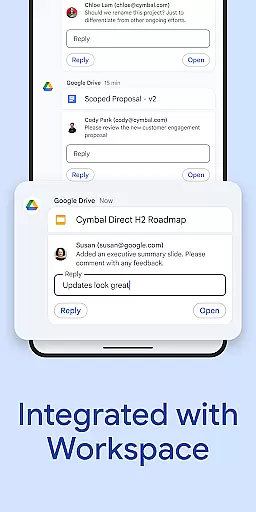
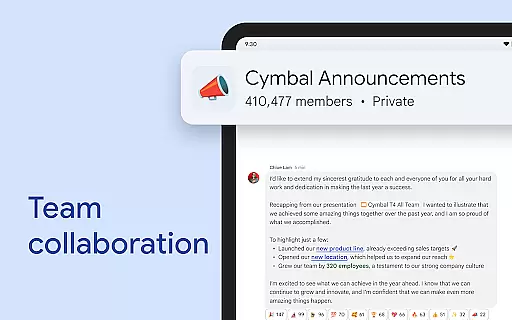
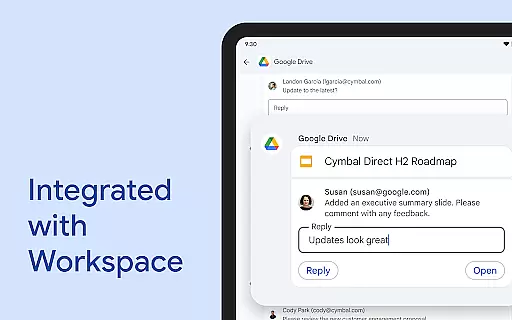
Google Chat revolutionizes team collaboration by integrating seamlessly with Workspace apps like Gmail, Calendar, and Drive. This integration allows teams to connect and collaborate efficiently without switching between multiple platforms.
The app offers smart chips that link files, people, and spaces, streamlining teamwork and ensuring everyone is on the same page. These smart chips help in organizing resources and maintaining context within conversations, making collaboration more intuitive.
Real-time communication is enhanced through features like huddles, enabling instant connections anytime. Users can also share detailed updates using audio and video messages, providing richer context compared to traditional text-based communication.
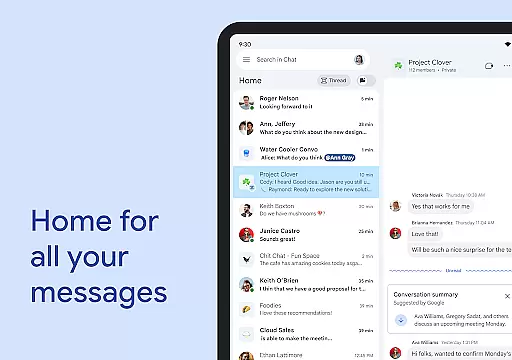
With AI-powered functionalities such as conversation summaries and automatic translations across more than 120 languages, Google Chat ensures that all team members stay informed and engaged regardless of their location or language preference.
Task management in Google Chat is transformed with AI-driven tools designed to keep teams organized and productive. The app captures action items automatically, ensuring the whole team knows what needs to be done and by whom.
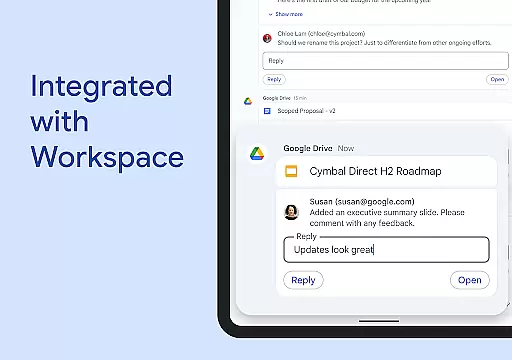
Integrated with Google Drive, the app provides a dedicated space for requests, comments, and approvals directly within chats. This feature helps teams manage tasks efficiently without losing track of important documents or feedback loops.
Users can set personalized status updates to inform colleagues when they are focused on work or available for discussions. This transparency aids in managing expectations around response times and availability, contributing to better task coordination.
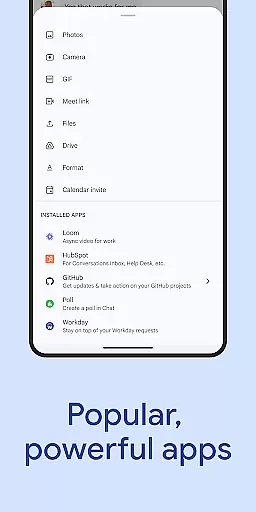
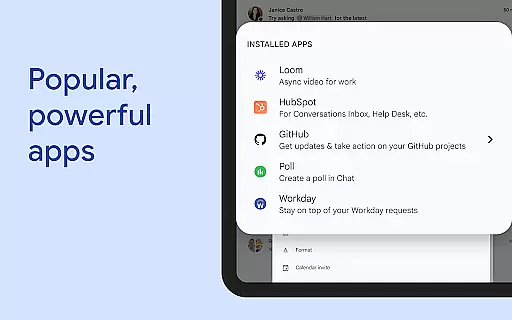
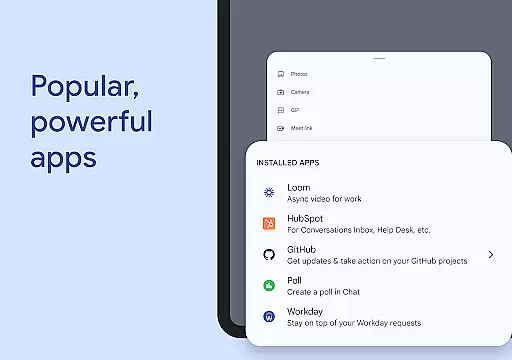
Additionally, popular third-party apps like PagerDuty, Jira, GitHub, and Workday can be installed within Google Chat, offering extended capabilities for task tracking and project management tailored to specific team needs.
Seamless Workspace Integration
Advanced AI Capabilities
Enterprise-Grade Security
Real-Time Collaboration Tools
Comprehensive API Support
Premium Features Locked
Requires Workspace Subscription
Limited Offline Functionality
Steep Learning Curve
Resource Intensive

viewing and sharing of PDFs
 3.60
3.60
GoTo Mobile is a simple & secure calling, messaging & meetings solution
4.80
Scan Business Cards & Conference Badges - Capture Leads at Events & Tradeshows
4.20
FaxCover - Create fax cover pages. Works with any app or fax machine.
4.90
All document reader, pdf viewer app, read docs & excel files
3.80
Master crypto trading with real-time simulations and exciting challenges!
4.50
No more passwords, easier sign-in, and greater protection for your accounts.
4.60
Work happy with AI Companion
4.10
Make money as a delivery driver with DoorDash and work when you want as a Dasher
4.30
Manage Your Shop
4.70
Finance, Investing, Stocks, Trading and Stock news
4.60
Ship, Track, Find a Location or Get a Quote with UPS. Anytime. Anywhere.
4.60
Drive and earn extra money
4.50
From Gone to Back Again — In Just a Few Taps
4.50
The revolutionary flexible staffing platform
4.40
Earn crypto with secure cloud mining. Monitor, track & withdraw easily
4.40
All-in-one Mobile solutions for employees & managers to succeed at work
4.30
Roadie connects people with stuff to send with drivers already going that way.
3.50
Access All PDF Files
3.40


User Reviews