




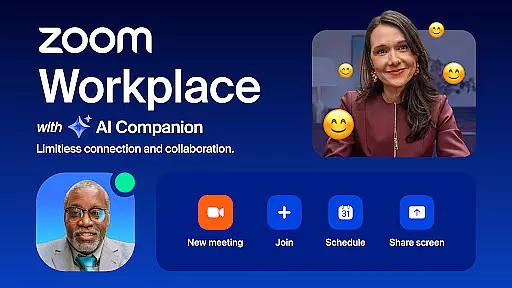
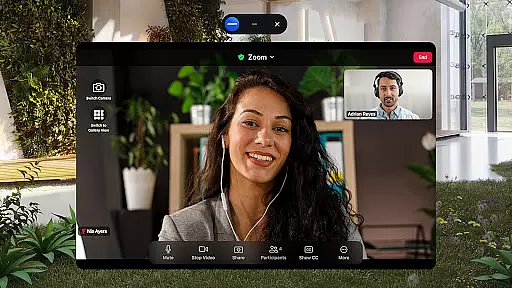
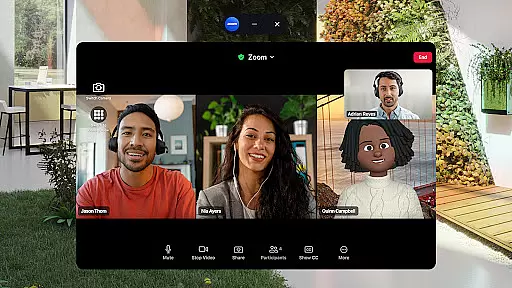
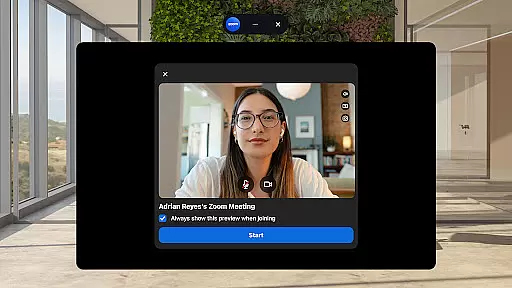
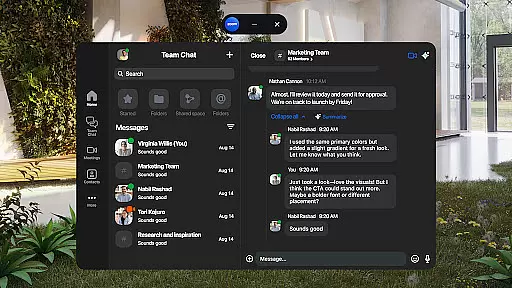
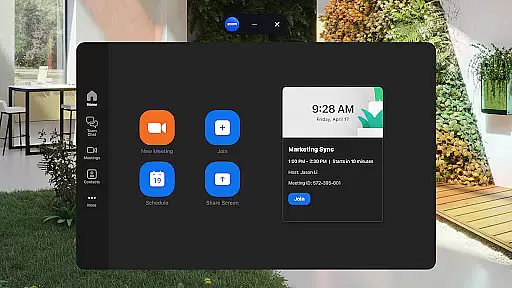
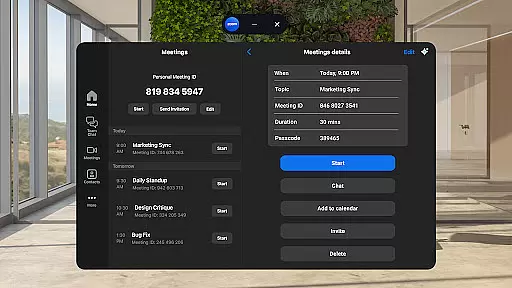
Zoom Workplace is an AI-first collaboration platform that integrates team chat, meetings, phone capabilities, whiteboard, calendar, mail, and docs into a single solution. Designed for both free and paid Zoom users, it offers enhanced productivity features through its AI Companion, available with Pro or Business licenses. The app enables seamless communication across devices while maintaining enterprise-grade security.
This business tool is particularly valuable for professionals who need to stay productive on the go. With functionalities like automated meeting summaries, virtual whiteboards, and cross-device compatibility, Zoom Workplace ensures teams can collaborate effectively from anywhere. Its hands-free controls and secure data protocols further enhance usability in fast-paced work environments.
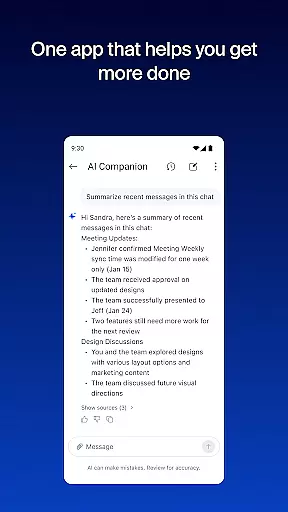
Zoom Workplace stands out with its comprehensive feature set tailored for modern businesses. One of its key highlights is the AI Companion, which helps users quickly catch up on unread messages, draft new content, and maintain focused conversations. This personal assistant is woven throughout the platform, making daily tasks more efficient without additional cost to paid license holders.
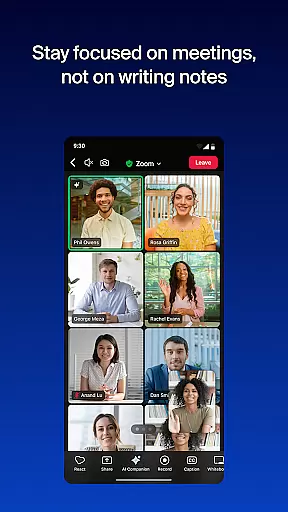
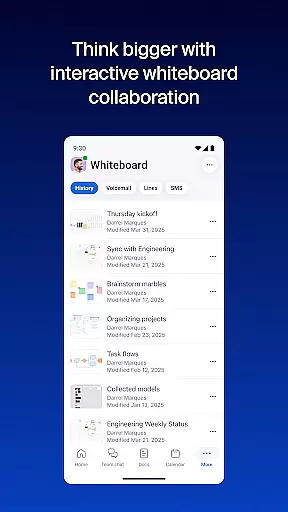
The app also streamlines communications by allowing one-tap scheduling or joining of video meetings, placing calls, and sending SMS texts. Productivity tools such as Zoom Docs, virtual whiteboards, and automated meeting summaries ensure information sharing at scale. Additionally, features like Picture-in-Picture and Split Screen support multitasking, while enterprise-grade security safeguards sensitive data during mobile use.
Zoom Workplace revolutionizes collaborative work by integrating essential communication tools into a single platform. The application combines team chat, video meetings, phone capabilities, and collaborative whiteboards, all accessible from your mobile device.
With a Pro or Business license, users gain access to AI Companion, which enhances productivity by summarizing unread messages, drafting new content, and maintaining focused conversations. This feature ensures teams can collaborate effectively, even when members are not physically present.
The app's seamless integration across devices allows users to transition meetings effortlessly between their phone, tablet, or computer. This flexibility supports modern work environments where professionals frequently switch between locations and devices.
Additionally, Zoom Workplace incorporates enterprise-grade security measures, ensuring that sensitive information remains protected during collaboration. This combination of convenience, advanced features, and security makes Zoom Workplace an invaluable tool for businesses seeking to improve their collaborative processes.
Task management within Zoom Workplace is designed to streamline daily operations and boost productivity. The platform offers integrated calendar and mail features, enabling users to schedule meetings, set reminders, and manage their time efficiently.
Through AI Companion, the application provides automated meeting summaries and key point extraction from unread messages. This functionality helps users quickly catch up on important discussions and action items, regardless of their location or device.
Zoom Docs further enhances task management by allowing teams to organize and share information at scale. The document management system supports collaborative editing and version control, ensuring that team members always have access to the most current information.
Moreover, the app's ability to generate first drafts of content using AI technology saves valuable time for busy professionals. These comprehensive task management features make Zoom Workplace an essential tool for businesses looking to optimize their workflow and improve overall efficiency.
Integrated communication tools
AI-powered productivity features
Cross-device compatibility
Enterprise-grade security
Hands-free voice commands
Paid subscription required for advanced features
AI Companion not available globally
Limited functionality on free accounts
Subscription auto-renews
Regional restrictions apply

All Your Gig Work. One App.
 4.30
4.30
Create curriculum vitae, a professional cover letter creator and resume designer
4.80
The All-in-One File Manager for Phone, TV, Watch, Cars, XR / VR, Chromebook
4.10
Amazon A to Z is the place to manage your work-life at Amazon.
4.50
Employee Management Made Easy
4.80
Simple, Fast & Lightweight
3.90
Build a store in minutes with our full suite of AI tools. Start for free!
4.20
Make invoices, bills, receipts & estimates on the go with Invoice Generator.
4.70
Roadie connects people with stuff to send with drivers already going that way.
3.50
Start earning fast. Apply Today.
4.80
Recover what matters — quickly and easily.
4.70
We help people get jobs
4.70
Manage work life on the go
4.50
Deliver and earn money
4.30
The Penny Puss app with DG penny finder
4.10
enjoy effortless PDF reading anytime, anywhere
3.90
Get your benefits on-the-go.
3.80
Take the stress out of storage with the all-in-one app to manage your space.
3.70
We are a dynamic team of creatives people of design, marketing, web & apps
3.00


User Reviews