
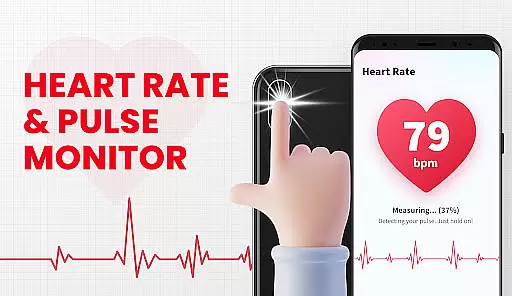
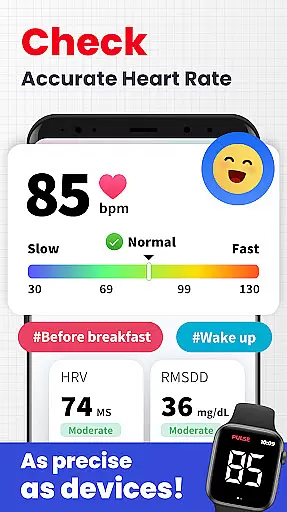
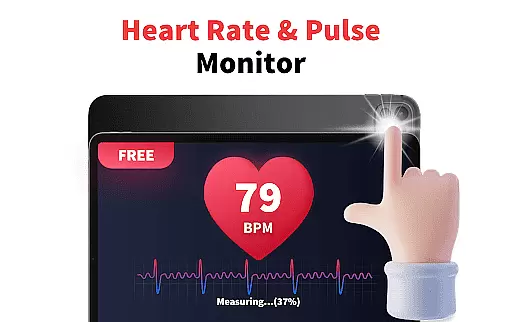
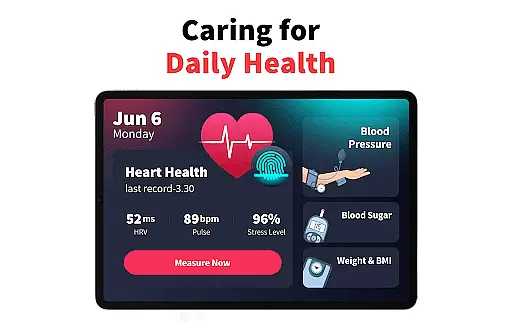
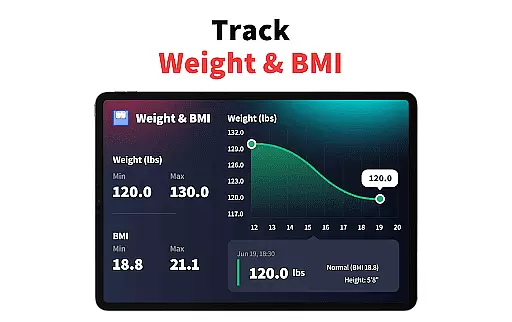
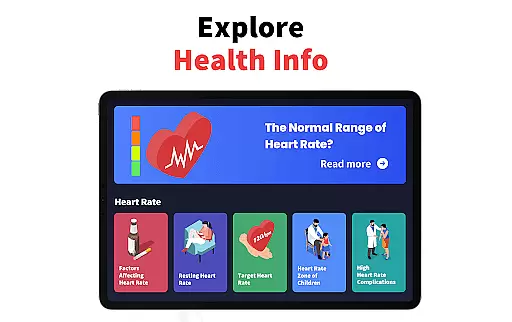
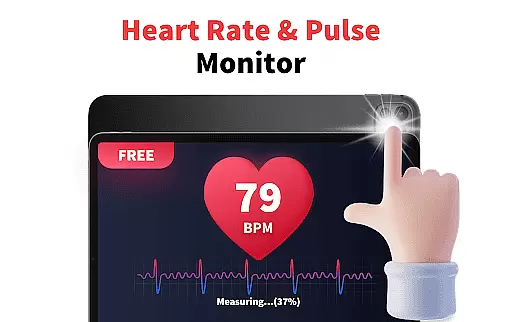
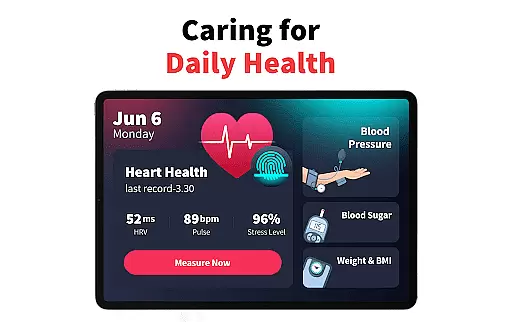
Heart Rate Monitor - Pulse App is a comprehensive health tracking application designed to help users monitor their heart rate and pulse with ease. Using the device's camera, the app provides real-time readings and insights into heart health, making it simple for users to track their vital signs.
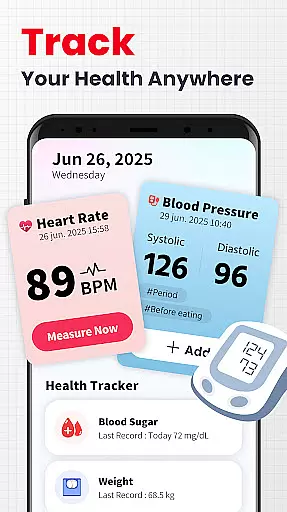
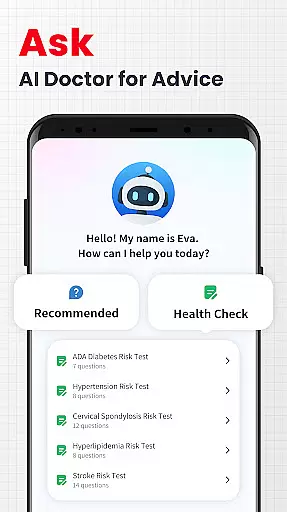
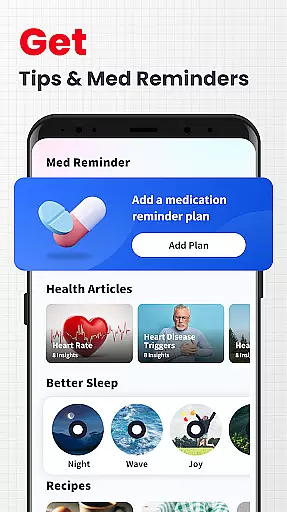
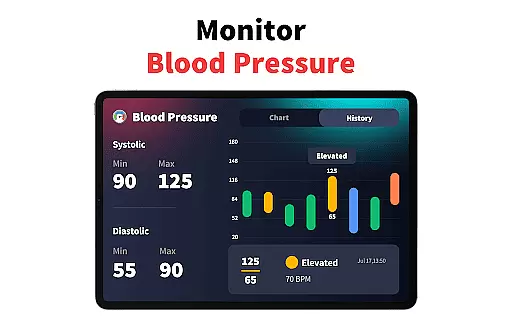
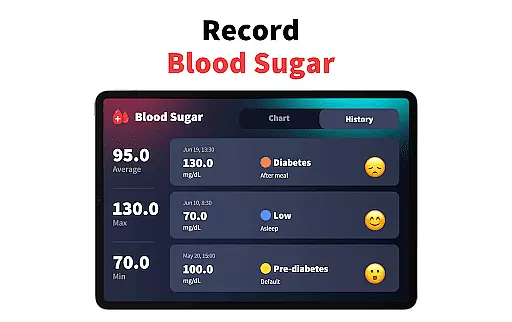
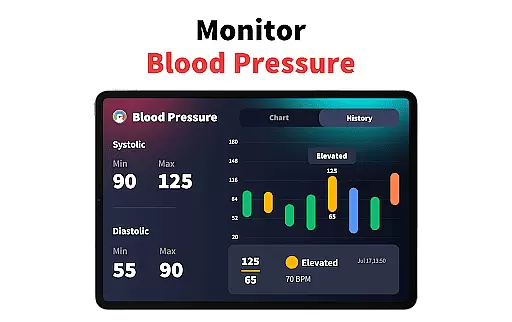
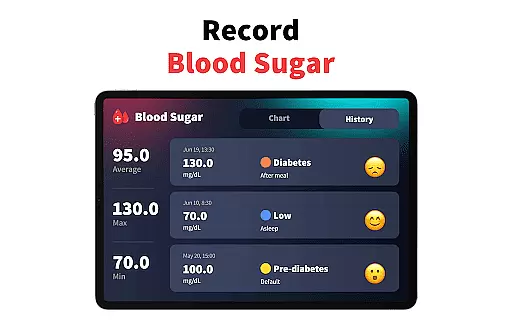
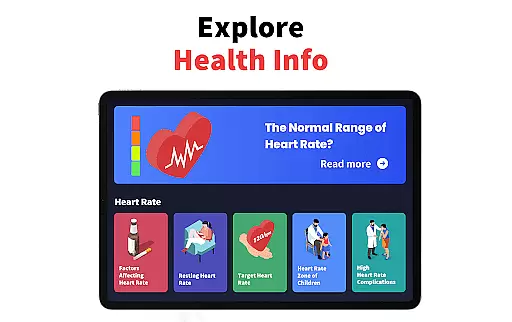
Beyond basic heart rate monitoring, this app offers features such as stress level tracking, blood pressure and blood sugar logging, and expert articles on heart health. Compatible with various Android devices, including Samsung, Redmi, and Motorola, it ensures accessibility for a wide range of users. Whether you're looking to maintain general wellness or manage specific health metrics, Heart Rate Monitor - Pulse App delivers valuable data and analysis to support your health journey.
One of the standout features of Heart Rate Monitor - Pulse App is its ability to deliver instant heart rate and pulse readings through a simple touch interface. By placing a fingertip on the phone's camera, users can obtain accurate measurements within seconds, thanks to the app's scientifically-designed algorithms.
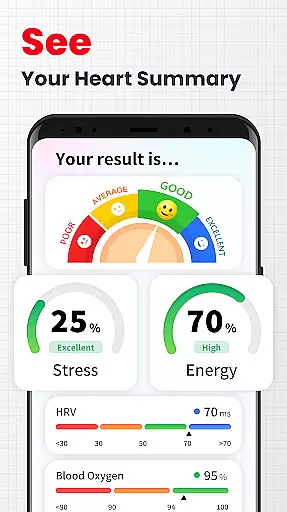
In addition to heart rate monitoring, the app includes advanced functionalities like stress tracking, which measures emotional well-being by analyzing pulse rate and HRV (Heart Rate Variability). Users can also log other critical health metrics such as blood pressure and blood sugar levels, with the app providing clear visualizations and interpretations of this data. With compatibility across multiple Android devices and a wealth of educational content, Heart Rate Monitor - Pulse App empowers users to take control of their cardiovascular health.
Personalized planning in a health app refers to the ability to create tailored health and fitness strategies based on individual user data. This feature is crucial as it allows users to receive customized advice that aligns with their specific health goals and conditions.
The Heart Rate Monitor app achieves personalized planning by analyzing real-time heart rate, pulse measurements, and stress levels. By tracking these metrics over time, the app can offer insights into trends and patterns unique to each user's health profile.
Users benefit from this feature by gaining a deeper understanding of how different factors affect their heart health. They can adjust their lifestyle, exercise routines, and stress management techniques based on concrete data tailored specifically for them.
This level of personalization ensures that users are not receiving generic advice but rather targeted recommendations that increase the likelihood of achieving their health objectives effectively and efficiently.
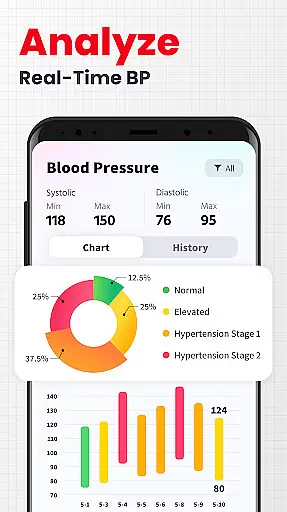
Progress visualization involves presenting user data in an easily digestible graphical format, allowing users to see their advancements or areas needing improvement at a glance. This feature is important because visual representations make complex data more accessible and understandable.
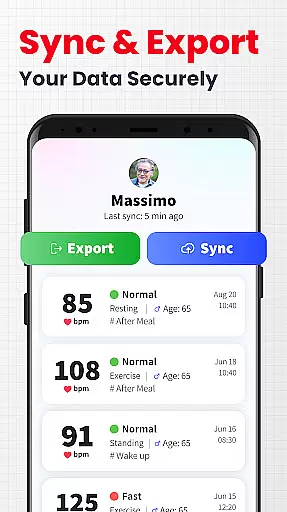
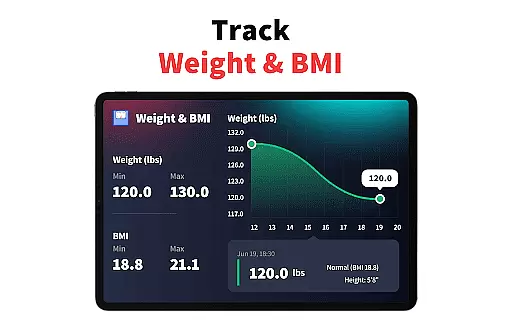
In the Heart Rate Monitor app, progress visualization is implemented through various charts and graphs that display blood pressure, blood sugar, heart rate, and pulse readings over time. These visuals transform raw numbers into meaningful insights about the user's health journey.
By seeing their progress visually, users can maintain motivation and make informed decisions about their health regimen. It helps them recognize patterns, such as how certain activities or foods impact their vital signs, leading to better health management.
Ultimately, effective progress visualization empowers users to take control of their health with clear, actionable insights derived from their own data, enhancing both engagement and outcomes.
Accurate heart rate readings
User-friendly interface
Comprehensive health tracking
Compatible with multiple devices
Educational health content
Not a medical device
Limited emergency use
Device heating issues
Requires camera access
No iOS compatibility

Easy access to health benefits
 4.70
4.70
SportWerks - Workout Tracker for Wear OS Watches
3.90
“Overcoming pain based on EMDR” helps you to alleviate chronic pain and stress.
4.10
The Sleep Miracle Sound Machine: Soothes baby to sleep with a gentle "Shhh"
3.00
Your AI pet BFF. Talk, play, and beat anxiety in this calming game.
4.60
Memory, mind & logic exercises. Puzzle games, IQ & brain test for kids & adults
4.50
Pedometer that gives you sweatcoins for steps. It pays to walk!
4.10
Lazy home workouts with your virtual fitness coach for weight loss.
4.30
Workouts for everyone
4.70
Medbridge GO gets you moving - get back to doing what you love, faster!
4.90
Weight loss app: home workout for women to lose weight & burn calories.
4.80
Easy reconstitution calc for mixing peptides and creating protocols
4.70
Personal Measurements - Track your gains!
4.50
Period Tracker, the easiest way to track your periods!
4.50
The Official Blood Type Diet® App - know your categorized foods anytime.
4.50
Point, scan, and unlock truth in every bite.
4.50
Dexcom G7 Continuous Glucose Monitoring
3.70
Use your watch as a bike computer, heart rate monitor and cycling power meter
2.50
A simple way to calculate peptide doses and also to convert different units.
4.4


User Reviews