
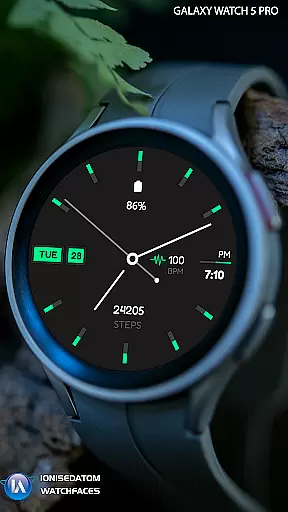
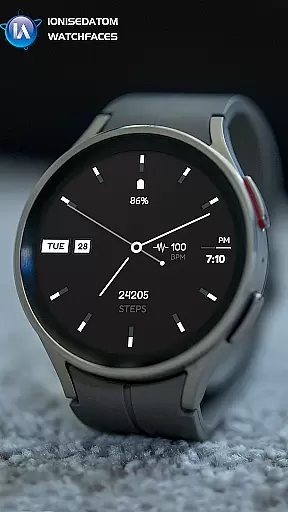
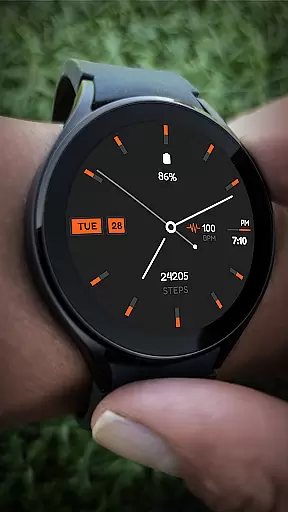
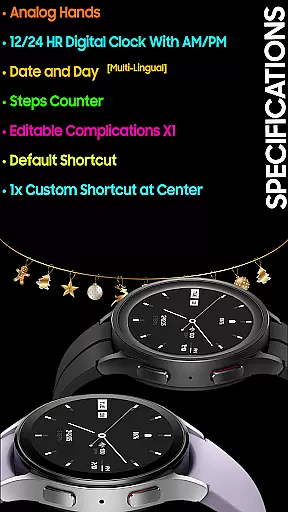
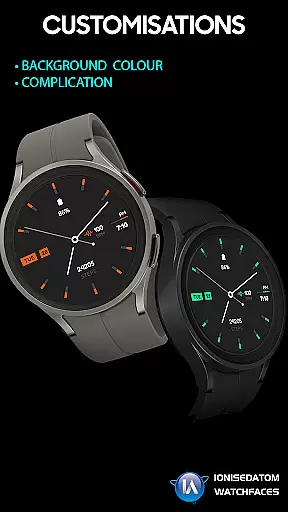
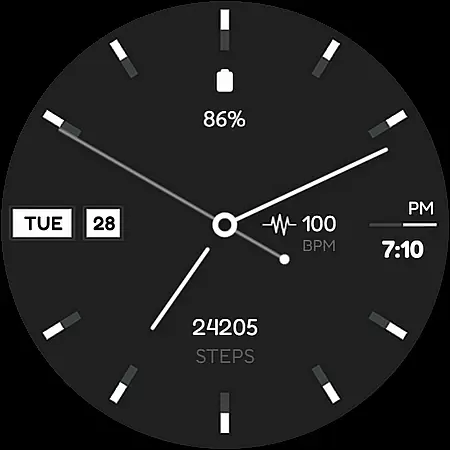
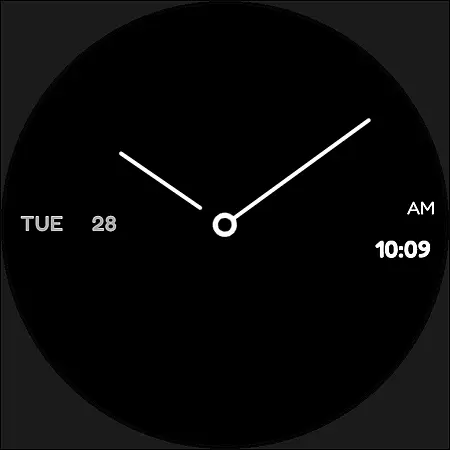
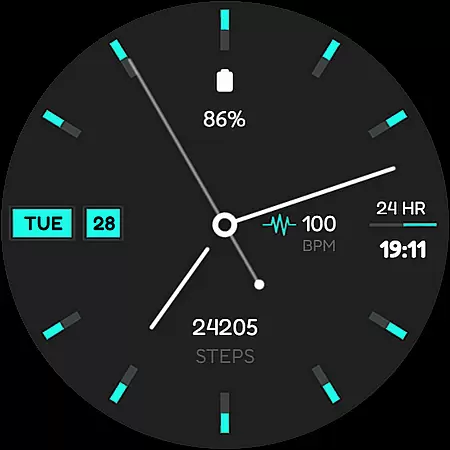
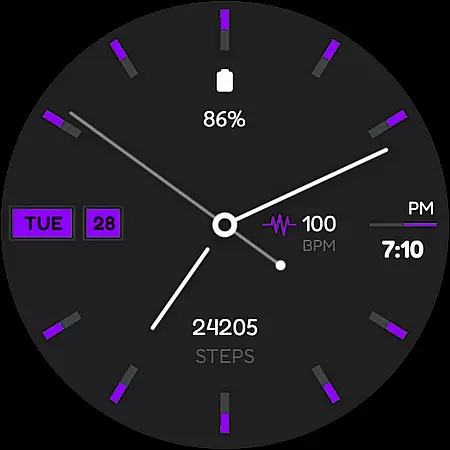
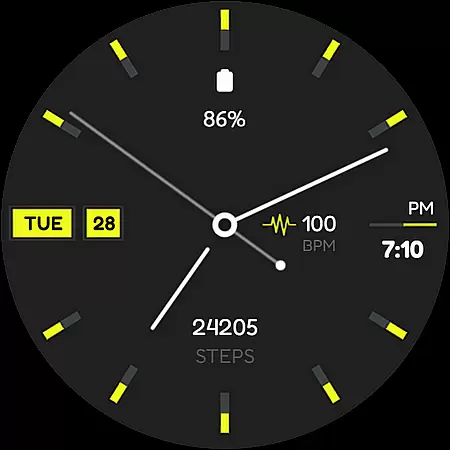
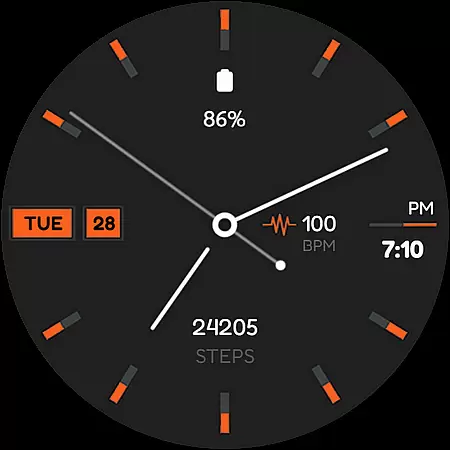
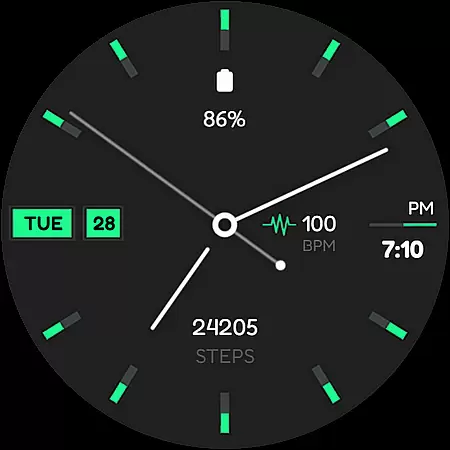
Minima 4 Minimal Watchface is a hybrid analog-digital watch face designed for Wear OS 3.0 and above devices, offering users an elegant blend of classic and modern timekeeping. The app features analog hands, a 12/24 HR digital clock with AM/PM display, and multi-lingual date and day options.
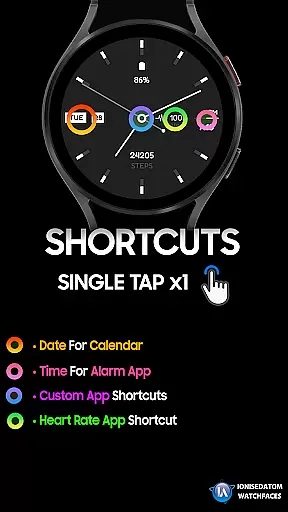
In addition to its core timekeeping functions, Minima 4 includes practical tools such as a step counter, customizable complications, and default shortcuts. Users can also set custom shortcuts at the center of the watch face, providing quick access to frequently used apps or features. This makes it ideal for those who want both style and functionality on their smartwatch.
Minima 4 stands out with its versatile feature set tailored for Wear OS users. The analog-digital hybrid design combines traditional watch aesthetics with modern digital capabilities, including a multi-lingual date and day display that caters to a global audience.
The app offers practical functionalities like a step counter and editable complications, allowing users to personalize their watch faces according to their preferences. With support for default and custom shortcuts, Minima 4 ensures that users can quickly access essential apps and features directly from their watch face, enhancing overall usability.
For a wearable device like Minima 4 Minimal Watchface, seamless companion app integration is crucial. This feature ensures that the watch face you purchase and customize on your smartphone can be easily synchronized with your Wear OS device.
The Minima 4 watch face offers clear instructions for users who encounter issues during installation or synchronization. By fully closing and exiting the Play Store apps on both phone and watch, as well as the phone's companion app, users can resolve common continuity bugs.
This level of integration allows users to manage their watch faces directly from their smartphones, providing a hassle-free experience when applying new designs or making adjustments to existing ones.
Additionally, Galaxy Watch users can conveniently find and apply the Minima 4 watch face from the Downloads category in the Galaxy Wearable app, ensuring cross-device compatibility and ease of access.
Compatibility with Wear OS and various devices is a key feature of the Minima 4 Minimal Watchface. Designed specifically for Wear OS 3.0 and above (API 28+), this watch face supports a range of modern smartwatches, ensuring broad device compatibility.
Minima 4 boasts an analog-digital hybrid design, offering users multiple functionalities such as analog hands, a 12/24 HR digital clock with AM/PM, date and day display in multiple languages, a steps counter, editable complications, and customizable shortcuts.
By adhering to the latest Wear OS standards, Minima 4 guarantees optimal performance and visual appeal across different devices. Users can enjoy a consistent experience whether they are using a Galaxy Watch 4, 5, or 6.
Ensuring compatibility not only enhances user satisfaction but also expands the potential user base, making Minima 4 a versatile choice for smartwatch enthusiasts looking for both style and functionality.
Hybrid Design
Custom Shortcuts
Multi-Lingual Support
Editable Complications
Step Counter
Paid Continuity Bug
Limited Customization
No Advanced Features
Requires Wear OS 3.0+
Basic Aesthetics

Highly customizable hybrid watch face for Wear OS, perfect for everyday use.
 4.60
4.60
an Analog Watch Face for winter season with freeze winter background for Wear OS
4.0
Precision analog watch face with 7 complications and style options
4.2
Christmas is near, let's count together the days left until Santa comes
4.1
Minimalistic design modern digital watch face.
4.4
Viewer for Wyze/Yi/Eufy/Arlo/ONVIF/RTSP/P2P IP cams w/ adv. features & DIY DVR
4.00
Daily Weather forecast with 15 weather images for Day & Night plus Big Bold time
4.10
A white realistic classic analog watch face with many customization options.
4.40
Want to take charge of your health? Let Google Fit help you reach your goals.
3.50
Gym Log & Workout Tracker | Fitness Journal, Training & Weight Lifting Planner
4.90
Real-time weather radar with temperatures, warnings, hurricanes, and widgets
4.80
WTW M17 is a premium and luxurious hybrid watch face
4.70
The most customizable minimal watch face. For Wear OS 5.0, API 34+ and later
4.70
Simple, helpful messaging by Google
4.60
Beautiful artistic animated digital watch face, with a customizable layout!
4.40
Elegant animated Christmas tree with multiple customization options
4.20
A Wintery Snow Globe on Your Wrist; now celebrating Christmas!
4.0
Analog watch face with 8 complications and expedition styling
4.3
A watch face that fuses motorsport precision with contemporary smartwatch design
4.5


User Reviews