
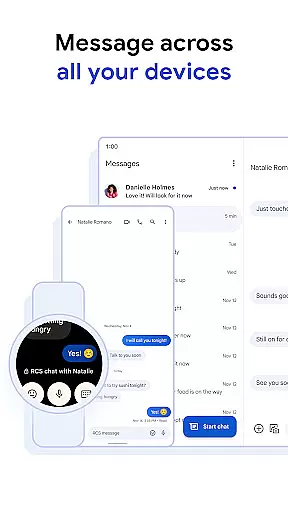
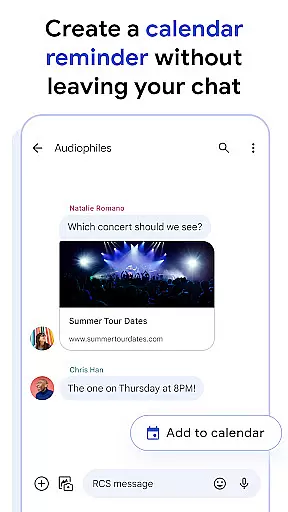
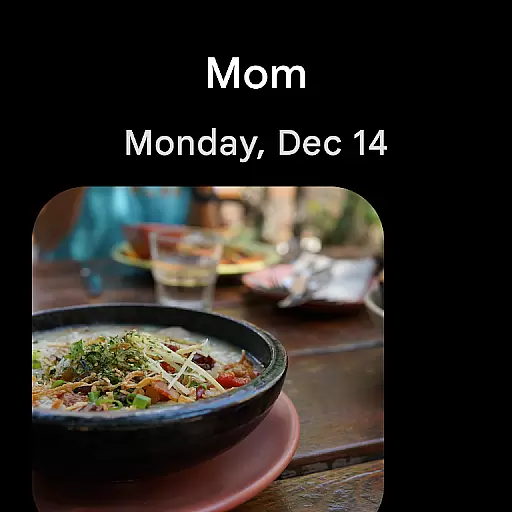
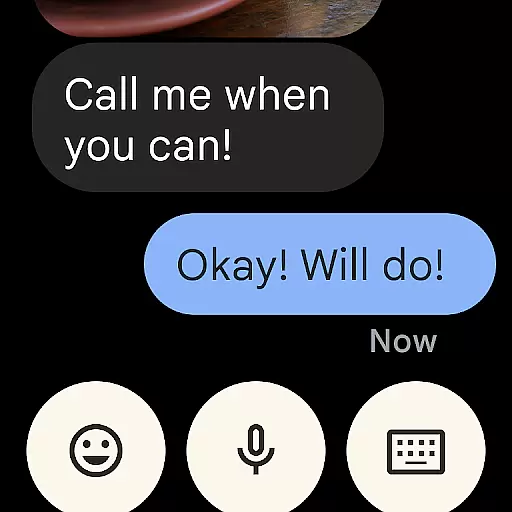
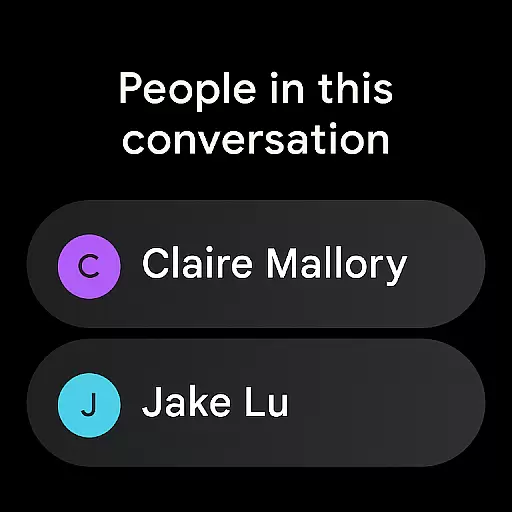
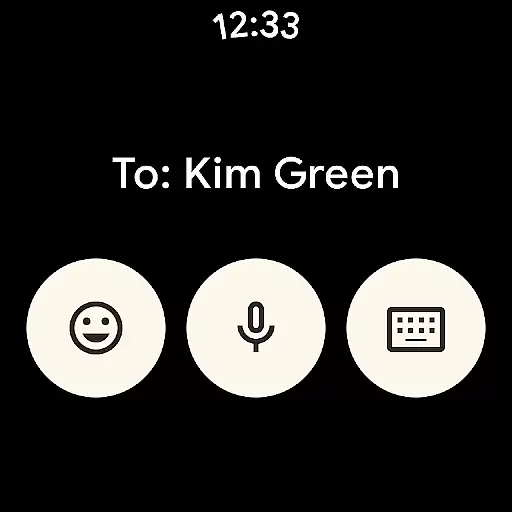
Google Messages is the official messaging app from Google, designed to enhance communication for over a billion users worldwide. Built on Rich Communication Services (RCS), it replaces traditional SMS and MMS with advanced features like high-resolution media sharing, dynamic group chats, and seamless cross-platform connectivity, including iPhone users. The app ensures privacy with end-to-end encryption and offers AI-powered tools such as Magic Compose to craft perfect messages. Available on Android Wear, tablets, and computers, Google Messages provides a richer, safer, and more expressive messaging experience.
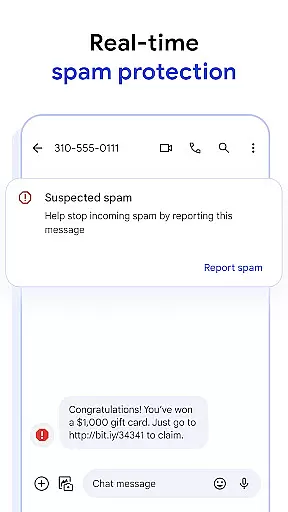
With RCS support varying by region and carrier, Google Messages delivers an innovative way to stay connected across devices while offering advanced spam protection and customization options like chat bubble colors and fun selfie GIFs.
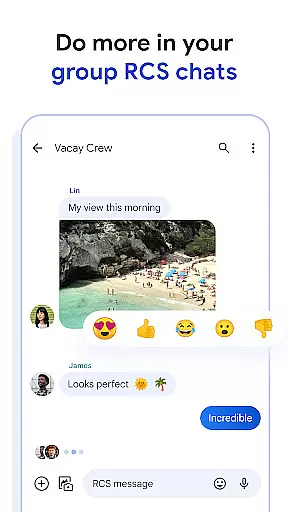
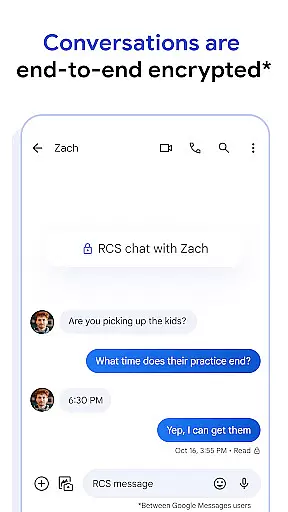
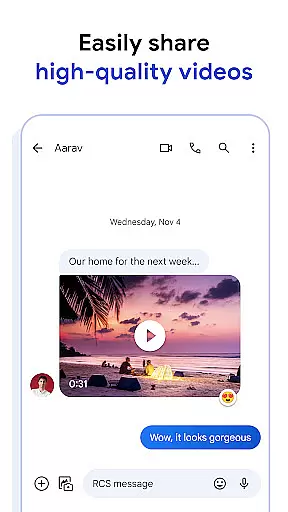
Google Messages stands out with its robust feature set powered by RCS technology. Users can share high-quality photos and videos, see real-time typing indicators, and enjoy dynamic group chats that integrate iPhone users seamlessly. The app allows personalization through custom chat bubble colors and fun GIFs, ensuring every conversation feels unique. Privacy is prioritized with end-to-end encryption, protecting messages and attachments from unauthorized access.
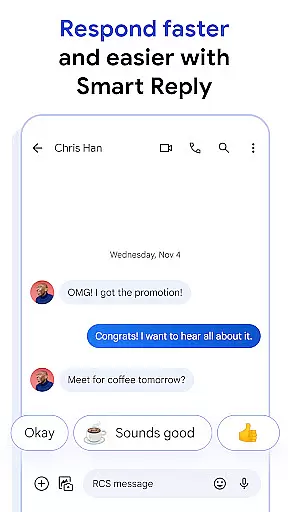
AI-powered tools like Magic Compose provide intelligent suggestions to craft engaging messages effortlessly. The app also supports cross-device functionality, enabling users to start conversations on their phone and continue them on tablets, computers, or Wear OS devices. With advanced spam protection and availability in multiple markets, Google Messages combines innovation, security, and convenience into one comprehensive platform.
Companion app integration is a crucial feature for wearable devices, ensuring seamless connectivity between your smartphone and wearable. Google Messages excels in this area by providing users with the ability to sync messages across multiple devices effortlessly.
The app supports real-time synchronization, allowing you to start a conversation on your phone and continue it on your Wear OS device without missing a beat. This ensures that all your messages, including RCS-enhanced content like high-resolution photos and videos, are accessible wherever you are.
With end-to-end encryption and advanced spam protection, your conversations remain private and secure across all linked devices. This level of integration not only enhances convenience but also maintains the highest standards of privacy and security.
Additionally, features such as Magic Compose and custom chat bubble colors are also available on Wear OS, ensuring a consistent and personalized messaging experience regardless of the device you choose to use.
Device compatibility is essential for ensuring that applications function correctly across various hardware platforms. Google Messages offers robust support for Wear OS, making it a versatile choice for users who own compatible smartwatches.
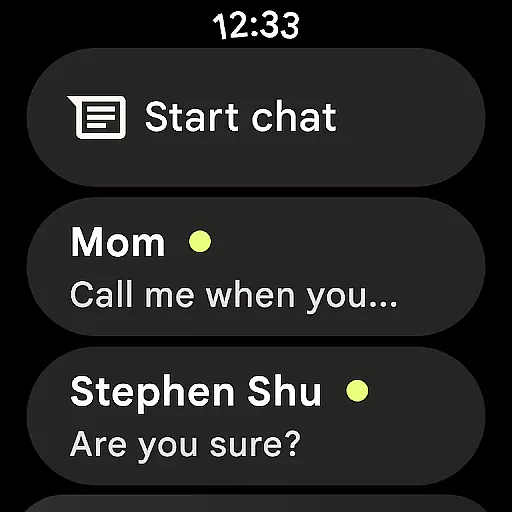
The app is optimized to deliver a smooth user experience on Wear OS devices, supporting essential features like RCS messaging, which allows for richer interactions compared to traditional SMS. Users can enjoy dynamic group chats and high-quality media sharing directly from their wrists.
Google Messages also brings its AI-powered features to Wear OS, enabling users to craft perfect messages with Magic Compose suggestions. The intuitive interface ensures that even on smaller screens, navigating conversations and accessing key functionalities remains straightforward and efficient.
While RCS availability may vary by region and carrier, the app's comprehensive compatibility with Wear OS devices ensures that users can stay connected and engaged, enjoying a safer and more expressive way to communicate.
End-to-end encryption
Seamless cross-device sync
High-quality media sharing
Dynamic group chats
AI-powered message suggestions
RCS not globally available
Carrier-dependent features
Limited beta testing access
Device compatibility issues
Market-specific restrictions

Wear Os Watch Face - Animated Snow - Sesonal for Christmas & Winter
 4.5
4.5
Rose gold watch face with festive lights & customizable features.
4.60
Current temperature, weather hourly, weather radar by the weather forecast app
4.40
Deck out your Wear OS Watch face with a beautifully decorated pine wreath!
4.50
The most customizable minimal watch face. For Wear OS 5.0, API 34+ and later
4.70
Fitness interactive virtual pet super fighter boy watch face
4.5
Locate your family members by GPS phone location tracker everywhere and anytime
4.30
Reliable phone calls with spam protection, caller ID and more helpful features
4.40
Get helpful reminders, take progress photos and find answers to your questions.
3.90
Beautiful, colorful and practical watch face. For Wear OS devices.
5.00
Highly customizable hybrid watch face for Wear OS, perfect for everyday use.
4.60
Retro digital watch face with customizable colors and a unique lighting effect
4.60
MyNISSAN® lets you remotely control your car from your phone.*
4.50
Stylish, Energizing and Modern Watch Face crafted by Dominus Mathias.
4.50
Bold weather Digital watchface with forecast & optional animated background
4.40
Christmas watch face. For Wear OS devices.
4.30
Your music, your playlists, and more—offline and unlimited.
4.20
Daily Weather forecast with 15 weather images for Day & Night plus Big Bold time
4.10
Viewer for Wyze/Yi/Eufy/Arlo/ONVIF/RTSP/P2P IP cams w/ adv. features & DIY DVR
4.00


User Reviews