
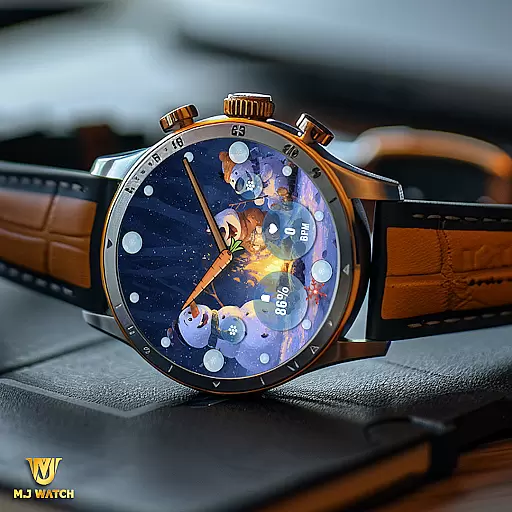
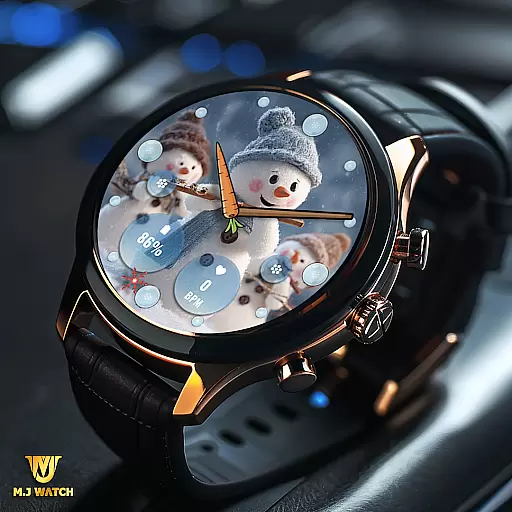
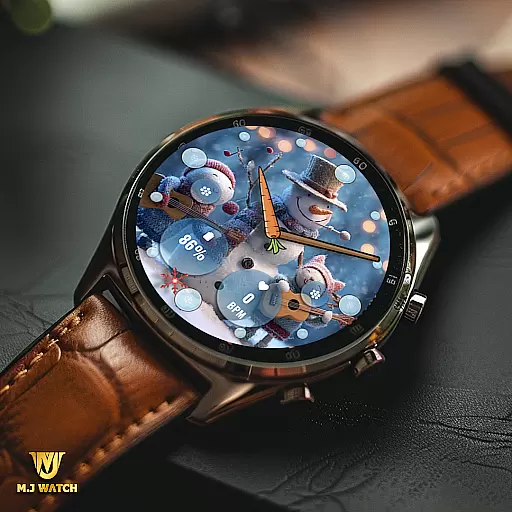
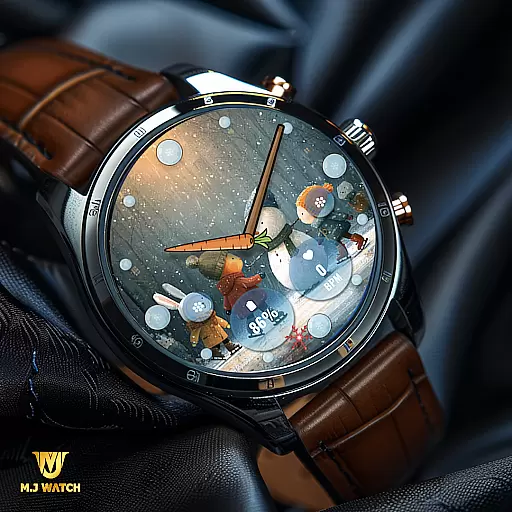
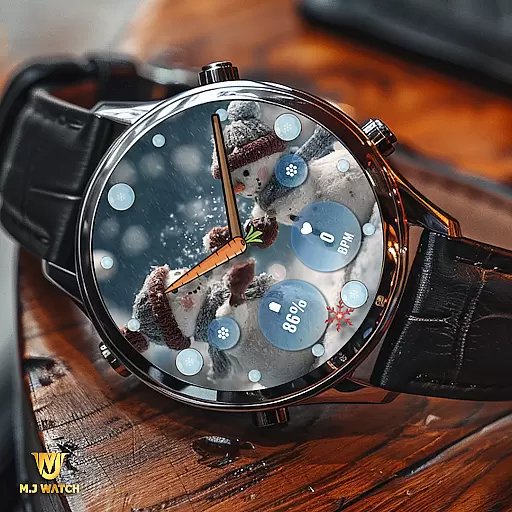
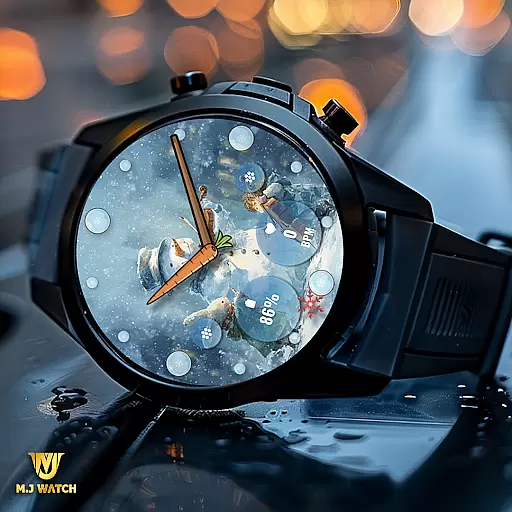
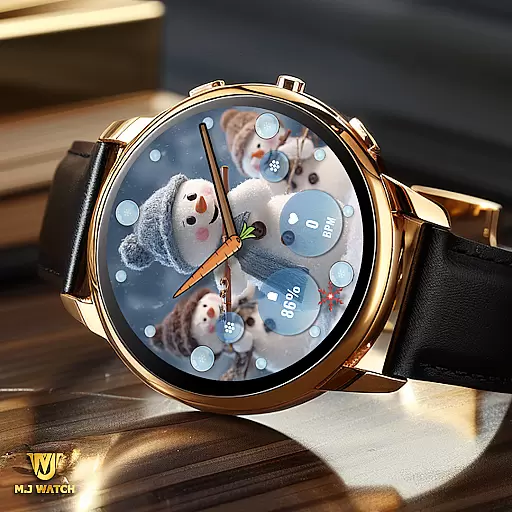
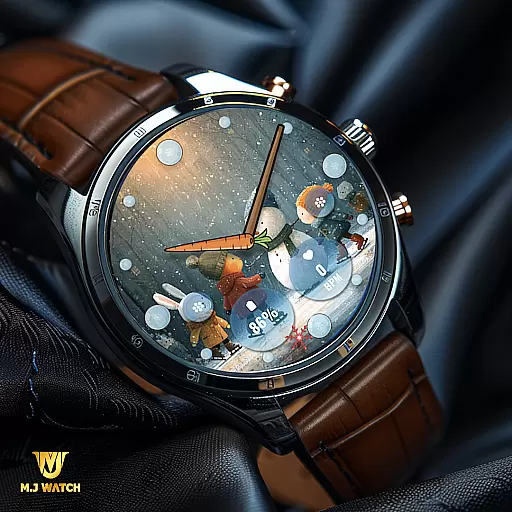
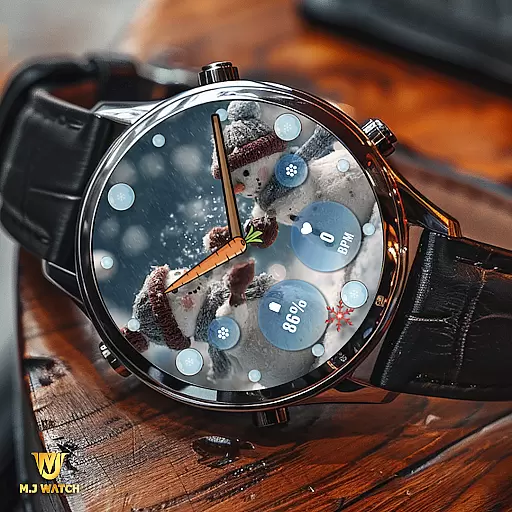
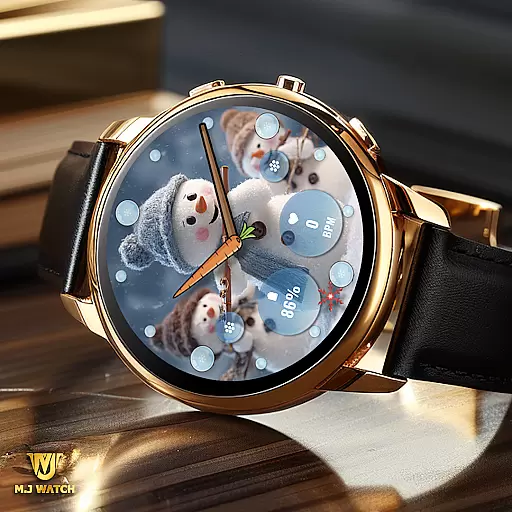
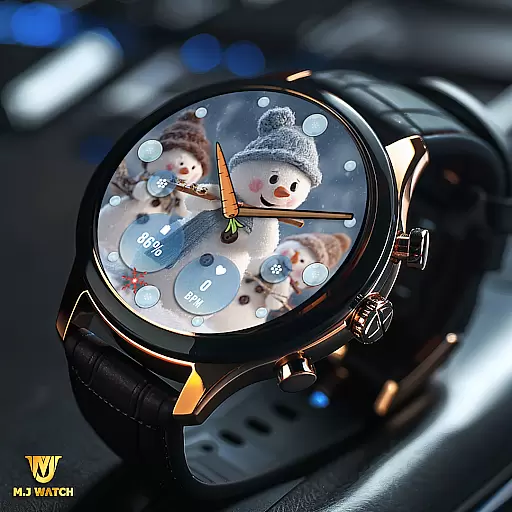
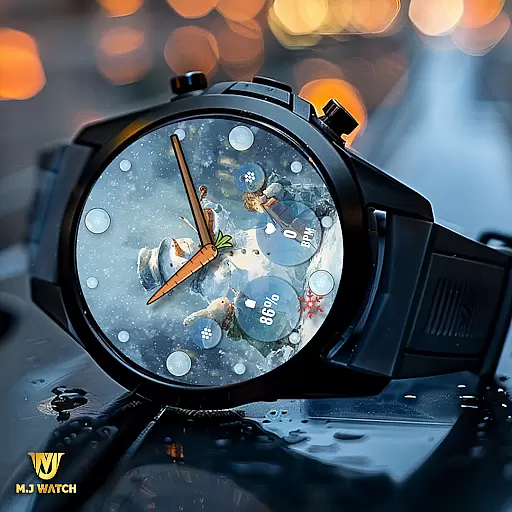
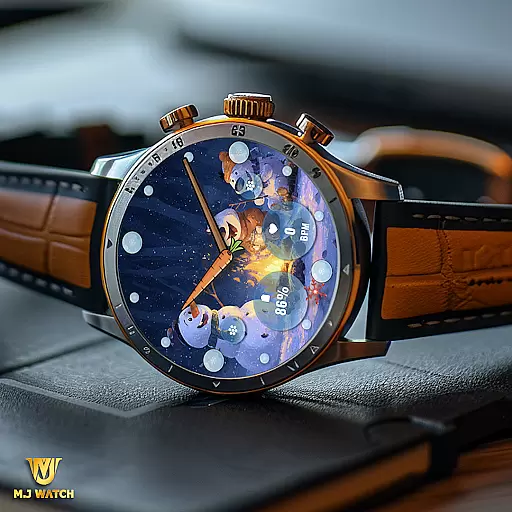
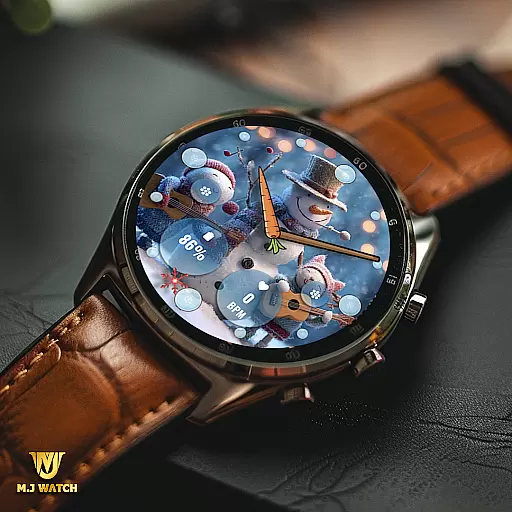
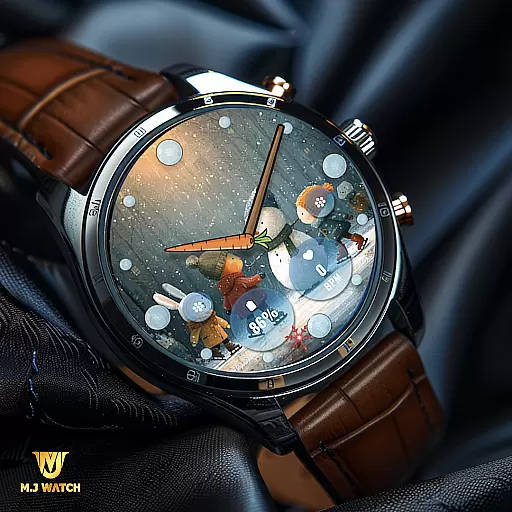
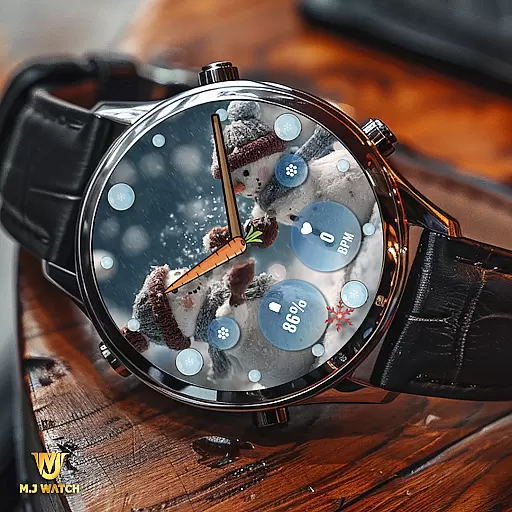
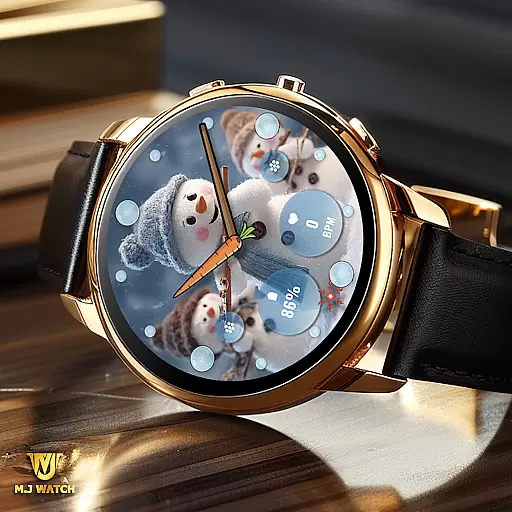
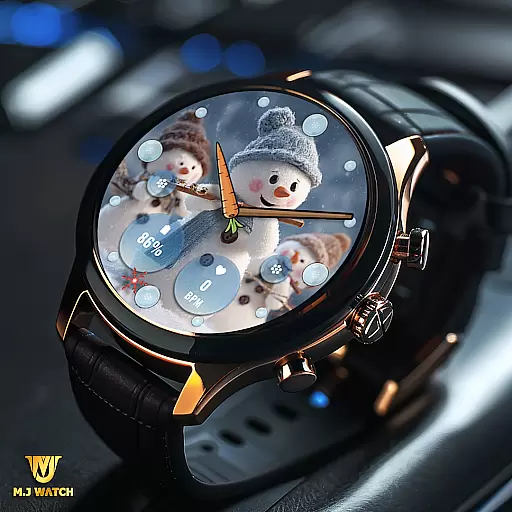
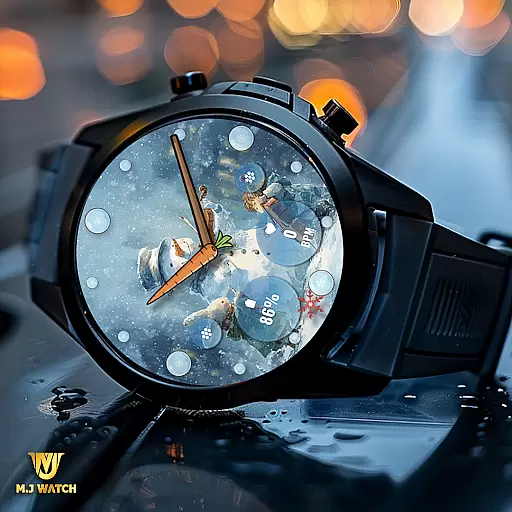
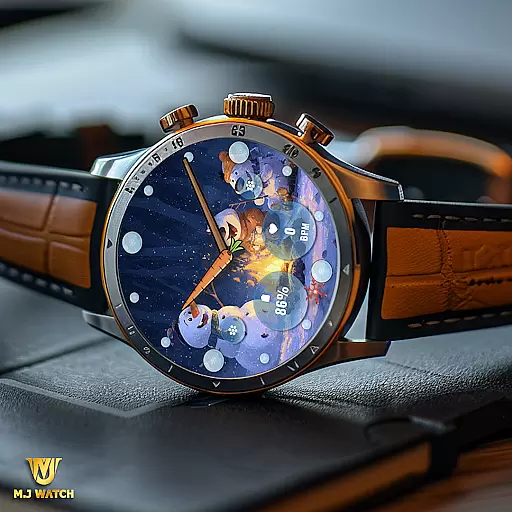
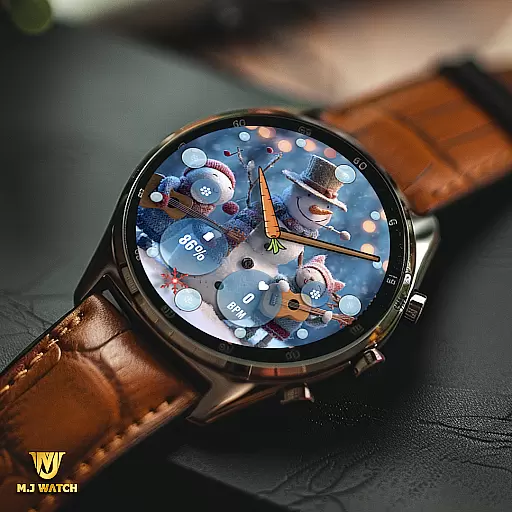
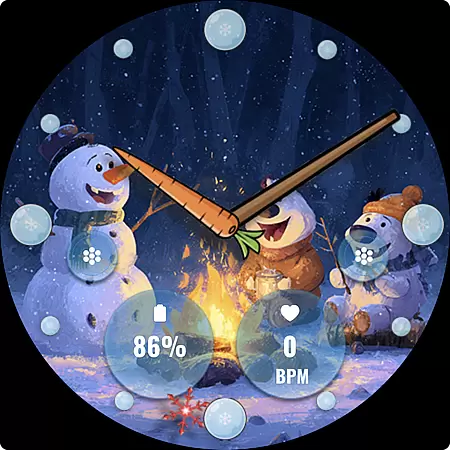
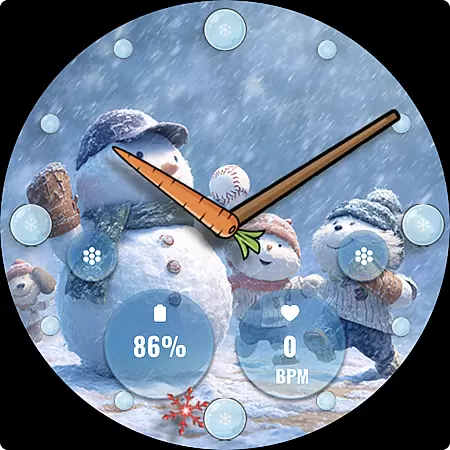
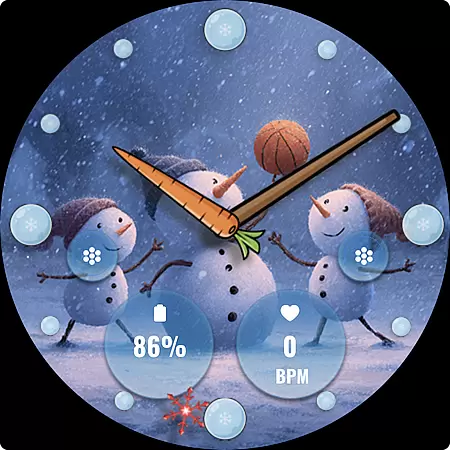
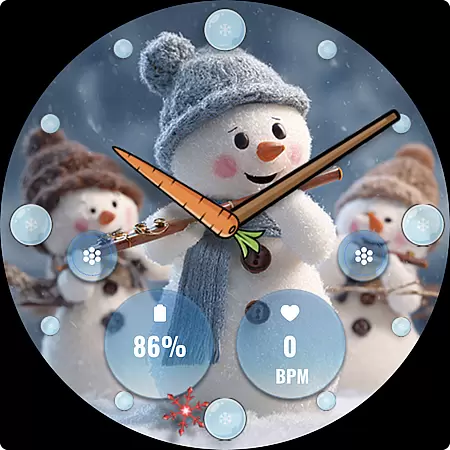
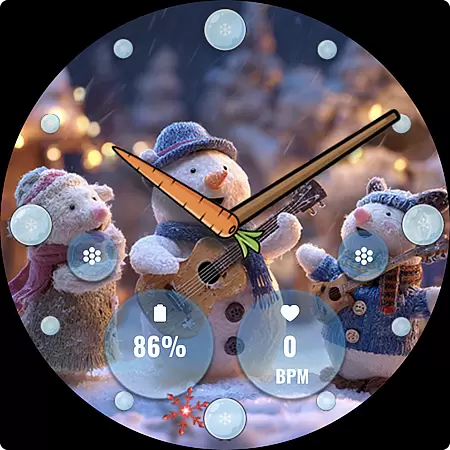
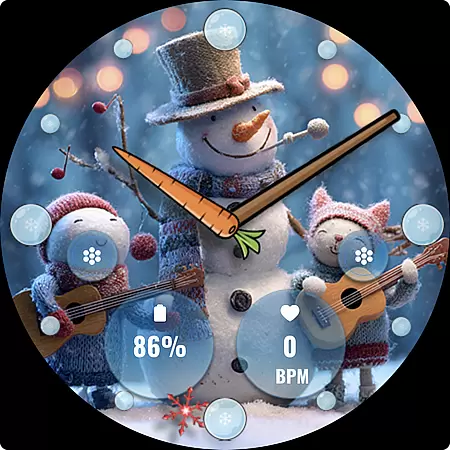
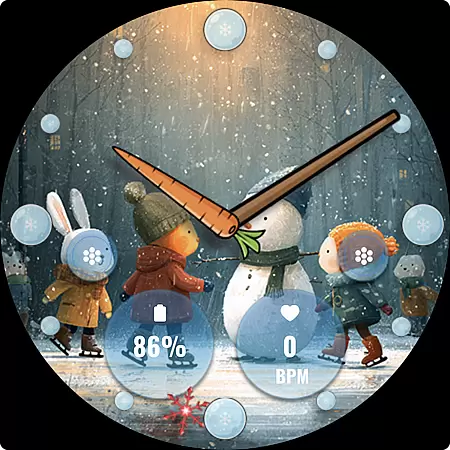
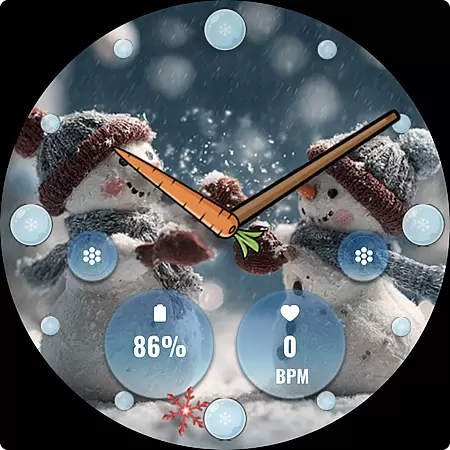
FLW105 Snowman Freeze Winter is a specially designed watch face for Wear OS, offering users an engaging winter-themed experience. Featuring an ice freeze background and 10 unique snowman images, it brings festive charm to your smartwatch. The analog display includes hour, minute, and second hands, while supporting two customizable complications and shortcuts.
This watch face allows personalization through its custom complications and shortcut options, letting users tailor the information displayed on their watch. Whether you want to showcase weather updates or quick settings, FLW105 provides flexibility and style during the winter season.
FLW105 stands out with its rich feature set tailored for Wear OS users. It offers an analog watch design complete with hour, minute, and second hands, ensuring accurate timekeeping in a classic format. Additionally, users can choose from two custom complications, allowing them to display personalized information such as fitness stats or notifications directly on their watch face.
For added convenience, the watch face supports two customizable shortcuts that enable quick access to frequently used functions like starting workouts or controlling music playback. With 10 distinct winter-themed images featuring charming snowmen, users can enjoy a variety of visuals while customizing their experience by pressing and holding the screen followed by selecting 'Customise'.
For FLW105 Snowman Freeze Winter, seamless companion app integration is a key feature that enhances user experience. This Wear OS watch face connects effortlessly with your smartphone to ensure all features are easily accessible and customizable.
The companion app allows users to manage complications and shortcuts directly from their phone. With just a few taps, you can choose what information to display or which shortcut to activate, ensuring your watch face meets your specific needs.
Additionally, the ability to change images or customize complications through the companion app adds another layer of personalization. By simply pressing and holding then pressing Customize, users can tailor the watch face to their liking without any hassle.
FLW105 Snowman Freeze Winter is designed specifically for Wear OS, ensuring broad device compatibility and optimal performance. Whether you have a smartwatch from a major brand or a lesser-known model, this watch face supports them all.
The analog watch hands for hour, minute, and second provide accurate timekeeping across various devices. The inclusion of two custom complications and shortcuts means users can personalize their experience regardless of the device they use.
With ten unique freeze winter images featuring snowmen, this watch face brings seasonal charm to any Wear OS device. Its versatile design ensures it looks great on different screen sizes and resolutions, making it a perfect choice for anyone looking to add some festive flair to their smartwatch.
Unique winter theme
Fully customizable
Supports complications
Quick shortcuts
Visually appealing
Limited to Wear OS
No digital option
Seasonal only
Needs customization
Battery intensive

A customizable Christmas watch face for Wear OS with a countdown.
 4.20
4.20
WTW M17 is a premium and luxurious hybrid watch face
4.70
Current temperature, weather hourly, weather radar by the weather forecast app
4.40
Analog watch face with 8 complications and expedition styling
4.4
Stunning modern digital watch face with 7 complications and strong contrast
4.4
Monitor health with the stress test and pulse checker in the heart rate app.
4.60
Daily Weather forecast with 15 weather images for Day & Night plus Big Bold time
4.10
Your local weather forecast, storm tracker, radar maps & live weather news
3.40
Fitbit is dedicated to helping people lead healthier, more active lives.
4.10
Christmas - Festive - Christmas Village - Winter - Christmas lights
5.00
Beautiful, colorful and practical watch face. For Wear OS devices.
5.00
Kia Access makes getting your vehicle information easier than ever
4.60
Digital watch face. For Wear OS devices.
4.40
Premium hybrid watch face with many customizations for Wear OS devices.
4.40
The ultimate destination for kids ages 3-8 to explore the Marvel Universe!
4.30
"PER27 Galaxy Digital" is a digital Wear OS watch face designed by PERSONA
4.10
Wear Os Watch Face - Animated Snow Effect & Christmas Lights
4.2
Christmas is near, let's count together the days left until Santa comes
4.1
Funny animated watch face for Thanksgiving
4.4


User Reviews