
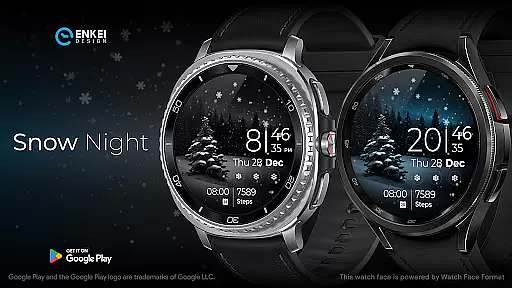
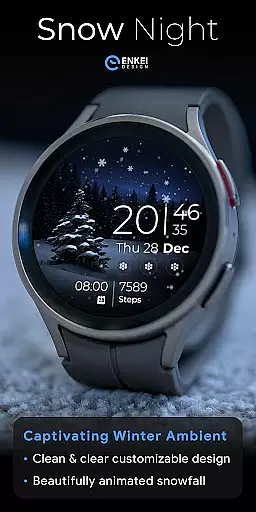
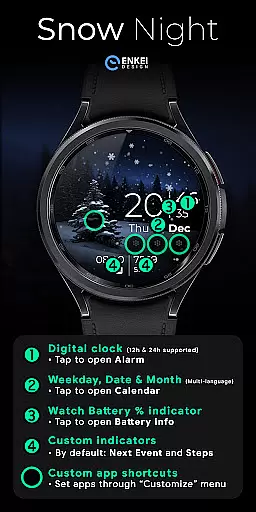
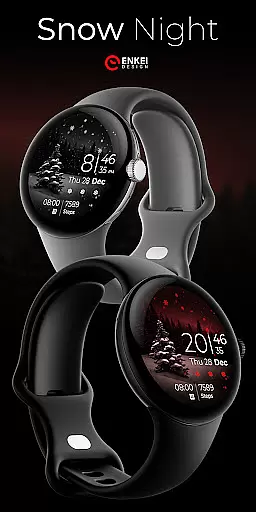
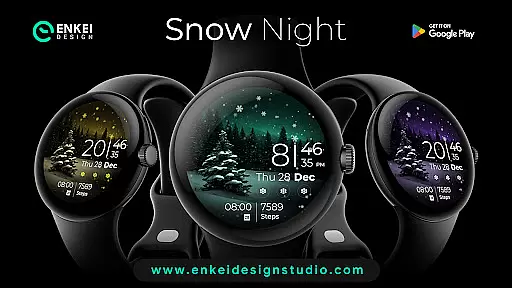
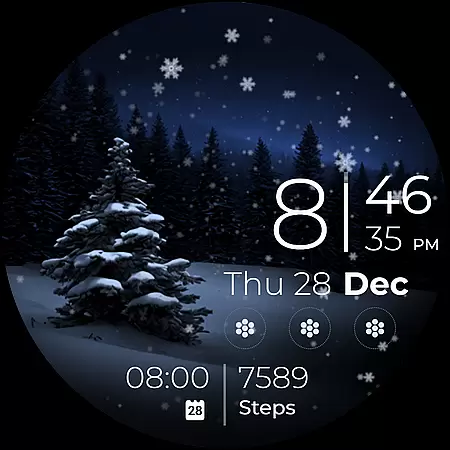
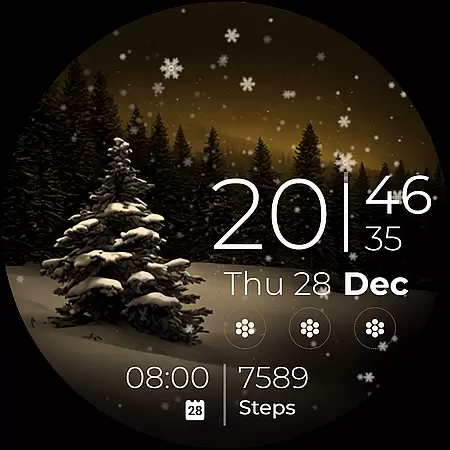
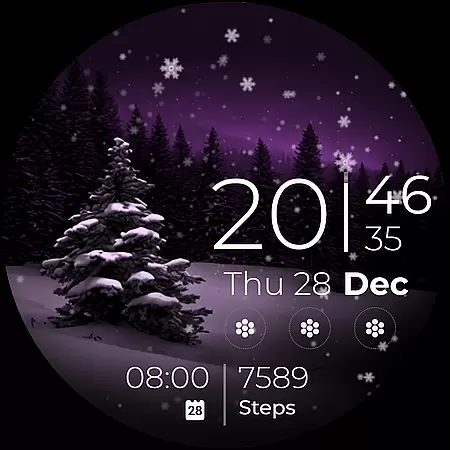
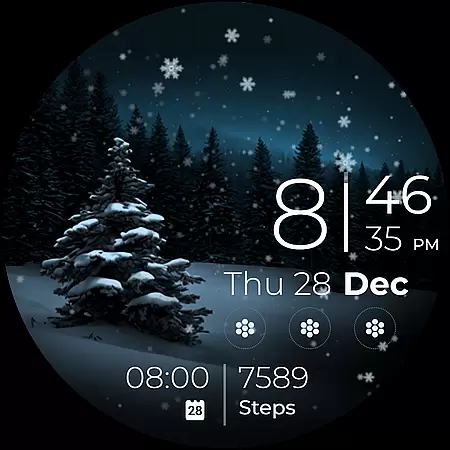
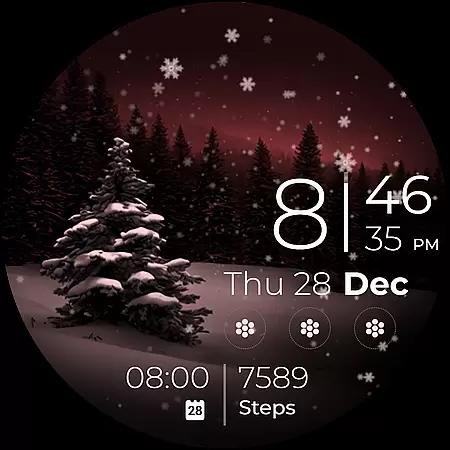
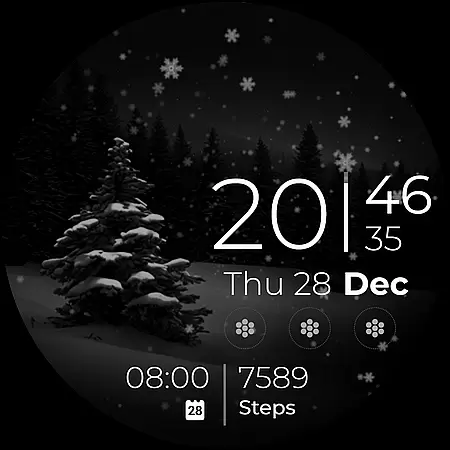
Snow Night is an artistic watch face designed for Wear OS devices, offering a captivating winter-themed experience. Featuring ambient snowfall animation and customizable options, it provides both aesthetic appeal and functional utility.
The watch face includes clear indicators for time, date, battery, and more, with tap interactions for quick access to essential apps. With support for AOD styles, color customization, and app shortcuts, users can tailor the layout to their preferences.
Ideal for users seeking a visually pleasing yet practical watch face, Snow Night enhances the smartwatch experience through its creative design and user-friendly features.
Snow Night stands out with its rich feature set tailored for Wear OS users. The digital clock supports 12h/24h formats, while tap interactions allow users to open alarms, calendars, and battery info effortlessly.
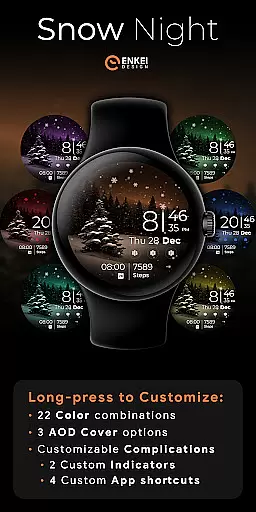
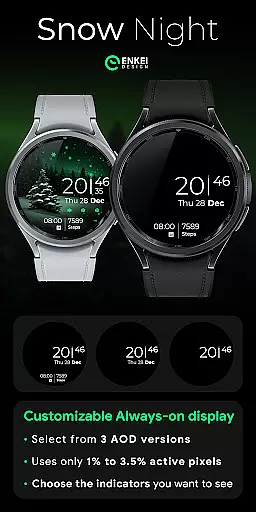
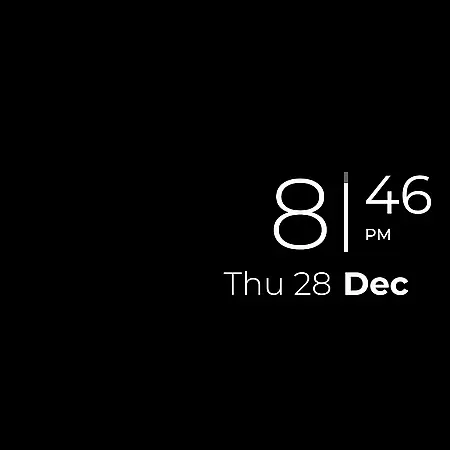
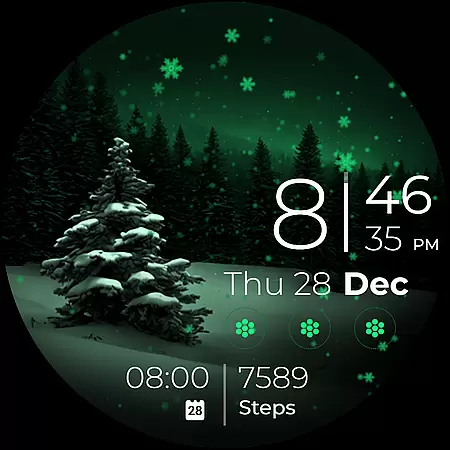
Customization is a key highlight, offering 22 color combinations, 3 AOD styles, and configurable complications. Users can personalize short-text indicators for steps or next events and set up to four app shortcuts, ensuring a unique and efficient interface.
Powered by Watch Face Format, this watch face ensures compatibility with API 34+ devices and delivers an engaging experience with minimal active pixel usage, making it both feature-rich and energy-efficient.
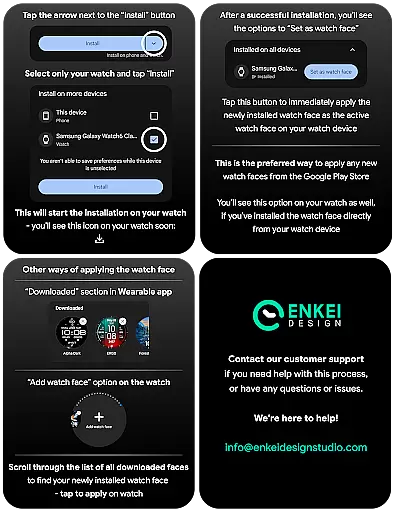
Companion app integration is essential for Android Wear applications like Snow Night. This feature ensures seamless synchronization between the watch face and its companion app on your mobile device.
Snow Night utilizes the companion app to facilitate direct installation to your watch device. While the main functionality resides on the wearable, the companion app serves as a bridge, ensuring that all features are correctly transferred and operational. This includes the beautiful ambient snowfall animation and customizable options such as colors, AOD styles, and complications.
For users, this means a hassle-free setup process. You can easily manage and adjust settings from your phone, allowing for a personalized experience without needing to interact directly with the watch for complex adjustments. The ability to customize indicators and app shortcuts via the companion app adds another layer of convenience.
Ultimately, effective companion app integration enhances user satisfaction by providing a reliable and efficient way to manage the watch face, ensuring that all features are readily accessible and functional.
Ensuring compatibility with Wear OS and various devices is crucial for any Android Wear application, including Snow Night. This watch face is specifically designed for devices running Wear OS 5.0 and newer versions (API 34+), guaranteeing optimal performance on supported devices.
Snow Night leverages the advanced capabilities of Wear OS to deliver a captivating and relaxing artistic experience. By requiring newer OS versions, it can utilize expanded customization options and useful features offered by the Watch Face Format. This results in enhanced visual appeal and functionality, such as the gorgeous ambient snowfall animation and clear, bright indicators.
Device compatibility is equally important. Snow Night is optimized for a range of devices, ensuring that users experience consistent performance regardless of their specific model. This includes support for high-resolution displays and efficient battery usage, which are critical for maintaining visibility and prolonging device life.
By focusing on robust Wear OS and device compatibility, Snow Night provides users with a reliable and visually stunning watch face that takes full advantage of modern wearable technology.
Visually stunning design
Highly customizable layout
Intuitive tap interactions
Energy-efficient performance
Wide device compatibility
Limited to Wear OS
Complex for beginners
Requires newer devices
Premium pricing
No iOS support

"PER27 Galaxy Digital" is a digital Wear OS watch face designed by PERSONA
 4.10
4.10
Calming & relaxing sounds for sleeping and stress relief. Stay focused all day!
4.20
Be an elegant and classy secret agent, with this carefully detailed watch face
4.70
Watch face for Wear OS.
4.20
Digital watch face with big numbers and many customization for Wear OS devices
4.40
Real-time results, stats, schedules and player profiles for all leagues
4.60
The Chevron App allows you to pay for fuel from the comfort of your car!
4.80
Minimalistic design modern digital watch face.
4.0
Your music, your playlists, and more—offline and unlimited.
4.20
Real-time weather radar with temperatures, warnings, hurricanes, and widgets
4.80
Nutrition, Macro tracker: Food, fitness & healthy diet tracking for weight loss
4.60
Retro digital watch face with customizable colors and a unique lighting effect
4.60
Stylish, Energizing and Modern Watch Face crafted by Dominus Mathias.
4.50
Locate your family members by GPS phone location tracker everywhere and anytime
4.30
Wear Os Watch Face - Animated Snow Effect & Magic Spark - 6 Scenes
4.10
Daily Weather forecast with 15 weather images for Day & Night plus Big Bold time
4.10
Connect, create, and collaborate with Gmail, part of Google Workspace.
4.10
Your local weather forecast, storm tracker, radar maps & live weather news
3.40
Watch face designed for Thanksgiving Day. 7 Background Styles included.
3.20


User Reviews