
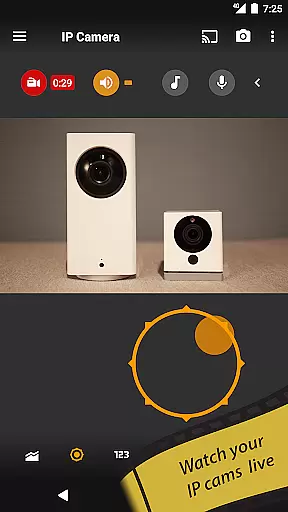
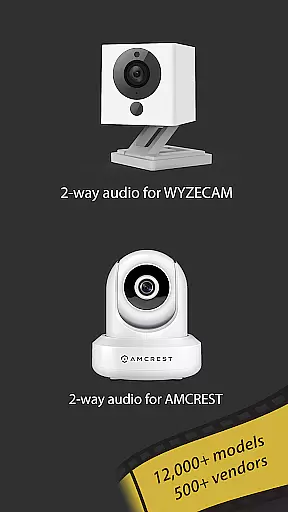
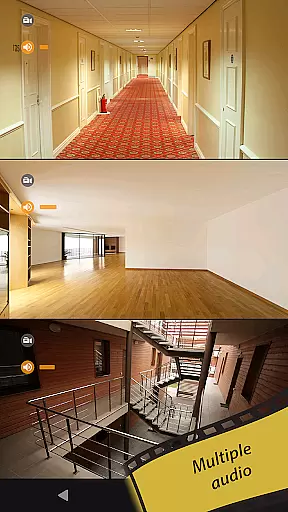
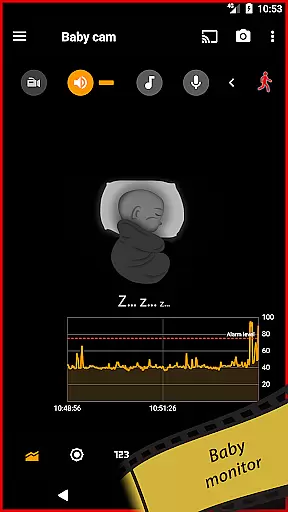
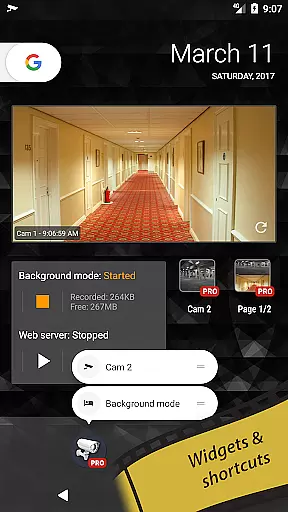
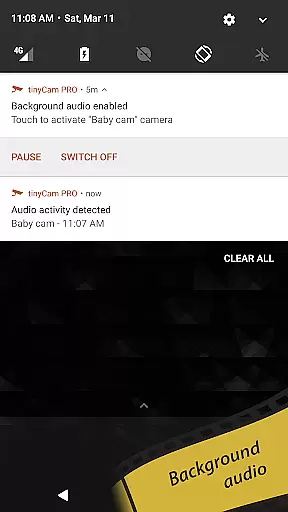
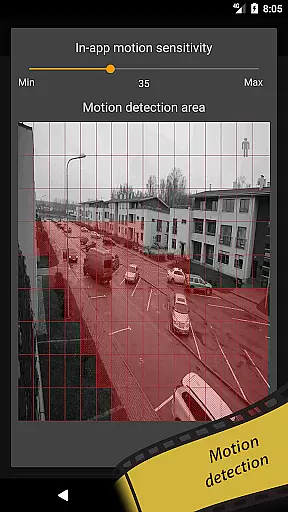
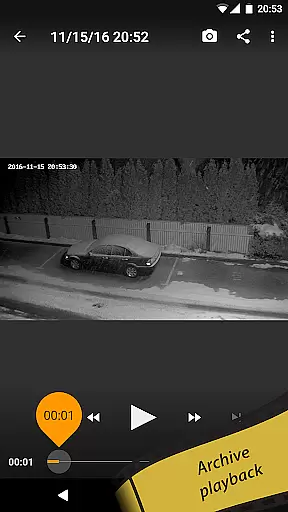
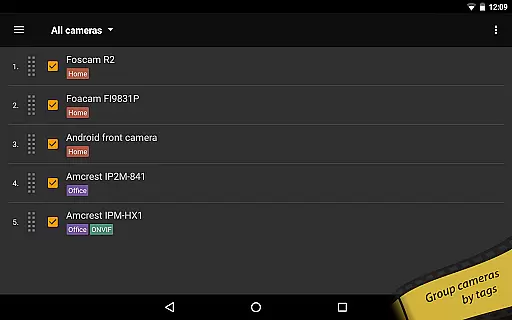
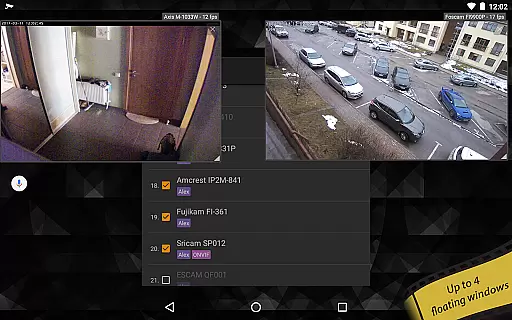
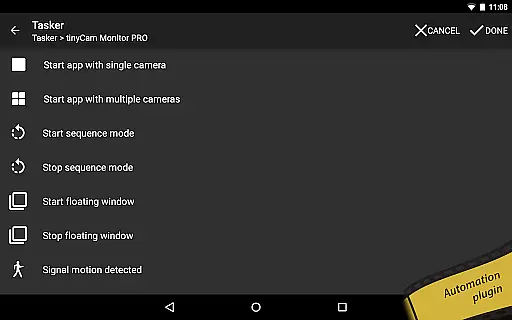
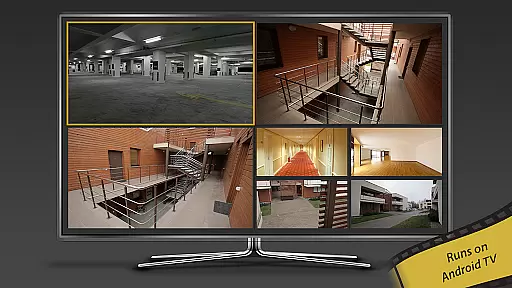
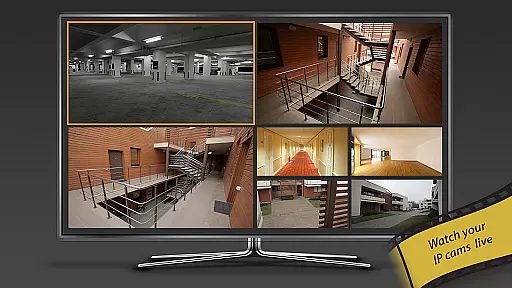
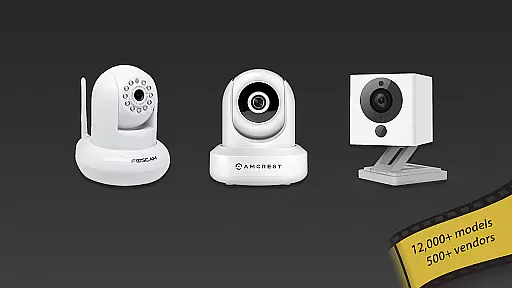
tinyCam Monitor PRO is the ultimate Android application for remote surveillance, control, and video recording of IP cameras, DVRs, and video encoders. With support for over 12,000 camera models including popular brands like Foscam and Amcrest, it offers an intuitive interface with advanced features such as ONVIF Profile S, smart camera compatibility, and P2P connections. The app allows users to monitor their homes, businesses, or any other location securely from their mobile devices.
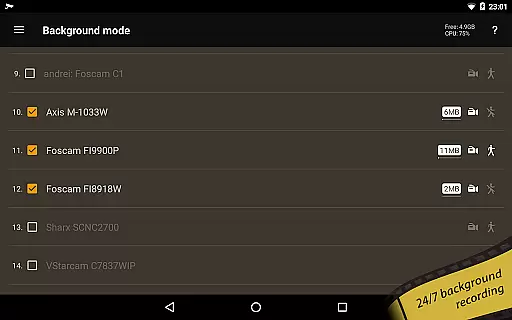
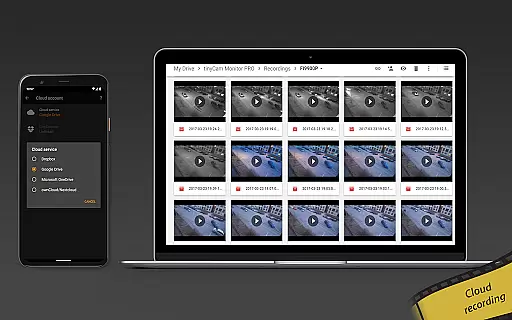
In addition to supporting various protocols like MJPEG, H264, and RTSP, tinyCam Monitor PRO provides unique functionalities such as background recording, time-lapse options, and AI-based object detection. Users can also take advantage of its ability to record 24/7 directly onto local storage or cloud services like Dropbox and Google Drive. Whether you're a homeowner looking to keep an eye on your property or a business owner needing comprehensive security solutions, this app delivers exceptional value with regular updates and new features.
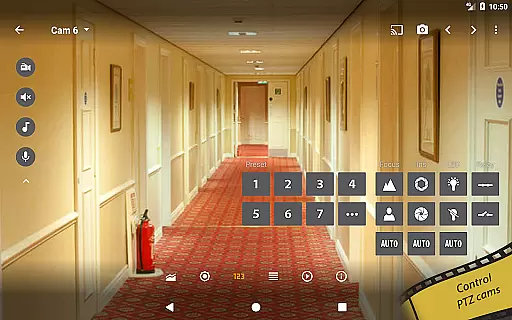
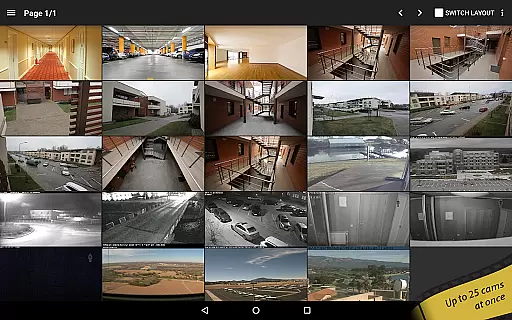
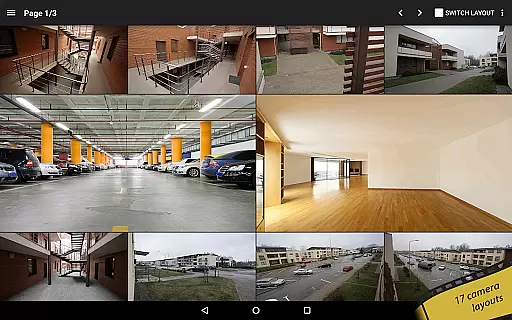
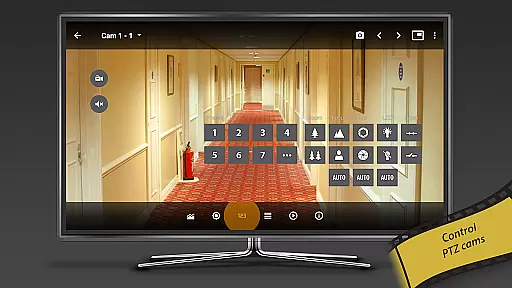
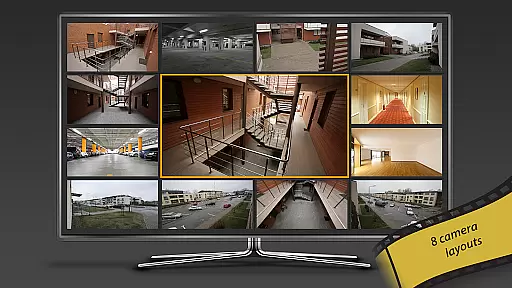
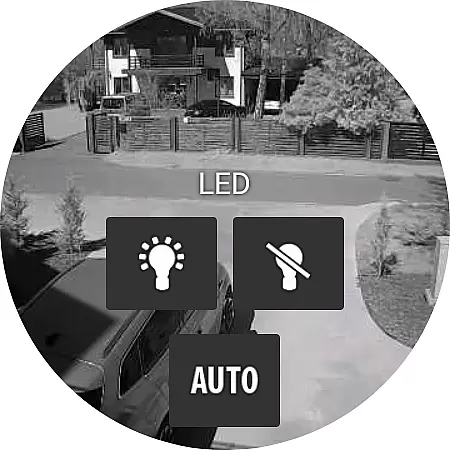
One of the standout aspects of tinyCam Monitor PRO is its extensive feature set designed to cater to both novice users and professionals alike. It supports multiple layout configurations (up to 19 different ones) allowing for personalized viewing experiences tailored to individual preferences. Advanced controls include PTZ (pan-tilt-zoom), relay management, LED adjustments, and two-way audio communication which enhances user interaction with connected devices.
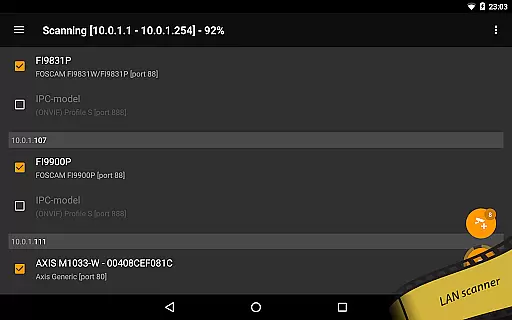
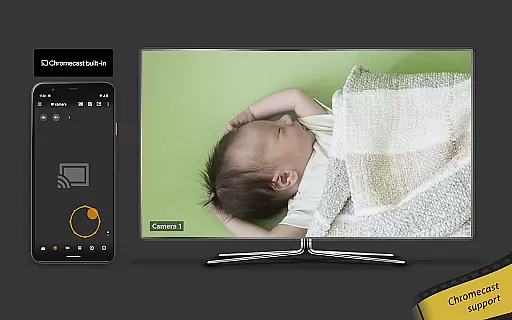
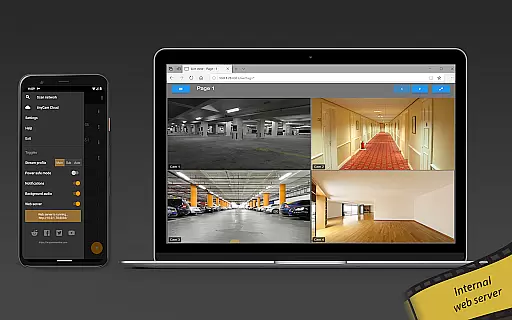
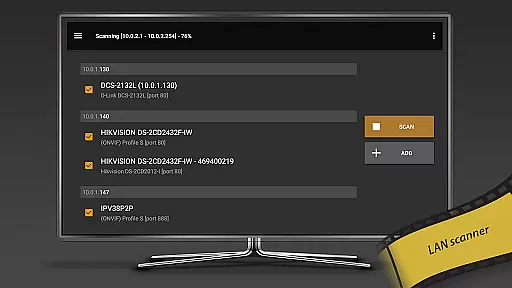
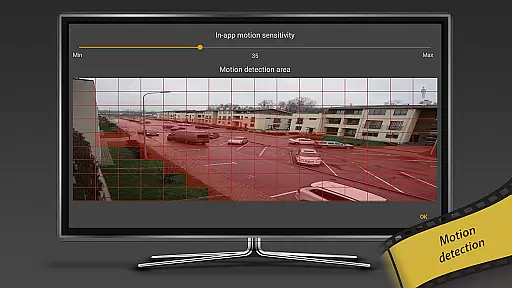
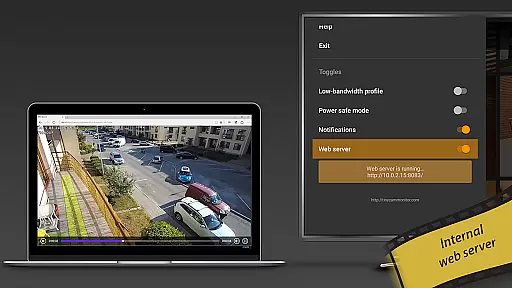
For those seeking more sophisticated capabilities, the app integrates seamlessly with third-party services such as Telegram, Google Cast (Chromecast), and even Wear OS for smartwatch notifications. Additionally, it boasts innovative tools like motion detection alerts via email/webhooks, internal web servers for remote access, and LAN scanners that simplify network setup processes. These robust functionalities ensure that whether you're managing one camera or hundreds, tinyCam Monitor PRO remains a reliable choice for all your surveillance needs.
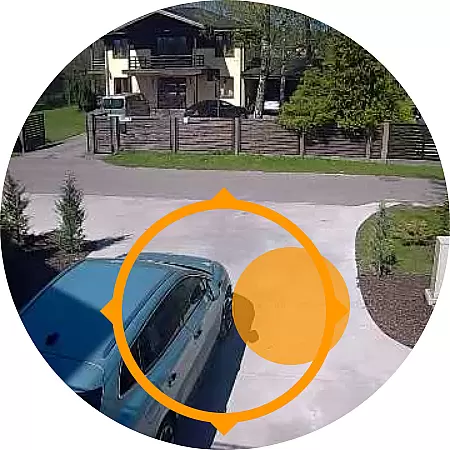
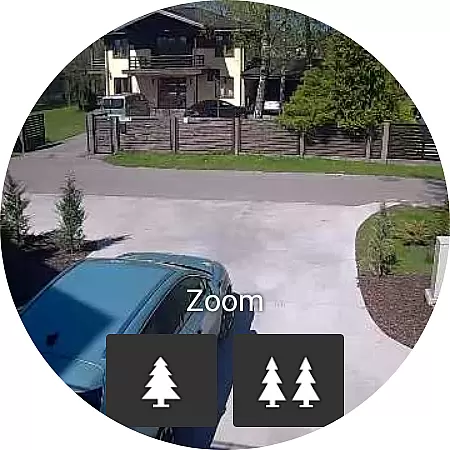
Companion app integration is essential for users who want seamless connectivity between their mobile devices and wearable technology. tinyCam Monitor PRO ensures that your Android Wear device works in harmony with your smartphone, providing real-time updates and control over your IP cameras directly from your wrist.
The application supports a robust connection that allows you to receive notifications and alerts on your wearable device without needing to reach for your phone. This means you can monitor camera feeds and receive motion detection alerts while on the move, ensuring you're always aware of what's happening at your monitored locations.
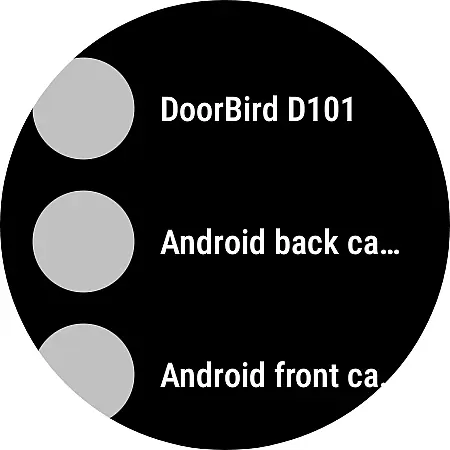
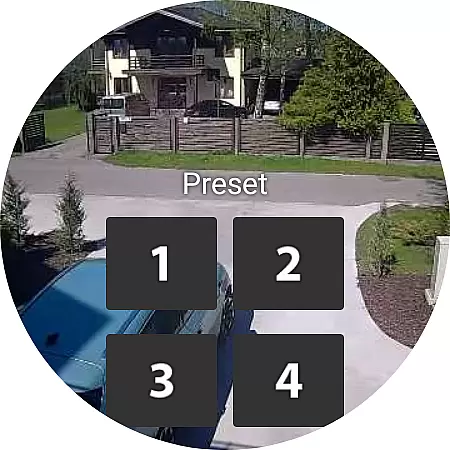
With this integration, users can enjoy features such as remote view switching and instant access to camera controls, all optimized for the smaller screen format of Android Wear. The intuitive interface ensures that despite the limited space, all critical functions are easily accessible, maintaining the full functionality of the surveillance system right at your fingertips.
Ensuring broad compatibility with various Wear OS devices is crucial for an inclusive user experience. tinyCam Monitor PRO offers extensive support for a wide range of smartwatches running on Wear OS, allowing more users to take advantage of its sophisticated monitoring capabilities regardless of their chosen wearable brand.
This compatibility extends beyond just supporting different hardware models; it also encompasses optimizing performance across devices with varying specifications. Whether your smartwatch has a high-resolution display or a more modest one, tinyCam Monitor PRO adjusts accordingly to deliver crisp images and smooth operation tailored to each device's capabilities.
Moreover, by leveraging the latest advancements in Wear OS, the app provides an efficient and responsive user interface that minimizes battery consumption while maximizing utility. Users can trust that their smartwatch will not only connect reliably with tinyCam Monitor PRO but also maintain optimal performance throughout extended periods of use.
User-friendly interface
Extensive device compatibility
Advanced security protocols
Cloud integration options
Regular feature updates
Higher cost compared to basic versions
Complex setup for beginners
Limited free trial period
Occasional connectivity issues
Resource-intensive on older devices

Diet tracker for weight loss - track calories, food and macros. Simple and easy!
 4.70
4.70
Contemporary digital watch face with five complications
4.3
Easy Voice Recorder is your everyday companion to record important moments.
4.70
Your second brain for organizing your life: to-do, calendar, reminder.
4.70
Real-time weather radar with temperatures, warnings, hurricanes, and widgets
4.80
Minimalistic design modern digital watch face.
4.4
Hyper-Realistic Airplane Dashboard Watch Face With 10 Skins and Custom AOD
4.00
A modern hybrid informative watch face for Wear OS designed by BALLOZI
4.80
Fitbit is dedicated to helping people lead healthier, more active lives.
4.10
Rose gold watch face with festive lights & customizable features.
4.60
Connect to your Bluelink equipped Hyundai vehicle from your smartphone.
4.50
Let's celebrate Thanksgiving - Wear Os watch face
4.20
The #1 source of faces for your smartwatch!
4.00
Authentic military-tactical design with ZULU time! Realistic and functional!
3.80
Watch the sharpness of the sky on your wrist..
3.70
Your local weather forecast, storm tracker, radar maps & live weather news
3.40
A heartwarming Christmas scene featuring a cute image of Santa and Rudolf
4.5
Simple Analog-Digital Watchface For Wear OS 3.0 and Up Smartwatches
4.3
Hybrid Vibrant Health Watch Face for Wear OS
4.4


User Reviews