
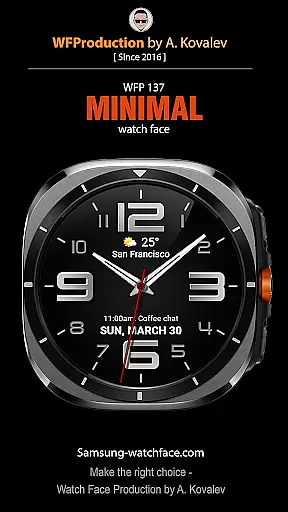
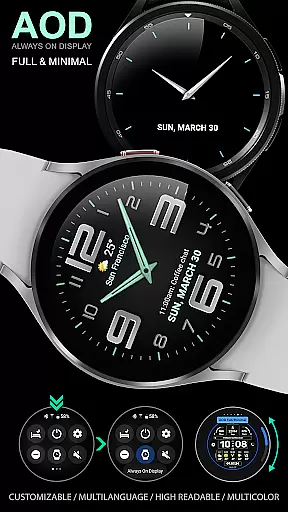
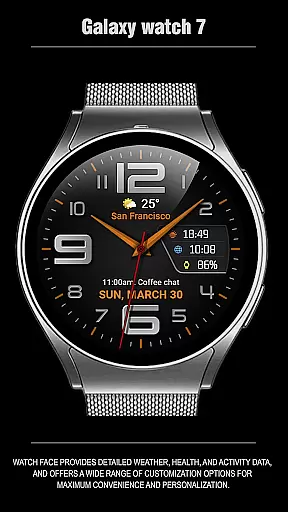
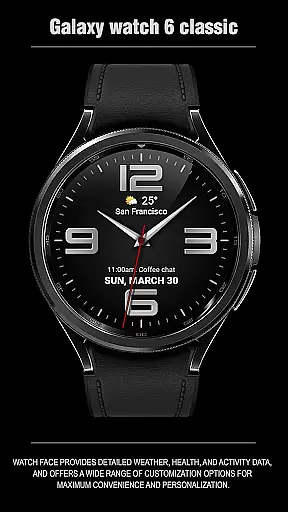
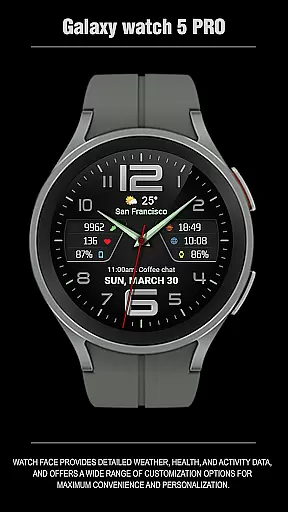
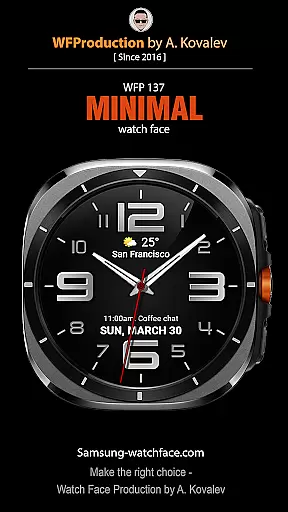
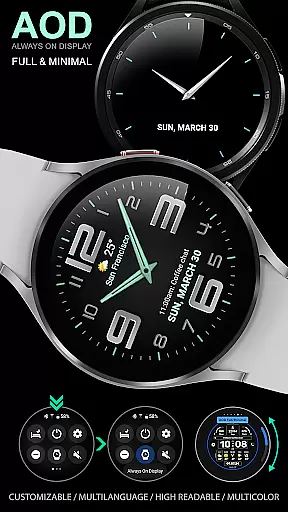
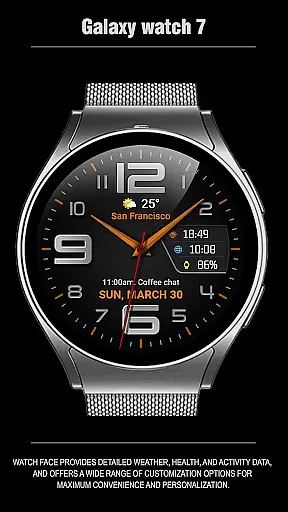
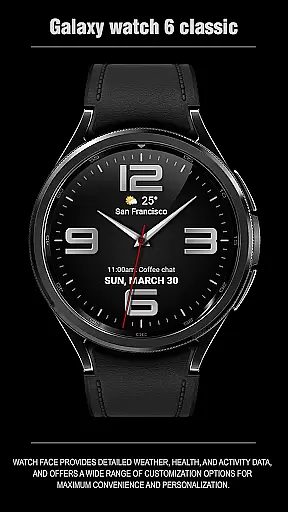
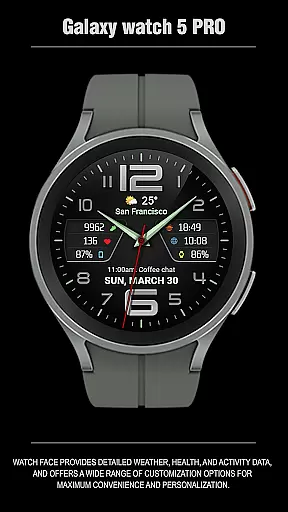
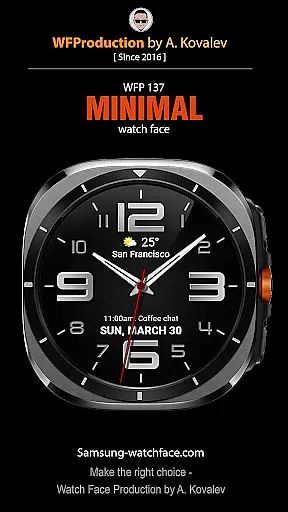
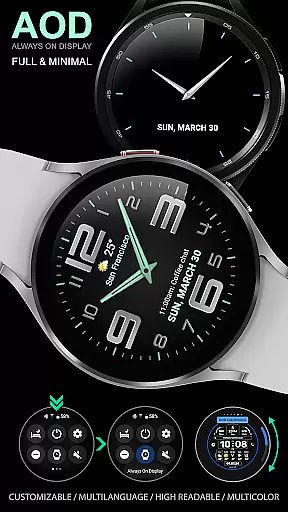
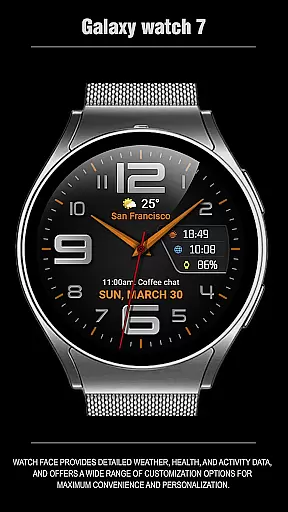
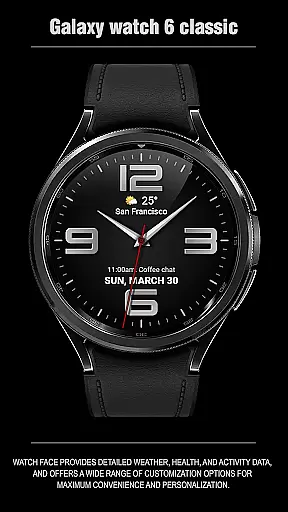
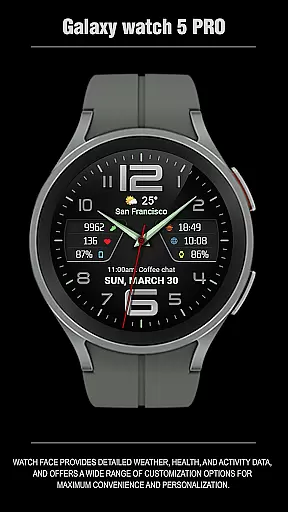
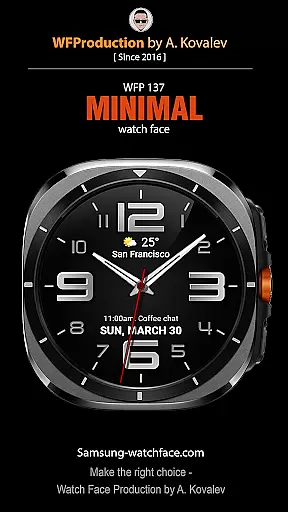
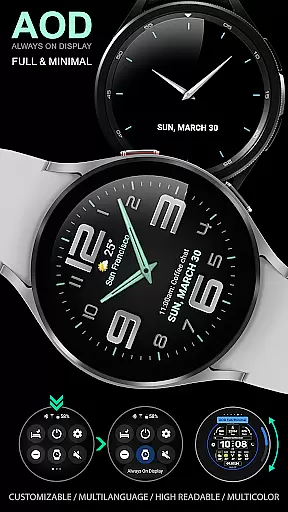
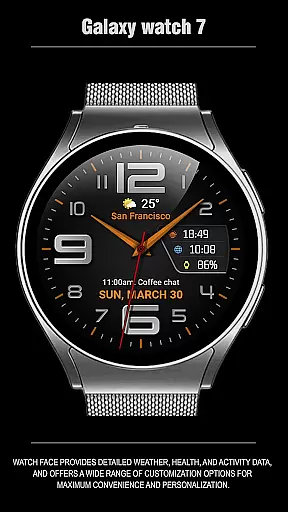
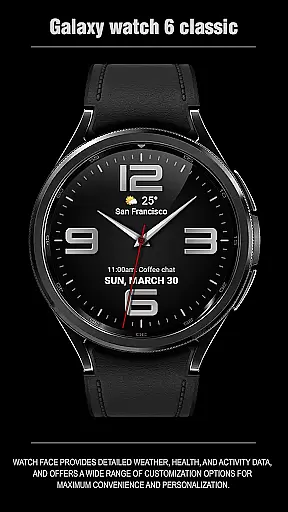
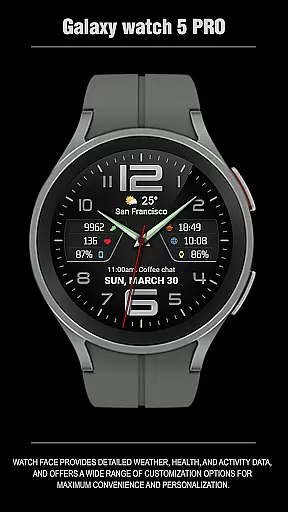
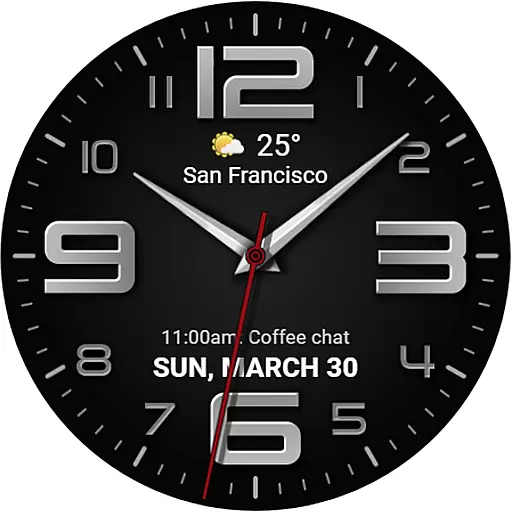
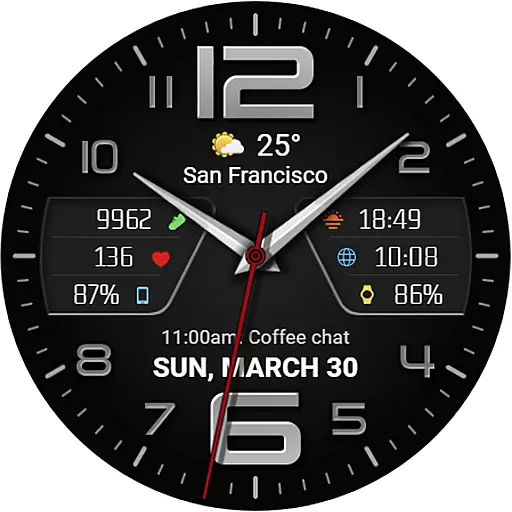
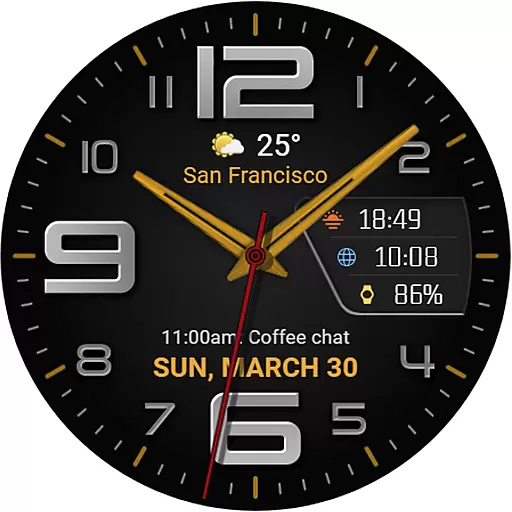
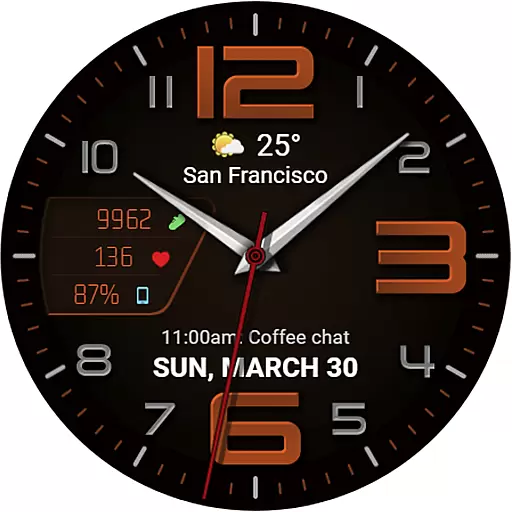
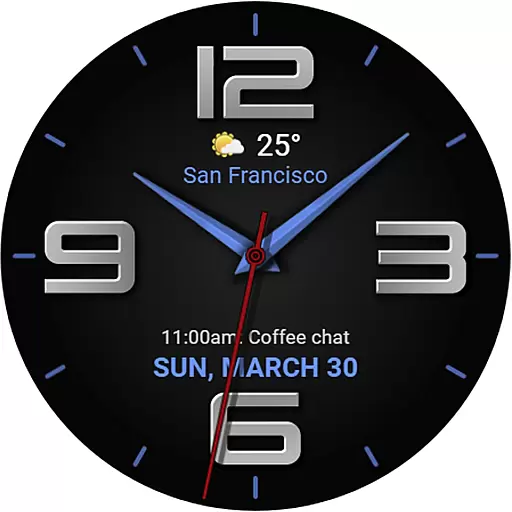
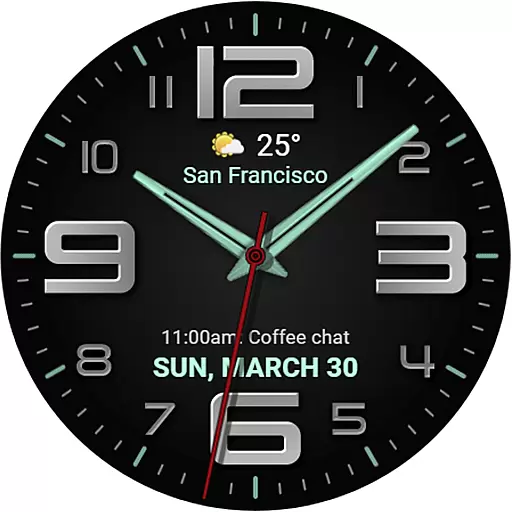
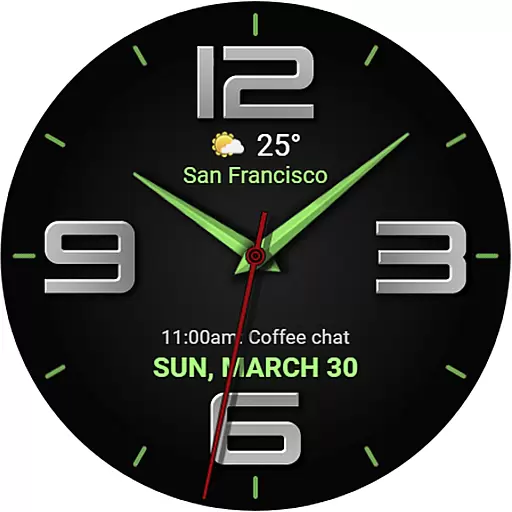
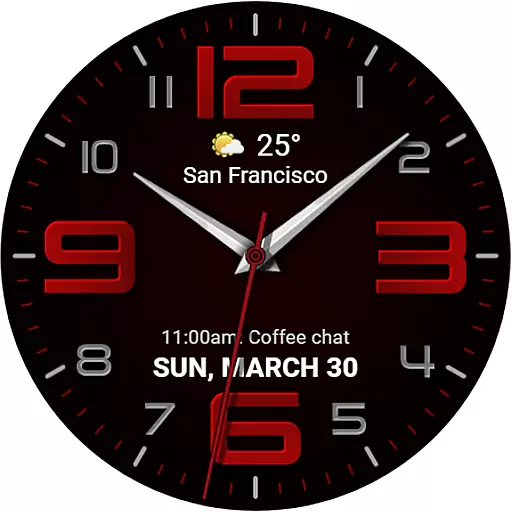
The WFP 137 Minimal watch face is a stylish and functional app designed for smartwatch users who value both aesthetics and utility. This application offers detailed weather forecasts, health tracking, and activity data while providing extensive customization options to enhance personalization.
With compatibility for devices running API 34+ and later, this watch face ensures that users can enjoy its features on a wide range of modern devices. The intuitive design allows for easy navigation and access to essential information at a glance, making it an ideal choice for those seeking convenience and style in their wearable technology.
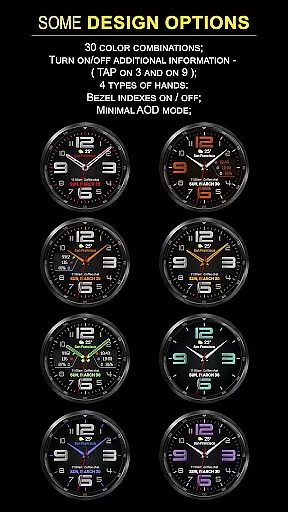
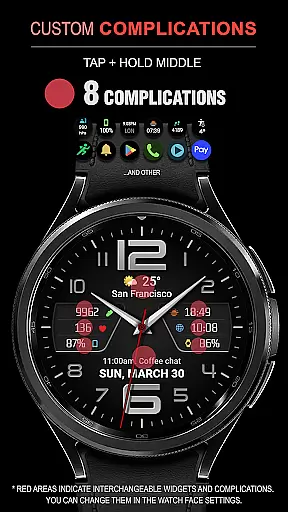
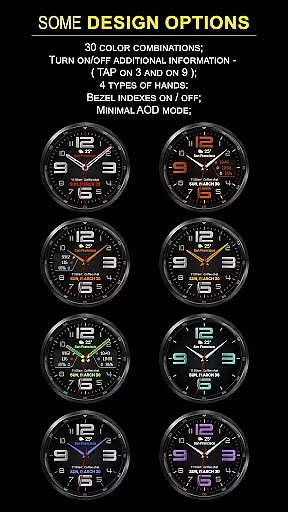
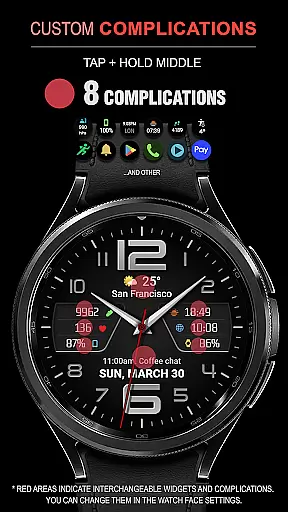
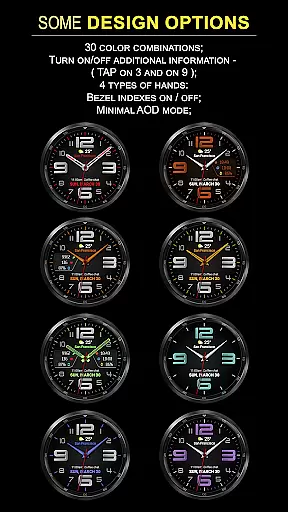
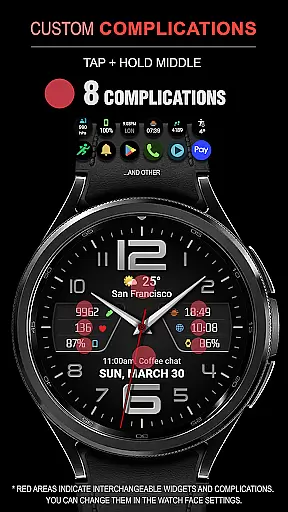
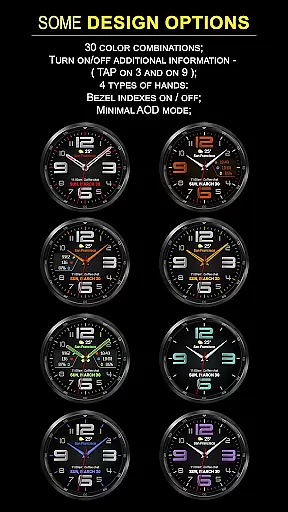
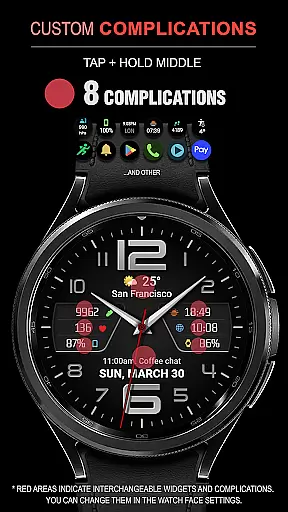
The WFP 137 Minimal watch face stands out with its array of features tailored to maximize user convenience and personalization. It includes eight complications, 30 color combinations, and four types of hands, allowing users to customize their watch faces extensively.
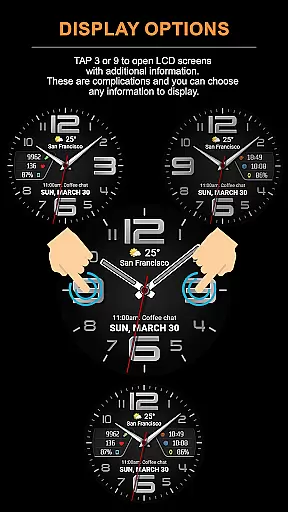
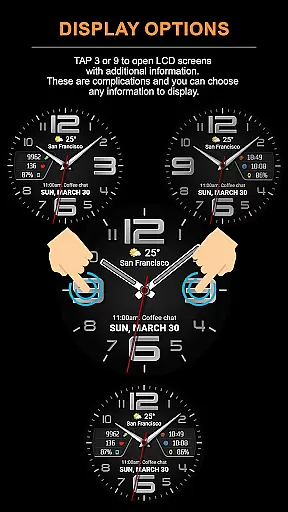
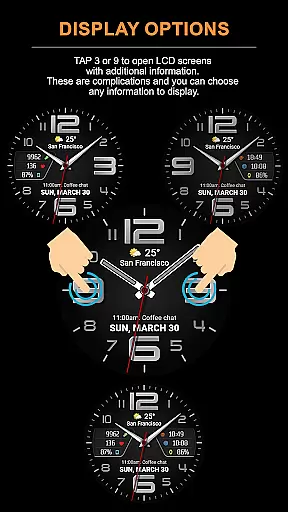
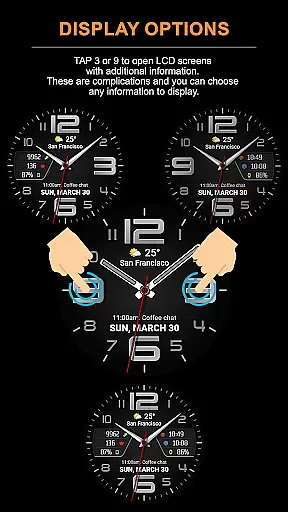
Additional functionalities include high-resolution displays, optimized performance for minimal battery consumption, multilingual support, and weather forecasts in Fahrenheit or Celsius. Users can also tap specific areas to open LCD screens with extra information, further enhancing the interactive experience.
Companion app integration is essential for a seamless wearable experience. The WFP 137 Minimal watch face excels in this area by offering users the ability to sync and manage their watch face directly from their smartphone.
This functionality allows users to customize settings such as weather units, color combinations, and widget preferences effortlessly. By tapping into the companion app, users can access detailed instructions and support links, ensuring they make the most of the available features.
The synchronization between the watch and its companion app ensures that all personalization choices are preserved and updated in real-time. This means any changes made through the app are immediately reflected on the wearable device, providing a cohesive user experience.
Ultimately, the deep integration with its companion app enhances user convenience and control, allowing for a personalized and efficient management of the WFP 137 Minimal watch face's comprehensive functionalities.
Device compatibility is crucial for ensuring that a watch face functions optimally across various devices. The WFP 137 Minimal watch face is designed to be compatible with devices running API 34+ and later, making it accessible to a wide range of users.
This compatibility ensures that users benefit from high optimization and low battery consumption, regardless of their specific Wear OS device model. The watch face supports multiple languages and offers customizable AOD modes, catering to individual preferences and enhancing usability.
By supporting high-resolution displays and offering features like weather forecasts and health data tracking, the WFP 137 Minimal meets diverse user needs. Its broad compatibility range guarantees that users receive a consistent and high-quality experience.
In summary, the WFP 137 Minimal watch face stands out due to its extensive Wear OS/device compatibility, ensuring that users enjoy its stylish design and robust functionality without limitations.
Stylish design
Extensive customization
Detailed weather data
Health and activity tracking
Low battery consumption
Limited device compatibility
Complex setup process
Premium cost for full features
Occasional bugs reported
Requires frequent updates

"PER27 Galaxy Digital" is a digital Wear OS watch face designed by PERSONA
 4.10
4.10
Wear Os Watch Face - Animated Snow Effect & Christmas Lights
4.1
Embrace the festive spirit with our Christmas Countdown watchface for Wear OS
4.10
Simple Analog-Digital Watchface For Wear OS 3.0 and Up Smartwatches
4.4
Real-time weather radar with temperatures, warnings, hurricanes, and widgets
4.80
The most customizable hybrid watch face. For Wear OS 5.0, API 34+ and later
4.70
Connect, create, and collaborate with Gmail, part of Google Workspace.
4.10
Start and succeed with PAP
4.10
Back up your contacts & access them anywhere
4.30
Diet tracker for weight loss - track calories, food and macros. Simple and easy!
4.70
Nutrition, Macro tracker: Food, fitness & healthy diet tracking for weight loss
4.60
Deck out your Wear OS Watch face with a beautifully decorated pine wreath!
4.50
Ideal for surviving in the wasteland left after nuclear fallout
4.50
Digital watch face with big numbers and many customization for Wear OS devices
4.40
Locate your family members by GPS phone location tracker everywhere and anytime
4.30
Professional weather radar and more
3.90
A full-featured Amazon Alexa voice assistant that can show you things.
3.70
A watch face that fuses motorsport precision with contemporary smartwatch design
4.5
Stunning modern digital watch face with 7 complications and strong contrast
4.3


User Reviews