
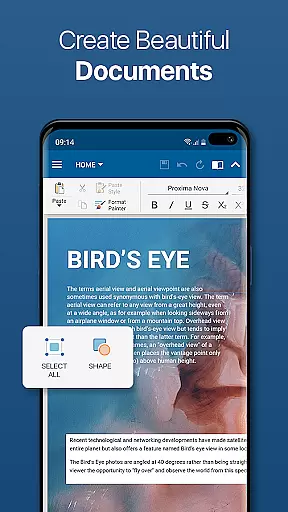
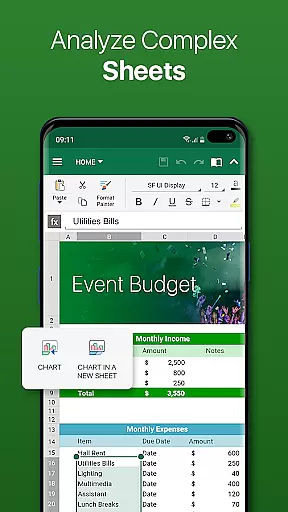
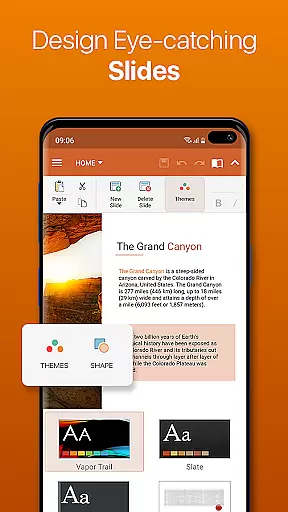
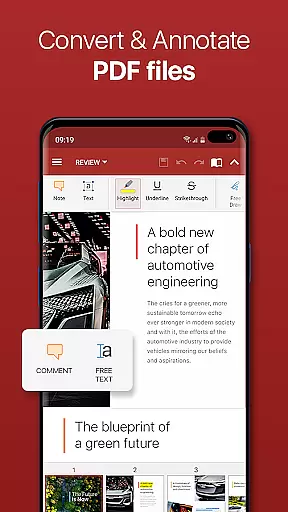
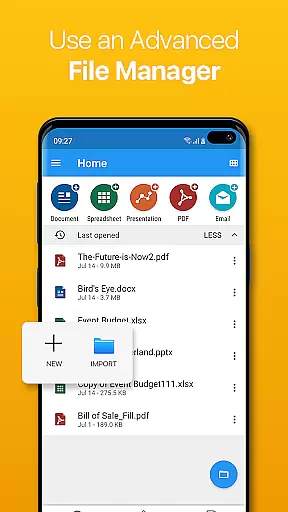

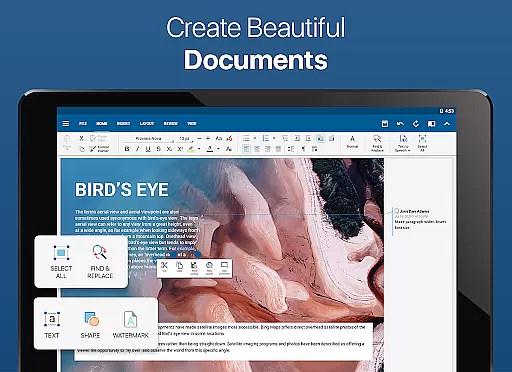
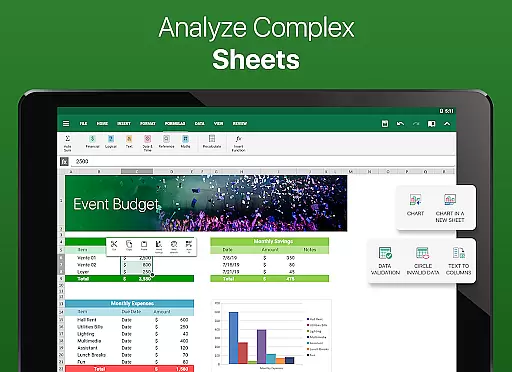

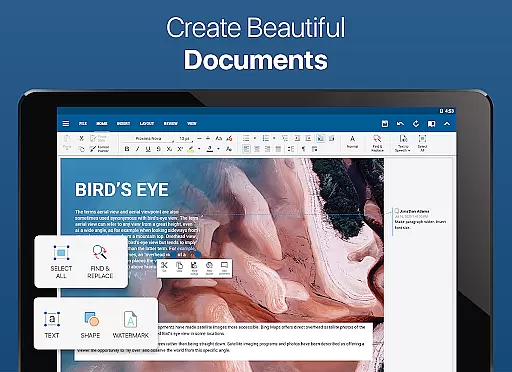
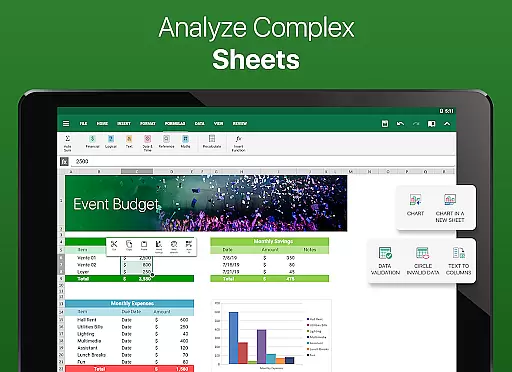
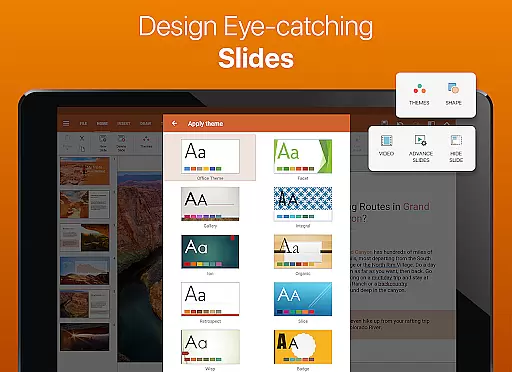
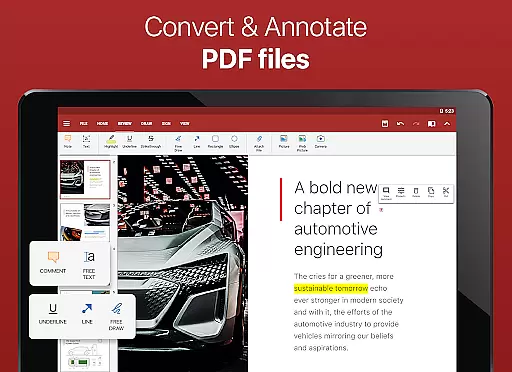
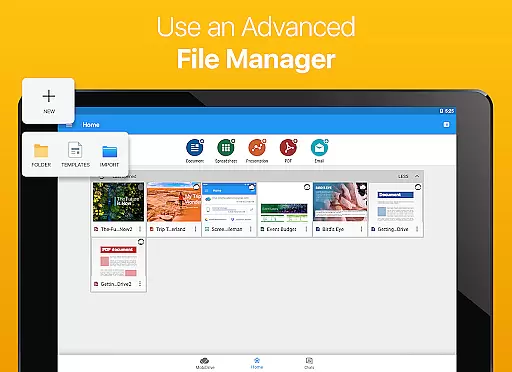

OfficeSuite Pro + PDF is a comprehensive business application designed for seamless document management. This professional-grade software allows users to view, edit, and create Word, Excel, and PowerPoint files with ease. The app offers full compatibility with Microsoft Office formats and supports PDF functionalities including editing, scanning, and form filling.
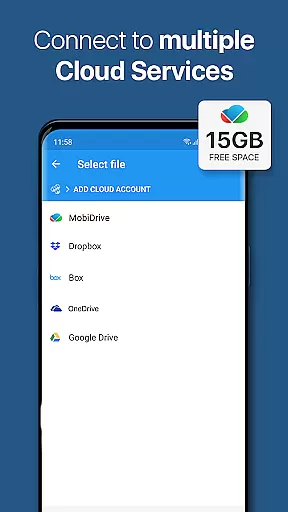
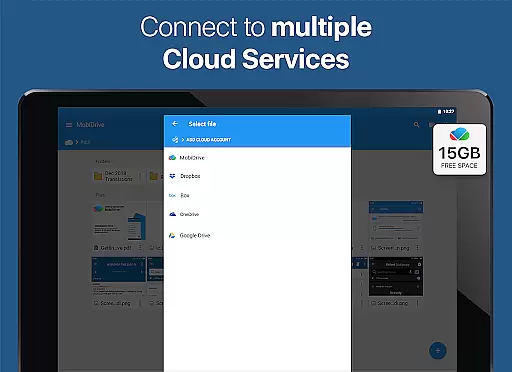
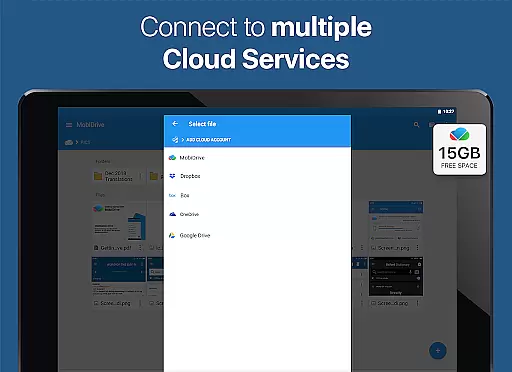
What sets OfficeSuite Pro apart is its desktop-style interface that ensures intuitive navigation and efficient workflow. Users can benefit from integrated cloud services, 15GB MobiSystems Drive storage, and advanced security features like digital signatures and permissions management. The app also includes unique capabilities such as text-to-speech support, track changes, and multi-device casting.
This business solution is particularly valuable for professionals who need mobile access to office productivity tools. With support for 56 languages and preloaded availability on major device manufacturers, it serves as an essential tool for international business operations and remote work environments.
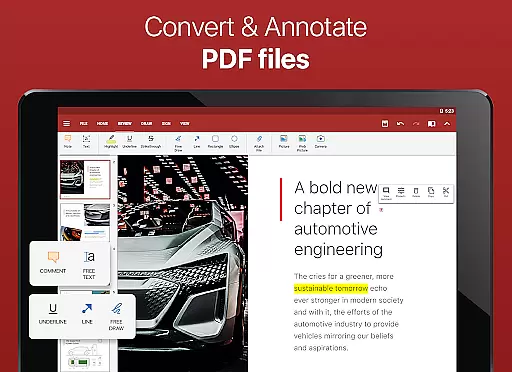
OfficeSuite Pro + PDF distinguishes itself through its extensive feature set tailored for business professionals. The application provides complete document compatibility with Microsoft Office formats (DOC, XLS, PPT) and offers advanced PDF manipulation tools including security features and annotations. Its desktop-style interface ensures familiar navigation while maintaining mobile optimization.
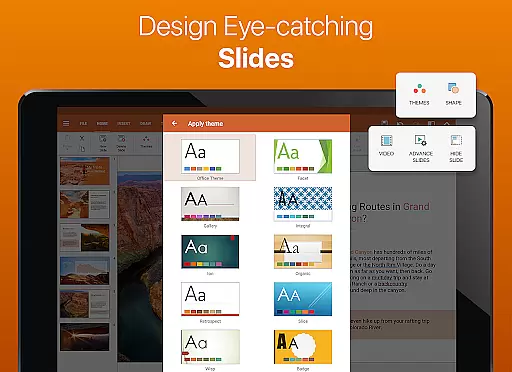
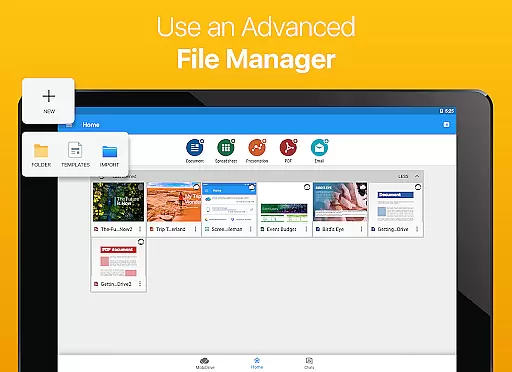
The app integrates exclusive capabilities such as OfficeSuite Chats for document collaboration, File Commander for advanced file management, and MobiSystems Drive for cloud storage. Additional features include spell checking in 40+ languages, text-to-speech functionality, and Chromecast support. The latest version introduces enhanced mouse support for Chromebooks and multiple theme options for presentations.
Professional users benefit from advanced security measures, sheet protection in spreadsheets, and Quick Sign for PDFs. The application also supports split-screen mode for multitasking, legacy Microsoft document formats, and Apple iWork file compatibility. These features collectively provide a robust mobile office solution that enhances productivity while maintaining document integrity across devices.
Collaborative work features are essential for modern business applications, enabling teams to work together efficiently regardless of location. OfficeSuite Pro + PDF excels in this area by offering multiple tools that facilitate seamless collaboration.
The app provides OfficeSuite Chats, a feature allowing users to exchange documents and collaborate with colleagues in real-time. This chat functionality is integrated directly into the app, ensuring that document sharing and communication occur within a unified environment.
Additionally, OfficeSuite Pro supports track changes with multiple author support, making it ideal for team projects. Users can view and manage edits from different contributors, ensuring version control and document integrity throughout the collaborative process.
With integrated cloud services like Google Drive, Dropbox, and OneDrive, teams can access and edit documents from any device, further enhancing productivity and flexibility in collaborative work environments.
Effective task management is crucial for productivity, and OfficeSuite Pro + PDF offers several features that help users organize and prioritize their work efficiently. The app's interface is designed to streamline task handling while maintaining ease of use.
One key feature is the ability to protect individual sheets and cells in spreadsheets, adding an extra layer of security and control to sensitive data. This allows users to manage access permissions for different parts of their documents, ensuring that only authorized personnel can make changes.
The app also includes advanced formatting options such as Format Painter in Word documents, which helps maintain consistency across different sections of a project. Users can quickly apply predefined styles, saving time and ensuring uniformity in collaborative documents.
Furthermore, OfficeSuite Pro's Quick Sign feature enables users to easily sign PDFs using digital signatures, streamlining administrative tasks and document approval processes. These capabilities collectively enhance task management efficiency for business users.
Comprehensive file format support
Advanced PDF editing tools
Integrated cloud services
Multi-language spell checker
Robust security features
Some features require in-app purchase
Occasional performance issues
Complex interface for beginners
Limited free version capabilities
High storage requirements

VSD Viewer - Visio Drawings Viewer for Android Preview VSD, VDX, VSDX drawings
 4.10
4.10
Earn free swag, G-Cards & food • Enter sweepstakes • Find stores • So much more.
4.70
All document reader, pdf viewer app, read docs & excel files
3.80
Deliver and earn money
4.30
Start earning fast. Apply Today.
4.80
From Gone to Back Again — In Just a Few Taps
4.50
Say hello to the mobile work experience built to help you thrive at work.
4.30
The app that lets you deliver with Amazon.
4.50
On the go? Take FedEx with you.
4.00
Employee Management Made Easy
4.80
Permission Guard is a security app that helps you manage app permissions.
4.80
All your team communication in one place
4.70
Earn money with the driver & delivery partner app for Uber, UberEats & Postmates
4.60
All-in-one Mobile solutions for employees & managers to succeed at work
4.30
Work happy with AI Companion
4.10
Get your benefits on-the-go.
3.80
view, manage, and share every PDF file you have
3.60
Access All PDF Files
3.40
Delivery Track App - Tracking with Fedex, USPS, UPS, DHL. Monitor your Orders.
3.20


User Reviews