

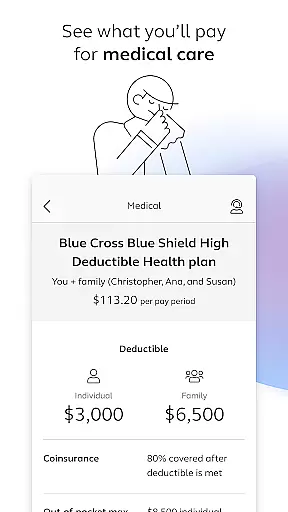
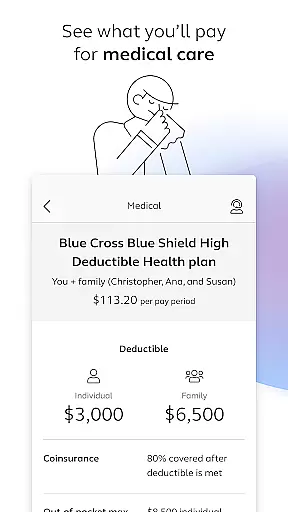
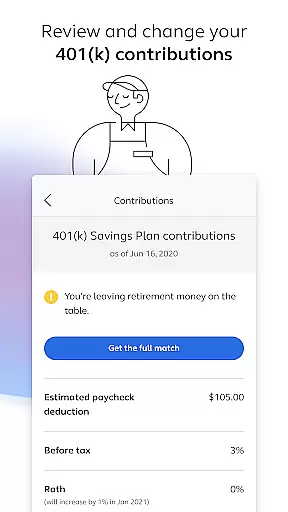
Alight Mobile is a comprehensive business application designed to provide employees with seamless access to their employer-sponsored benefits. The app enables users to manage health, retirement, and payroll information from their mobile devices. With its intuitive interface, Alight Mobile ensures that benefit participants can conveniently review medical plans, 401(k) contributions, pension details, and more at any time. This empowers employees to make informed decisions about their benefits while on the go.
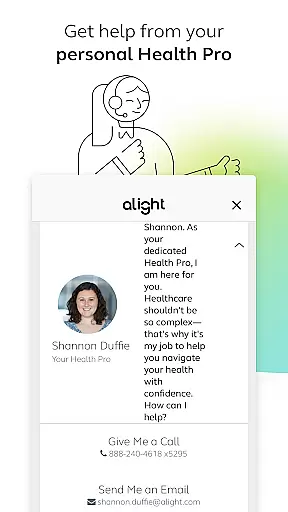
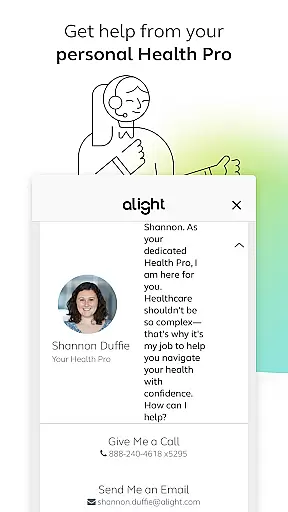
A key feature of Alight Mobile is its ability to consolidate various resources into one platform. Users can locate healthcare providers, enroll in benefits, save digital copies of insurance cards, and consult with personal Health Pros for guidance. Additionally, the app provides tools to assess retirement readiness and explore other financial resources. By integrating these functionalities, Alight Mobile enhances productivity by streamlining access to critical HR services, making it an essential tool for modern workplaces.
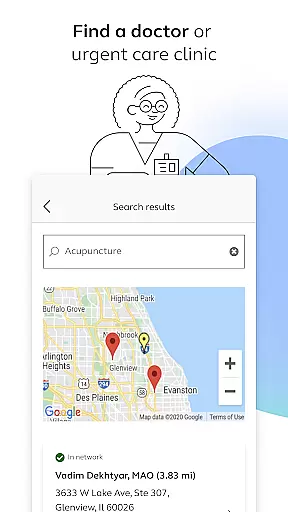
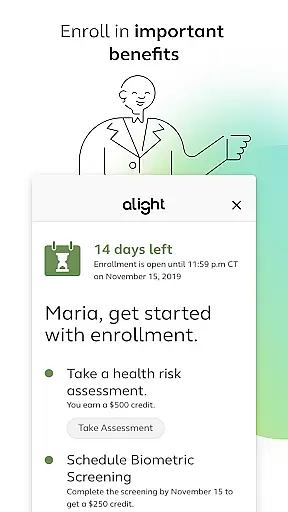
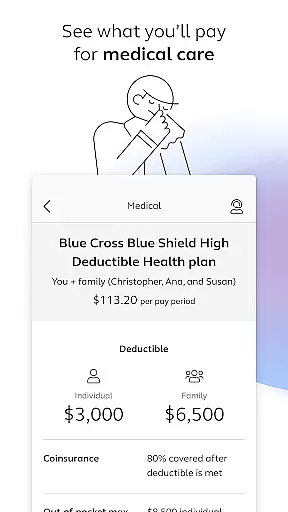
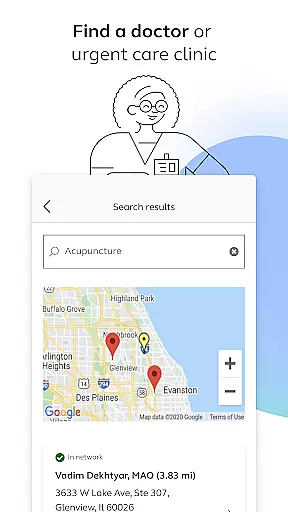
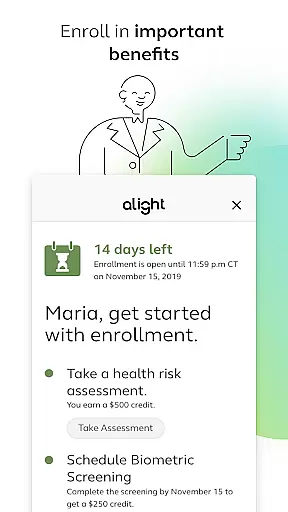
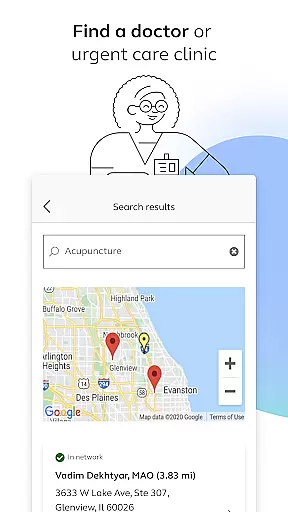
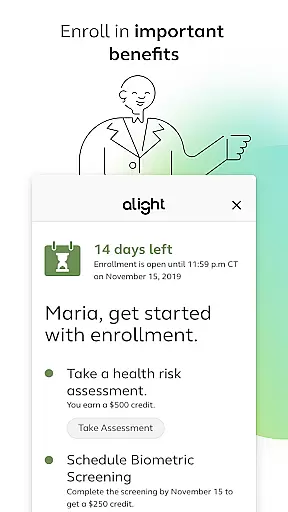
Alight Mobile stands out with its robust set of features tailored for managing employee benefits efficiently. One notable capability is the ability to search for doctors or urgent care clinics directly within the app, ensuring quick access to healthcare services when needed. Furthermore, users can enroll in important benefits programs, review current medical plans, and track spending effortlessly. These features are particularly beneficial for individuals seeking transparency and control over their healthcare expenses.
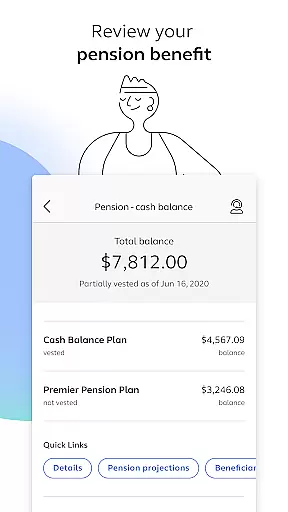
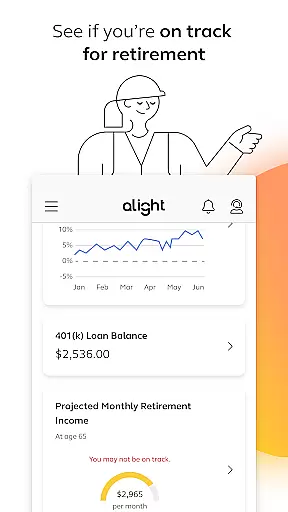
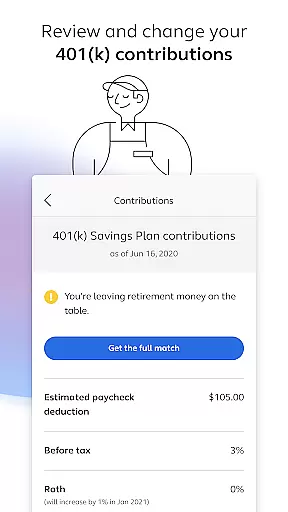
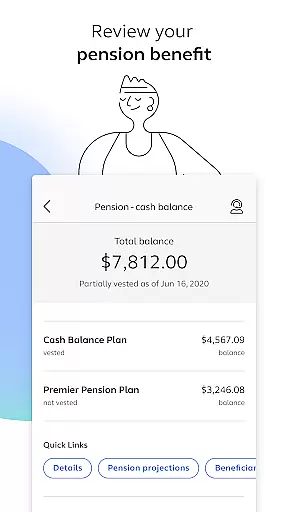
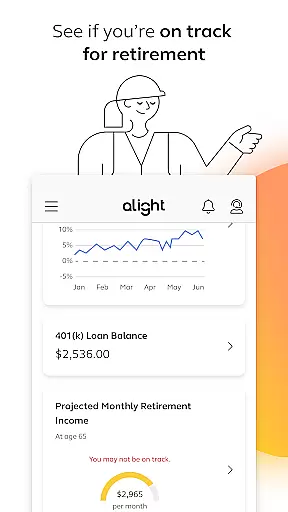
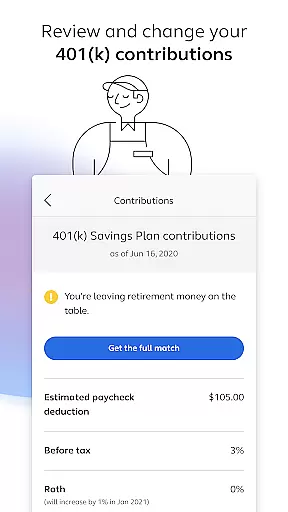
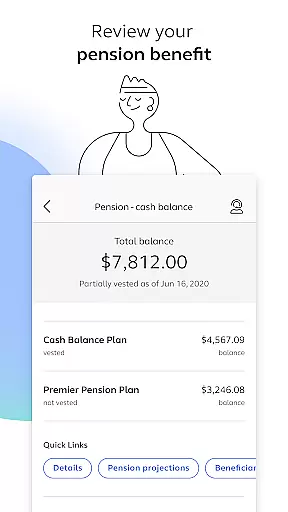
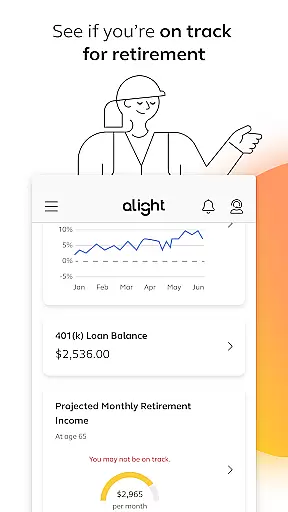
In addition to healthcare management, Alight Mobile offers advanced tools for financial planning. Users can evaluate their 401(k) contribution elections, adjust allocations as necessary, and review pension benefits. The app also includes retirement readiness assessments, helping employees stay on track with long-term savings goals. Another standout feature is the availability of personalized support through virtual consultations with Health Pros. By combining these diverse functionalities, Alight Mobile delivers a holistic solution for both employers and employees, enhancing engagement and satisfaction across benefit programs.
In today's fast-paced business environment, the ability to collaborate effectively is crucial. Alight Mobile facilitates seamless collaboration by providing employees and benefit participants with a centralized platform to manage their health, retirement, and payroll details. This ensures that all stakeholders have access to the necessary information, fostering a more cohesive work environment.
The app enables users to enroll in important benefits, review medical plans, and make changes to their 401(k) contributions as needed. By integrating these functionalities into a single application, Alight Mobile enhances team synergy and allows for real-time updates and decision-making. This level of accessibility supports dynamic workplace interactions and aligns with modern work practices.
Furthermore, the availability of personal benefits information at users' fingertips means that employees can make informed decisions quickly, without the need for time-consuming meetings or back-and-forth communications. The convenience offered by Alight Mobile not only boosts productivity but also empowers users by giving them control over their personal and financial planning.
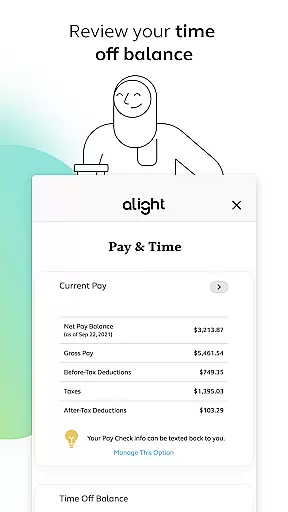
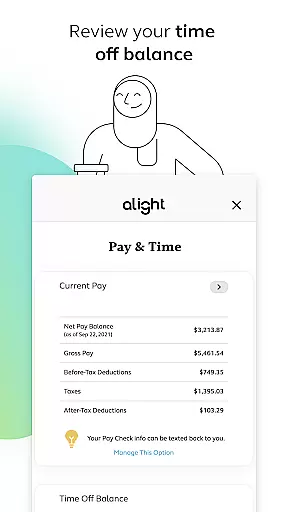
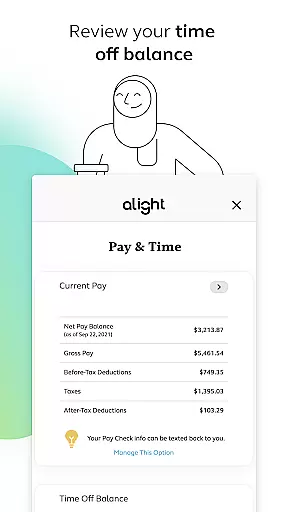
Effective task management is essential for maintaining productivity and ensuring that important deadlines are met. With Alight Mobile, users gain access to a suite of tools designed to streamline personal and financial tasks related to their employment benefits. From reviewing time off balances to accessing insurance cards, the app consolidates various responsibilities into one easy-to-navigate interface.
Alight Mobile stands out by offering features such as the ability to find healthcare providers, review pension benefits, and assess retirement readiness. These capabilities allow users to efficiently manage their benefits-related tasks alongside their daily routines. The intuitive design ensures that even those who are not tech-savvy can easily navigate through the appu2019s offerings.
Moreover, the disclaimer clarifies that the availability of certain features depends on the employer's benefit plan, which underscores Alight Solutions' commitment to delivering customized experiences tailored to individual company policies. This personalized approach to task management helps ensure that each user's needs are met with precision and care.
User-friendly interface
Comprehensive benefits management
Personalized support options
Retirement planning tools
Mobile accessibility
Limited to partnered companies
Feature availability varies
Requires login credentials
No offline functionality
Potential privacy concerns

Quickly open and manage PDF files on your device.
 3.80
3.80
The Penny Puss app with DG penny finder
4.10
Earn free swag, G-Cards & food • Enter sweepstakes • Find stores • So much more.
4.70
viewing and sharing PDFs and other files—anytime, anywhere!
4.5
Find work, shifts and gigs near you. Jobs lasting a few hours to a few months.
4.30
Build a store in minutes with our full suite of AI tools. Start for free!
4.20
Find jobs near you and temp work in minutes, from your phone.
4.50
Say hello to the mobile work experience built to help you thrive at work.
4.30
The app that lets you deliver with Amazon.
4.50
FaxCover - Create fax cover pages. Works with any app or fax machine.
4.90
The MyWalmart App is available for all associates in stores.
4.70
USPS Mobile®Access USPS.com’s most popular tools on-the-go.
4.70
Chat, meet, and collaborate to achieve more together, all in one place on Teams
4.60
ADP Mobile Solutions is an employee self service app
4.50
Measure distances, surfaces and draw plans in seconds with CamToPlan!
4.40
One marketplace. Hundreds of services. Unlimited possibilities. All on Fiverr.
4.40
All Your Gig Work. One App.
4.30
Smarter career moves start here. AI job alerts, insights & the right tools.
4.20
Windows App allows you to connect to remote PCs and virtual apps.
3.70


User Reviews