
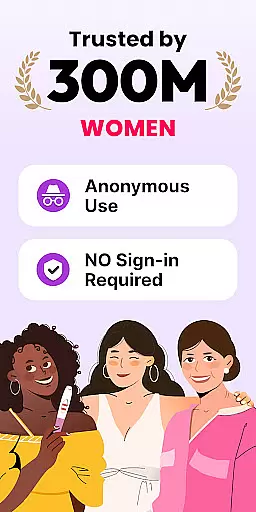
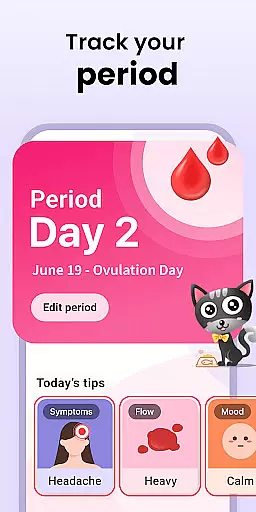
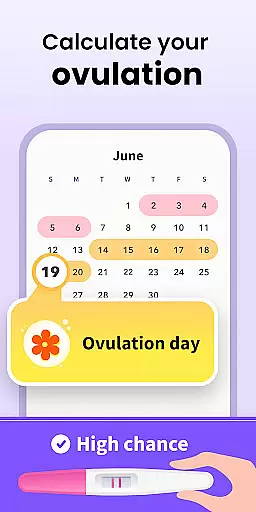
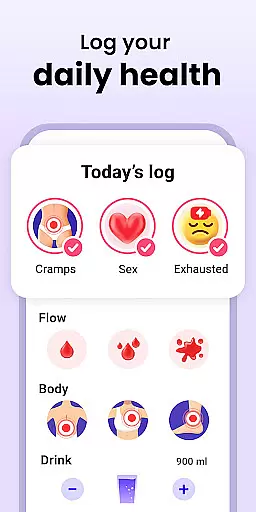
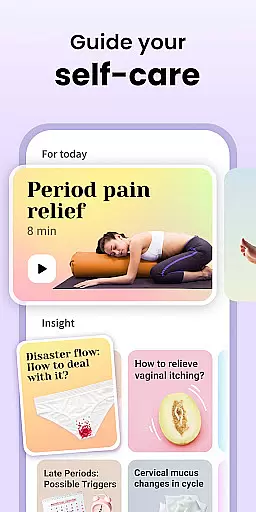
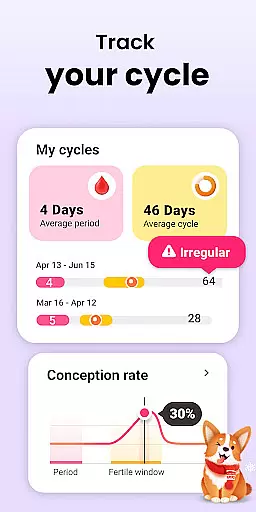
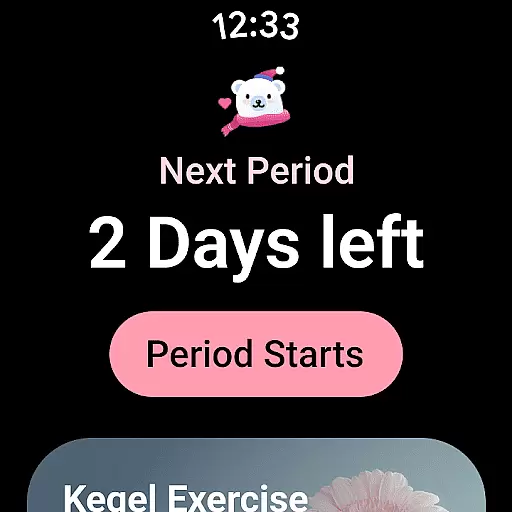
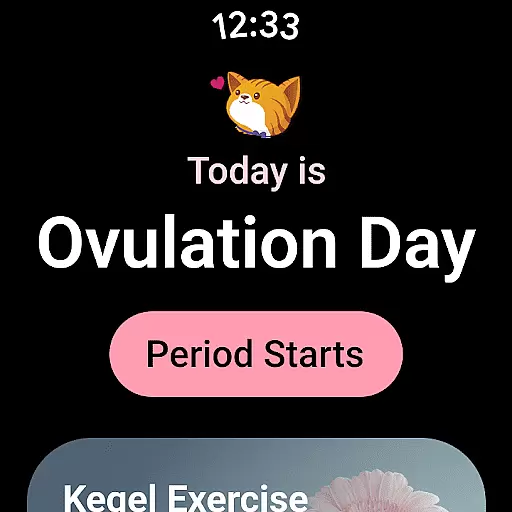
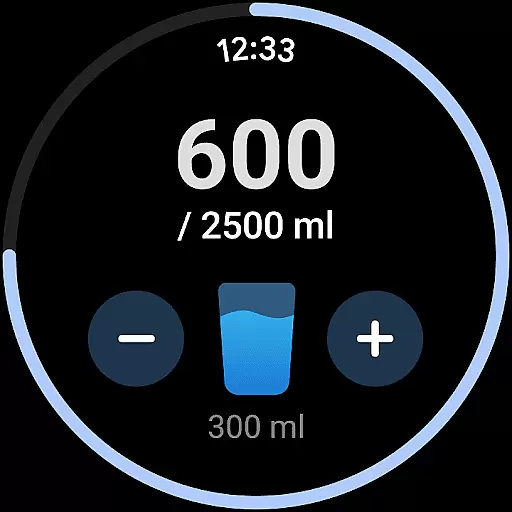
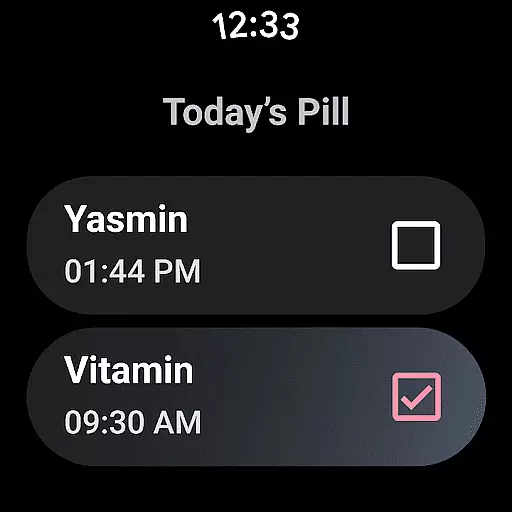
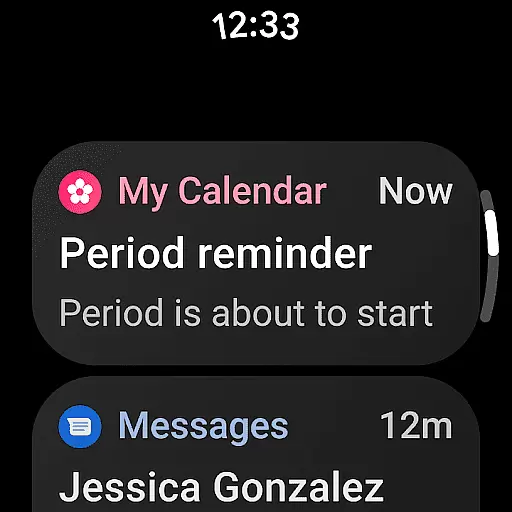
Period Calendar Period Tracker is a comprehensive menstrual cycle management app designed for Android Wear users. This application allows women to accurately track their periods, fertility, and ovulation cycles through an intuitive interface. With over 300 million trusted users globally, it stands out as one of the most reliable period trackers available.
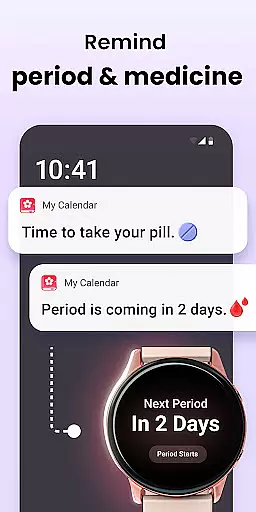
The app offers advanced features such as customizable notifications for discreet reminders about periods, fertility windows, and contraceptive pill schedules. It also includes detailed tracking options for symptoms, moods, intimate activities, and even body temperature charts that help in determining the ovulation date. The integration with Google account ensures secure data backup and restoration, providing peace of mind regarding sensitive information.
Whether you're aiming to conceive or practicing birth control, this app provides essential tools like fertile symptom trackers and daily conception odds calculators. Its support for Wear OS complications and tiles makes it easily accessible on smartwatches, ensuring you never miss important updates related to your health.
Period Calendar boasts a variety of sophisticated features tailored to meet diverse user needs. One standout feature is its ability to predict menstruation, ovulation, and fertility days with high accuracy using advanced algorithms. Users can input various parameters including cervical mucus consistency, firmness, and opening to receive precise fertility predictions.
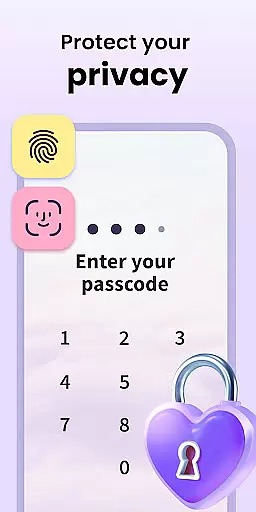
In addition to tracking capabilities, the app excels in personalization and privacy protection. Customizable notification texts ensure discretion while multi-account support allows multiple users to maintain separate profiles securely on the same device. Furthermore, the app respects user anonymity by not requiring account creation or real-name registration, allowing full access to all features without compromising personal data security.
Another remarkable aspect is its compatibility with Wear OS devices. By setting up complications and tiles, users can conveniently view period and ovulation predictions directly from their smartwatch screens. This seamless integration enhances accessibility and convenience, making it easier than ever to stay informed about reproductive health on-the-go.
Companion app integration is essential for wearable devices to function seamlessly with mobile applications. Period Calendar excels in this area by offering robust synchronization between its smartphone app and Wear OS devices.
The application ensures that all menstrual, ovulation, and fertility data tracked on the mobile app are accurately reflected on the user's wearable device. This allows users to receive timely updates and notifications directly on their smartwatches without needing to check their phones constantly.
Through Wear OS complications and tiles, users can access period and ovulation predictions, water drinking reminders, and pill reminders. This comprehensive integration enhances user convenience by providing quick access to vital information at a glance.
By leveraging Google account data backup and restoration, the app guarantees that users never lose their data. This secure synchronization process ensures that all information remains up-to-date across devices, offering peace of mind and reliable tracking regardless of which device the user is interacting with.
Ensuring compatibility with Wear OS devices is crucial for any application targeting the wearable technology market. Period Calendar has been optimized to work flawlessly with a wide range of Wear OS-powered smartwatches.
The app supports various features specifically designed for wearable devices, such as complications and tiles. These elements allow users to view their period and ovulation predictions directly on their watch face or through dedicated tiles, enhancing accessibility and ease of use.
Period Calendar also offers customizable notifications tailored for discreet alerts on Wear OS devices. Users can personalize notification texts to avoid any potential embarrassment in public settings while still receiving important updates about their menstrual cycle.
With support for multi-accounts and security protections, the app ensures that each user's data remains private and secure across all linked devices. This commitment to privacy and compatibility makes Period Calendar a reliable choice for individuals seeking a comprehensive period tracking solution that works seamlessly with their Wear OS devices.
User-friendly interface
Accurate cycle predictions
Comprehensive symptom tracking
Secure data encryption
Wear OS compatibility
Limited iOS support
Premium features cost
Occasional sync issues
Ads in free version
Learning curve for new users

"PER27 Galaxy Digital" is a digital Wear OS watch face designed by PERSONA
 4.10
4.10
Calming & relaxing sounds for sleeping and stress relief. Stay focused all day!
4.20
Christmas watch face. For Wear OS devices.
4.30
Current temperature, weather hourly, weather radar by the weather forecast app
4.40
Digital, flexibly customizable watch face. For Wear OS 5.0, API 34+ and later.
5.00
Hyperlocal rain alerts by MyRadar using patent-pending technology, radar & more
4.80
Gym & home workout plans with strength training, exercise tracking, HIIT & more.
4.60
Real-time results, stats, schedules and player profiles for all leagues
4.60
Track airplanes and follow flights with our real-time flight tracker
4.50
Rose gold watch face with festive lights & customizable features.
4.60
Monitor health with the stress test and pulse checker in the heart rate app.
4.60
Deck out your Wear OS Watch face with a beautifully decorated pine wreath!
4.50
Let's celebrate Thanksgiving - Wear Os watch face
4.20
sleep, alarm, snoring, stress, healing, focus, sound therapy, circadian rhythm
4.10
A digital watch face that celebrates Christmas.
4.00
A heartwarming Christmas scene featuring a cute image of Santa and Rudolf
4.0
Sleek, highly customizable watch face inspired by Galaxy Watch Circle Dashboard.
4.0
3 Complications. All shadow on/off. 30 Themes color palette...
4.2
Funny animated watch face for Thanksgiving
4.1


User Reviews