
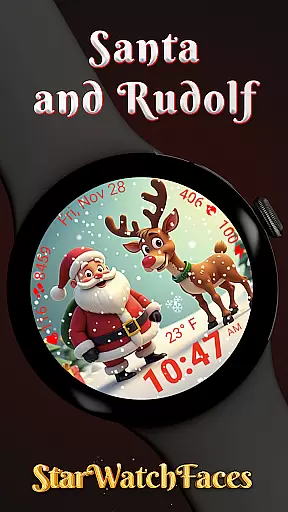
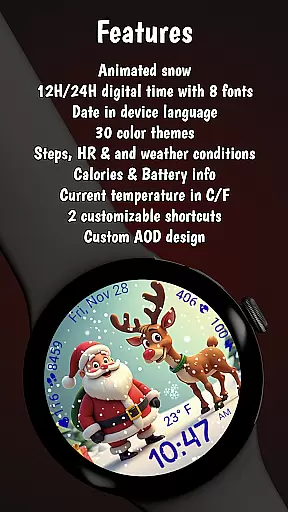
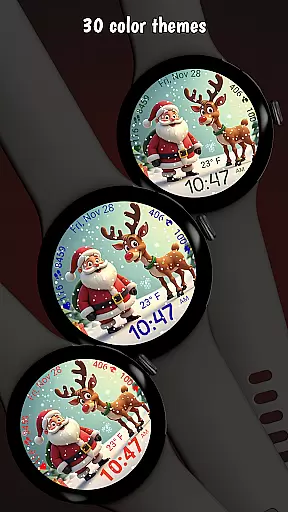
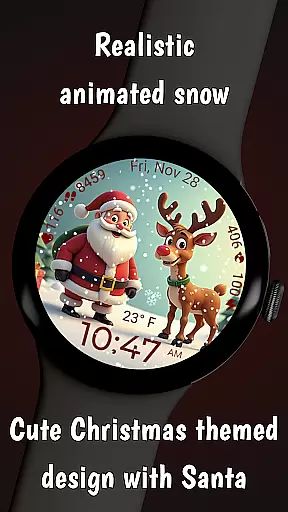
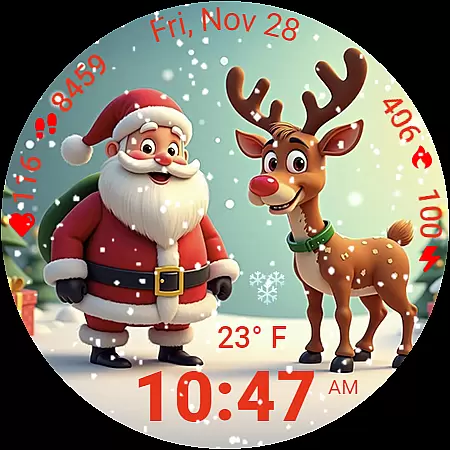
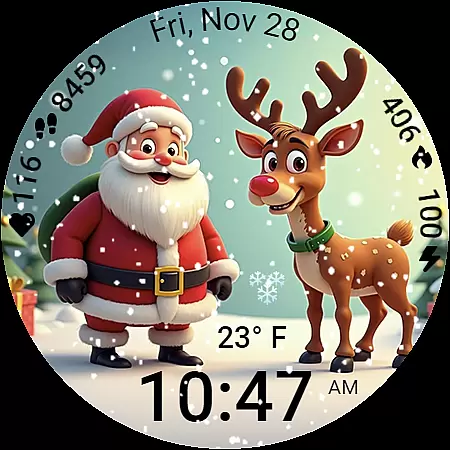
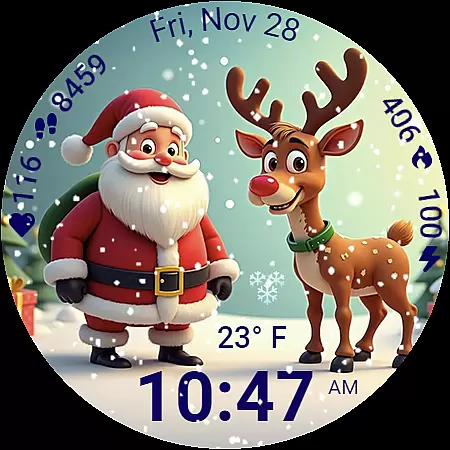
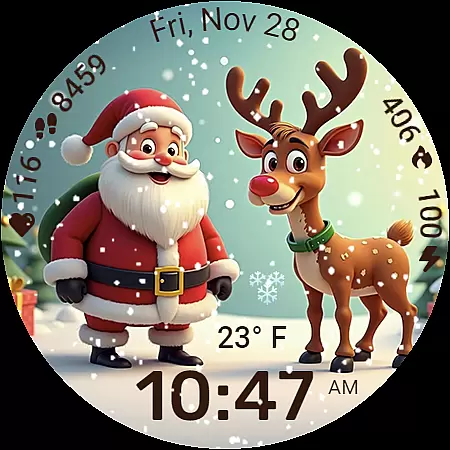
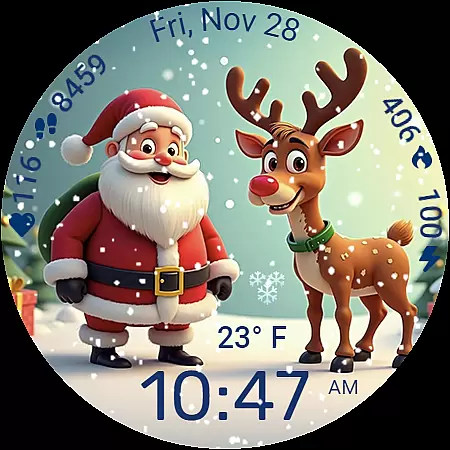
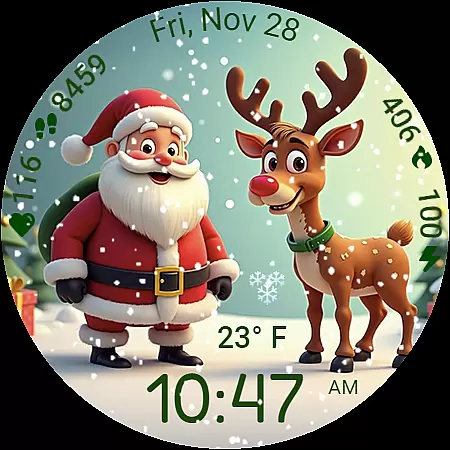
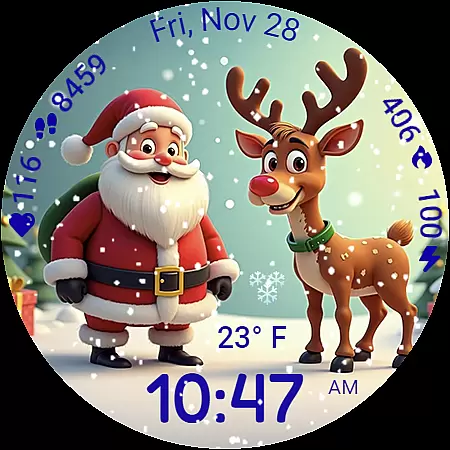
Santa and Rudolf Christmas WF is a premium Wear OS watchface that brings festive charm to your Galaxy Watch. Designed for holiday lovers, it features delightful animations like falling snow and offers deep customization options including 8 unique time fonts and 30 color themes.
This watchface not only delivers visually captivating Christmas scenes but also provides practical functionality with health and activity data tracking. Users can monitor steps, calories burned, heart rate, and live weather conditions while enjoying the holiday spirit on their smartwatch.
The Santa and Rudolf Christmas WF stands out with its stunning holiday experience. The animated snowfall effect creates an immersive atmosphere, while high-quality illustrations of Santa and Rudolf add seasonal warmth to your display.
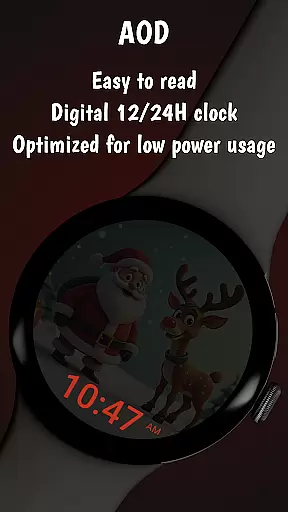
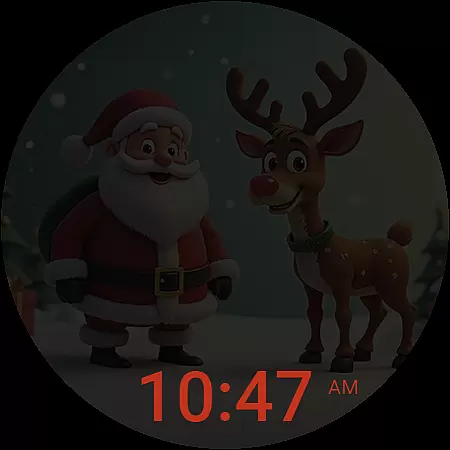
Customization is unmatched with 8 time fonts, 30 color themes, and localized date settings. The Always On Display feature ensures battery efficiency. Additionally, users can access health metrics and weather updates through clean, easy-to-read indicators optimized for readability.
Companion app integration is essential for a seamless smartwatch experience. The Santa and Rudolf Christmas watchface leverages its companion app to provide users with an extensive range of customization options. Through the app, users can access a plethora of settings that allow them to tailor their watchface to their liking.
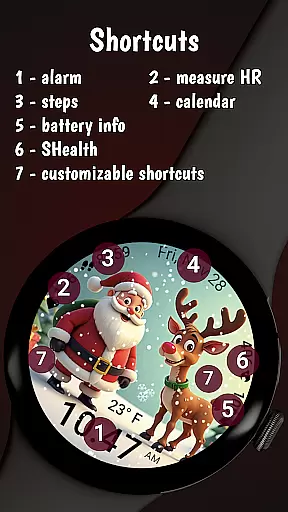
The integration enables users to choose from 8 unique time fonts and 30 beautifully crafted color themes, ensuring that each user's watchface is truly their own. Additionally, it provides the ability to customize shortcuts, giving quick access to frequently used apps. This level of personalization enhances user engagement and satisfaction by allowing individual expression on their wearable device.
Furthermore, the companion app serves as a hub for discovering additional watchfaces and deals offered by the developer. It simplifies the process of acquiring new designs and managing existing ones, thus enriching the overall utility and enjoyment of the smartwatch. With this integration, users are guaranteed a dynamic and personalized wearable experience.
Ensuring compatibility across Wear OS devices is crucial for providing a consistent user experience. The Santa and Rudolf Christmas watchface is meticulously designed to be compatible with Galaxy Watches running Wear OS 5 or newer. This guarantees that users will enjoy the full range of features without worrying about performance issues.
However, while the watchface shines on Samsung devices, some functionalities such as weather updates or customizable shortcuts may not work correctly on watches from other brands. This limitation is clearly communicated to manage user expectations and ensure they understand the optimal conditions for using the watchface.
Despite these constraints, the watchface maintains core functionalities like displaying health and activity data, which remain accessible regardless of the device brand. By focusing on compatibility and performance optimization, the Santa and Rudolf Christmas watchface delivers a reliable and festive addition to any compatible Wear OS device, enhancing the joy of the holiday season.
Festive Animations
Deep Customization
Health Tracking
Weather Integration
Battery Efficiency
Limited Compatibility
Premium Cost
Complex Setup
Feature Limitations
Brand Restrictions

Christmas - Festive - Christmas Village - Winter - Christmas lights
 5.00
5.00
A full-featured Amazon Alexa voice assistant that can show you things.
3.70
Artistic Digital Watchface
4.1
Digital watch face. For Wear OS devices.
4.40
Structured watch face with seven complications and modular UI elements
3.90
Gym & home workout plans with strength training, exercise tracking, HIIT & more.
4.60
Minimalistic design modern digital watch face.
4.2
Hybrid Vibrant Health Watch Face for Wear OS
4.0
Track your active life in one place and share the journey with friends.
4.40
Hyperlocal rain alerts by MyRadar using patent-pending technology, radar & more
4.80
Be an elegant and classy secret agent, with this carefully detailed watch face
4.70
Connect to your Bluelink equipped Hyundai vehicle from your smartphone.
4.50
Christmas watch face. For Wear OS devices.
4.30
Bold, Modern Hybrid Watch Face for Wear OS. 10 Colors, Rich Info Display.
4.30
Hyper-Realistic Airplane Dashboard Watch Face With 10 Skins and Custom AOD
4.00
Viewer for Wyze/Yi/Eufy/Arlo/ONVIF/RTSP/P2P IP cams w/ adv. features & DIY DVR
4.00
Stay in touch with your friends and family using LINE!
3.40
Wear Os Watch Face - Animated Snow Effect & Christmas Lights
4.0
3 Complications. All shadow on/off. 30 Themes color palette...
4.3


User Reviews