
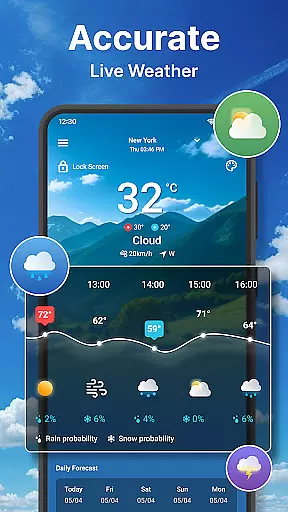
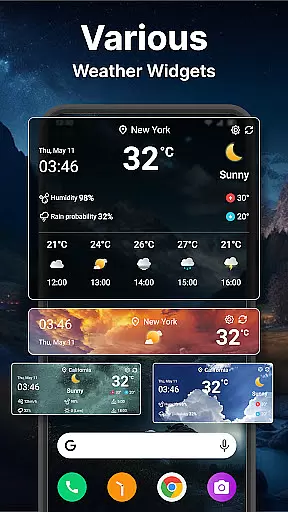
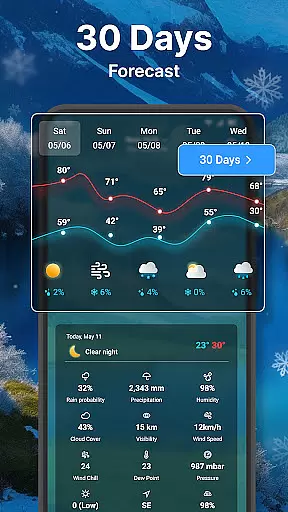
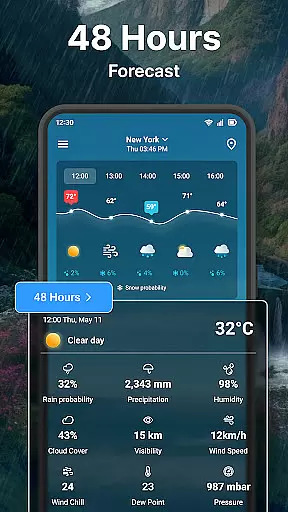
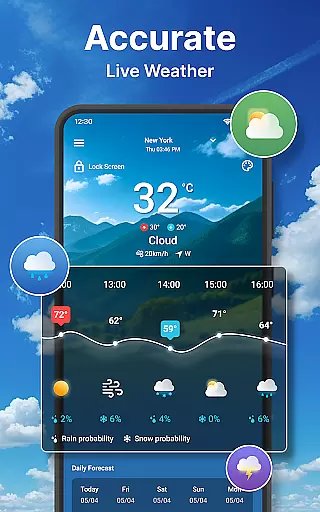
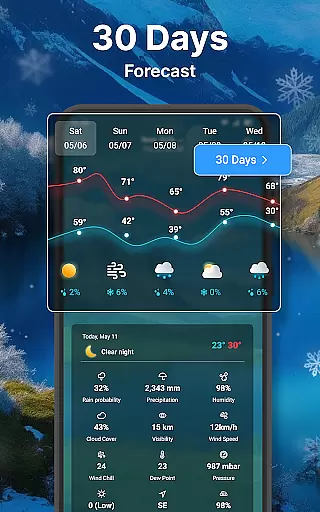
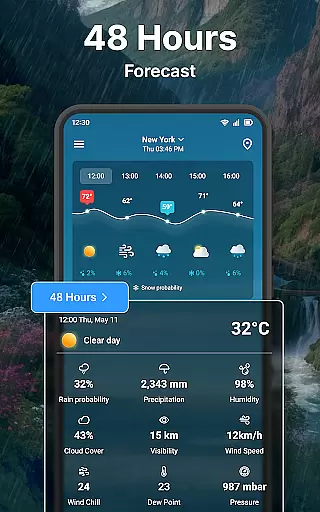
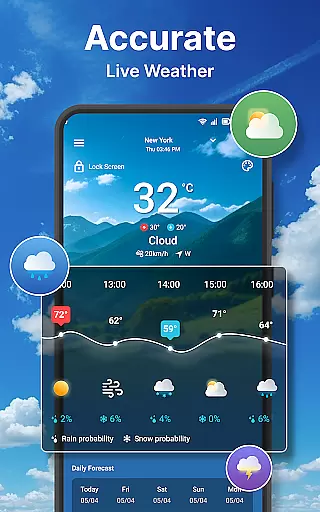
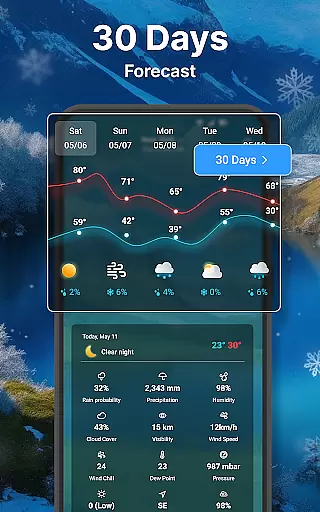
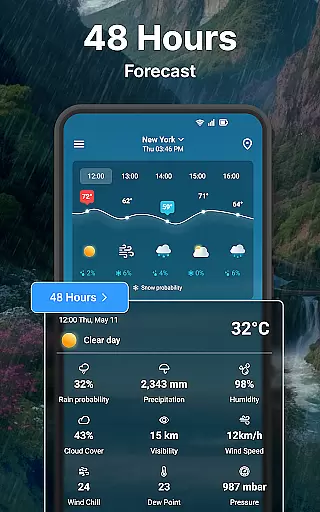
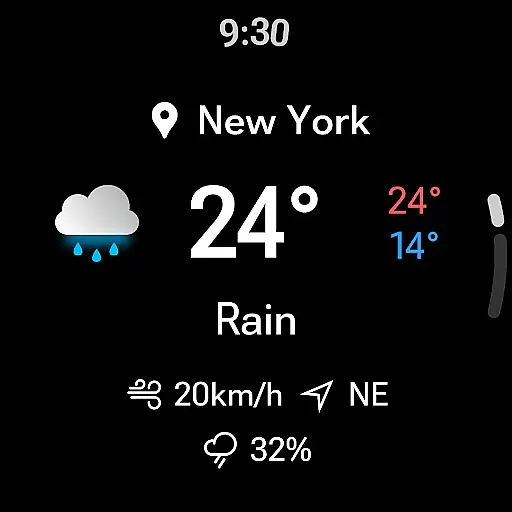
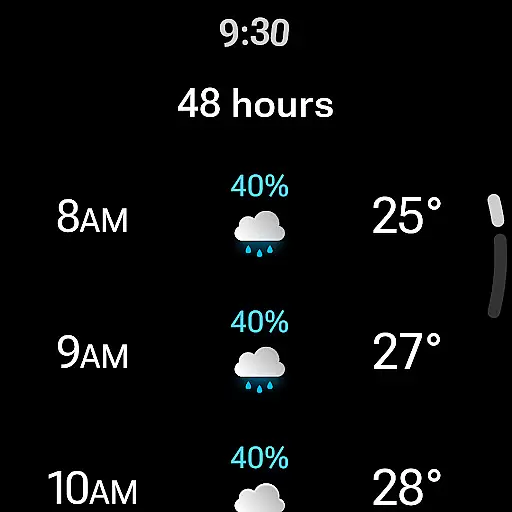
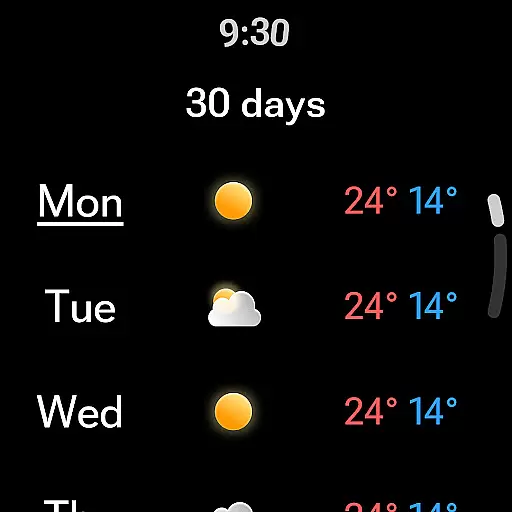
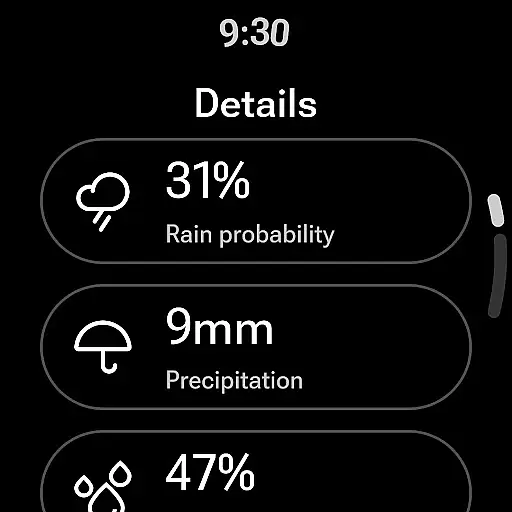
Weather forecast is a comprehensive weather application designed specifically for Android Wear devices, providing users with real-time, hourly, and daily weather updates. The app offers an intuitive interface that displays current weather conditions, temperature charts, wind speed, and direction, along with detailed forecasts extending up to seven days.
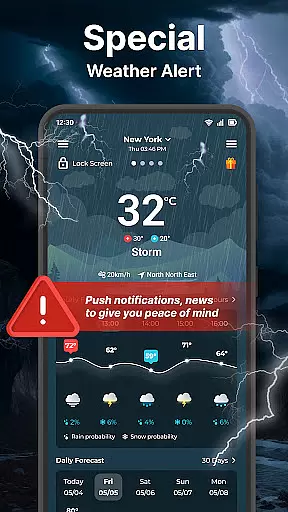
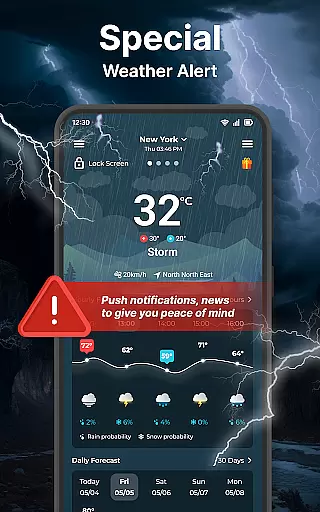
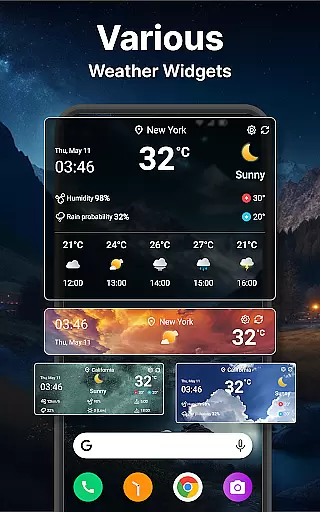
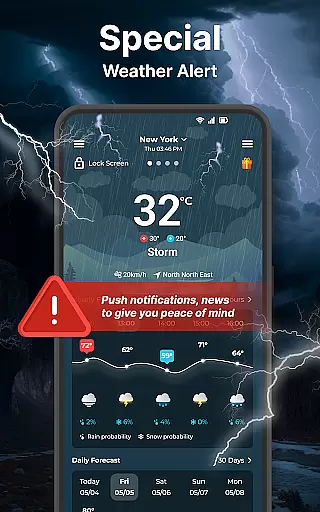
In addition to its forecasting capabilities, the app features advanced functionalities such as interactive weather radar maps, customizable widgets, and extensive settings options. Users can track approaching storms, customize their experience with various units and formats, and receive timely notifications directly on their smartwatch or smartphone lock screen.
This makes Weather forecast an essential tool for anyone needing accurate and accessible weather information while on the go, ensuring they are prepared for whatever conditions lie ahead.
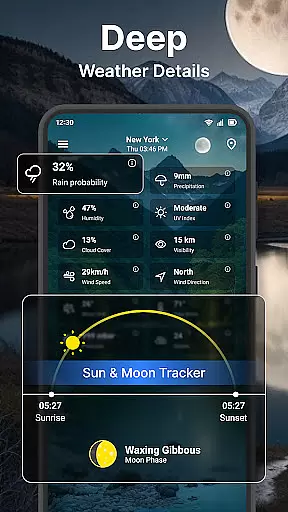
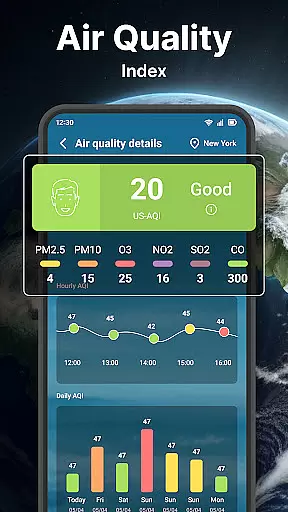
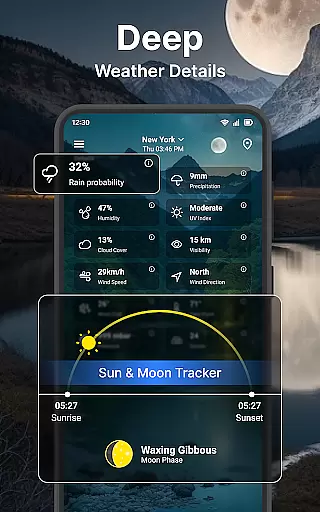
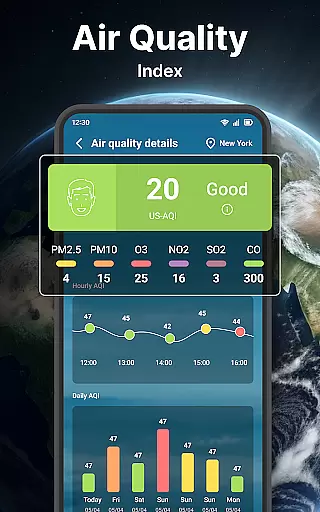
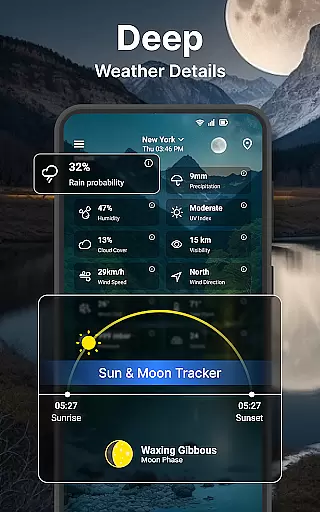
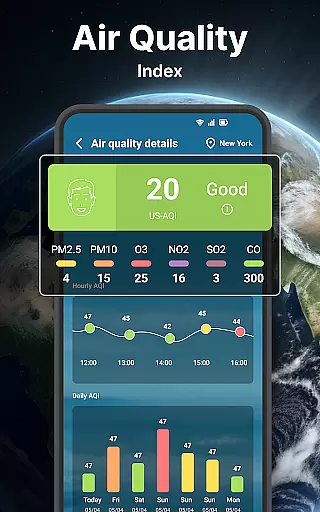
Weather forecast stands out with its rich feature set tailored for both casual users and weather enthusiasts. The app provides a detailed breakdown of weather parameters including wind chill, dew point, UV index, and moon phases, all presented in an easy-to-navigate interface.
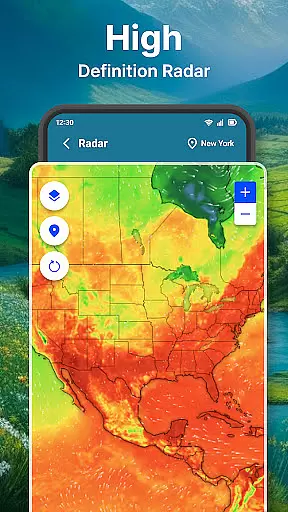
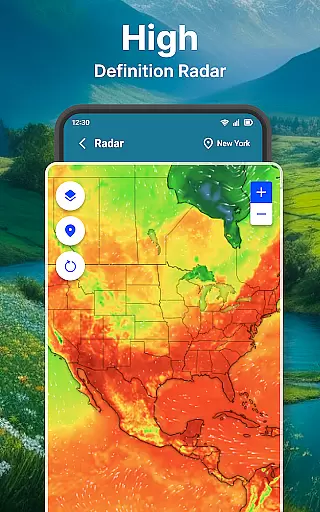
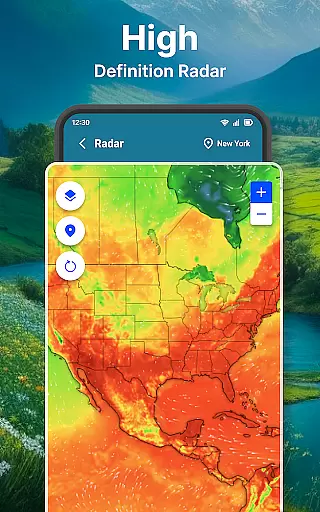
One of the standout features is the interactive weather radar, which allows users to visualize temperature, wind, humidity, and precipitation patterns. This functionality proves invaluable for storm warnings and planning outdoor activities. Additionally, the app supports unlimited location management, enabling users to switch between different locales effortlessly.
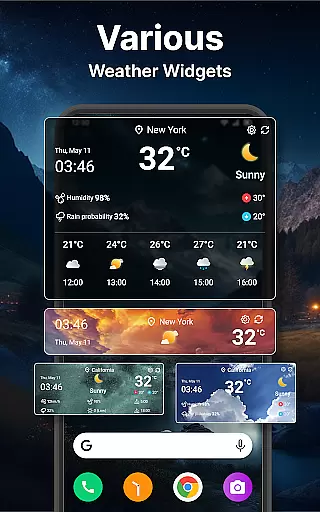
The inclusion of customizable widgets and unit settings further enhances user experience by allowing personalized display preferences and measurement units. With support for Wear OS, this app ensures that critical weather data is always accessible, right from your wrist.
Companion app integration is essential for users who want seamless functionality between their mobile devices and wearable technology. The Weather forecast app ensures that all weather data viewed on your smartphone is accurately mirrored on your Wear OS device.
This synchronization allows users to access real-time weather conditions, receive timely notifications, and view forecasts without needing to carry their phone everywhere. By maintaining consistent updates across devices, the app provides an uninterrupted flow of information.
The app's architecture supports instant data sharing, ensuring that changes in weather alerts or settings are reflected immediately on the wearable. This feature enhances user convenience by delivering critical weather updates directly to the wrist.
With this robust companion app integration, users can enjoy a cohesive experience that maximizes the utility of both their mobile and wearable devices, making weather monitoring more accessible than ever before.
Ensuring broad Wear OS and device compatibility is crucial for any application targeting wearable technology. The Weather forecast app is meticulously designed to function seamlessly across various Wear OS-powered smartwatches, providing users with a versatile weather monitoring tool.
This compatibility extends to different screen sizes and resolutions, ensuring that graphical elements like weather maps and charts display correctly. Users benefit from an interface optimized for smaller screens, allowing easy navigation through weather details such as temperature, wind speed, and precipitation.
Moreover, the app leverages the capabilities of Wear OS to deliver enhanced features like voice commands and glanceable information. These integrations make it easier for users to interact with the app while on the go, enhancing overall usability.
By prioritizing extensive device compatibility, the Weather forecast app guarantees that whether you're using a newer model or an older version of Wear OS, you'll receive accurate and timely weather information tailored to your specific device's capabilities.
User-friendly interface
Comprehensive weather data
Interactive radar maps
Customizable widgets
Wear OS compatibility
Limited free features
Occasional inaccuracies
Ads in free version
Complex settings
High battery usage

Wear Os Watch Face - Animated Snow Effect & Christmas Lights
 4.5
4.5
Watch the sharpness of the sky on your wrist..
3.70
Christmas is near, let's count together the days left until Santa comes
4.3
A full-featured Amazon Alexa voice assistant that can show you things.
3.70
Easy Voice Recorder is your everyday companion to record important moments.
4.70
Watch face designed for Thanksgiving Day. 7 Background Styles included.
3.20
Period, ovulation & pregnancy tracker. Fertility insights & menstrual calendar.
4.90
From periods to pregnancy & perimenopause, Flo helps you track it all. Try now.
4.70
Toyota app currently supports 2010 or newer vehicles (2018 or newer for Hawaii).
4.50
Hyperlocal rain alerts by MyRadar using patent-pending technology, radar & more
4.80
Be an elegant and classy secret agent, with this carefully detailed watch face
4.70
Your second brain for organizing your life: to-do, calendar, reminder.
4.70
The most customizable hybrid watch face. For Wear OS 5.0, API 34+ and later
4.70
Hybrid watch face for Wear OS with customizable complications by Matteo Dini MD
4.70
Embrace the holiday spirit with this magical animated watch face!
4.40
Beautiful artistic animated digital watch face, with a customizable layout!
4.40
A heartwarming Christmas scene featuring a cute image of Santa and Rudolf
4.4
3 Complications. All shadow on/off. 30 Themes color palette...
4.4
Hybrid Vibrant Health Watch Face for Wear OS
4.1


User Reviews