
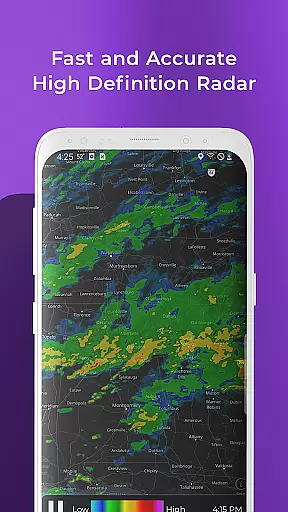
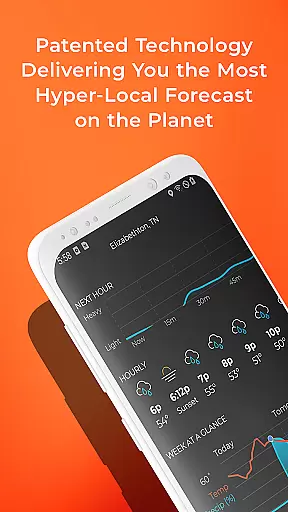
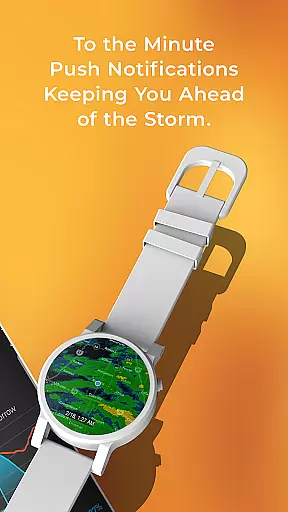
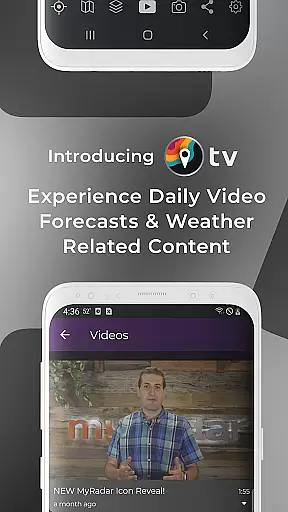
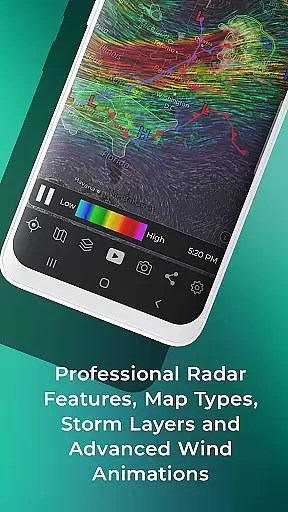
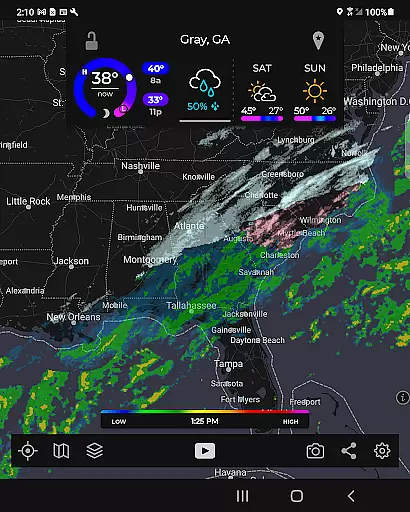
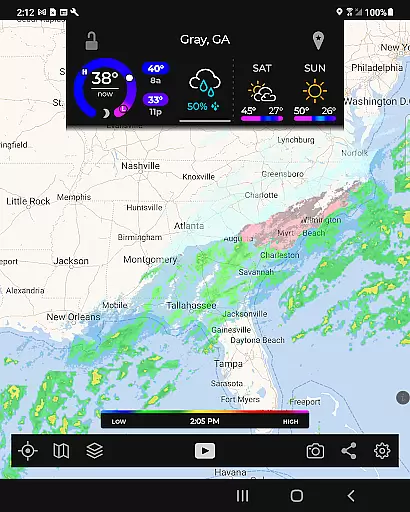
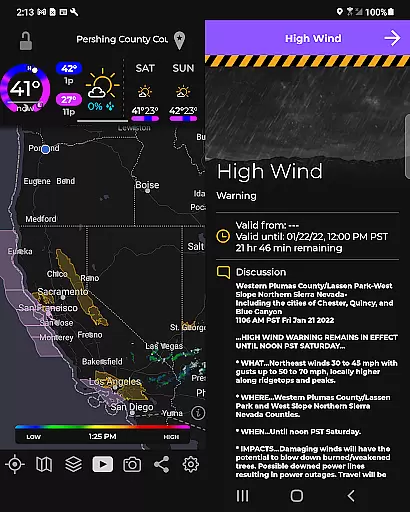
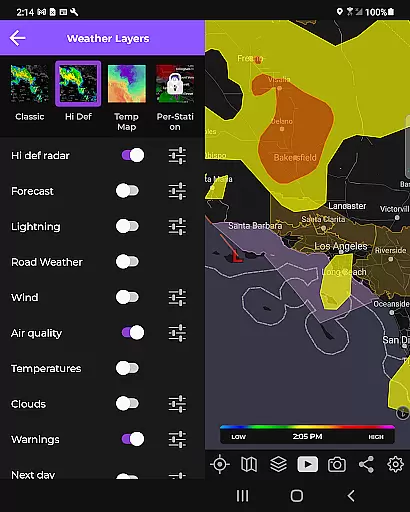
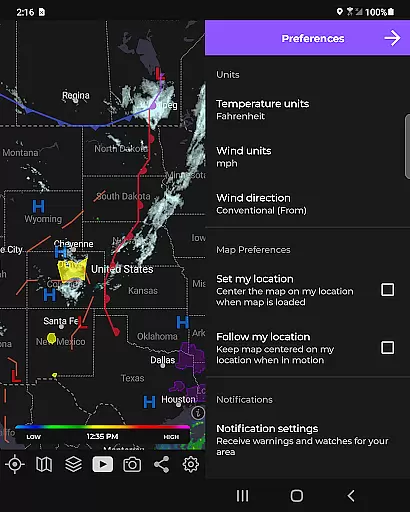
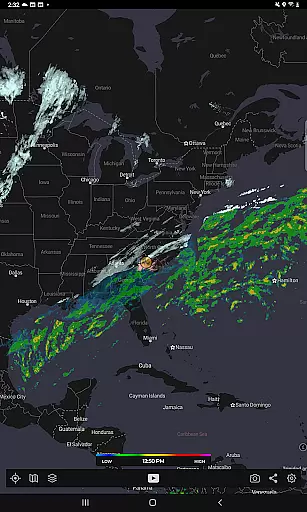
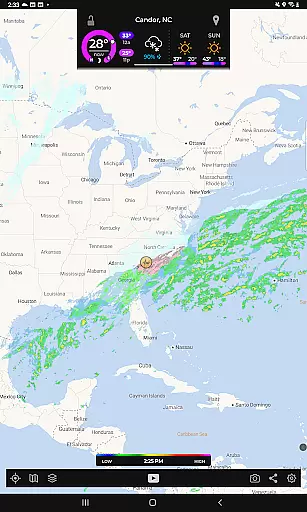
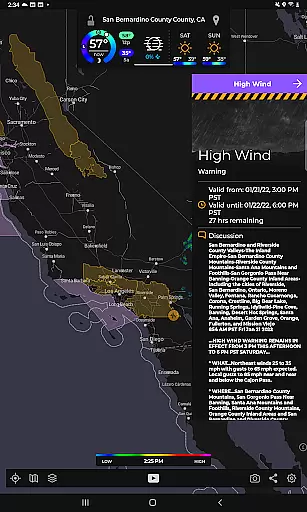
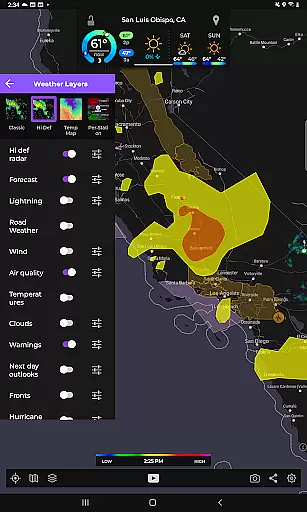
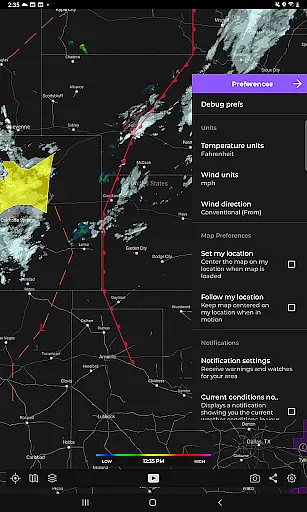
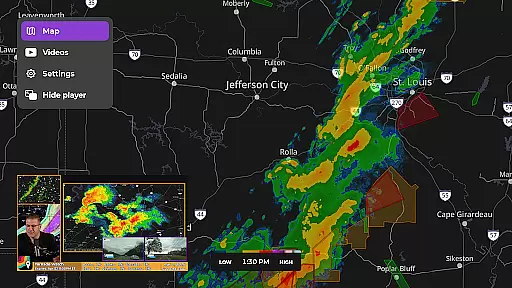
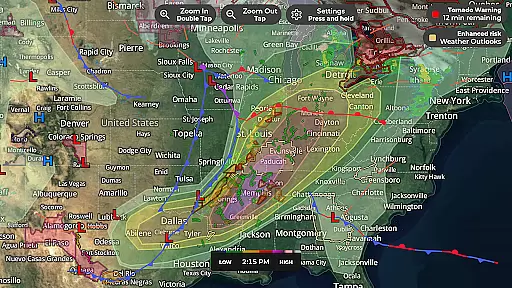
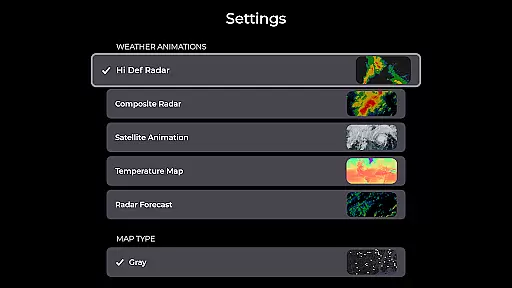
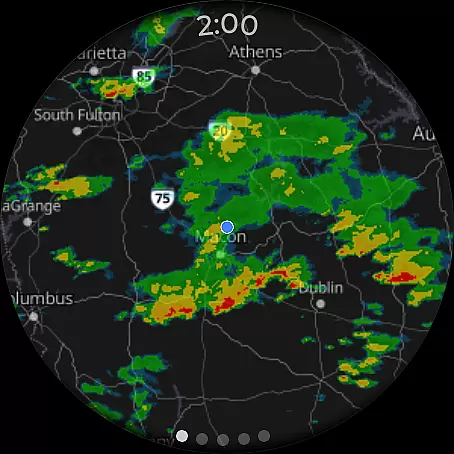
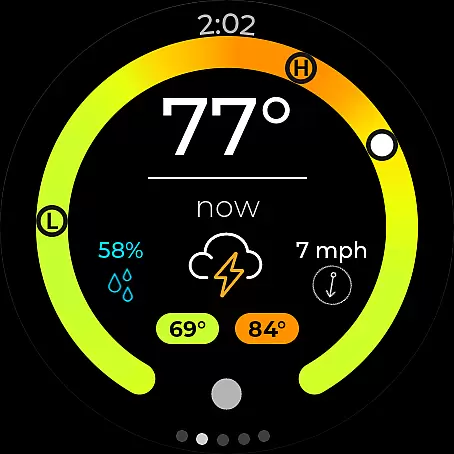
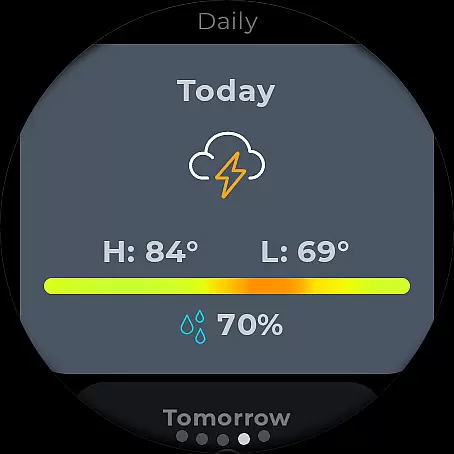
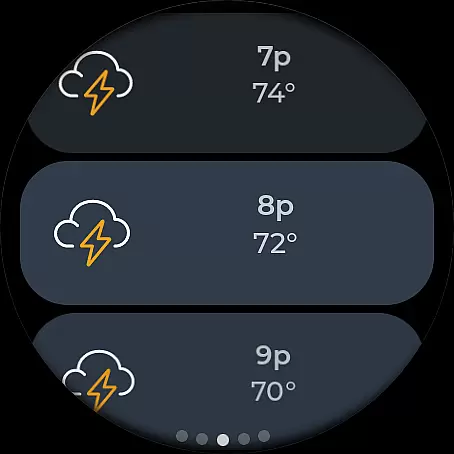
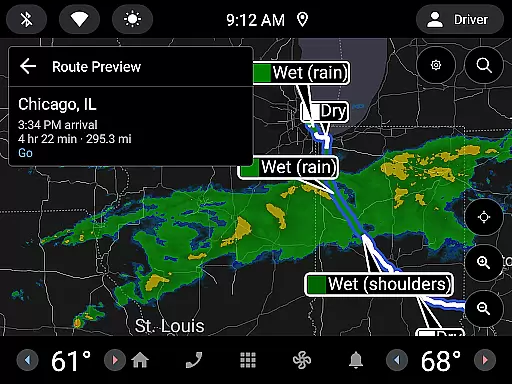
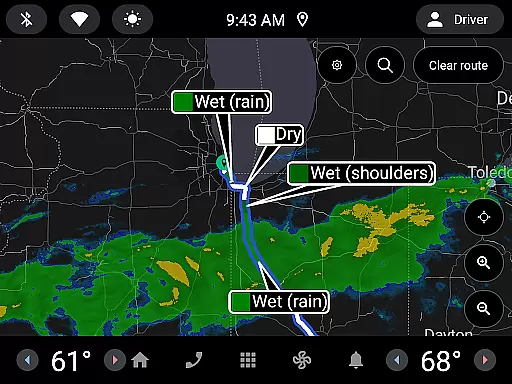
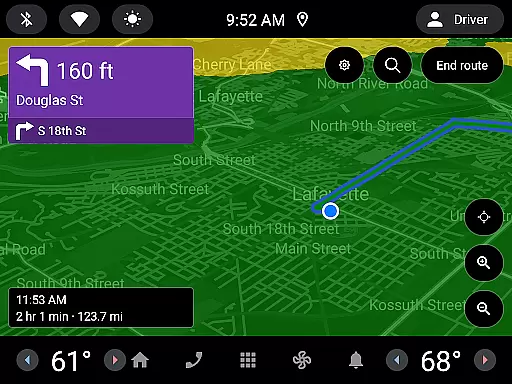
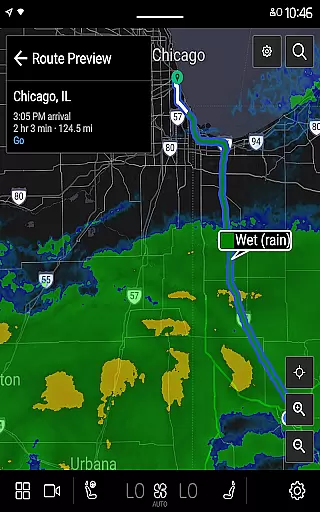
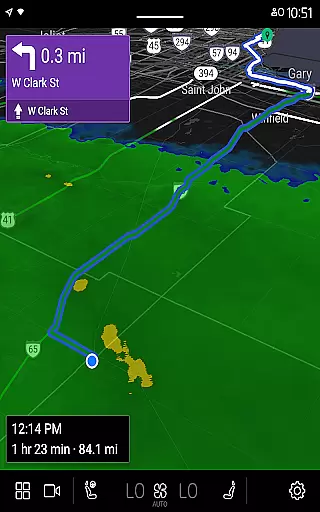
MyRadar Weather Radar is a powerful weather app designed specifically for Android Wear devices, providing users with instant access to crucial weather information directly from their smartwatch. The app's core functionality revolves around its animated live radar feature, which displays real-time weather conditions around the user's current location. This allows you to quickly assess incoming weather patterns and make informed decisions about your day. In addition to basic radar, MyRadar offers an array of advanced data layers that can be overlaid on the map, including wind animations, earthquake activity, hurricane tracking, and wildfire updates.
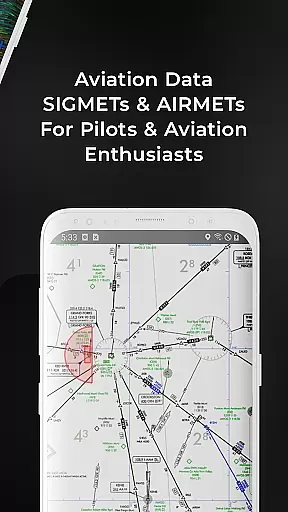
What sets MyRadar apart is its ability to deliver hyper-local rain alerts, notifying you up to an hour in advance when rain is expected at your exact location. These alerts include precise details such as intensity and duration, ensuring you're never caught off guard by sudden weather changes. With additional features like aviation data overlays, frontal boundaries, and customizable notifications from the National Weather Center, MyRadar proves to be an indispensable tool for both casual users and weather enthusiasts alike.
MyRadar stands out due to its rich set of features tailored for weather monitoring on-the-go. One of its most notable capabilities is the advanced rain alert system, which uses a patent-pending process to predict rainfall with incredible accuracy. This feature sends proactive notifications, giving you ample time to prepare before the rain arrives at your location. Additionally, the app provides an extensive selection of data layers, including animated wind patterns, seismic activity maps, hurricane tracking, and wildfire updates, all of which are fully customizable based on your preferences.
The app also includes a premium upgrade option that unlocks enhanced functionalities such as real-time hurricane tracking and professional radar packs. These tools allow users to view detailed radar images from individual stations, adjust tilt angles, and switch between different radar products like base reflectivity and wind velocity. Furthermore, MyRadar's custom mapping system leverages your device's GPU to ensure smooth performance and fast rendering speeds, even when zooming and panning across global maps. Whether you're using it on your phone or Wear OS smartwatch, MyRadar delivers a seamless and highly informative weather experience.
Companion app integration is essential for wearable devices as it ensures seamless data sharing and functionality between the main application and its wearable counterpart. MyRadar Weather Radar excels in this area by providing users with the ability to access critical weather information directly on their Wear OS devices.
The MyRadar app offers a specialized interface designed for smartwatches, allowing users to view radar images and current weather conditions at a glance. This feature is particularly useful when you're on the move and need quick access to weather updates without having to pull out your phone.
By synchronizing data between the smartphone and Wear OS versions, MyRadar ensures that all information displayed on the wearable device is up-to-date and consistent with the primary app. This synchronization enables users to receive timely alerts and notifications about incoming weather changes directly on their smartwatch.
Overall, the companion app integration provided by MyRadar enhances user convenience and safety by delivering vital weather data right to their wrists, ensuring they are always prepared for whatever weather comes their way.
Wear OS/device compatibility refers to how well an application functions across various devices running the Wear OS operating system. For MyRadar Weather Radar, ensuring broad compatibility means that users can rely on the app regardless of their specific Wear OS device model.
MyRadar supports a wide range of Wear OS devices, offering tailored experiences through dedicated tiles for radar and current conditions. These tiles allow users to customize their watch faces with real-time weather data, enhancing accessibility and usability.
The app's compatibility extends beyond just displaying weather information; it also includes interactive features such as viewing detailed radar images and receiving weather alerts directly on the smartwatch. Such functionalities ensure that users have a comprehensive weather monitoring tool right on their wrist.
By prioritizing Wear OS/device compatibility, MyRadar guarantees a smooth and reliable user experience, making it easier for individuals to stay informed about weather conditions no matter which Wear OS device they use.
Fast and easy-to-use interface
Hyper-local rain alerts
Wide range of data layers
Real-time hurricane tracking
Premium upgrade options
Premium features require payment
Some data layers may overwhelm new users
Notifications can be frequent
Limited offline functionality
Interface design feels dated

Wear Os Watch Face - Animated Snow Effect & Christmas Lights
 4.1
4.1
Current temperature, weather hourly, weather radar by the weather forecast app
4.40
Be an elegant and classy secret agent, with this carefully detailed watch face
4.70
Bold, Modern Hybrid Watch Face for Wear OS. 10 Colors, Rich Info Display.
4.30
To-Do List: daily schedule planner, task organizer, to do reminder app, calendar
4.60
Viewer for Wyze/Yi/Eufy/Arlo/ONVIF/RTSP/P2P IP cams w/ adv. features & DIY DVR
4.00
Connect, create, and collaborate with Gmail, part of Google Workspace.
4.10
Fast and smart typing with Emojis, GIFs, and more
4.50
Your local weather forecast, storm tracker, radar maps & live weather news
3.40
Gym Log & Workout Tracker | Fitness Journal, Training & Weight Lifting Planner
4.90
Highly customizable hybrid watch face for Wear OS, perfect for everyday use.
4.60
Simple, helpful messaging by Google
4.60
Find EV charging stations
4.30
Snowflake Rose Gold Watch Face - Digital, modern, & sleek with GYRO effect.
4.10
Wear Os Watch Face - Animated Snow Effect & Magic Spark - 6 Scenes
4.10
Watch the sharpness of the sky on your wrist..
3.70
an Analog Watch Face for winter season with freeze winter background for Wear OS
4.0
Stunning modern digital watch face with 7 complications and strong contrast
4.1
Simple Analog-Digital Watchface For Wear OS 3.0 and Up Smartwatches
4.1


User Reviews