
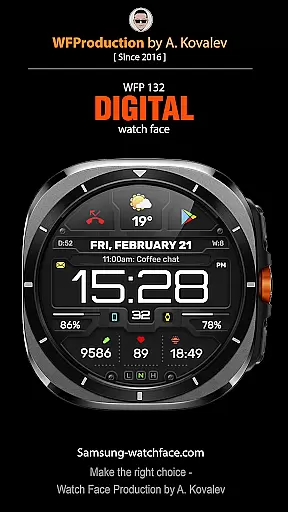
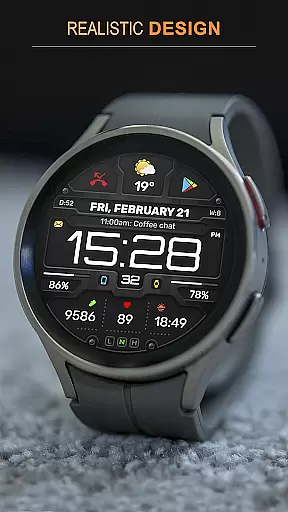
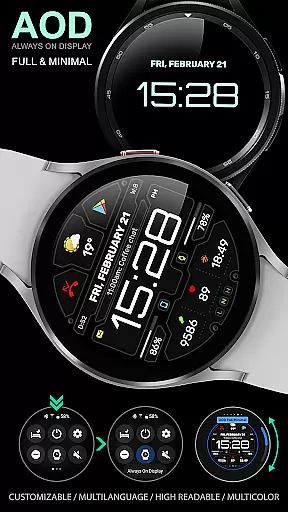
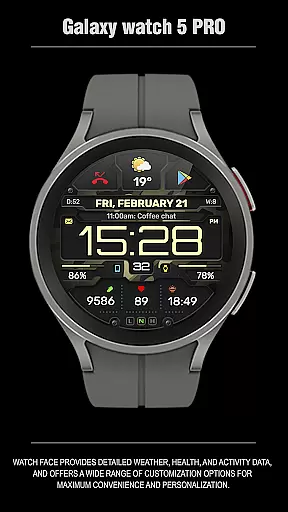
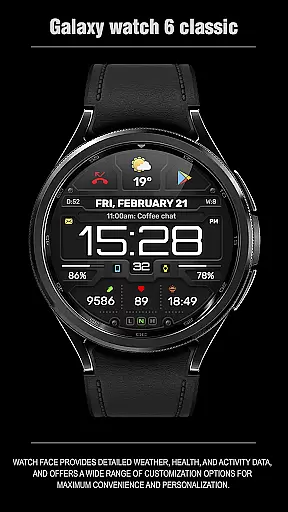
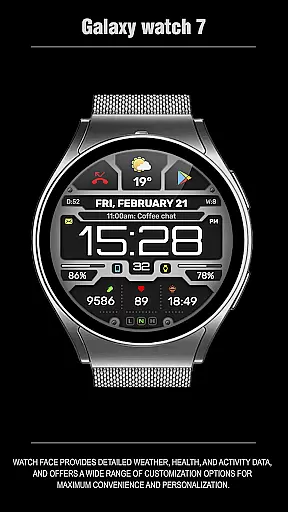
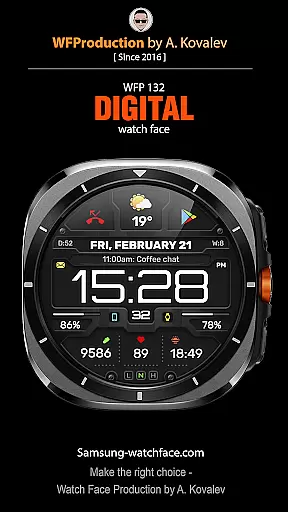
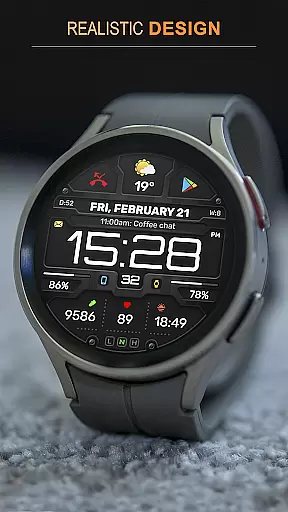
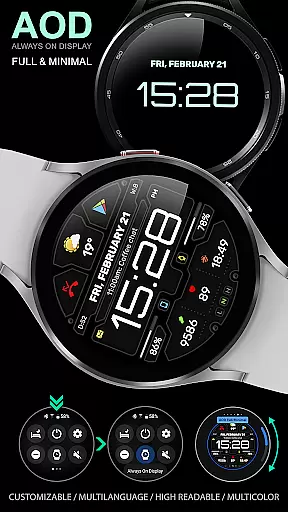
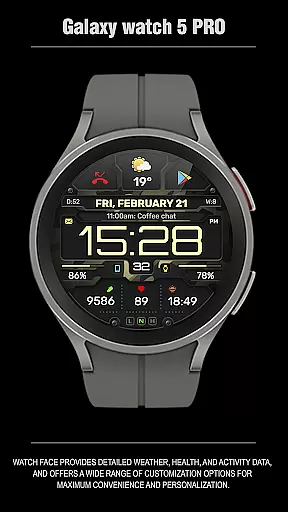
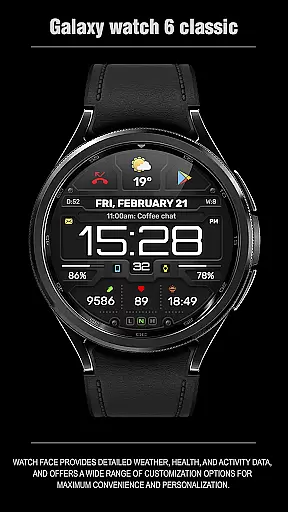
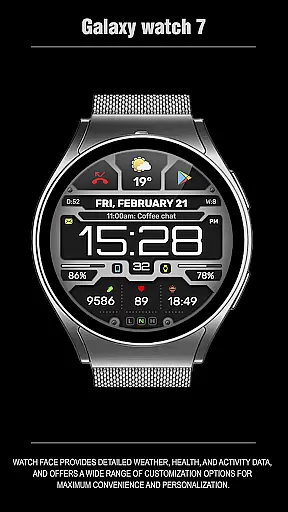
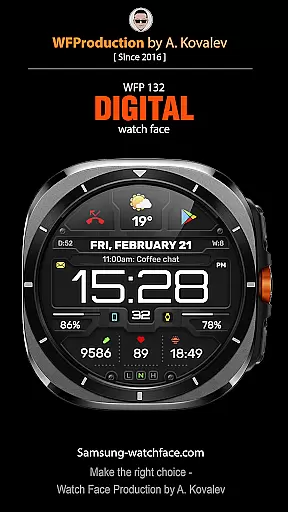
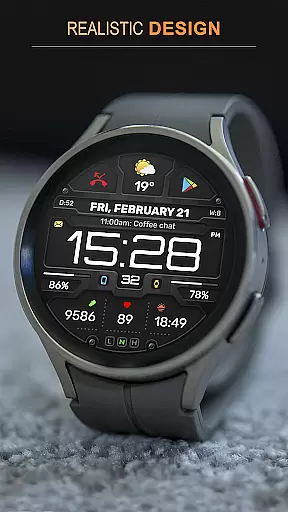
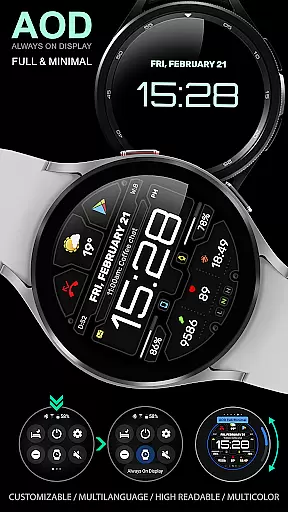
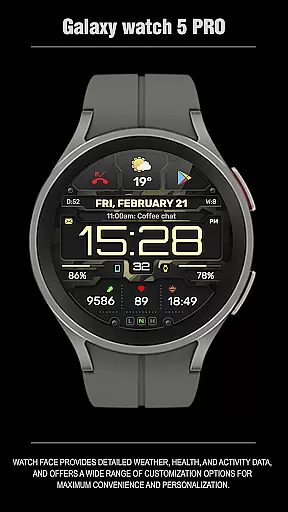
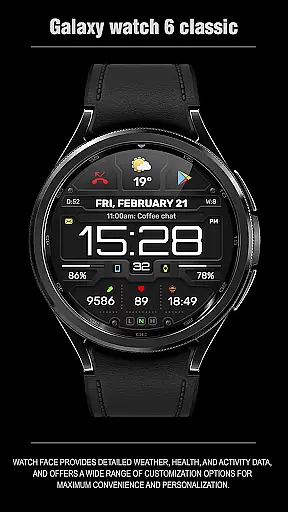
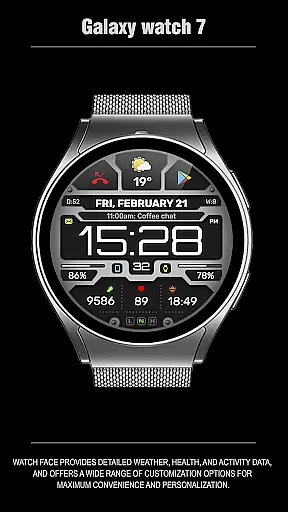
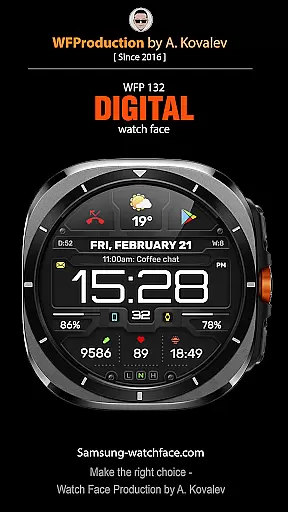
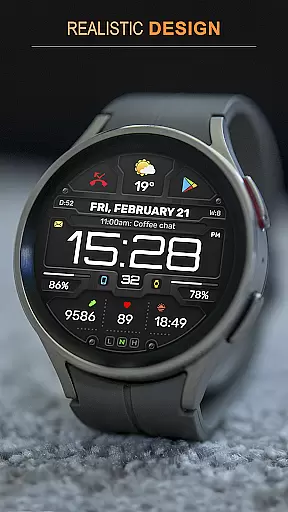
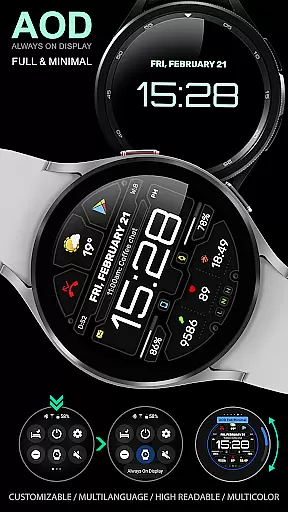
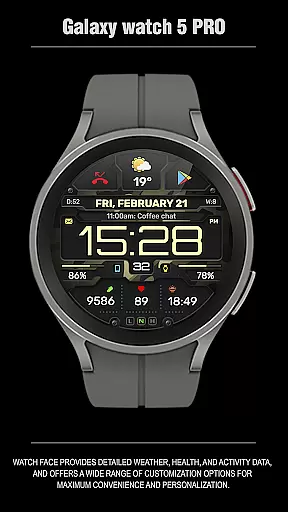
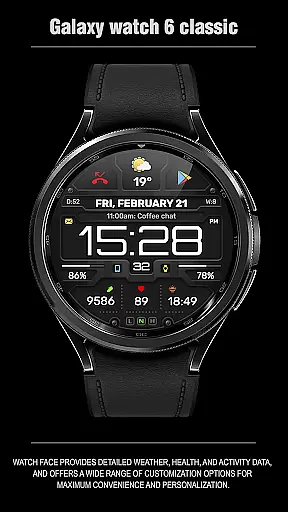
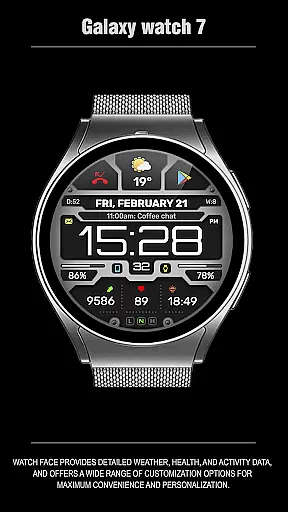
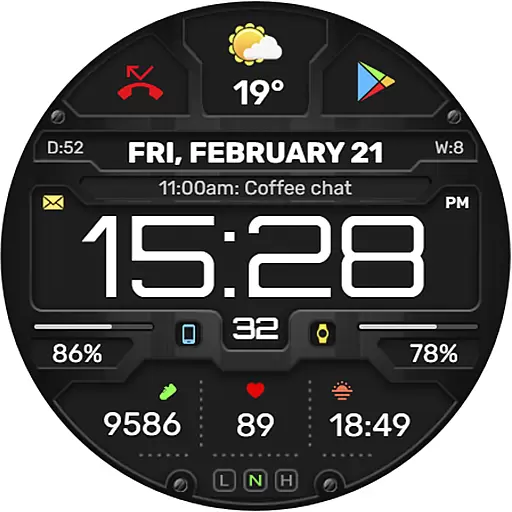
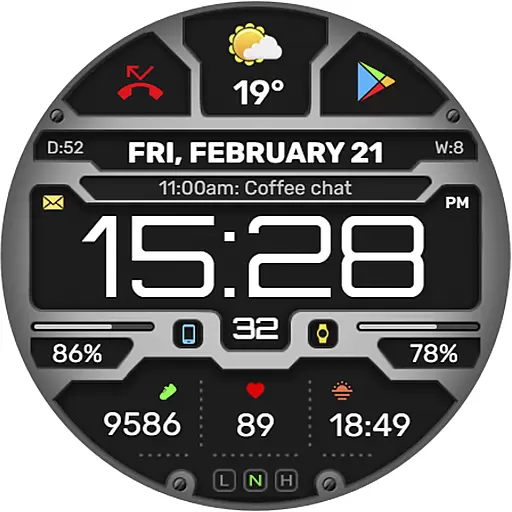
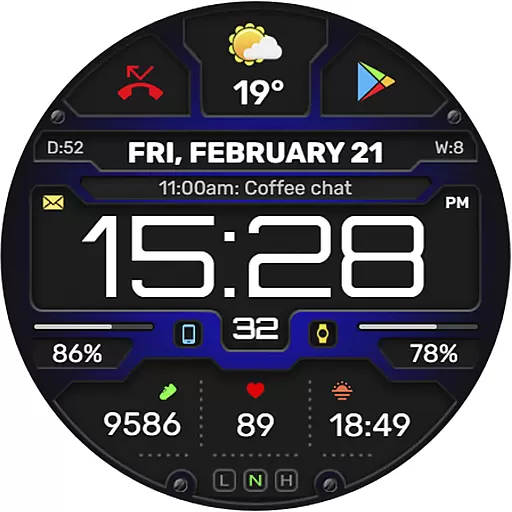
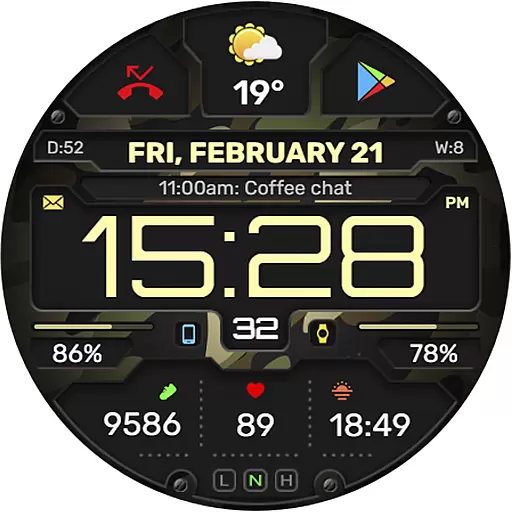
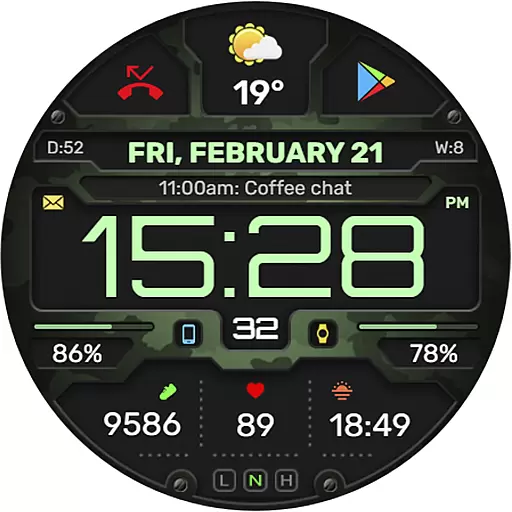
The WFP 132 Digital watch face is a stylish and functional accessory for your smartwatch, offering users an enhanced experience with its detailed weather forecasts, health tracking, and activity monitoring. Compatible with devices running API 34+ (version 5.0 and later), this digital watch face provides extensive customization options to suit individual preferences.
With features like 8 complications and widgets, changeable backgrounds, and customizable Always-On Display (AOD) modes, the WFP 132 ensures both convenience and personalization. It supports multiple languages, various color combinations, and displays weather in Fahrenheit or Celsius. High resolution and optimization guarantee clear visuals and efficient battery usage.
Whether you're monitoring your daily fitness goals or staying updated on the weather, the WFP 132 Digital watch face is designed to keep you informed and stylish. Its compatibility with phone charge widgets and additional data such as calories and floors climbed makes it a versatile tool for everyday use.
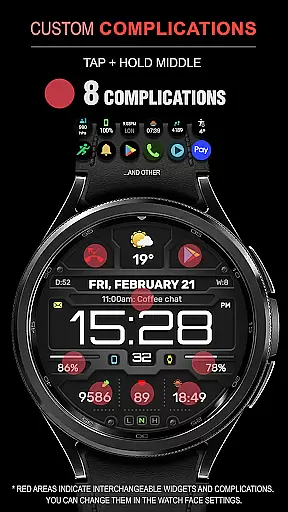
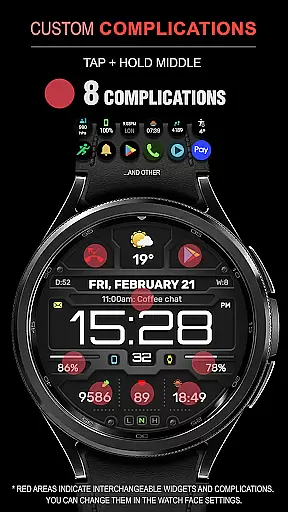
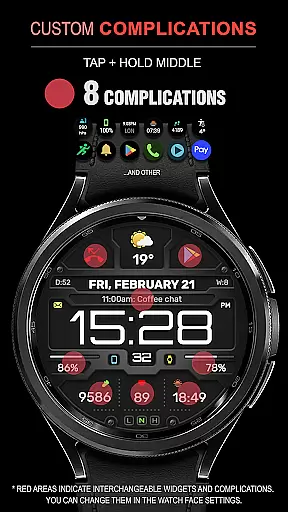
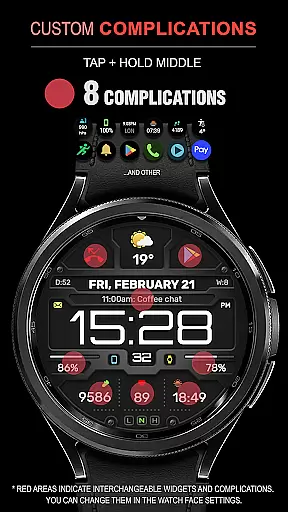
The WFP 132 Digital watch face stands out with its comprehensive feature set tailored for both utility and aesthetics. One of its key highlights is the inclusion of 8 complications and widgets that allow users to access essential information at a glance. These widgets can display everything from weather forecasts to health metrics, ensuring that all vital data is readily available.
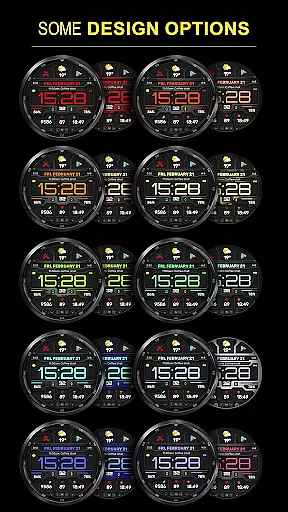
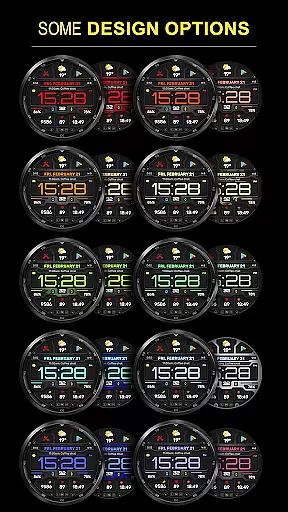
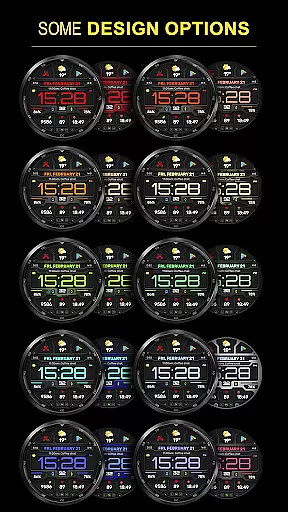
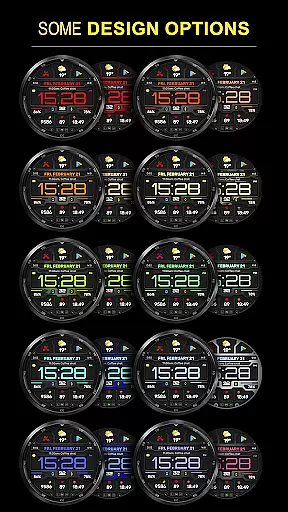
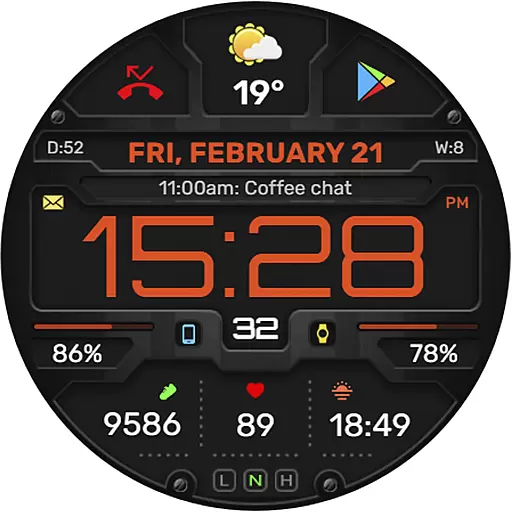
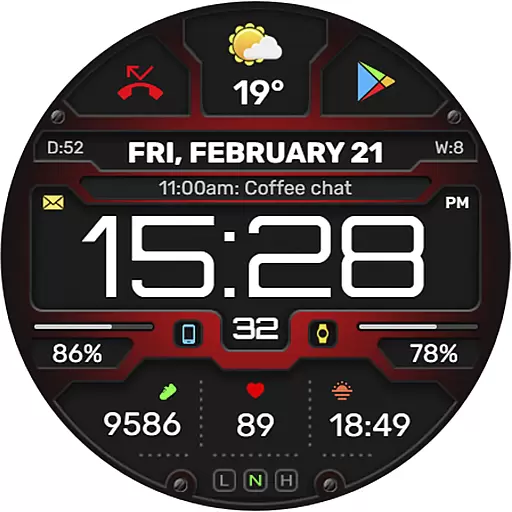
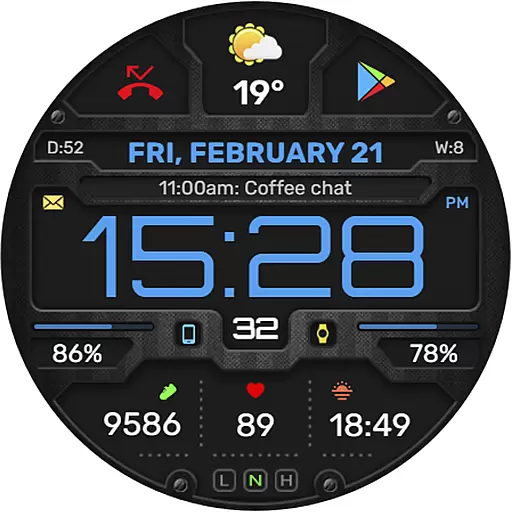
Customization is at the heart of the WFP 132's design. Users can choose from many color combinations, changeable backgrounds, and even switch between degrees Fahrenheit and Celsius for weather updates. The high-resolution display ensures crisp visuals, while the optimized performance maintains low battery consumption, making it an ideal choice for extended use.
Additionally, the watch face offers a fully customizable AOD mode, available in both full and minimal settings, allowing users to tailor their experience even when the watch is in low-power mode. Multilingual support further enhances accessibility, ensuring that users from different regions can utilize the watch face effectively.
Companion app integration is essential for a seamless wearable experience. The WFP 132 Digital watch face excels in this area by offering users the ability to sync and interact with their smartphone effortlessly.
This functionality allows for real-time updates of weather, health metrics, and notifications directly on your wrist. By connecting to the companion app, users can customize complications and widgets to display the information most relevant to them.
The synchronization process is straightforward, ensuring that all personalization settings and data are accurately reflected on both devices. This creates a cohesive ecosystem where users can manage their digital life efficiently.
Ultimately, the robust companion app integration enhances user convenience and engagement, making daily interactions with the smartwatch more meaningful and productive.
Device compatibility is crucial for ensuring that a watch face functions optimally across various Wear OS devices. The WFP 132 Digital watch face is designed to be compatible with devices running API 34+ and later, guaranteeing broad accessibility.
This compatibility ensures that users benefit from high optimization and low battery consumption regardless of their specific device model. Detailed installation instructions are provided to facilitate a smooth setup process.
Moreover, the watch face supports multiple languages and customizable features like AOD mode, catering to diverse user preferences. These aspects contribute to an inclusive user experience that adapts to individual needs.
By prioritizing extensive device support and providing clear guidance, the WFP 132 Digital watch face delivers a reliable and versatile solution for Wear OS users worldwide.
Highly customizable
Low battery consumption
Multiple widget options
Supports various languages
High resolution display
Requires API 34+
Complex setup process
Limited free features
No built-in GPS
Premium cost for full access

Gym Log & Workout Tracker | Fitness Journal, Training & Weight Lifting Planner
 4.90
4.90
Embrace the holiday spirit with this magical animated watch face!
4.40
A watch face that fuses motorsport precision with contemporary smartwatch design
4.0
Elegant animated Christmas tree with multiple customization options
4.20
Easy Voice Recorder is your everyday companion to record important moments.
4.70
Locate your family members by GPS phone location tracker everywhere and anytime
4.30
The most customizable hybrid watch face. For Wear OS 5.0, API 34+ and later
4.70
Viewer for Wyze/Yi/Eufy/Arlo/ONVIF/RTSP/P2P IP cams w/ adv. features & DIY DVR
4.00
Want to take charge of your health? Let Google Fit help you reach your goals.
3.50
Walking app for weight loss: walk & step tracker, pedometer, indoor treadmill
4.60
Rose gold watch face with festive lights & customizable features.
4.60
To-Do List: daily schedule planner, task organizer, to do reminder app, calendar
4.60
A realistic hybrid watch face with many customization options.
4.60
Premium hybrid watch face with many customizations for Wear OS devices.
4.40
Calming & relaxing sounds for sleeping and stress relief. Stay focused all day!
4.20
"PER27 Galaxy Digital" is a digital Wear OS watch face designed by PERSONA
4.10
Watch the sharpness of the sky on your wrist..
3.70
Wear Os Watch Face - Animated Snow Effect & Christmas Lights
4.2
Analog watch face with 8 complications and expedition styling
4.1


User Reviews