
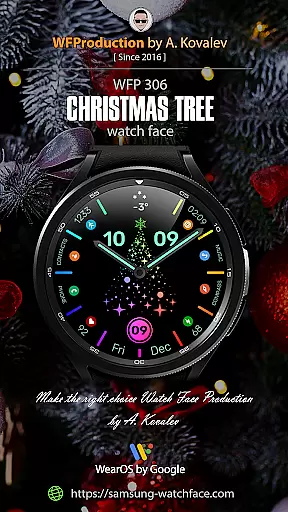
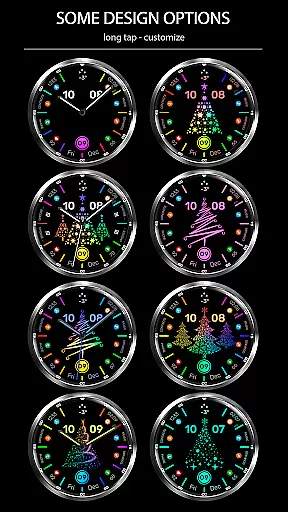
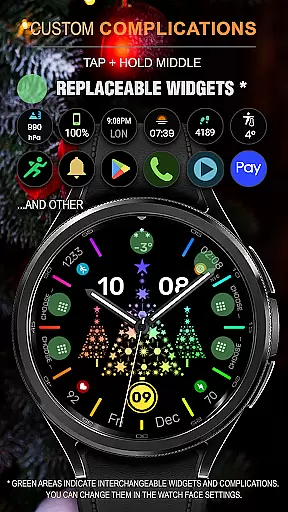
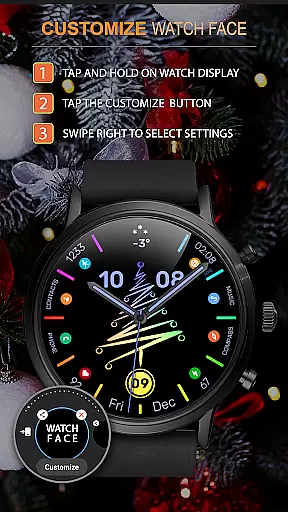
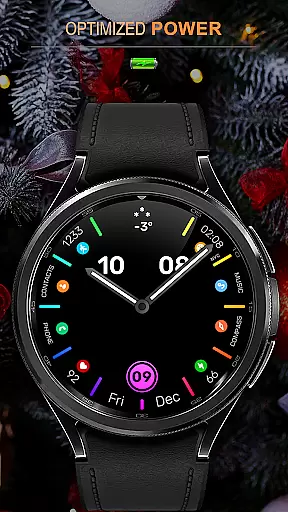
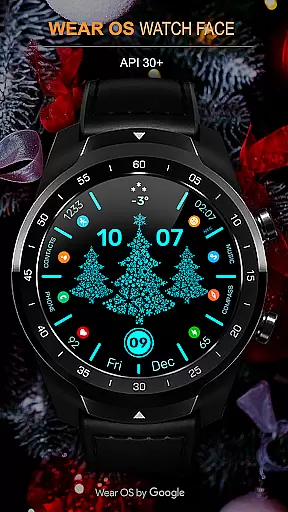
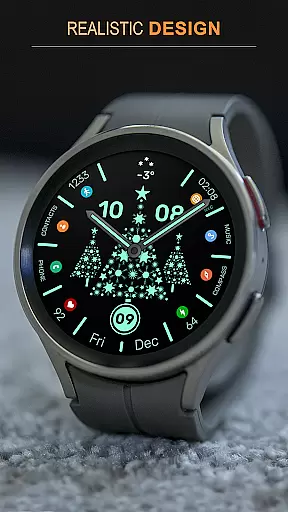
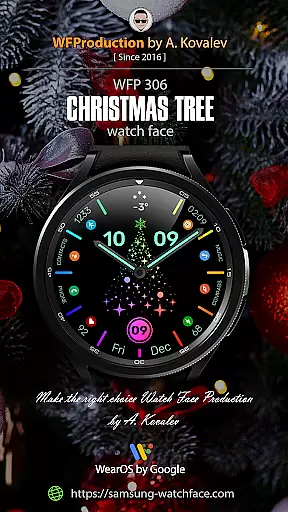
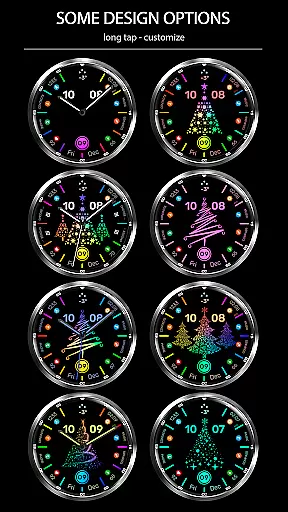
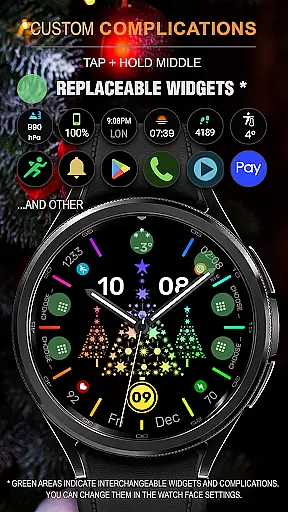
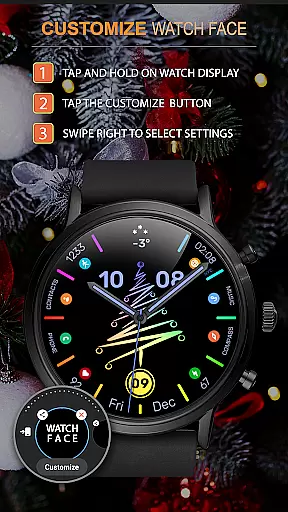
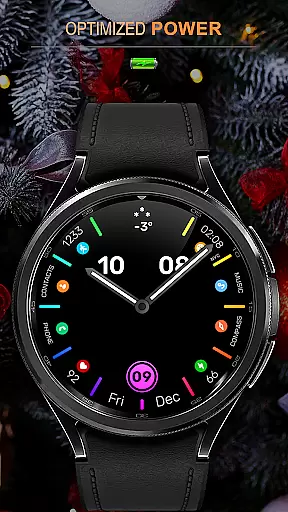
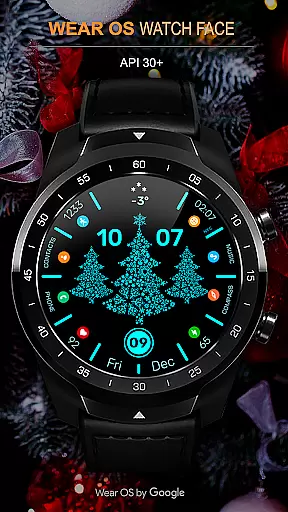
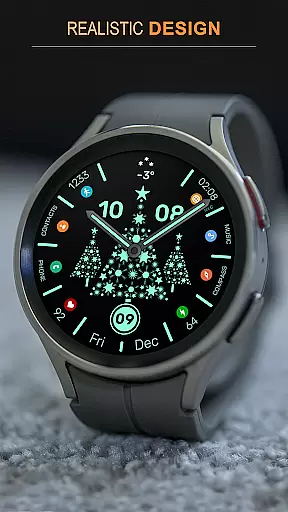
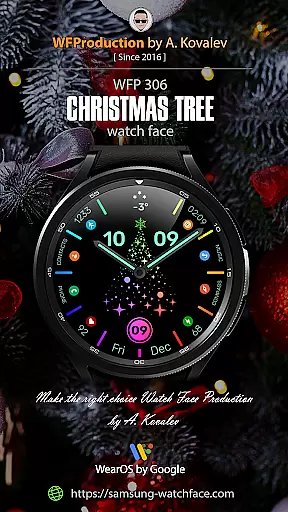
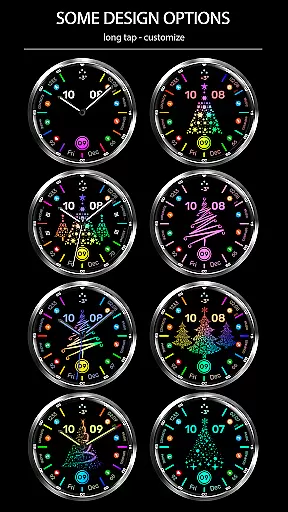
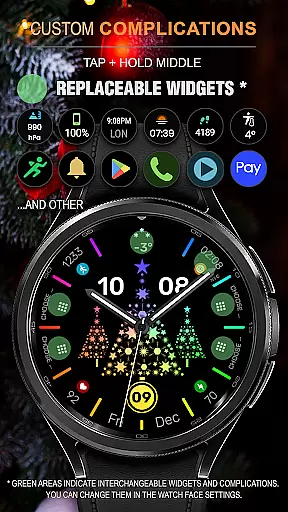
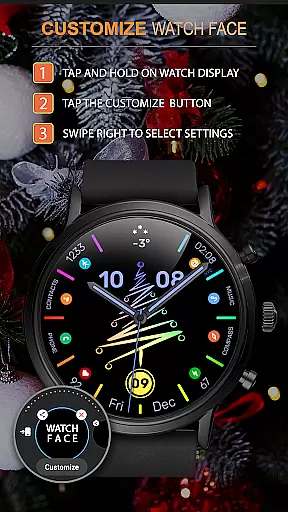
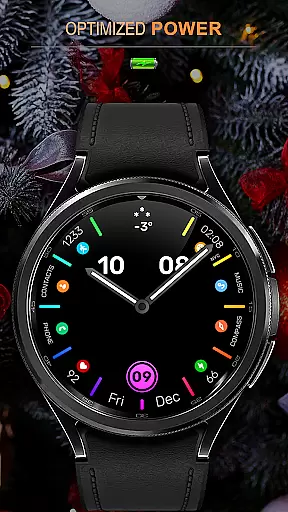
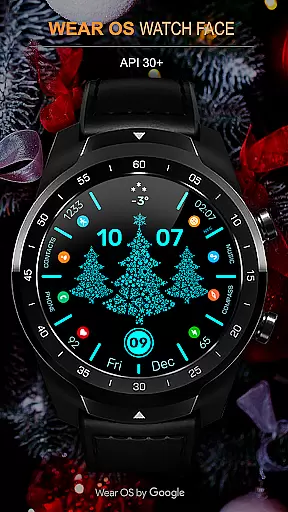
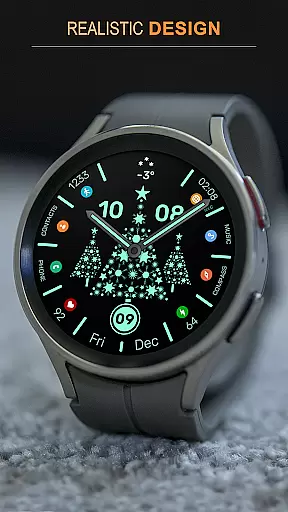
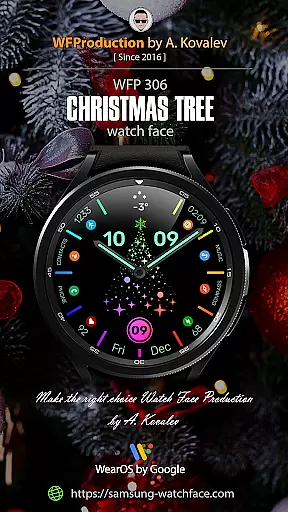
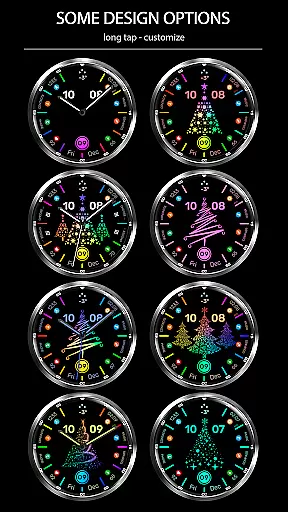
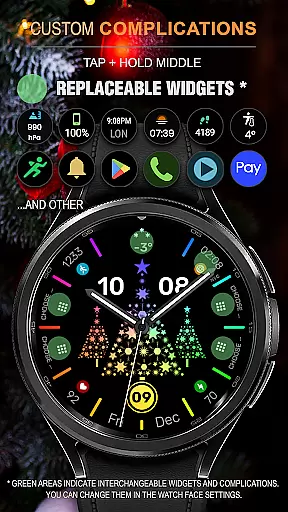
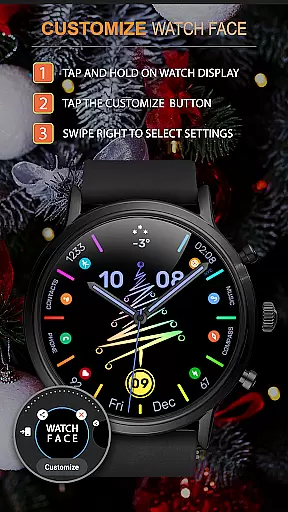
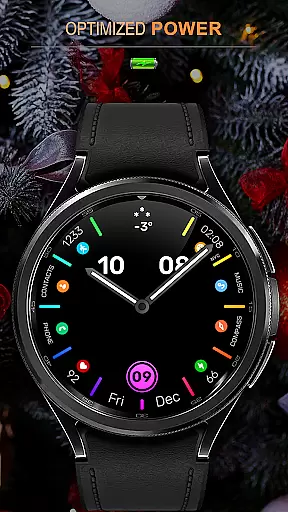
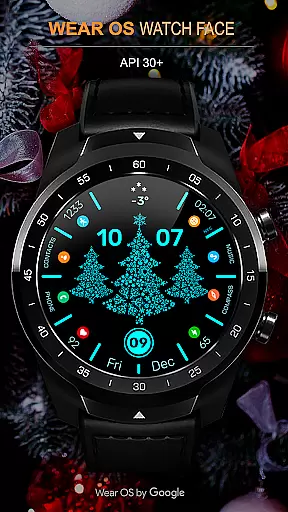
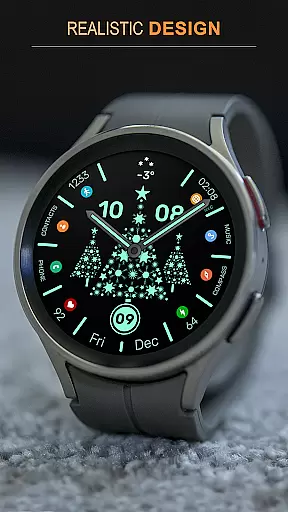
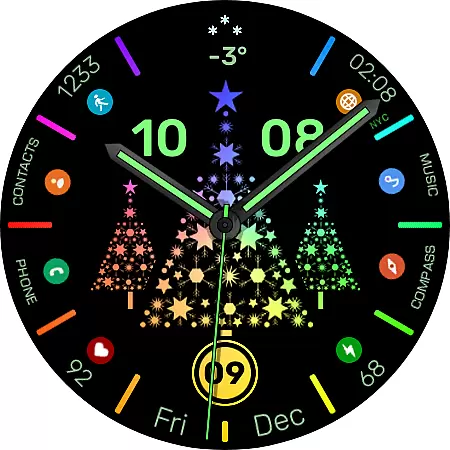
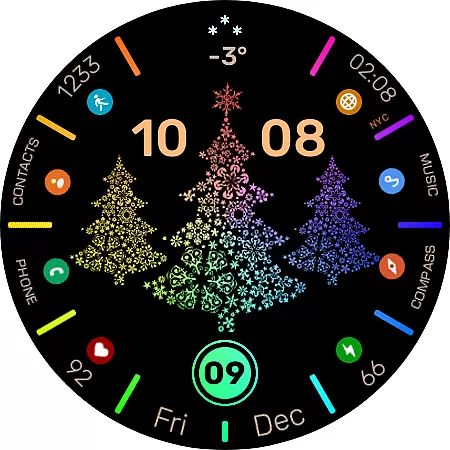
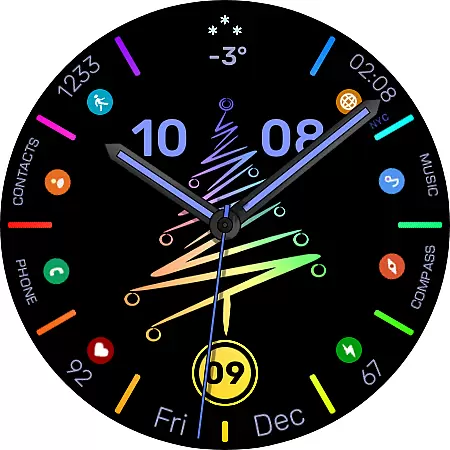
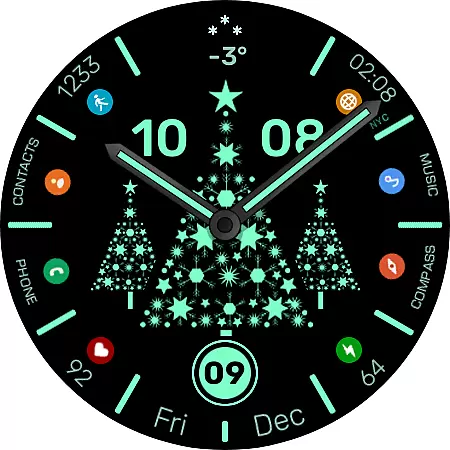
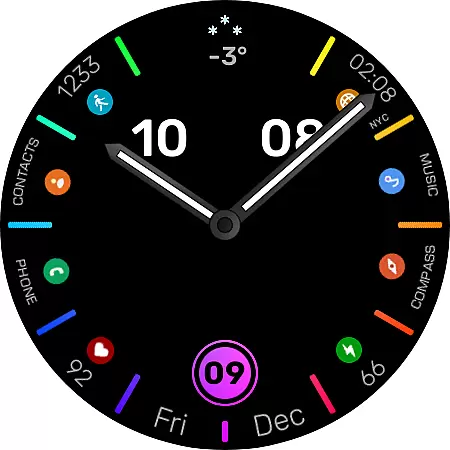
WFP 306 Christmas tree is a festive-themed watch face designed for devices running WearOS 4 with API Level 30+. This application brings holiday spirit to your smartwatch with its unique Christmas tree designs and customizable features. Users can enjoy high-resolution graphics, optimized performance, and low battery consumption while customizing their watch faces with various widgets and settings.
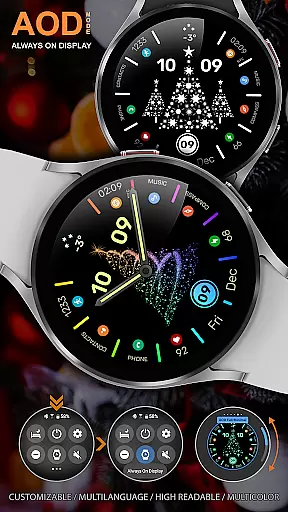
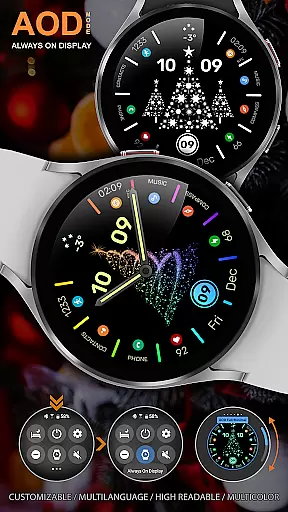
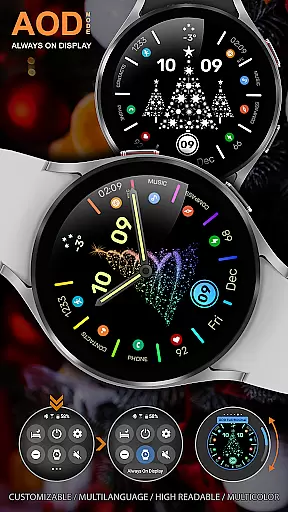
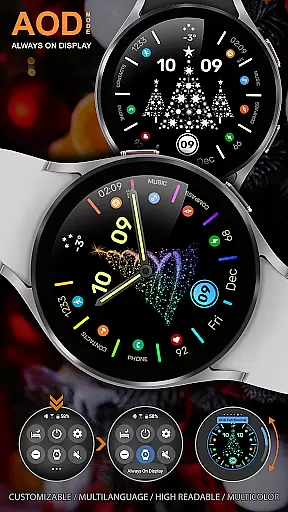
The watch face supports multiple languages, 12/24 hour time formats, and offers six types of Christmas trees to choose from. Additionally, users have the option to disable the Christmas tree image or watch hands as per their preference. With multicolor mode and AOD customization, this app ensures that your smartwatch not only looks festive but also aligns with your personal style.
This watch face stands out with its array of features tailored for the holiday season. The tap-to-animate function adds an interactive element, allowing users to engage with their watch face by simply tapping on the center to activate animations. In multi-color mode, the watch face transitions through different colors over time, providing a dynamic visual experience.
Optimized for performance, WFP 306 Christmas tree boasts high resolution and minimal battery usage. It includes options for custom application shortcuts and widgets, giving users control over their watch's appearance and functionality. Furthermore, the ability to customize AOD (Always-On Display) in full or minimal modes ensures that personalization is at the forefront of the user experience.
For smartwatch applications like WFP 306 Christmas tree, seamless companion app integration is crucial for an enhanced user experience. This watch face supports devices with WearOS 4, ensuring that users can easily synchronize and interact with their smartphone apps.
The application offers extensive customization options through its companion app, allowing users to modify watch face features such as multi-color modes, widget settings, and AOD display preferences. These capabilities ensure that the smartwatch not only meets aesthetic preferences but also functional needs.
By following provided instructions, users can utilize phone charge widgets and access information about calories and floors climbed. The synchronization between the watch face and its companion app ensures that all data displayed is accurate and up-to-date, providing real-time feedback on personal metrics.
Device compatibility is a significant factor when choosing a smartwatch application. WFP 306 Christmas tree is designed to be compatible with WearOS 4, API Level 30+, making it accessible to a wide range of smartwatch users.
This compatibility ensures that users benefit from high optimization and low battery consumption, which are critical for maintaining performance without compromising the device's usability throughout the day.
In addition to supporting various devices, this watch face provides multilingual support and multiple time formats, catering to a global audience. Users can choose from six types of Christmas trees and customize their watch faces extensively, knowing that these features will work smoothly across supported devices.
Highly customizable
Low battery usage
Interactive animations
Multilingual support
Multiple design options
Limited to WearOS
Requires API Level 30+
No built-in games
Premium features may cost extra
Complex setup for beginners

Snowflake Rose Gold Watch Face - Digital, modern, & sleek with GYRO effect.
 4.10
4.10
A Wintery Snow Globe on Your Wrist; now celebrating Christmas!
4.1
A full-featured Amazon Alexa voice assistant that can show you things.
3.70
Analog watch face with 8 complications and expedition styling
4.3
Structured watch face with seven complications and modular UI elements
3.90
Your music, your playlists, and more—offline and unlimited.
4.20
Simple, helpful messaging by Google
4.60
Track your active life in one place and share the journey with friends.
4.40
Control your Samsung Smart TVs, appliances, and SmartThings-compatible devices
4.60
Easy Voice Recorder is your everyday companion to record important moments.
4.70
Walking app for weight loss: walk & step tracker, pedometer, indoor treadmill
4.60
Highly customizable hybrid watch face for Wear OS, perfect for everyday use.
4.60
Kia Access makes getting your vehicle information easier than ever
4.60
Watch face for Wear OS.
4.20
Your local weather forecast, storm tracker, radar maps & live weather news
3.40
Watch face designed for Thanksgiving Day. 7 Background Styles included.
3.20
Stunning modern digital watch face with 7 complications and strong contrast
4.2
Artistic Digital Watchface
4.5
Stylish digital watch face for Wear OS devices with customizable features
4.0


User Reviews