
Quick PDF-View PDF is a versatile document management tool designed for professionals and students alike. This app allows users to view, manage, and share PDFs and other essential file formats with ease. With support for multiple formats including PDF, DOC, PPT, and XLS, it ensures compatibility across various document types.
The app features an intuitive interface with smooth page navigation through swipe controls, making document viewing seamless. Its quick sharing functionality enables users to send files directly from the app, streamlining collaboration. Whether you need to review reports on the go or organize study materials, Quick PDF-View PDF provides a reliable solution for all your document needs.
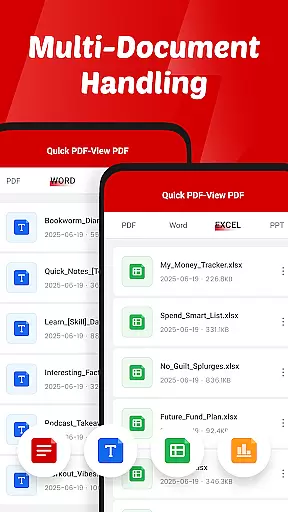
Quick PDF-View PDF stands out with its comprehensive feature set tailored for efficient document handling. The app supports multiple file formats such as PDF, DOC, PPT, and XLS, ensuring that users can open various document types without compatibility issues. Its instant opening capability allows users to access stored PDFs on their device quickly.
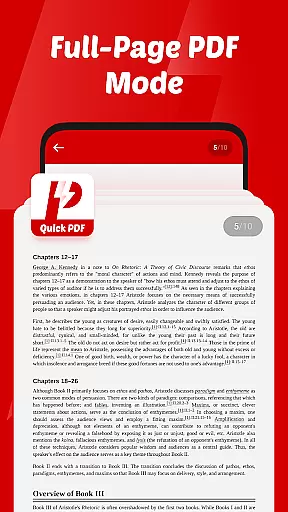
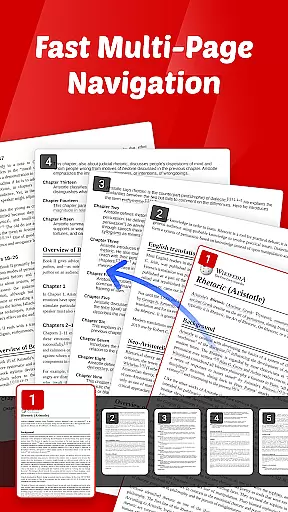
Navigation is made effortless with intuitive swipe controls, providing a smooth reading experience. The app also includes a quick sharing function, enabling users to send documents directly from the app interface. Additionally, its clutter-free design helps users focus on content without distractions, making it ideal for both professional and educational use.
Collaborative work features are essential for modern business applications, enabling teams to work together efficiently regardless of location. Quick PDF-View PDF supports this by allowing users to share documents directly from the app, streamlining communication and collaboration.
The app's support for multiple formats including PDF, DOC, PPT, and XLS ensures that all team members can access files in their preferred format. This versatility enhances productivity as users do not need to convert files before sharing them with colleagues.
Quick PDF-View PDF also offers smooth page navigation with intuitive swipe controls, making it easy for team members to review documents quickly. This feature is particularly beneficial during virtual meetings or collaborative sessions where time is of the essence.
By providing a clutter-free interface, the app allows users to focus on their documents without distractions. This simplicity fosters better concentration and more effective collaboration among team members, ultimately leading to improved project outcomes.
Effective task management is crucial for maintaining productivity and ensuring timely completion of projects. Quick PDF-View PDF aids in this area by offering features that help users organize and manage their documents efficiently.
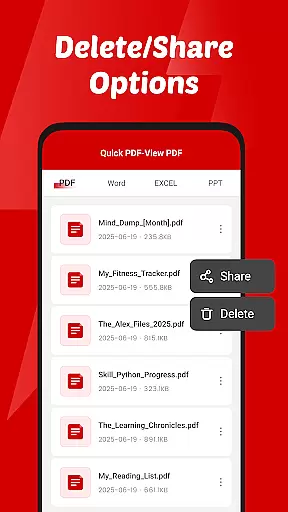
The app requires file management access, which enables users to read, organize, and delete documents directly within the app. This functionality simplifies document management, allowing users to keep their files in order and easily accessible.
With its quick sharing capabilities, users can send documents directly from the app, facilitating seamless collaboration and task delegation. This feature is particularly useful for teams working on joint projects who need to distribute information rapidly.
Additionally, the app's support for various file formats ensures that users can handle different types of documents without needing external tools. This comprehensive approach to document handling enhances overall task management efficiency, helping users stay organized and focused on their goals.
User-friendly interface
Multi-format support
Quick document sharing
Smooth page navigation
Reliable performance
Limited advanced tools
No cloud integration
Basic editing features
Occasional lag
Ads in free version

viewing and sharing of PDFs
 3.60
3.60
Create curriculum vitae, a professional cover letter creator and resume designer
4.80
Amazon A to Z is the place to manage your work-life at Amazon.
4.50
A secure, all-in-one team collaboration app
4.30
Access to Paylocity, empowering employees with information they need 24/7.
4.70
Roadie connects people with stuff to send with drivers already going that way.
3.50
The app that lets you deliver with Amazon.
4.50
Work happy with AI Companion
4.10
Make money as a delivery driver with DoorDash and work when you want as a Dasher
4.30
Permission Guard is a security app that helps you manage app permissions.
4.80
GoTo Mobile is a simple & secure calling, messaging & meetings solution
4.80
The MyWalmart App is available for all associates in stores.
4.70
Get instant construction estimates: accurate home repair & material calculator.
4.70
Master crypto trading with real-time simulations and exciting challenges!
4.50
Scan Business Cards & Conference Badges - Capture Leads at Events & Tradeshows
4.20
Shop, deliver, and earn with the Spark Driver™ App
4.10
Find flexible, hourly jobs hiring near you in restaurant, retail & hospitality!
4.00
All document reader, pdf viewer app, read docs & excel files
3.80
view, manage, and share every PDF file you have
3.60


User Reviews