
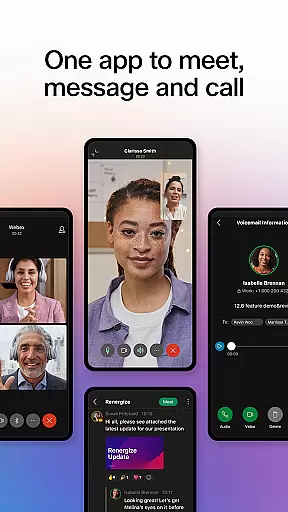


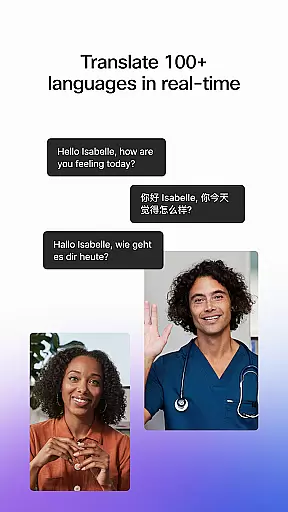
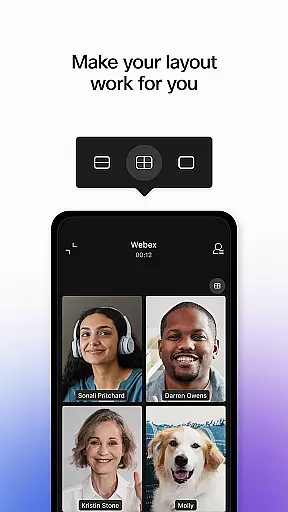
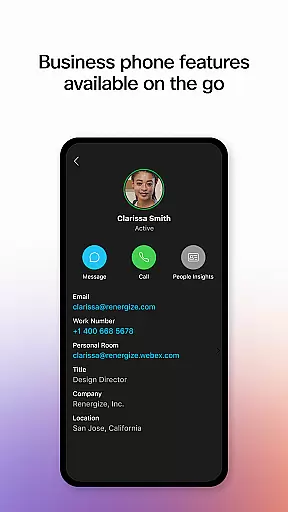
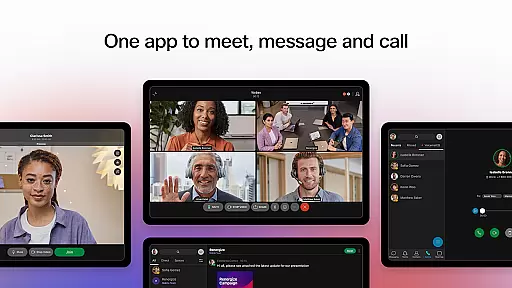
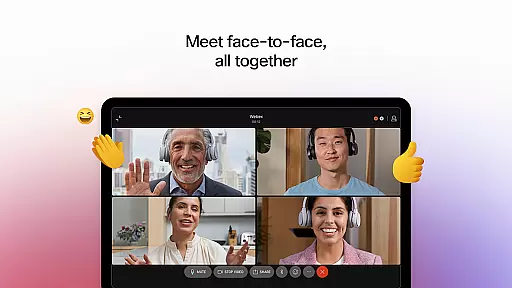


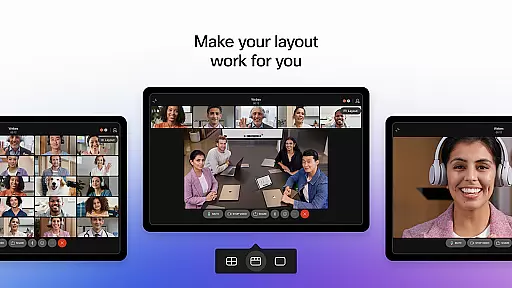
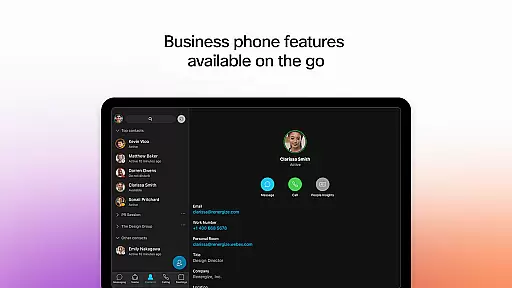
Webex is a comprehensive business communication app that unifies meetings, messaging, and calling into one secure platform. Designed for seamless collaboration, it supports over 100 languages with real-time translation, ensuring inclusivity across global teams. Its intelligent features like background noise removal and personalized meeting layouts enhance user engagement regardless of location.
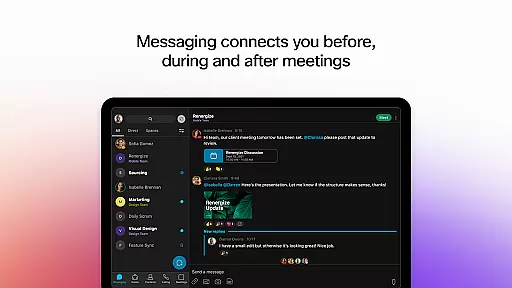
The app also facilitates efficient teamwork through its robust messaging system, allowing users to connect via 1:1 or group chats, and share files securely with both internal and external collaborators using just an email address. Additionally, Webex integrates essential calling features, enabling users to make business calls anytime, anywhere, directly from the app.
Whether you're working remotely or in-office, Webex provides tools that improve productivity and foster meaningful connections, making it an ideal solution for modern businesses looking to streamline their communication processes.
Webex offers a rich set of features designed to enhance collaboration and communication within teams. One standout feature is its advanced meeting capabilities, which include real-time language translation for over 100 languages, customizable meeting layouts, and AI-driven background noise cancellation. These functionalities ensure clear and inclusive interactions, no matter where participants are located.
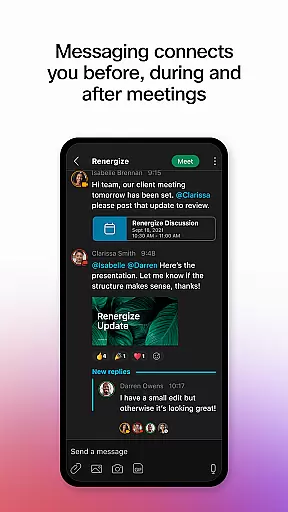
In addition to meetings, Webex excels in messaging. Users can engage in real-time conversations through individual or group chats, fostering continuous dialogue before, during, and after meetings. The app also enables secure file sharing with colleagues inside and outside the organization, requiring only an email address for collaboration. This simplifies cross-team projects and strengthens external partnerships.
Furthermore, Webex incorporates powerful calling features such as visual voicemail and instant call initiation, empowering users to manage their business communications effectively. With these integrated tools, Webex delivers a complete communication suite that adapts to various work environments while maintaining high security standards.
Collaboration is at the heart of every successful business, and Webex excels in providing robust collaborative work features. The app integrates meeting, messaging, and calling functionalities into a single platform, ensuring seamless communication regardless of location.
Webex offers real-time translation for over 100 languages, personalized meeting layouts, and background noise removal, making sure everyone can be seen and heard clearly. These features are crucial for engaging and inclusive meetings that accommodate participants from diverse backgrounds.
Beyond just meetings, Webex enhances collaboration through its intelligent messaging system. Users can connect before, during, and after meetings with ease, using both 1:1 and group messaging options. Sharing files securely with internal teams and external colleagues is simplified, requiring only an email address.
The ability to instantly start impromptu conversations and access visual voicemail adds another layer of convenience. This comprehensive suite of tools ensures that teams can work together effectively, fostering a productive environment where exceptional work can happen.
Effective task management is essential for maintaining productivity, and Webex provides several features that help streamline this process. By integrating various communication methods into one app, Webex ensures that tasks related to meetings, messages, and calls are managed efficiently.
One standout feature is the real-time messaging capability, which keeps users connected throughout the entire workflow processu2014from preparation to post-meeting follow-ups. This continuous line of communication helps keep tasks on track and ensures nothing falls through the cracks.
Additionally, Webex's file-sharing capabilities allow teams to collaborate on documents and projects without missing a beat. Whether itu2019s internal team members or external partners, sharing files via email addresses simplifies task delegation and completion.
Moreover, having calling features integrated means spontaneous discussions and quick check-ins become effortless. With instant access to visual voicemails and other calling tools, managing tasks becomes more dynamic and responsive, ultimately leading to better outcomes for all involved parties.
User-friendly interface
Secure communication
Real-time translation
Integrated calling
File sharing ease
Occasional bugs
High resource use
Limited free plan
Complex setup
Learning curve

Measure distances, surfaces and draw plans in seconds with CamToPlan!
 4.40
4.40
FaxCover - Create fax cover pages. Works with any app or fax machine.
4.90
Find the right fit, faster.
4.70
One marketplace. Hundreds of services. Unlimited possibilities. All on Fiverr.
4.40
Find jobs near you and temp work in minutes, from your phone.
4.50
Smarter career moves start here. AI job alerts, insights & the right tools.
4.20
Permission Guard is a security app that helps you manage app permissions.
4.80
The app that lets you deliver with Amazon.
4.50
Make money as a delivery driver with DoorDash and work when you want as a Dasher
4.30
Create curriculum vitae, a professional cover letter creator and resume designer
4.80
All your team communication in one place
4.70
Access to Paylocity, empowering employees with information they need 24/7.
4.70
Your employer must have UKG Ready software configured for Mobile.
4.60
Grow your business and connect with more people with Meta Business Suite.
4.60
No more passwords, easier sign-in, and greater protection for your accounts.
4.60
Chat, meet, and collaborate to achieve more together, all in one place on Teams
4.60
Work happy with AI Companion
4.10
enjoy effortless PDF reading anytime, anywhere
3.90
view, manage, and share every PDF file you have
3.60


User Reviews