


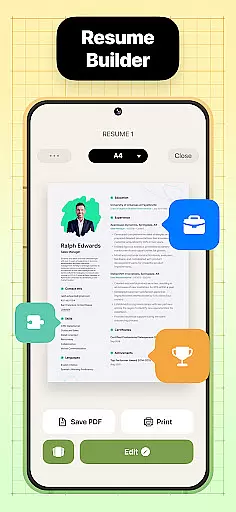
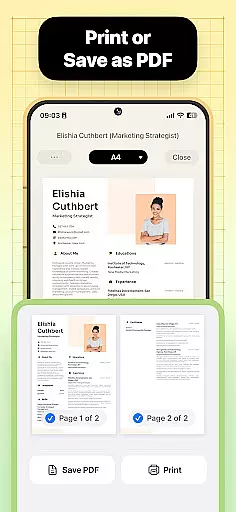
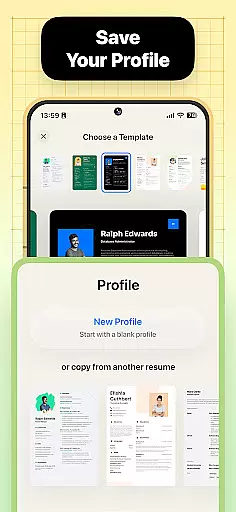
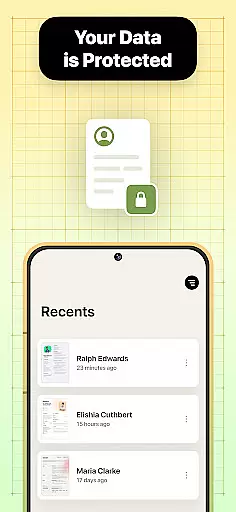

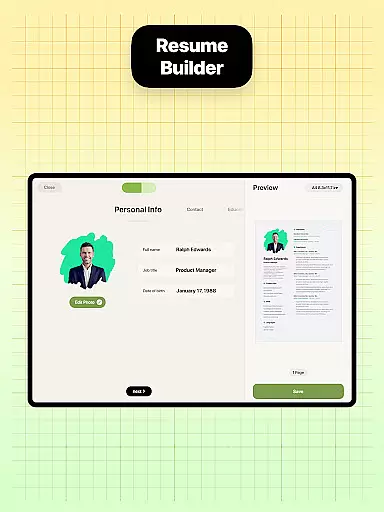
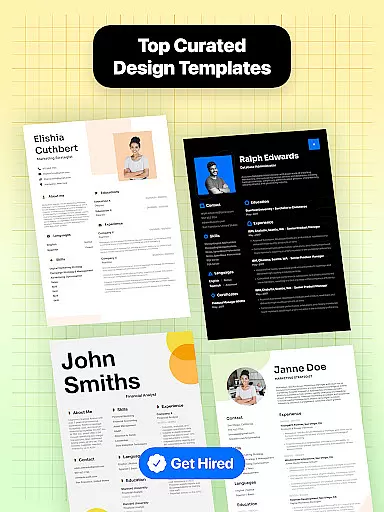
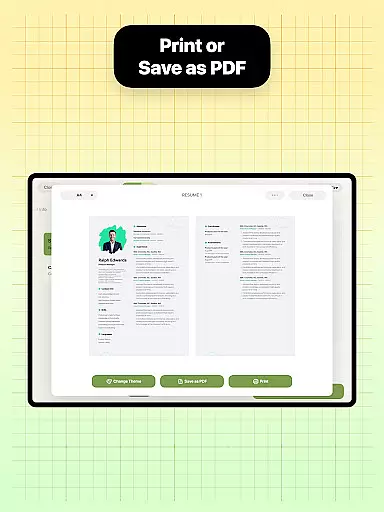
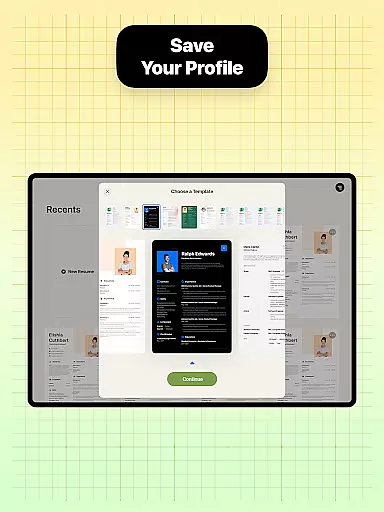
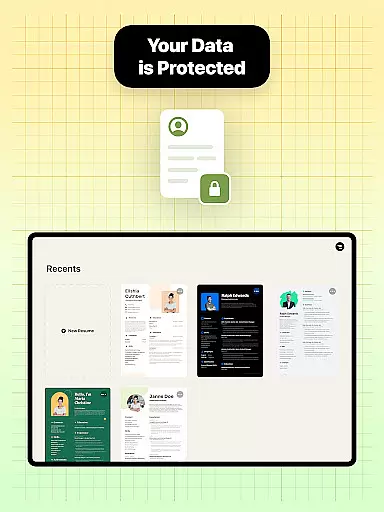

Resume Builder is a powerful business application designed to help users create professional resumes and CVs in PDF format quickly and easily. The app offers an intuitive step-by-step guidance system that simplifies the resume creation process, making it accessible for both recent graduates and seasoned professionals.
With a wide range of customizable resume templates and formatting options, Resume Builder ensures that users can tailor their resumes to suit different career stages and job applications. The app's user-friendly interface allows for real-time editing and updating, while its built-in sharing functionality enables easy distribution to employers and recruiters.
This app is particularly useful for job seekers who need to create a strong first impression through a well-designed resume. By providing all the necessary tools to craft the perfect resume, Resume Builder helps users stand out in competitive job markets and achieve their career goals.
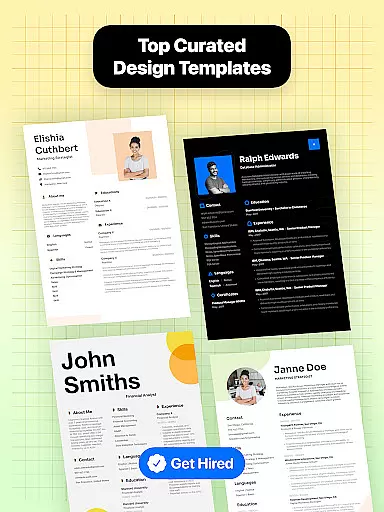
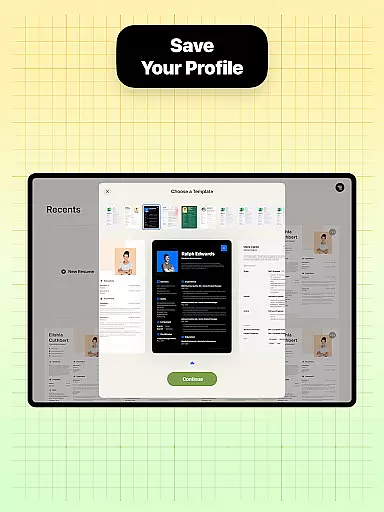
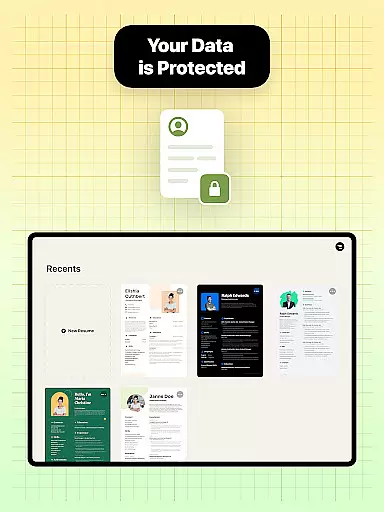
Resume Builder stands out with its comprehensive set of features designed to simplify and enhance the resume creation process. The app provides users with a wide selection of professionally designed resume templates, each tailored to different industries and career levels. These templates are fully customizable, allowing users to adjust sections, content, and formatting to create a unique and personalized resume.
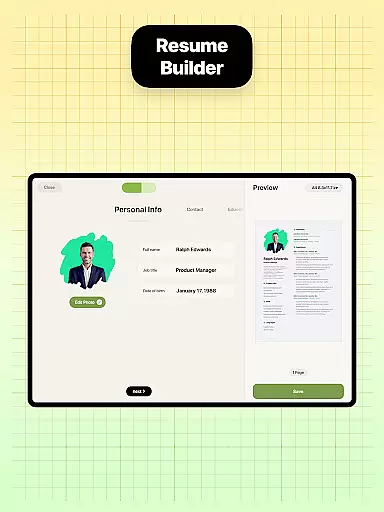
The app's step-by-step guidance system walks users through each stage of resume creation, from choosing the right template to finalizing content. This feature ensures that even those with little experience in resume writing can create a polished and professional document. Additionally, Resume Builder supports various resume formats, including chronological, functional, and combination styles, giving users flexibility in presenting their qualifications.
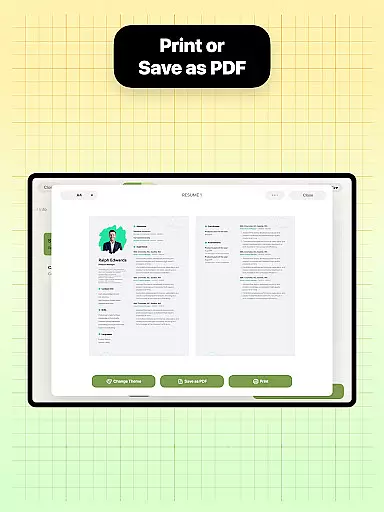
Other notable features include real-time preview capabilities, cloud-based saving options, and integrated sharing functions for direct submission to employers or printing services. The app also maintains an intuitive navigation system that makes editing and updating resumes quick and straightforward, ensuring users can keep their documents current as their careers progress.
Collaborative work features are essential for modern business applications, enabling teams to work together efficiently regardless of location. Resume Builder incorporates these features by allowing users to share their resumes easily with peers or mentors for feedback and refinement.
The app's built-in sharing functionality supports collaborative efforts by enabling users to send their resumes directly to others via various communication channels. This ensures that the resume can be reviewed and improved upon by trusted colleagues or professional contacts before being submitted to potential employers.
Through this collaborative approach, users benefit from diverse perspectives and expertise, resulting in a more polished and competitive resume. The ability to receive input and make real-time updates enhances the overall quality of the document, increasing the chances of securing interviews and job offers.
By integrating collaborative work features, Resume Builder not only simplifies the resume creation process but also fosters a supportive environment where users can refine their professional profiles with the help of their network.
Task management is a critical component of productivity, especially when crafting important documents like resumes. Resume Builder excels in task management by providing a structured and guided process that helps users organize and execute each step of resume creation effectively.
The app offers step-by-step guidance, ensuring users do not overlook any crucial details while building their resumes. Each section of the resume can be systematically addressed, from personal information to professional experience, allowing users to focus on specific tasks without feeling overwhelmed.
With intuitive navigation and real-time progress tracking, users can easily monitor their advancement and make necessary adjustments. This systematic approach prevents errors and omissions, ensuring the final resume is comprehensive and well-organized.
Ultimately, Resume Builder's task management capabilities empower users to create high-quality resumes efficiently, enhancing their ability to present themselves professionally and secure desirable job opportunities.
User-friendly interface
Wide template selection
Real-time editing
Cloud saving option
Built-in sharing
Limited free templates
Premium subscription
Occasional bugs
Ads in free version
Learning curve

The Penny Puss app with DG penny finder
 4.10
4.10
Earn crypto with secure cloud mining. Monitor, track & withdraw easily
4.40
The All-in-One File Manager for Phone, TV, Watch, Cars, XR / VR, Chromebook
4.10
Take the stress out of storage with the all-in-one app to manage your space.
3.70
Employee Management Made Easy
4.80
Get instant construction estimates: accurate home repair & material calculator.
4.70
Build a store in minutes with our full suite of AI tools. Start for free!
4.20
Roadie connects people with stuff to send with drivers already going that way.
3.50
Work happy with AI Companion
4.10
Job search app that finds jobs for you! Takes the work out of looking for a job!
4.90
Permission Guard is a security app that helps you manage app permissions.
4.80
Master crypto trading with real-time simulations and exciting challenges!
4.50
Collaborate seamlessly with Google Chat, part of Google Workspace
4.50
The app that lets you deliver with Amazon.
4.50
VSD Viewer - Visio Drawings Viewer for Android Preview VSD, VDX, VSDX drawings
4.10
Find flexible, hourly jobs hiring near you in restaurant, retail & hospitality!
4.00
On the go? Take FedEx with you.
4.00
view, manage, and share every PDF file you have
3.60
Access All PDF Files
3.40


User Reviews