
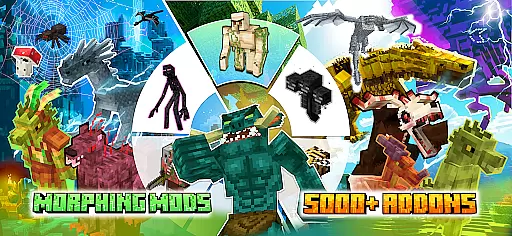
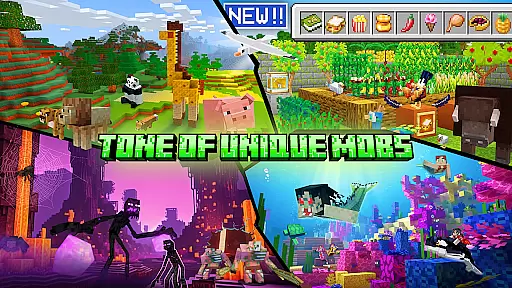
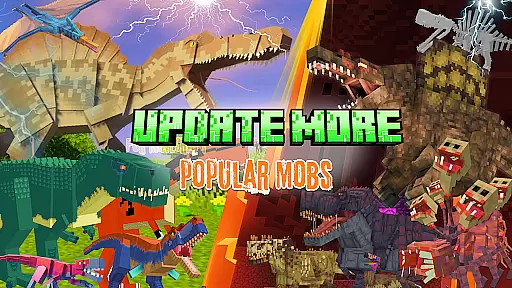
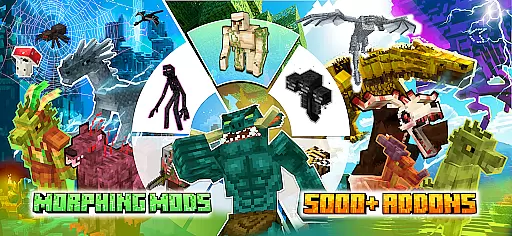
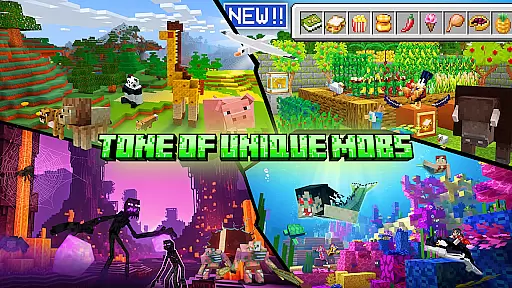
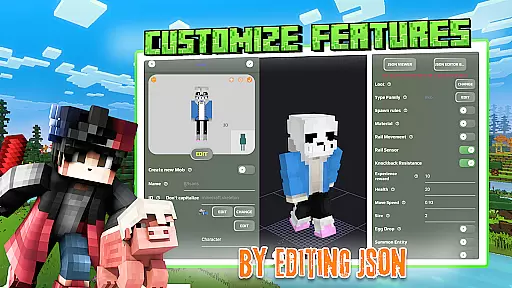
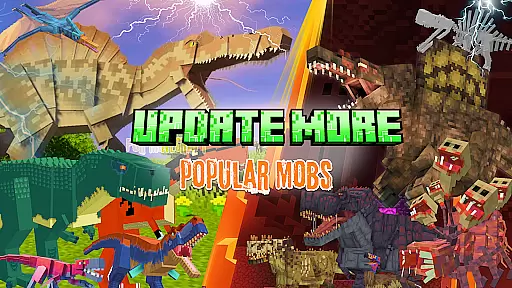
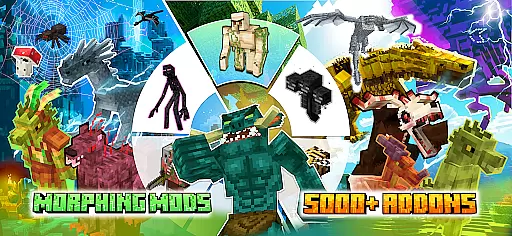
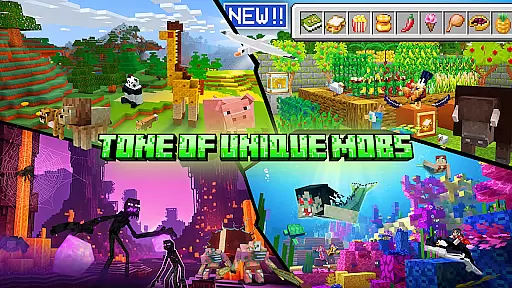
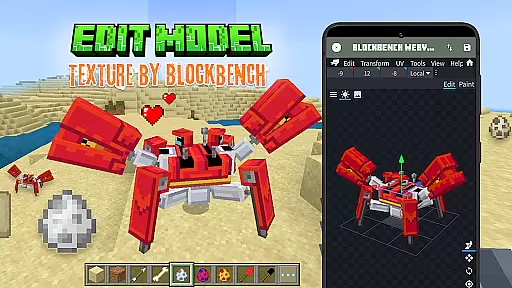
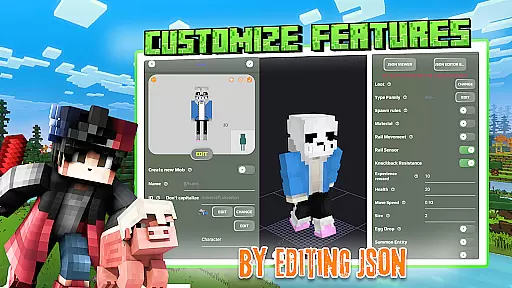
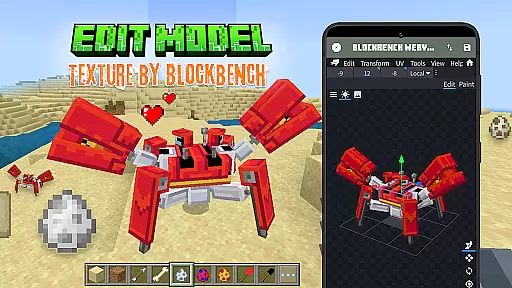
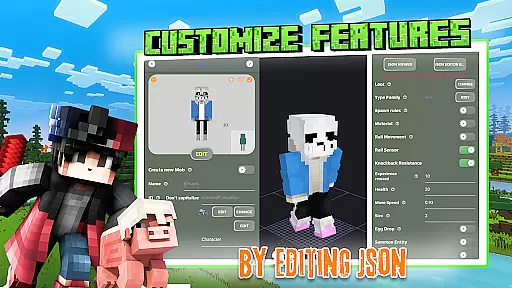
Mobs Maker for Minecraft PE is a powerful toolkit designed to help users create custom mobs and player models for Minecraft Pocket Edition without requiring coding skills or advanced drawing abilities. The app provides an intuitive interface that allows both beginners and experienced creators to modify 2D/3D textures, skins, animations, and JSON behaviors with ease.
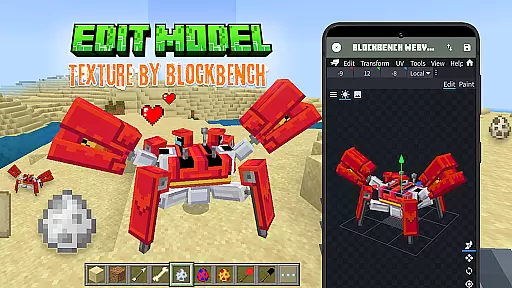
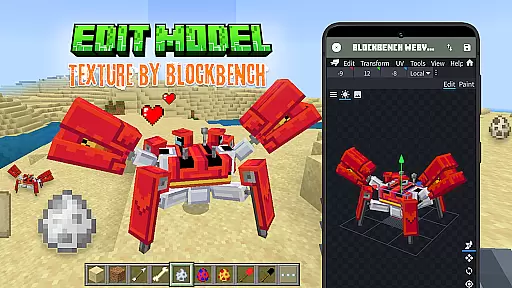
One of the standout features of this app is its seamless integration with Blockbench, a professional 3D model editor, which enables users to design unique animals and mobs with detailed animation controls. Additionally, users can export their creations directly into Minecraft Bedrock Edition, making it simple to enhance gameplay with personalized content.
Whether you're looking to edit official mobs, explore rare community-created models, or share your own custom addons, Mobs Maker for Minecraft PE offers all the tools necessary to expand your Minecraft experience. Its accessibility and robust feature set make it an invaluable resource for anyone interested in Minecraft mob creation.
Mobs Maker for Minecraft PE stands out due to its comprehensive suite of features tailored for Minecraft addon creation. Users can leverage the built-in 3D editor or integrate with Blockbench to craft highly customizable player models and unique mobs. The ability to modify skins, textures, and animations ensures that every creation is distinct and personalized.
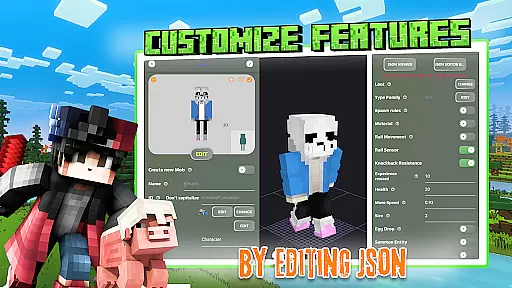
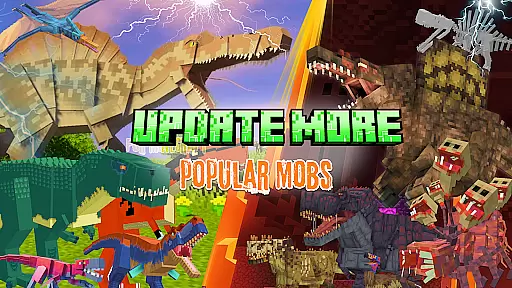
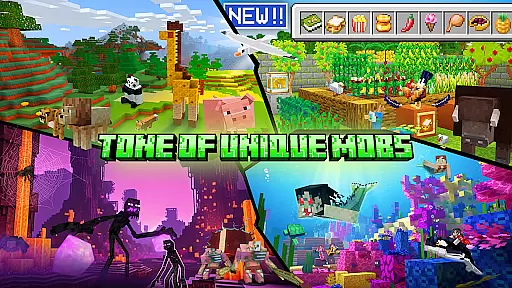
The app also includes a library of rare mobs contributed by the community, providing inspiration and ready-to-use assets for new projects. With support for JSON behavior editing, users can define complex interactions and mechanics for their custom mobs. Furthermore, the app simplifies the process of importing creations into Minecraft PE, streamlining the workflow from design to implementation.
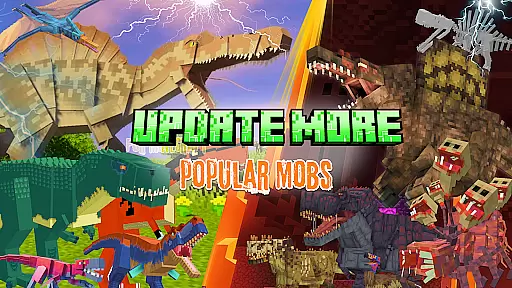
Although still under development, Mobs Maker for Minecraft PE promises even more advanced tools in future updates, such as enhanced animation utilities and UI improvements. These ongoing enhancements ensure that the app remains at the forefront of Minecraft mob creation technology.
Functionality completeness in an application refers to the extent to which it delivers all the necessary features and tools users expect from its category. For Mobs Maker for Minecraft PE, this means providing a comprehensive suite of mob creation and editing capabilities that cater to both beginners and advanced users. The app offers a robust set of features including the ability to edit official mobs, design customizable player models, and modify 2D/3D textures, skins, animations, and JSON behaviors.
The coverage aspect is evident in the app's support for Blockbench, a professional 3D model editor, allowing users to seamlessly integrate their custom creations into Minecraft Bedrock Edition. This ensures that creators have the flexibility and freedom to bring their ideas to life without being constrained by the technical limitations often found in similar applications. Furthermore, the app provides access to a collection of rare mobs from the community, enhancing the creative possibilities available to users.
By offering these extensive functionalities, Mobs Maker for Minecraft PE empowers users to become professional Minecraft mob makers, editors, and creators. Whether you're looking to download trending mods or create unique animals and mobs with sophisticated animations, this app equips you with everything needed to expand your Minecraft addons efficiently and effectively.
Usability and operational smoothness are critical factors that determine how easily users can navigate and utilize an application. In the case of Mobs Maker for Minecraft PE, usability is significantly enhanced through its intuitive interface and straightforward functionalities that do not require coding, moving cubes, or advanced drawing skills. This makes the app accessible to a wide range of users, from novices to seasoned creators, ensuring that everyone can participate in mob creation regardless of their technical expertise.
Operational smoothness is achieved through seamless integration with Minecraft Bedrock Edition, allowing users to export their creations directly into the game. The app also supports importing custom mobs, modifying skins and textures, and designing unique animals and mobs with animation and JSON editing. These features collectively contribute to a fluid and efficient user experience, minimizing disruptions and maximizing productivity.
Moreover, the developers are committed to continuous improvement, with plans to introduce advanced mob creation tools, enhanced animation features, and regular updates. This dedication to refinement ensures that Mobs Maker for Minecraft PE remains a cutting-edge tool that consistently meets the evolving needs of its user base, making it a reliable choice for anyone looking to explore the world of Minecraft mob creation.
User-friendly interface
Extensive customization options
Seamless Blockbench integration
Active community contributions
Regular feature updates
Limited advanced tools currently
Requires Minecraft Bedrock Edition
Third-party app not affiliated with Mojang
Some features may require learning curve
Dependent on external software like Blockbench

Tune your game graphics with our GFX optimizer for optimal gaming experience
 4.50
4.50
SmartCast mirrors Android phone to TV screen With Cast Screen, Chromecast.
4.80
With Endoscope Camera Connector you can connect your phone with endoscope cam
3.70
You can remote control and play much easier.
4.10
TV USB connector app provides you a seamless cast option from your phone to tv.
4.70
Enjoy hours of entertainment with our Roblox mobile games app
4.5
A Pydroid Quick Install repository provider.
4.00
Endoscope camera an app to connect with endoscope cam or any device
3.30
The best PS2 games from your childhood come to life in their mobile version!
4.00
Demo for Key Attestation feature of the Android system.
4.80
Read Holy Quran Feel Like Real Quran & Listen Al Quran Mp3 Audio Online Offline.
4.70
Recite Quran Majeed القران with special 16 line real Kuran page in hand
4.30
Do you want to drive easy ? do you wanna full mirror link Mobile with your car
4.10
Demo version of the mcpro24fps manual video camera. Try and buy a full version!
4.00
Experience virtual reality on your smartphone with Cardboard.
3.50
Looking to connect your phone to your car screen? Mirror Link is the solution.
3.20
DamonSx2 is the open Source LGPL Emulator
3.20
Record with Double Camera Video Recording using Dual Camera Front and Back Video
3.00
Mirror Link Car Display to share your screen with car dashboard wirelessly
4.5


User Reviews